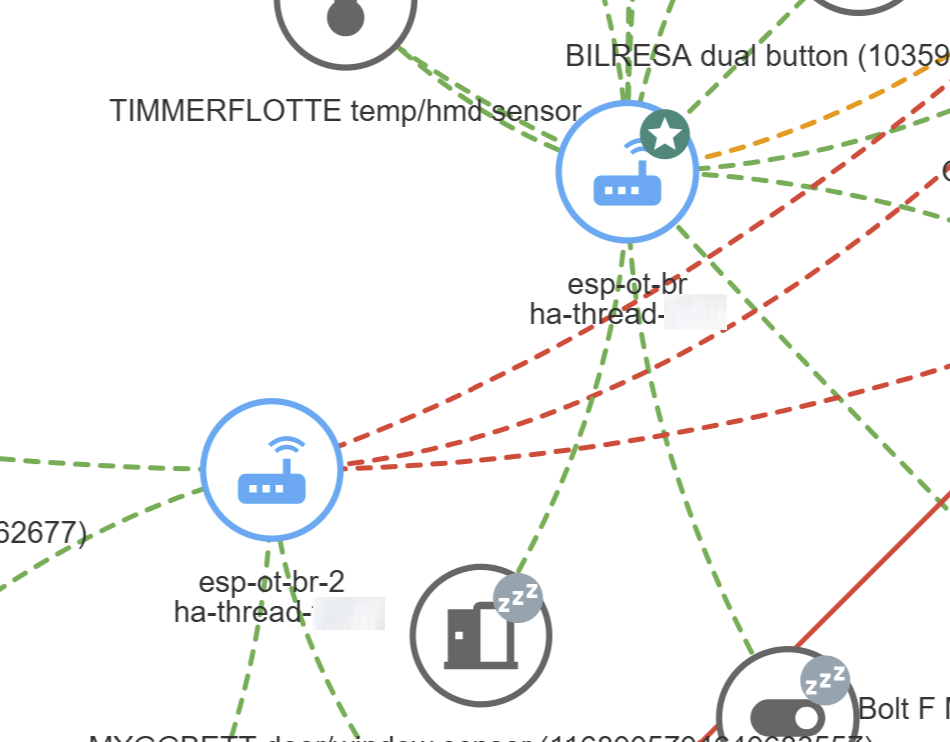
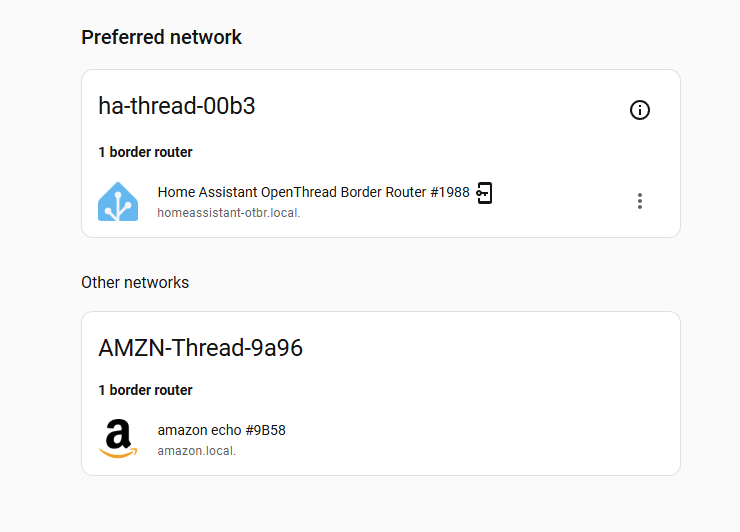
I have some Matter-over-Thread stuff and was hoping that the Matter map included in 2026.9 might be more helpful than the Thread map from previous versions, but it’s much the same. I’m wondering whether this is expected behaviour.
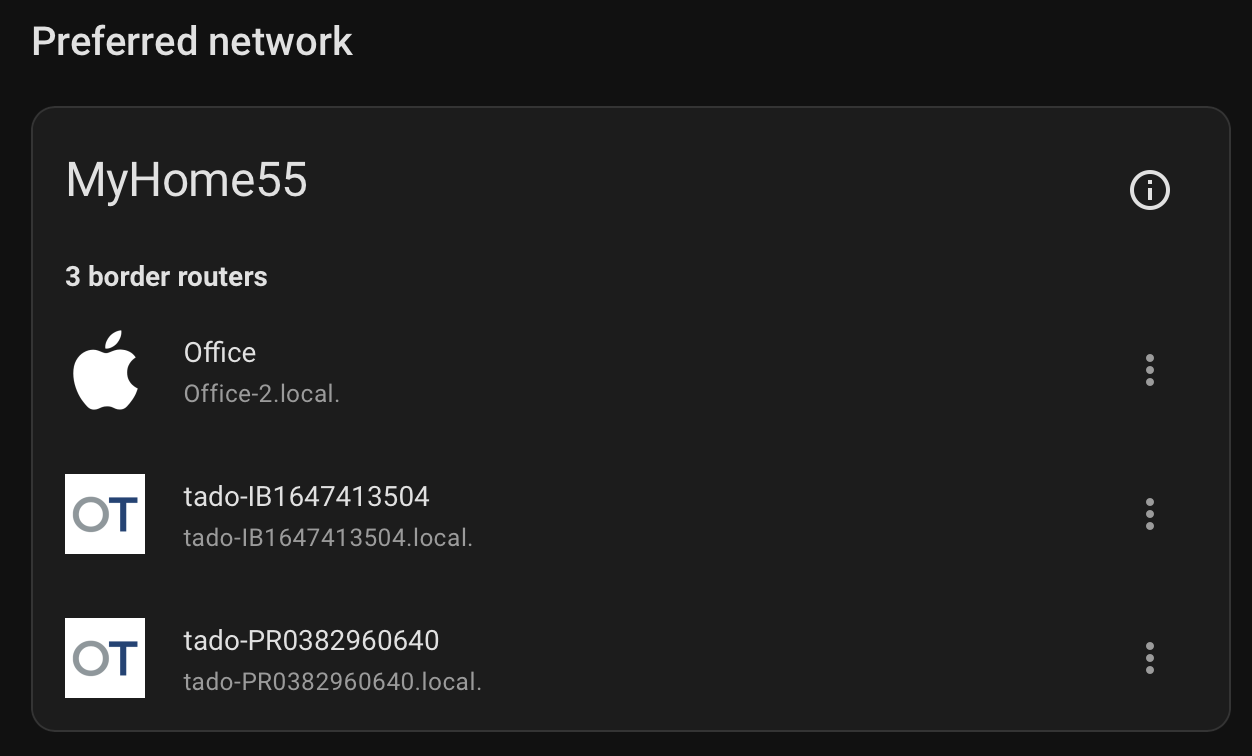
I have three TBRs: an Apple HomePod and a couple of Tado devices. These are all on the same WiFi network, and Home Assistant is aware of them.
I have eight Matter-over-Thread end devices (seven TRVs and a thermostat) and Home Assistant knows about all of them.
Neither the old Thread map, nor the new Matter map, show any of the border routers. As such, there are no connections visible in the map. Home Assistant itself does appear in the Matter map, but it’s not visibly connected to anything.
The Home Assistant instance is in a virtual machine. It has both IPv4 and IPv6 connectivity.
Is this expected behaviour? Do I need to do something to get the border routers to appear on the maps?
That’s interesting, if you didn’t have to do anything special to get that to happen. As I mentioned, my Home Assistant is aware of the Thread network and shows the three border routers under Settings > Connectivity > Thread but they don’t show up otherwise.
I suppose it’s possible that the border routers I have (one HomePod Mini, two vendor units from my tado central heating system) just don’t support some functionality that is required for this.
I might try firing up an OpenThread router; I have a drawer full of ESP32 modules of various kinds, including one with a C6 and an Ethernet port which sounds ideal.
Note, the ESP32 thread border router requires TWO ESP32s. One, ESP32H (or one with thread hardware support) that does the thread communications, and another that does the networking and router protocols. There is a module that I got that already has both on one board, and supports a small daughter board to add Ethernet.
Here is an Amazon link to the base board with the two ESP32s on them.
Here is another Amazon link to the Ethernet daughter board.
Both are available at other locations so shop around.
The firmware installation instructions are complex and were a little out of date when prepared mine. The out of date stuff is configuration and where options are in the configurator.
These are my notes, I am running under Windows though…
Section 2.1.3.1 :
in the menuconfig app (ex. “idf.py menuconfig”)
Set automatic start mode, enable Web Configure Interface, select ether Ethernet or Wi-Fi and default SSID, and Password:
"ESP Thread Border Router Example → "
“Enable the automatic start mode in Thread Border Router.”
“Enable the webserver in Thread Border Router” (critical for Home Assistant Web API configuration)
"Example Connection Configuration → "
for Wi-Fi…
(enable) “connect using WiFi interface”
(disable) “connect using Ethernet interface”
“WiFi SSID”
“WiFi Password”
or for Ethernet…
(disable) “connect using WiFi interface”
(enable) “connect using Ethernet interface”
“Ethernet Configuration → SPI Ethernet → PHY Reset GPIO number of SPI Ethernet Module #1” (was -1, 40)
Save
Quit
Skip to section 2.1.4 :
“idf.py -p COM10 flash monitor” (use actual com port)
Once flashed, skip the rest
How did you get your tado routers to join your home network?
This is my setup, I had to add a 2nd home assistant router to get coverage around my house due to thick walls, but I cannot work out how to get them to merge
The Matter map is not a Matter map as far as I can tell. It is a Thread map. I have matter devices listed in the Matter integrations that are not in the map. I like the map because it now has useful names, but I hope they move this to Thread settings and create a Matter map that also adds matter devices connected through other means, like hubs.
I don’t know if you can. You need to use the same network settings and credentials on all border routers for them to be one network. I did this with my Google Hubs by importing those settings and credentials into HA (have HA join its network).
I do not know if you can force Tado to join yours. If you do it the other way around you need to find a way to add your other devices to the Tado thread network.
Just an observation, it seems both of your HA OTBRs are advertising the same mDNS name (homeassistant-otbr.local). Is your 2nd one running on a different HA machine/instance with a different IP? If yes, then you may want to give the 2nd HA instance a different name just in case.
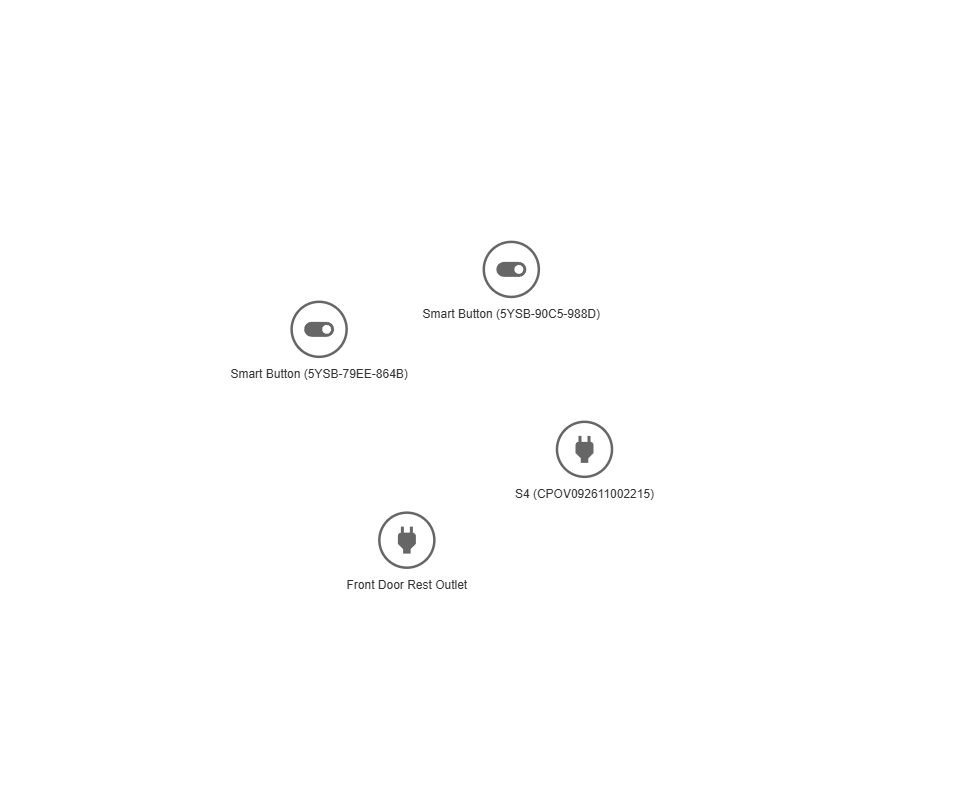
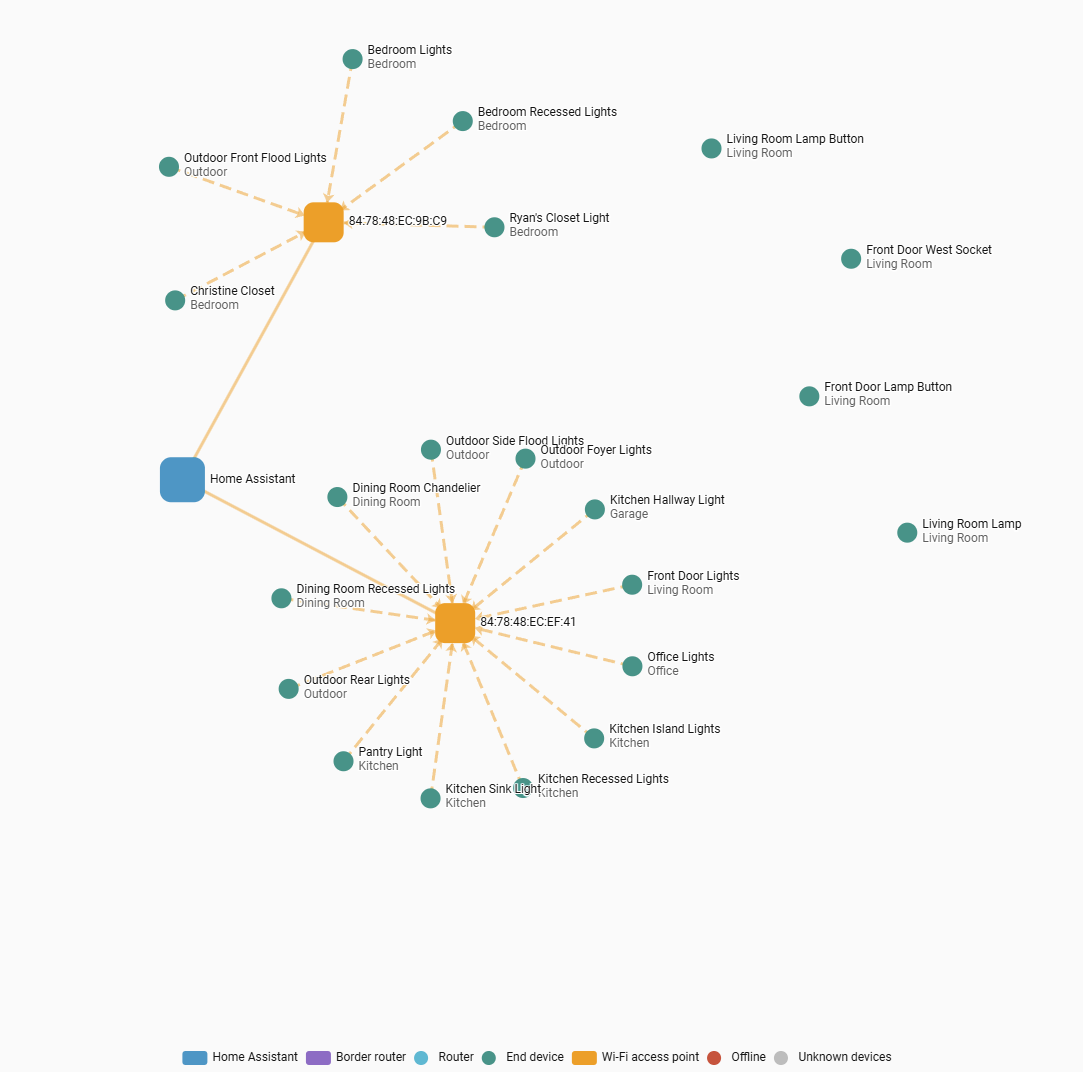
I’m having the same issue as Ian. I am having issues with matter over thread devices not responding or dropping offline randomly. I would like to troubleshoot it and ideally need to know what devices are connected to each other and how they are routing. However, when I check the Matter Map under integrations, it lists all of my Matter over Thread devices, but not the Thread Border Router. This is the same if I go to the matter server app and view the map.
As you can see in my last screenshot, all of the matter devices that connect via WiFi show up correctly. However, you’ll notice 4 end devices off to the right. These are the Matter of Thread devices and they are not showing any connection to a Thread Border Router.
I am using an SLZB-MR4U and have the OTBR app and integration setup in Home Assistant. My thread network shows up and is set as my preferred network. I am able to add end devices to my thread network and it does work, but as mentioned originally, it is unstable so I’m just trying to diagnose it. I think it would be easier to diagnose with a working map.