I’m unable to add an Ikea Kajplats E14 bulb (Matter/Thread) to my Home Assistant setup.
When connecting through the smartphone, through the matter integration in HA (add a device…), it seems to pass a few steps (I’ve seen something like “creating matter credentials”), but then gets stuck on the step “Verification of connectivity with thread home-assistant”. At this point, the otbr logs show a device trying to connect, but with the following error :
Failed to process UDP: Security
My configuration:
Home Assistant: 2026.1.3 (docker installation), OTBR in docker as well
Thread Border Router: SMLight SLZB-MR1U (EFR32MG21) connected via USB
Thread Network: Active and working with other Apple HomeKit devices (NanoLeaf bulbs)
Device: Brand new Ikea Kajplats E14 bulb (never paired before)
Integration: Matter (official HA integration)
Thread network is used for iOS/Android credentials
What I’ve already tried:
Pairing via smartphone
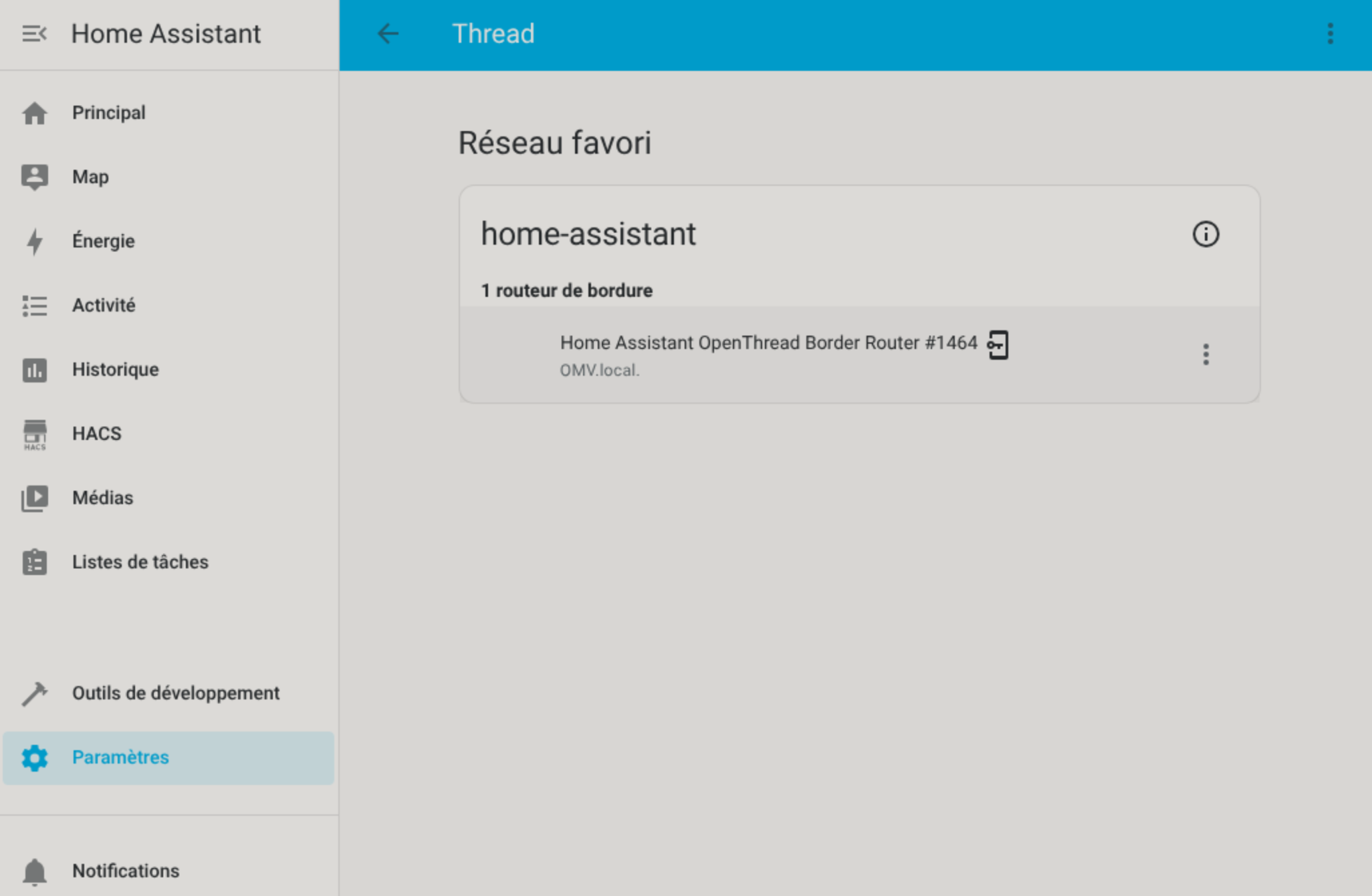
Verified only 1 border router in HA (and none other connected at home).
Restarted OTBR service
Pairing within 50cm of the border router
Factory reset of the bulb
Thread network is confirmed working (as I have NanoLeaf bulbs working perfectly, but they’re connected through HomeKit and not Matter)
After some digging, I found that people were connecting those bulbs easily through matter so I’m quite suprised, and I didn’t find any suitable solution for this “Failed to process UDP: Security” error.
Matter logs don’t show anything during connection, but I do have some errors before initialization of the server :
2026-02-01 02:02:05.730 (Dummy-2) CHIP_ERROR [chip.native.DIS] Failed to advertise records: src/lib/dnssd/minimal_mdns/Server.cpp:344: CHIP Error 0x00000046: No endpoint was available to send the message
2026-02-01 02:02:05.733 (Dummy-2) CHIP_ERROR [chip.native.DL] Long dispatch time: 250 ms, for event type 2
2026-02-01 02:02:05.761 (MainThread) INFO [matter_server.server.vendor_info] Loading vendor info from storage.
2026-02-01 02:02:05.779 (MainThread) INFO [matter_server.server.vendor_info] Loaded 390 vendors from storage.
2026-02-01 02:02:05.780 (MainThread) INFO [matter_server.server.vendor_info] Fetching the latest vendor info from DCL.
2026-02-01 02:02:05.997 (MainThread) INFO [matter_server.server.vendor_info] Fetched 389 vendors from DCL.
2026-02-01 02:02:05.997 (MainThread) INFO [matter_server.server.vendor_info] Saving vendor info to storage.
2026-02-01 02:02:06.010 (MainThread) INFO [matter_server.server.device_controller] Loaded 0 nodes from stored configuration
2026-02-01 02:02:06.065 (MainThread) INFO [matter_server.server.server] Matter Server successfully initialized.
One more information, which might be relevant, is that I migrated my Thread network a few weeks back from an old generic EFR32MG21 generic usb card to my current SMLight MR1U setup. But I haven’t identified any remain of the old network, and the old stick is not connected anymore so I believe it shouldn’t interfere.
with multiple tbr connected to your home net, i expect other tbr listed in thread page but its not. did you plan to create new thread network or do you want to join otbr to exisiting thread network ?
Okay understood. That udp security error is only happen because it received mle from thread device that doesn’t share same thread network credential but coincidentally on same channel, if i have to guess from your nanoleaf thread net, harmless for now i think. The problem is with your phone stuck at verifying connectivity with thread… that usually means your phone can’t discover your HA OTBR. Did you have vlan setup in your wifi/home network ?
No vlan and everything is connected to the same lan .
The thing is that this UDP Security error only appears when I try to connect from my phone. Few minutes after the connection attempt, those errors disappear, and do reappair if I try to pair again through my phone.
So I’m not so sure about the coincidence of the messages just because of the same network shared
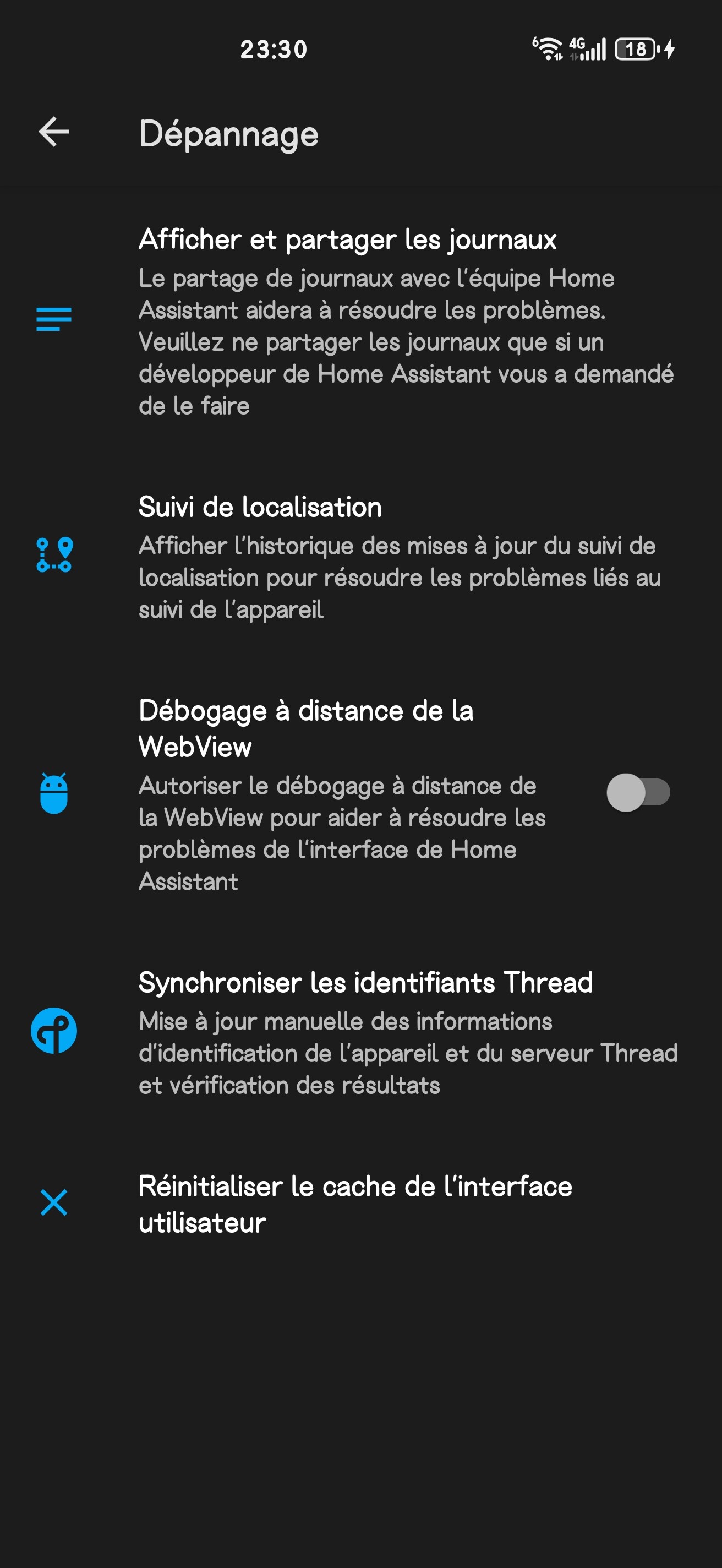
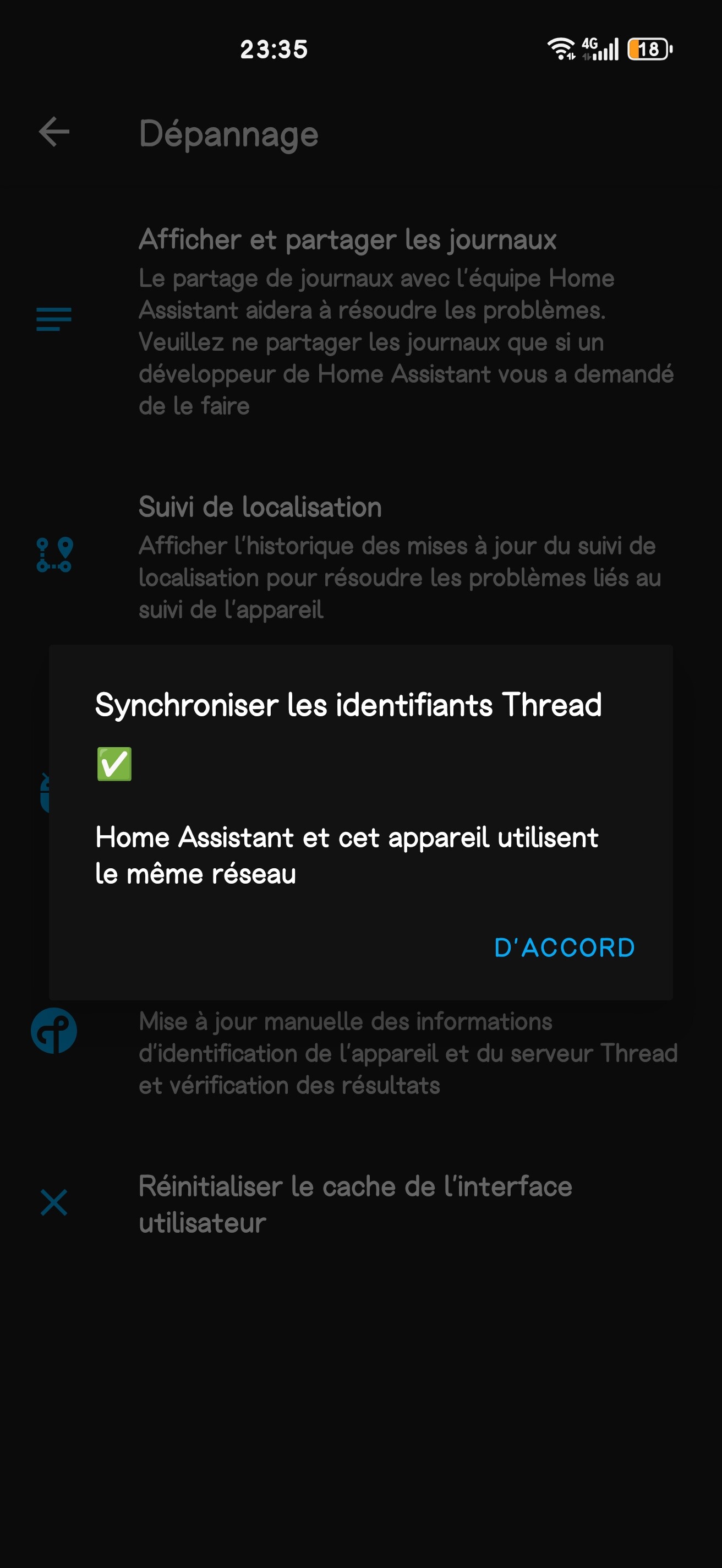
can you check how many thread credential you have on your phone ? its on settings > companion app > debugging > thread. also try to resend credentials to phone making sure that latest homeassistant otbr credential is present on your phone
oh sorry for the confussion, i thought you were on ios companion app. if you’re adding via android companion app, your next step would be to restart your android device or use other phone with companion app. i thought you were on ios device since you mention homekit… anyway try the next step first
So I tried deleting all data of the companion App, restart the phone, reimport credentials and re-pair, but still the same issue.
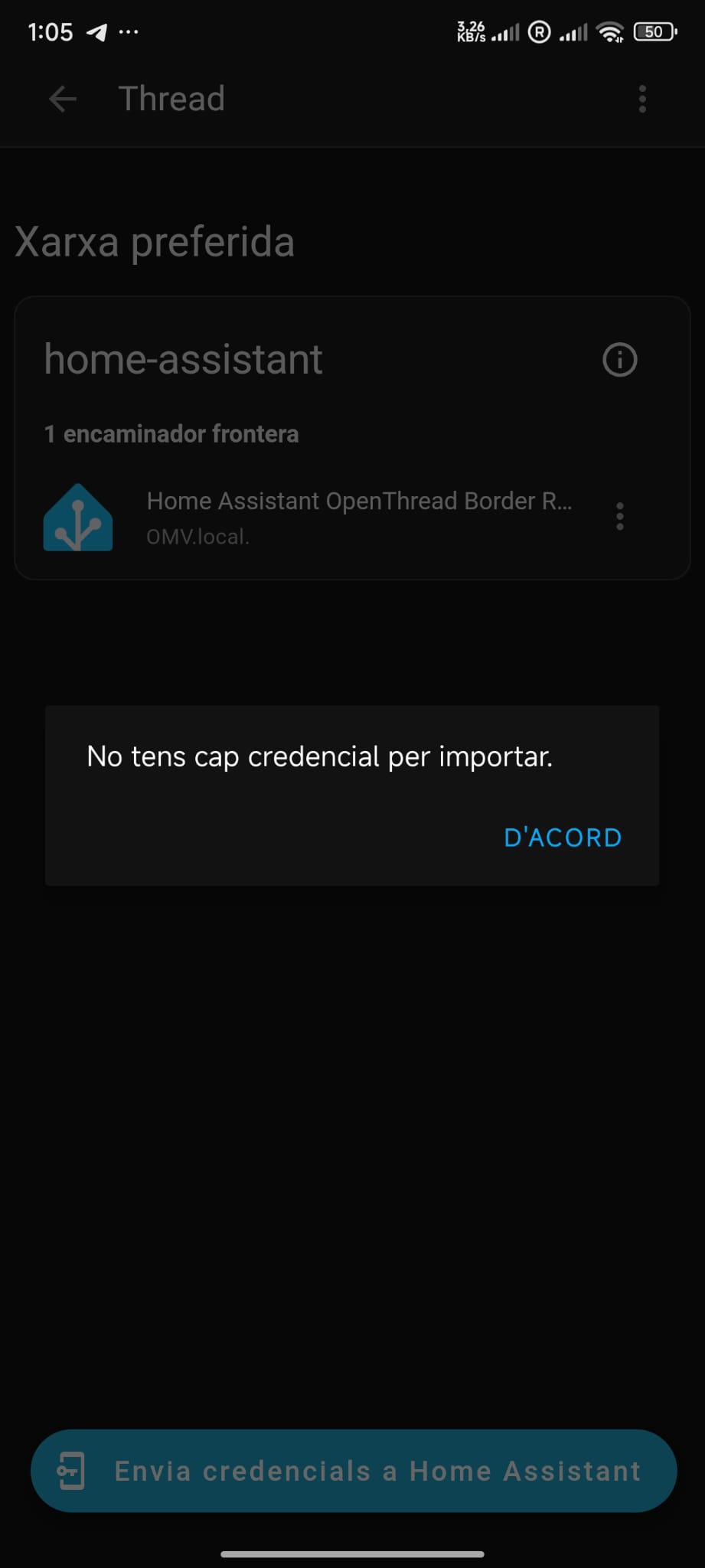
I also tried on my girlfriend’s android phone, and the result was weird. I do see the thread network from her app, but I’m told that no credentials exist to be imported. But it does work on my phone…
not a problem as long as popup result of synchronize thread identifier said thread credential of homeassistant and phone is the same. can you try to add matter device on your gf phone ? any issue you find ?
my old thread network was apparently still stored on my phone, and trying to update the credentials through HA (both via companion_app>debugging or thread menu) didn’t do anything.
After some search I found out that in order to properly remove old HA credentials, you had to wipe both cache and data from the google play services app. I did so, and did the same for HA just in case.
I retried syncing the credentials through settings>thread. Which didn’t work. Then retried to do the same this time through companion_app>debugging and finally got a message saying credentials synced !
Retried pairing my bulb again, and it finally worked this time !
Thanks optilumin0x1 for helping out and pointing in the right direction

 .
.