For a while I have wanted timers in Mealie itself, and while google home or similar can do this; I find I get an unhelpful "I have a reminder for X" announcement, rather than a useful alarm. Alternatively I have to tell stop about 15 times.
Various on phone apps also exist, as well as a physical oven timer (annoying to program)... but I never get the time right from the recipe; so this seems effective - particularly for "stick it in the oven" type dishes.
Setup:
- NFC tags via AliExpress. Be aware many won't work on metal surfaces unless specifically design to.
- Mealie install, with trustworthy meal prep time data in recipes
- Mealie integration, with working call to get_mealplan
- A timer entity.
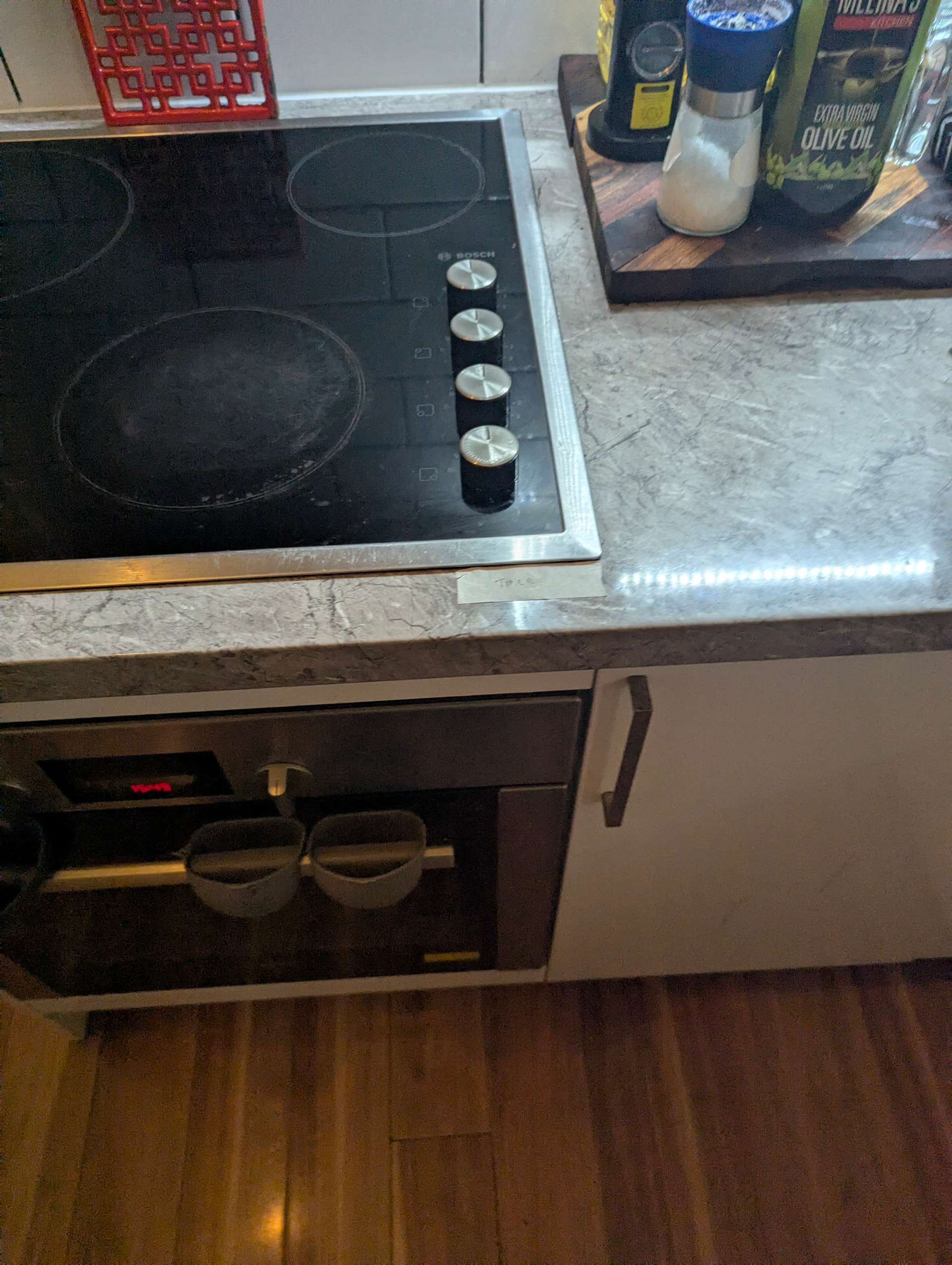
I'm experimenting with placement still, so using tape as a quick label/way to relocate it. When permanent home identified, will likely glue it down.
Automation YAML:
alias: Start Oven Timer from Mealie Recipe
description: >
  When the oven NFC tag is scanned, look up today's Mealie dinner recipe,
  start a countdown timer based on its cook time, and notify the scanning
  device when it starts and when it finishes.
triggers:
  - trigger: tag
    tag_id: # Your NFC tag Id
conditions: []
actions:
  # 1. Resolve which device scanned the tag, build its notify target
  - variables:
      scanning_device_id: "{{ trigger.event.data.device_id }}"
      notify_service: >-
        {{ 'mobile_app_' ~ (device_attr(scanning_device_id, 'name') | slugify) }}

  # 2. Get today's full mealplan (includes recipe slug)
  - target: {}
    data:
      config_entry_id: # Your Mealie config ID, example: 01JJG89WSBMTJZB198JR489Q30
    response_variable: mealplan
    action: mealie.get_mealplan

  # 3. Pull today's dinner recipe slug out of the mealplan
  - variables:
      dinner_slug: >-
        {% set dinner = mealplan.mealplan | selectattr('entry_type','eq','dinner') | list %}
        {{ dinner[0].recipe.slug if dinner and dinner[0].recipe else '' }}

  # 4. Fetch the full recipe
  - data:
      config_entry_id: # Your Mealie config ID, example: 01JJG89WSBMTJZB198JR489Q30
      recipe_id: "{{ dinner_slug }}"
    response_variable: recipe
    action: mealie.get_recipe

  # 5. Parse cook time from Mealie's human-readable strings, e.g. "10 minutes"
  - variables:
      cook_duration: >-
        {{ recipe.recipe.perform_time or recipe.recipe.total_time or '20 minutes' }}
      hours: >-
        {% set matches = cook_duration | regex_findall('(\d+)\s*hour') %}
        {{ matches[0] | int if matches else 0 }}
      minutes: >-
        {% set matches = cook_duration | regex_findall('(\d+)\s*minute') %}
        {{ matches[0] | int if matches else 0 }}
      total_seconds: "{{ (hours | int * 3600) + (minutes | int * 60) }}"

  # 6. Start the timer
  - target:
      entity_id: timer.oven_cook_timer
    data:
      duration: "{{ total_seconds }}"
    action: timer.start

  # 7. Notify the scanning device that the timer started
  - action: "notify.{{ notify_service }}"
    data:
      message: "Oven timer started for {{ minutes }} min ({{ recipe.recipe.name }})"

  # 8. Wait out the cook time
  - delay:
      seconds: "{{ total_seconds }}"

  # 9. Notify the same device that the timer's done
  - action: "notify.{{ notify_service }}"
    data:
      message: "Oven timer done — {{ recipe.recipe.name }} should be ready!"
mode: single
Limitations:
- multiple timers in a recipe aren't understood, this triggers off of the "cook time" overall.
- there's no 5 minute snooze or similar, for when you find out the recipe and your oven/stove don't agree