I like the new auto-populated Overview dashboard, it saves a lot of time for new installations. But it seems to “break” easily and I can’t figure out how to fix/reset it.
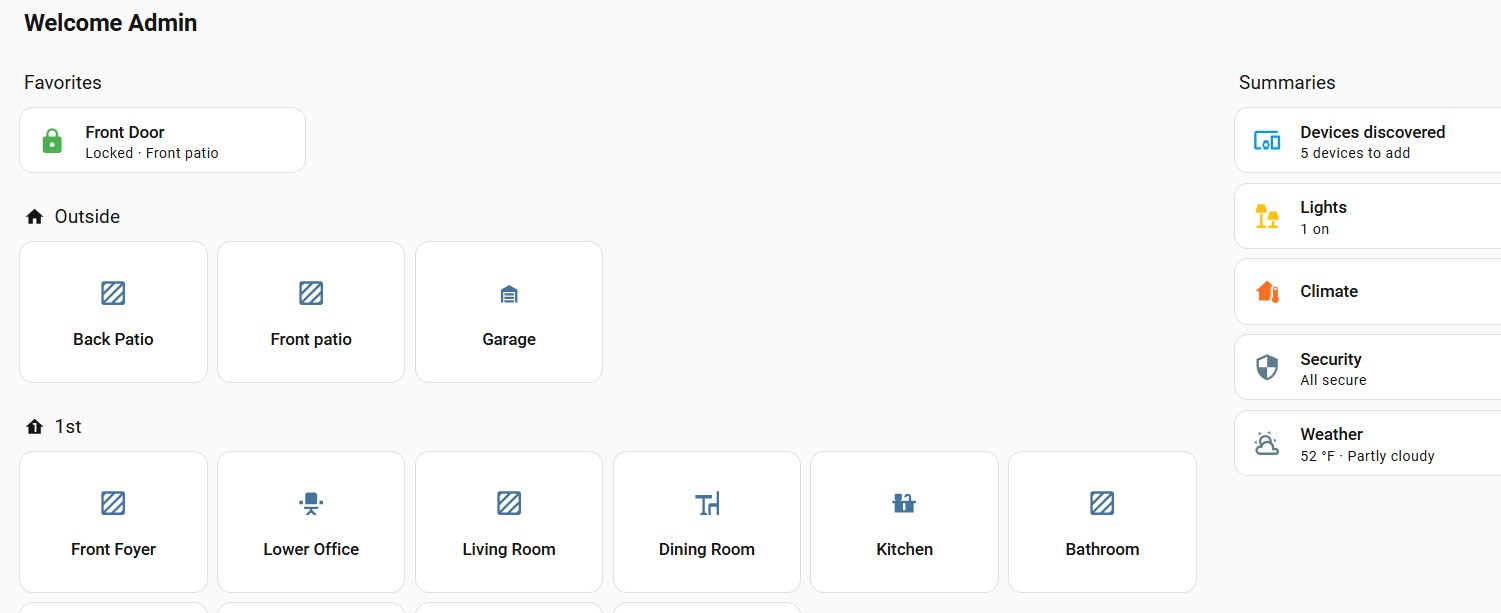
In the first screen shot you’ll see the Overview dashboard and in it has an area called Front Foyer:
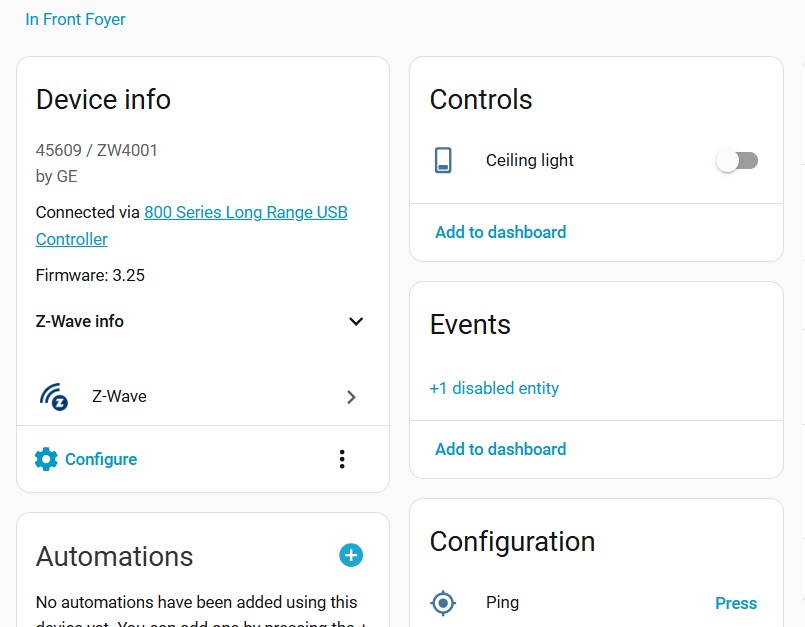
Yep, that was it. What I don’t understand is that why were all my other zwave wall dimmers/switches shown as lights except for this one? In my other wall switches there isn’t even an option to change the “show as”. Seems like something is inconsistent in how entities get created initially.
As I understand it, that is normally going to be set by the firmware installed by the manufacturer or perhaps by integration defaults. It seems reasonable that a manufacturer would classify dimmers switches as lights, since that is the most likely use for them. I don’t use ZWave, but with Zigbee devices, especially the smart relays, I have occasionally had devices that come into HA as a light even though they are really a switch.
I believe “Show As” is only available for entities in domains with more than one device class, so light entities would not qualify. And, unlike switches, there isn’t a "Light as X/ Change device type of a light” integration.