mmWave presense sensor, Bluetooth proxy & ambient light sensor

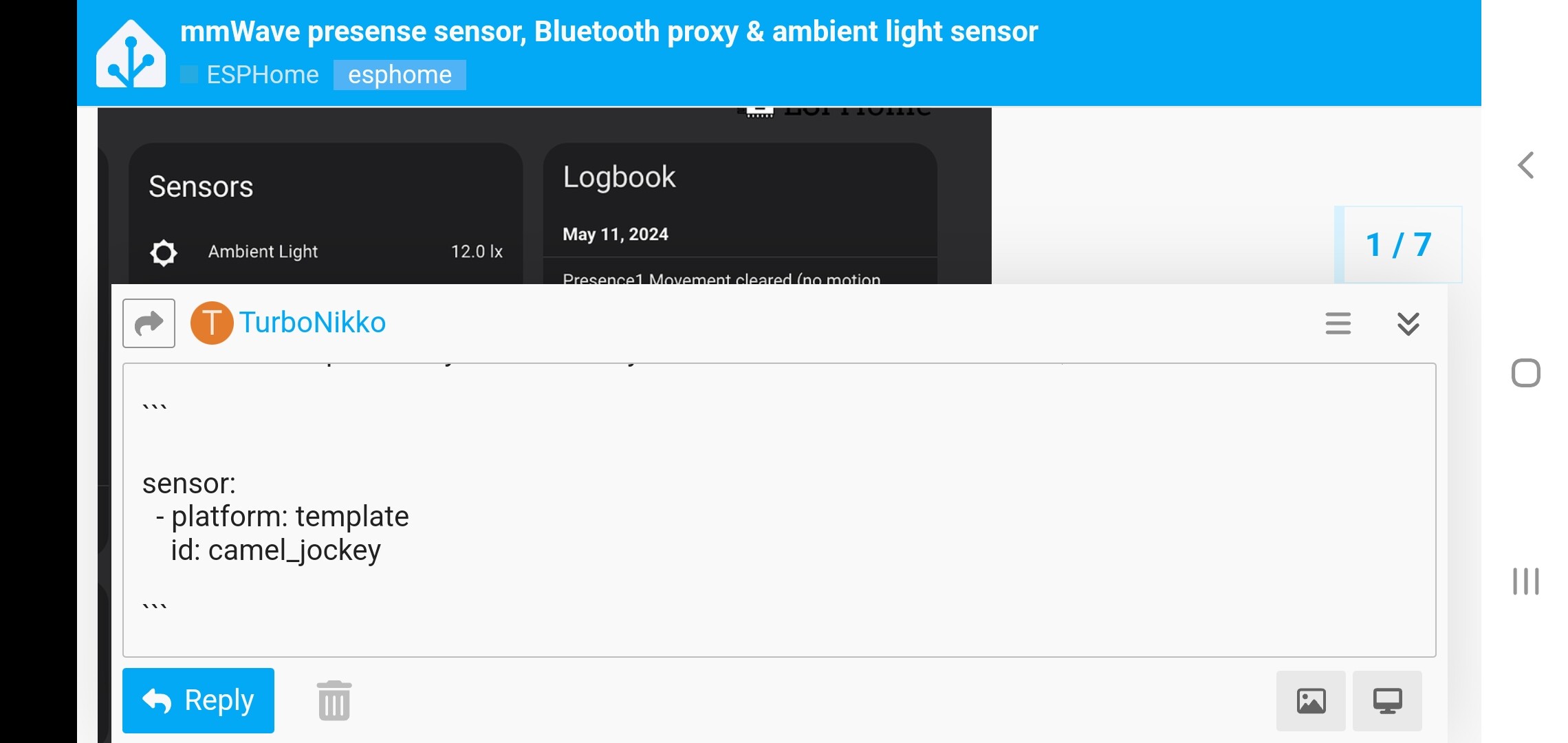
I just wanted to share what I have been working on, I wanted to add presence sensors into my rooms and use mmWave so decided to build them myself using the ld2410b and an esp32

I added in ambient light sensors and also Bluetooth proxy for using Bermuda to do Bluetooth device tracking :grin:

Here is the GitHub with a guide on how I did it (I also included the stl to print the enclosure I designed for it)

Precisely what I am looking for. How’s this been working out for you? Thanks for sharing.

So for the most part I did the same thing. But how do I integrate the room presence with the mmWave binary sensor in an automation? I’m trying to figure out a way to use group helpers to make one trigger of both entities so I walk in a room and the mmWave turns the lights on quicker but if I am still in the room but not moving around, the light will stay on because the Bermuda ble will track my phone in the room. Any suggestions?

Each one of those sensor entities that are part of the mmwave sensors can be used in any automations as either Conditions or Triggers and you just build your automation using the intuitive logic statements, (if - then - action) or (if - and - condition - condition - then - action) or whatever order of logic operations you require.

Lol no clue what you just said. I’m a rookie at this stuff and still learning HA and esp devices.

Thats fine, my hourly rate for tech service is the same no matter what the clients skill level. Just make sure you pay the bill when it comes so i dont have to break any knee caps!

Lol im jk man…

First thing is first! Have you even looked through the documentation? You at least are aware that there is documentation(instructions) right?

FYI Im not the type to just write the whole configuration for people in here so that they can copy/paste it and didnt learn one single thing in the process…

I will help you through it, so it at least makes more sense than it did when you started and once you learn the basics/fundamentals, it really gets a lot essier and for the most part it is very intuitive.

1 Like

Oh yeah I have mmWave setup and working just fine. I have automations that are all good too but I just setup Bermuda too. That works as well but I want to do automations where if I walk in my kitchen, the mmWave picks me up and turns the lights on. But sometimes I’ll be sitting still for too long and the mmWave clears me. I want to add the Bermuda tracker in combination with the mmWave sensor so the lights will trigger from mmWave but stay on IF my phone is still in the room, even if the mmWave sees that the room is clear cause I’m not moving.

Ya, i get that. The other ā€œfirst thing firstā€ is you need to post your configuration whenever asking for help with the code because, its really hard to be of any help if i cant see your code.

Please make sure you use the code blocks so that your code is properly formatted and aligned when its posted.

I do it like this personally. 3x above your code and 3x at the bottom, like this.


sensor:
  - platform: template
    id: camel_jockey

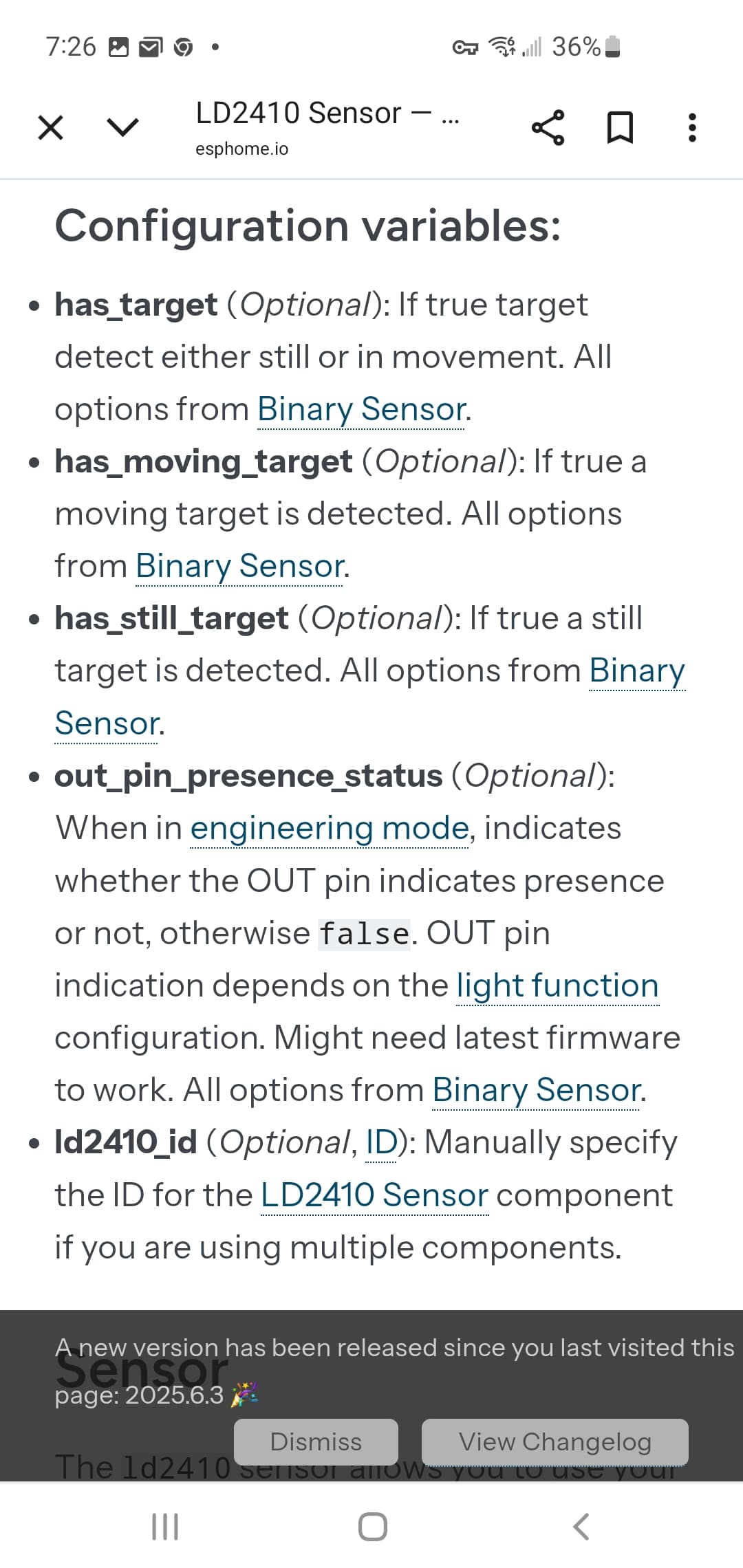
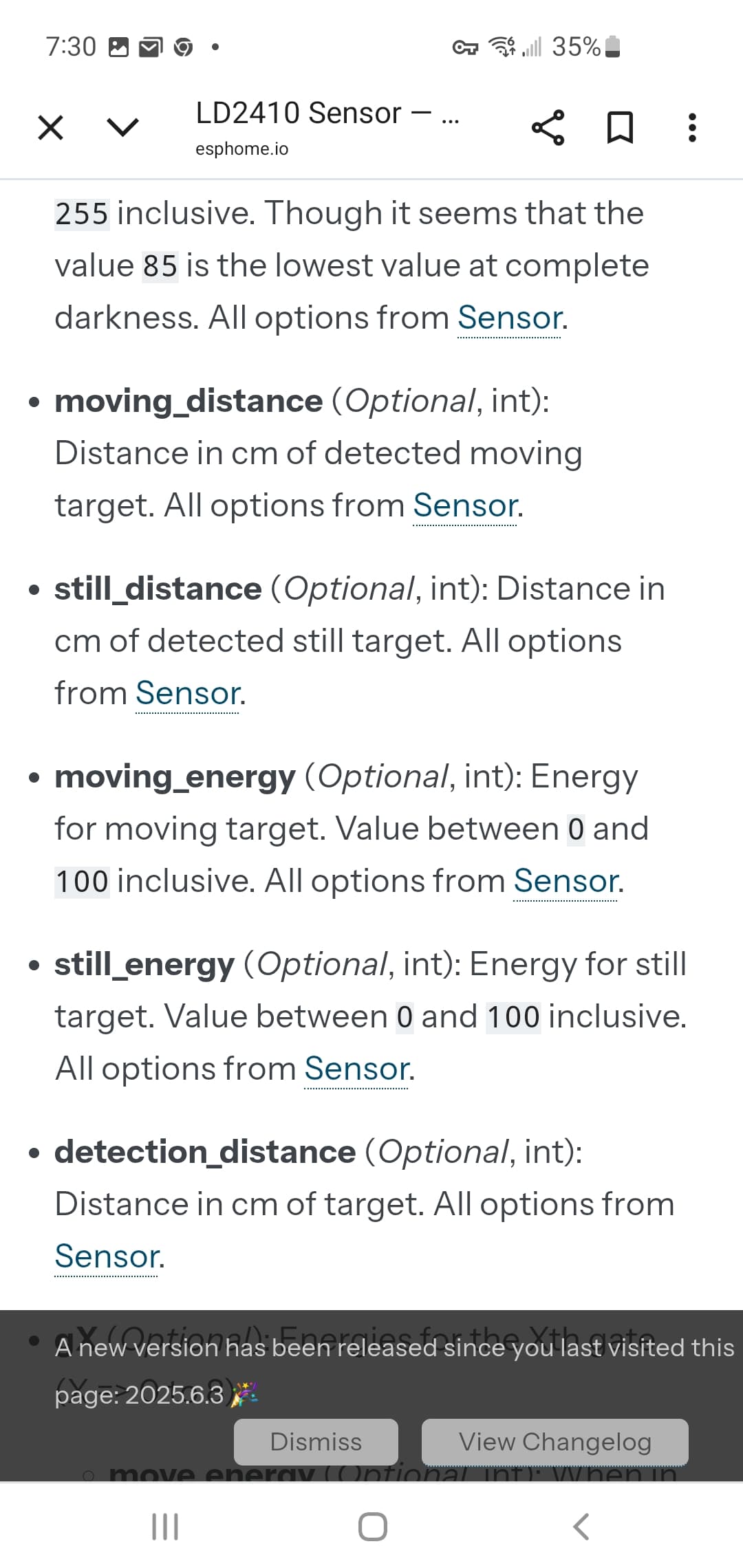
So, here are some basic configurations that you can find in the documentation for the ld210 sensor and each device or integration through Esphome will have all these configuration options listed in the documentation and these are the main building blocks you will need to use when creating your automations.

esphome:
  name: esphome-web-5ca9a0
  friendly_name: Kitchen ESP mmWave
  min_version: 2025.5.0
  name_add_mac_suffix: false

esp32:
  board: esp32dev
  framework:
    type: esp-idf

# Enable logging
logger:

# Enable Home Assistant API
api:

# Allow Over-The-Air updates
ota:
- platform: esphome

wifi:
  ssid: 
  password: 

  ap:
    ssid: "esphome-web-5ca9a0"
    password: "16272630"

captive_portal:
    
 
light:
  - platform: binary
    name: "Blue Status Light"
    output: light_output
    id: led_light
    restore_mode: ALWAYS_OFF
 
output:
  - platform: gpio
    pin: GPIO2
    id: light_output
 
i2c:
  sda: 21
  scl: 22
  scan: true
  id: bus_a
 
uart:
  id: ld2410_uart
  tx_pin: GPIO1
  rx_pin: GPIO3
  baud_rate: 256000
  parity: NONE
  stop_bits: 1
 
ld2410:
  uart_id: ld2410_uart
  throttle: 1500ms
  id: ld2410_comp
 
select:
  - platform: ld2410
    distance_resolution:
      name: distance resolution
    baud_rate:
      name: baud rate
    light_function:
      name: light function
    out_pin_level:
      name: out pin level
 
button:
  - platform: ld2410
    factory_reset:
      name: "factory reset"
    restart:
      name: "restart"
    query_params:
      name: query params
 
number:
  - platform: ld2410
    timeout:
      name: timeout
    max_move_distance_gate:
      name: max move distance gate
    max_still_distance_gate:
      name: max still distance gate
    g0:
      move_threshold:
        name: g0 move threshold
      still_threshold:
        name: g0 still threshold
    g1:
      move_threshold:
        name: g1 move threshold
      still_threshold:
        name: g1 still threshold
    g2:
      move_threshold:
        name: g2 move threshold
      still_threshold:
        name: g2 still threshold
    g3:
      move_threshold:
        name: g3 move threshold
      still_threshold:
        name: g3 still threshold
    g4:
      move_threshold:
        name: g4 move threshold
      still_threshold:
        name: g4 still threshold
    g5:
      move_threshold:
        name: g5 move threshold
      still_threshold:
        name: g5 still threshold
    g6:
      move_threshold:
        name: g6 move threshold
      still_threshold:
        name: g6 still threshold
    g7:
      move_threshold:
        name: g7 move threshold
      still_threshold:
        name: g7 still threshold
    g8:
      move_threshold:
        name: g8 move threshold
      still_threshold:
        name: g8 still threshold
    light_threshold:
      name: light threshold
 
text_sensor:
  - platform: ld2410
    version:
      name: "presenece sensor version"
    mac_address:
      name: "presenece sensor mac address"
 
switch:
  - platform: ld2410
    engineering_mode:
      name: "engineering mode"
    bluetooth:
      name: control Bluetooth
 
sensor:
  - platform: ld2410
    moving_distance:
      name: "Moving distance (cm)"
    still_distance:
      name: "Still Distance (cm)"
    moving_energy:
      name: "Move Energy (%)"
    still_energy:
      name: "Still Energy (%)"
    detection_distance:
      name: "Distance Detection (cm)"
    g0:
      move_energy:
        name: g0 move energy
      still_energy:
        name: g0 still energy
    g1:
      move_energy:
        name: g1 move energy
      still_energy:
        name: g1 still energy
    g2:
      move_energy:
        name: g2 move energy
      still_energy:
        name: g2 still energy
    g3:
      move_energy:
        name: g3 move energy
      still_energy:
        name: g3 still energy
    g4:
      move_energy:
        name: g4 move energy
      still_energy:
        name: g4 still energy
    g5:
      move_energy:
        name: g5 move energy
      still_energy:
        name: g5 still energy
    g6:
      move_energy:
        name: g6 move energy
      still_energy:
        name: g6 still energy
    g7:
      move_energy:
        name: g7 move energy
      still_energy:
        name: g7 still energy
    g8:
      move_energy:
        name: g8 move energy
      still_energy:
        name: g8 still energy
    light:
      name: light
 
binary_sensor:
 
  - platform: ld2410
    has_target:
      name: Presence
    has_moving_target:
      name: Moving Target
    has_still_target:
      name: Still Target

esp32_ble_tracker:
  scan_parameters:
    interval: 320ms # default 320ms. Time spent per adv channel
    window: 290ms # default 30ms. Time spent listening during interval.
    active: true

bluetooth_proxy:
  active: true
  connection_slots: 3

These additional configurations are used to calibrate the sensor or you could also say they’re for adjusting the sensitivity mainly. These sensors are so damn sensitive you can have a house fly sitting on a cabinet and it will continously trigger your mmwave sensor back to back and to prevent that from happening, you would use these and assign values to raise/lowet the sensitivity.

That’s the yaml for one of my devices. Everything works the way it should. I just don’t know how to combine the bluetooth presence with the mmWave presence sensor. I thought I could do it through helper group but I don’t know how.

PATIENCE GRASSHOPPOER!!

Once you do import those sensor states and the attributes for distance if you want that too but, You need to use those configuration options to incorporate that sensor data into your automations so, it’s kind of like ā€œputting the cart in front of the horseā€ if that makes sense but, again it’s all explained in the documentation like I keep saying but, there’s a reason I didn’t start with doing that.

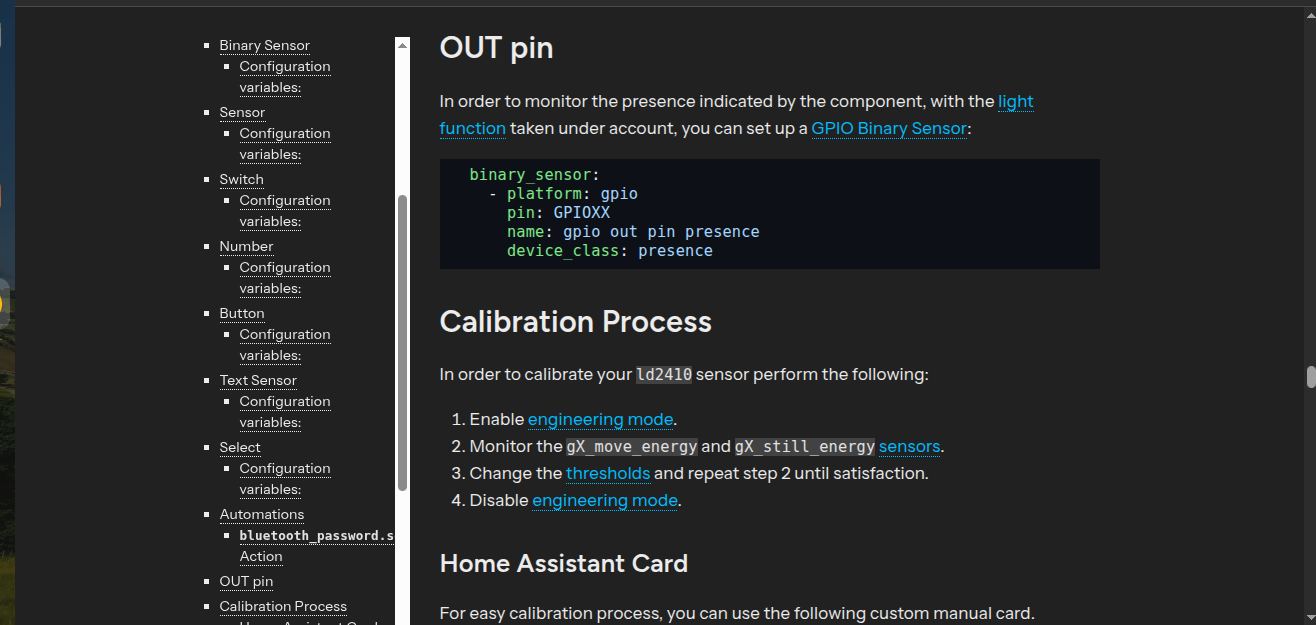
I feel like a broken record but. i’m not sure the recommendation of reading the documentation is sinking in but, again here is the instructions for calibrating your sensor and setting how sensitive you want it to be and it also tells you how to incorporate all of that intio a singel binary_sensor output to show (Detected/Clear) to easily tell if there’s motion or not.

I have the mmWave part all done and working. It’s the Bermuda part I need help with.

I got it figured out. I had to create a binary sensor template for the area tracking and combine that into a binary sensor group. Now I can use that binary sensor group to automate my lights!!