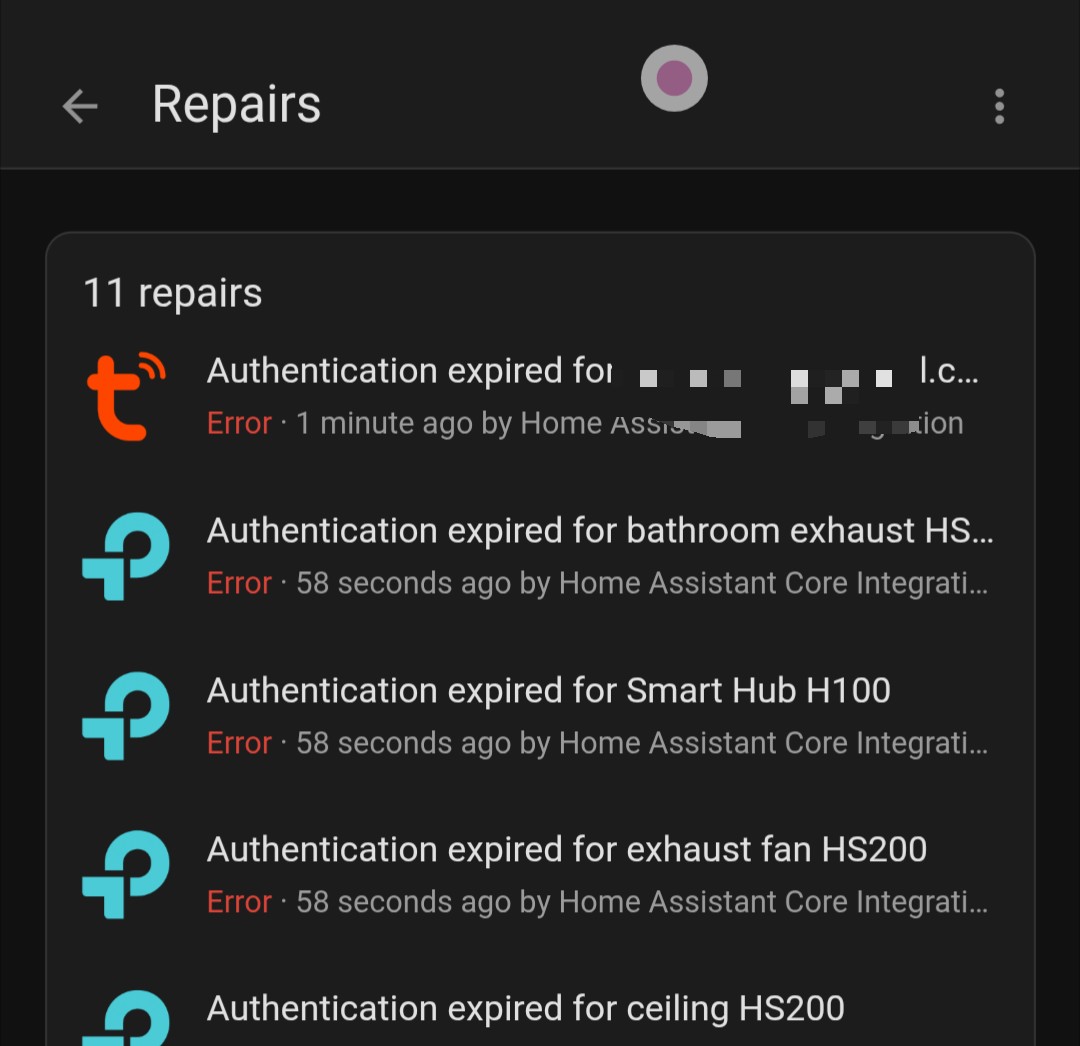
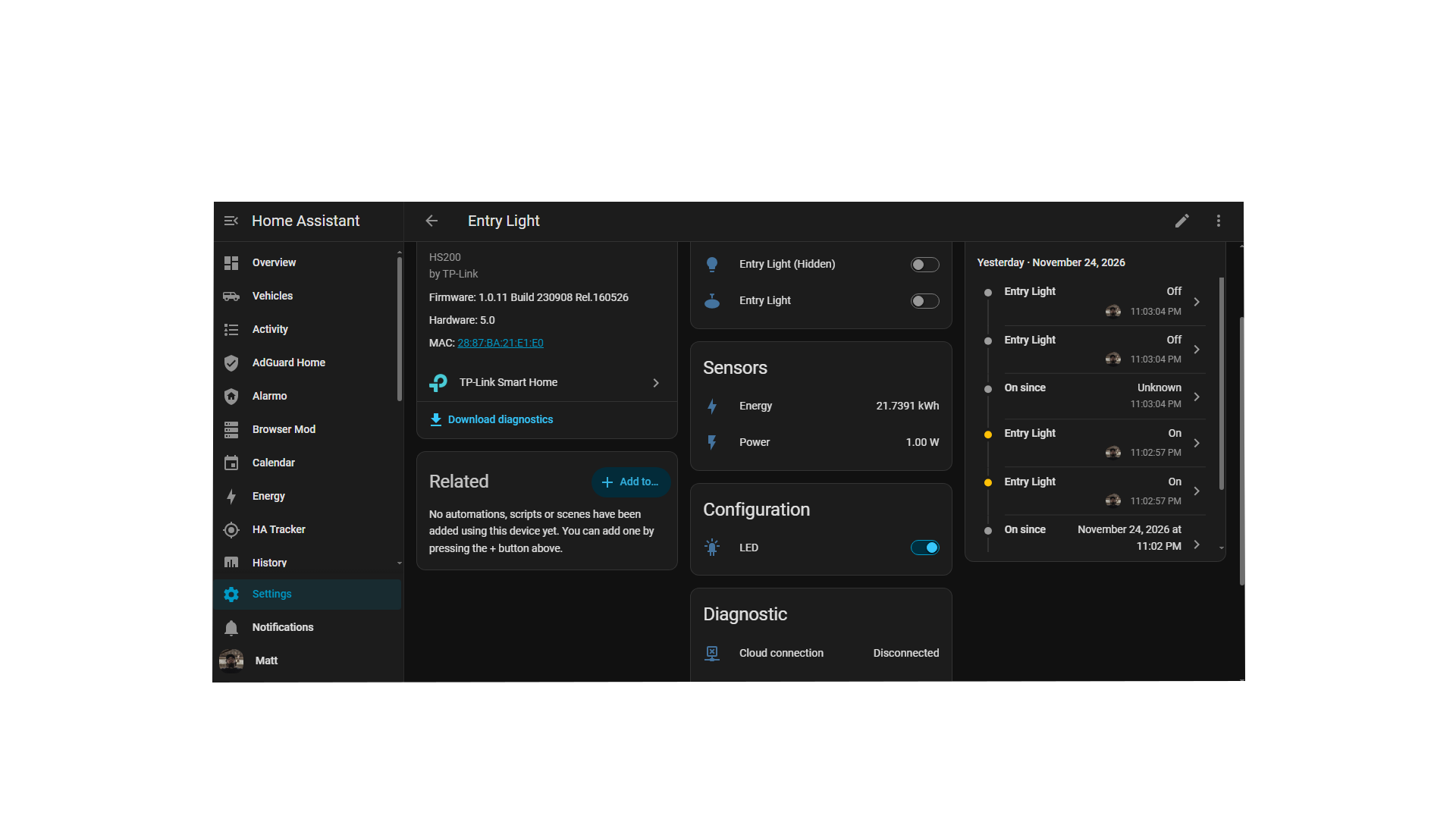
Today, 4 switches came up “expired suthention” no amount of resetting the hardware, removing from ha & adding back in will get the authentication to work. Last 3 switches I had to flat out replace. Why does this keep happening?
Devices work fine in tapo app, Google home, and Alexa.
Is there any thing I can do other than continuing to replace hardware? It’s like ha remembers the hardware & says “nope” no matter what.
Suffering the same thing today. I’ve already swapped quite a few things out. I may need to just spend a couple hundred take a day and get rid of all my Kasa/TP-Link. Works great through Kasa app, but ready to get off the cloud connections if possible and especially off Kasa/TP-Link. Really my only issues come from Kasa/TP-Link issues and lately I can’t seem to fix them.
From what I can tell, this is a problem with the firmware on the TP Link Switches/surge protectors.
I suspect there has been firmware updates going on because one or two a night will drop off, even though when I manually check for firmware updates, there are none.
I have been trying to get Kasa/TP-Link to fix this but they are not helpful.
Here is what I do as a work-around.
Go into the Kasa App
Click on ME on the Right bottom.
Go to Settings
Go to Third Party Compatabilty
Turn it OFF.
Back all the way out.
Sometimes, it is helpful if you on/off the outlet or one of the outlets through the Kasa App while the compatibility is down.
Wait at least 30 seconds. I typically wait about 5 minutes.
Go back and turn Third-Party compatibility back on.
Give Home Assistant some time and they should come back. If they do not, try it again.
From what I suspect, doing this forces the username and password back on the device and then Home Assistant can log into it and things go back to normal.
It is a pain in the fanny but until Kasa fixes this, you have no other option.
This is why I use my router to assign a static IP lease, use python-kasa (using Windows CMD) to commission my devices locally, use Chrony App for NTP with a firewall traffic rule, and then use AdGuard App to redirect their DNS calls back home (*.tplinkcloud.com
and *.tplinkra.com) to the black hole of 0.0.0.0 / 100::1. My TP-link devices are completely local and in five years I’ve never had an authentication issue. I’ve only had one 3-way switch (HS210) fail on me in these last five years and need replaced.
So, I’m back to my original 3, still refusing to authenticate.
They are not all the same hardware or firmware version numbers.
I swapped out one with my last new switch. It shares a hardware & version of the one that fails authentication. HA sees it fine, authenticated without issue.