MQTT NodeRed starter assistance please

My MQTT and NodeRed experience are best summarized as copy and paste - and herein lies my current problem.

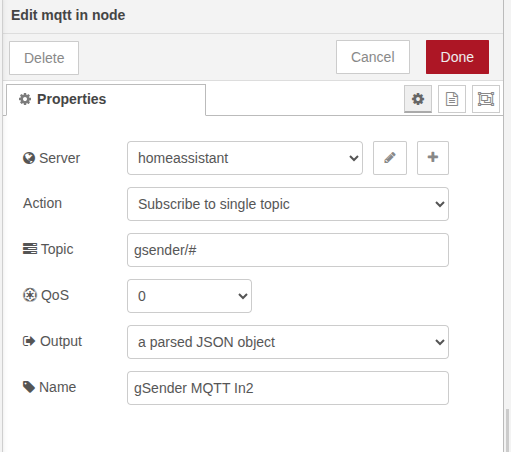
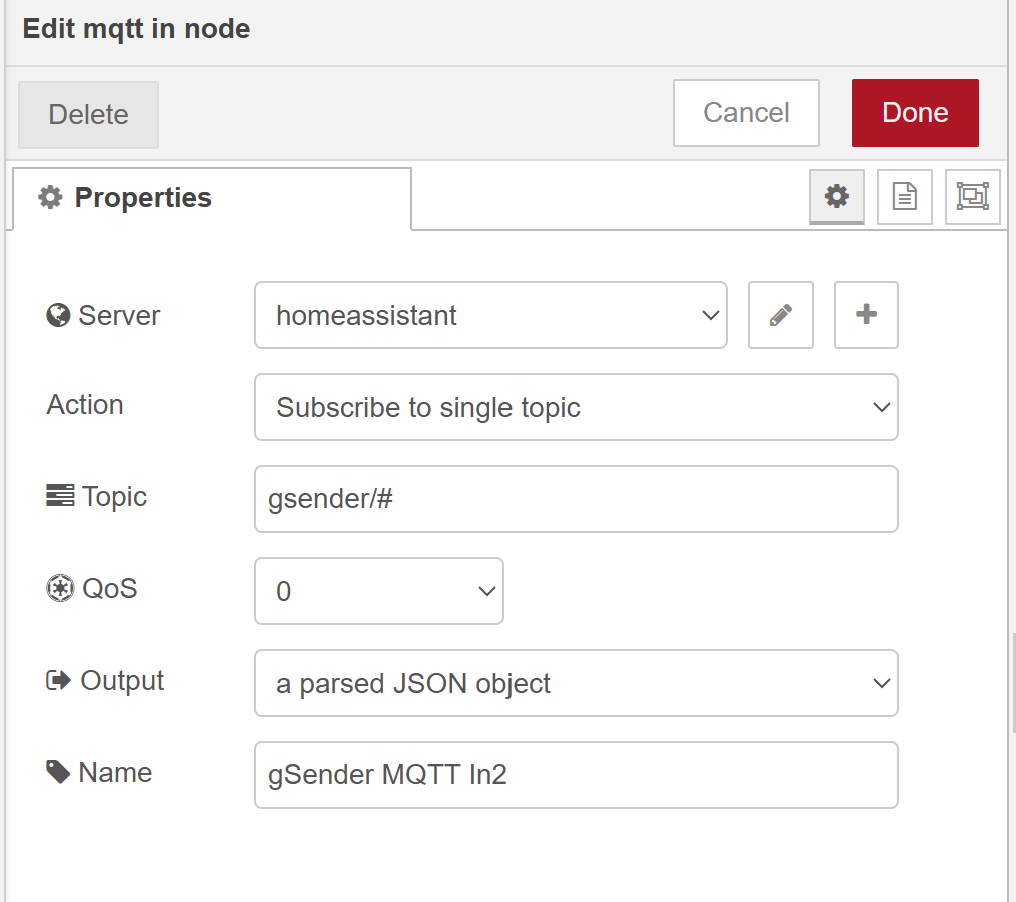
I am trying to setup MQTT signals from gSender (my CNC) into NodeRed with aspirations of achieving something along the lines of what @WolfwithSword created for BambuLabs.

I have toyed with this a couple of times and can basically can get some matrixed data into NodeRed.

How would I get this information to spit out into Sensors?

Example:
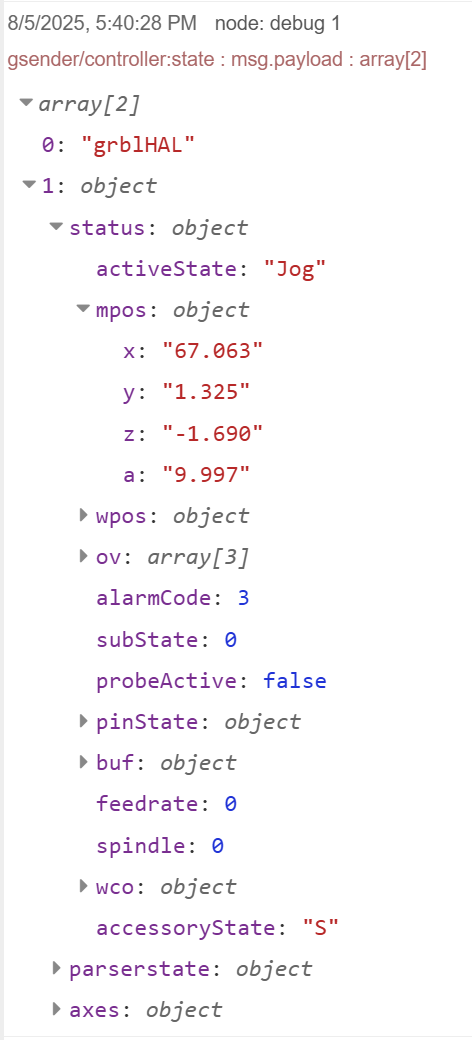
["grblHAL",{"status":{"activeState":"Jog","mpos":{"x":"67.063","y":"1.325","z":"-1.690","a":"9.997"},"wpos":{"x":"68.063","y":"0.000","z":"62.420","a":"9.997"},"ov":[100,100,100],"alarmCode":3,"subState":0,"probeActive":false,"pinState":{},"buf":{"planner":128,"rx":1023},"feedrate":0,"spindle":0,"wco":{"x":"-1.000","y":"1.325","z":"-64.110","a":"0.000"},"accessoryState":"S"},"parserstate":{"modal":{"motion":"G1","wcs":"G54","plane":"G17","units":"G21","distance":"G90","feedrate":"G94","cycle":"G98","spindle":"M5","coolant":"M9","tool":"0"},"tool":"0","feedrate":"3200","spindle":"19000."},"axes":{"count":4,"axes":["X","Y","Z","A"]}}]
The potential event types are classified as:

  • gsender/status - Connection status
  • gsender/startup - Startup events
  • gsender/serialport - Serial port events
  • gsender/controller - Controller events
  • gsender/feeder - Feeder events
  • gsender/sender - Sender events
  • gsender/workflow - Workflow events

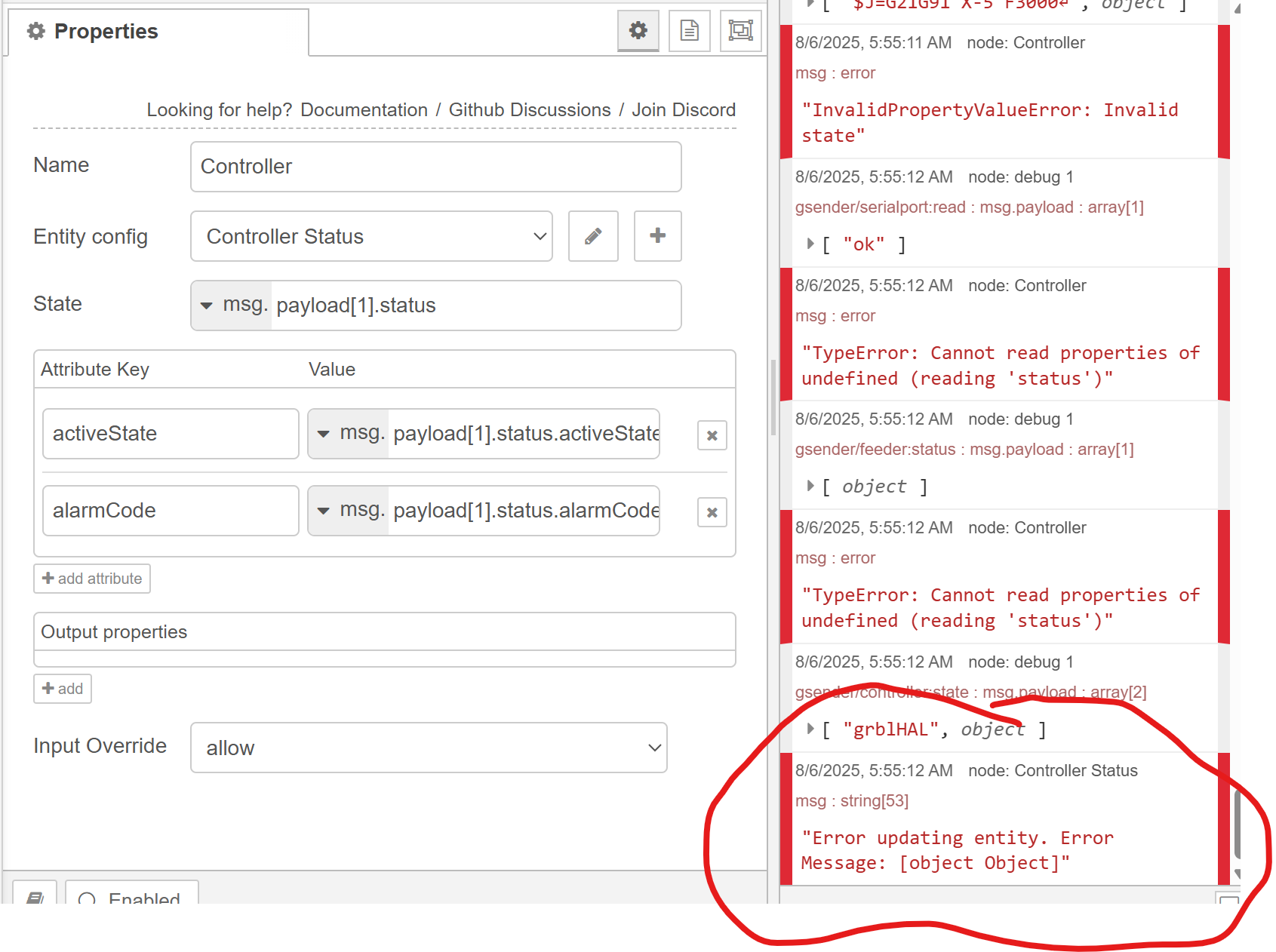
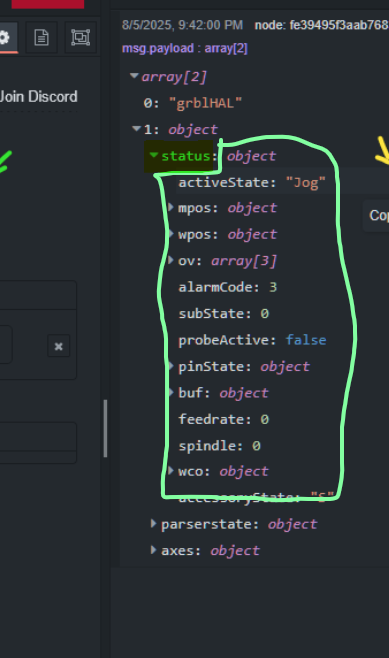
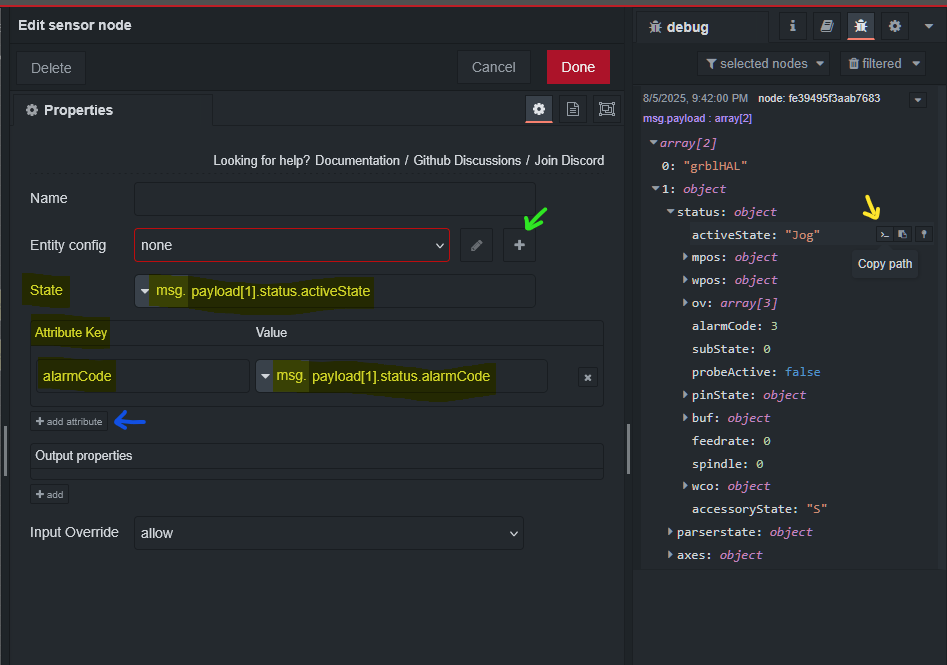
If you click on the path icon (yellow arrow), it will copy the path of the message. Use the msg. path to specify the values. State will be the sensors primary state.

Below that you can add attributes by clicking the add button (blue arrow). You give the attribute a name (alarmCode above) and add the path.

Click the + button (green arrow) to add the config for the sensor. There you will assign the name shown in home assistant and other parameters. You also need the NR companion in hacs installed for them to show up in home assistant.

1 Like

Thank you so much - will give this a go. I figured it was fairly intuitive even if I did not understand/know it.

Will post again once I am able to test it out.

I had a few minutes before work so tried to work with it.

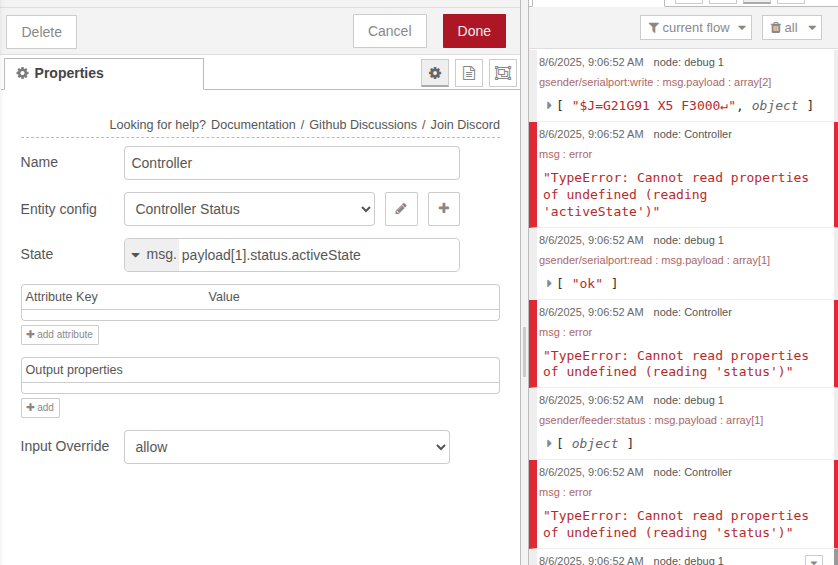
At the point now of the below message which I would assume is a formatting error of sorts.

Error updating entity. Error Message: [object Object]


The main state of the entity needs to be a string, number, or boolean. The path payload[1].status points at the entire block, circled in green. Use a specific value for the state path.

Was able to remote in and work on it some more…

Awesome - guess I was over complicating the sensor with attributes. This is great start! Thank you @Mikefila

Looks like I have a timing issue in there (happens in future).

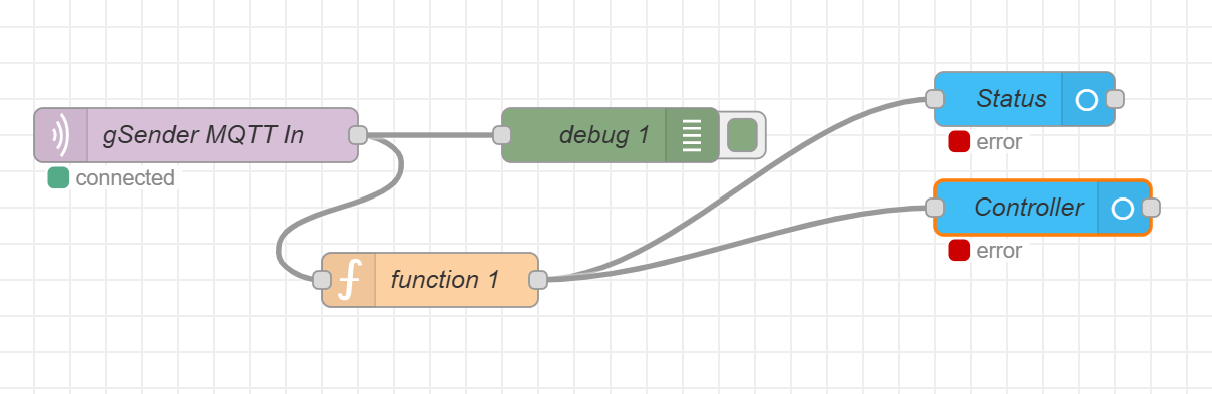
So it is reading data from that msg now but in NodeRed it is still getting errors.
Think this is an issue or perhaps just something from the gsender-to-mqtt application I am using (do not know much about it).

Or, as I look at it more - is it the other State messages that I do not have otherwise configured… like gsender/feeder:status

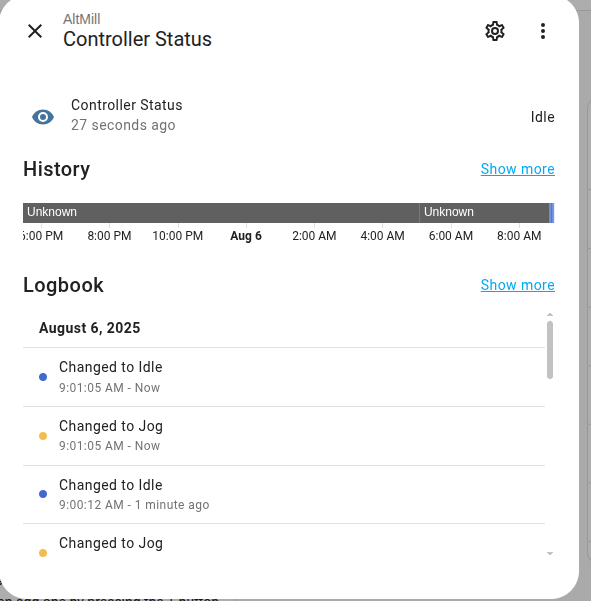
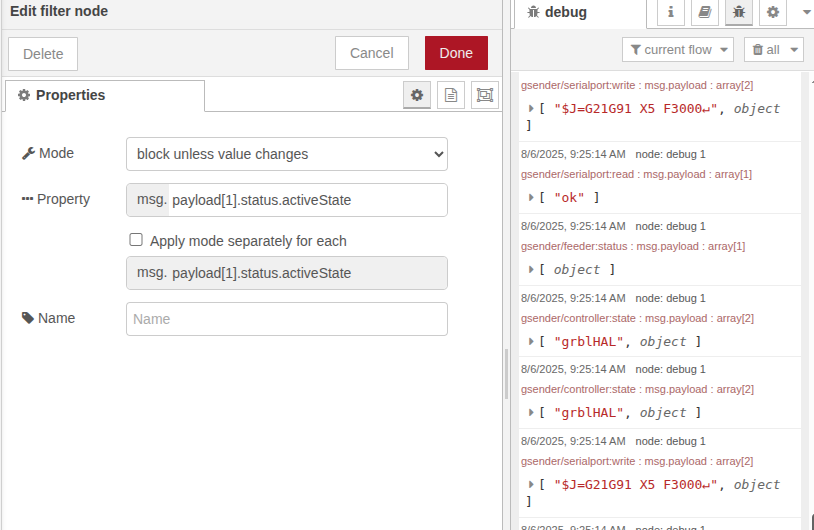
added in a filter and cleared up the error and I still get my idle/jog messages.

It looks like each MQTT topic uses a different message format. That’s why some messages work while others throw errors like “Cannot read properties of undefined” — the expected data just isn’t there for that specific topic.

I recommend either:

  • Creating a separate MQTT In node for each topic,
    or
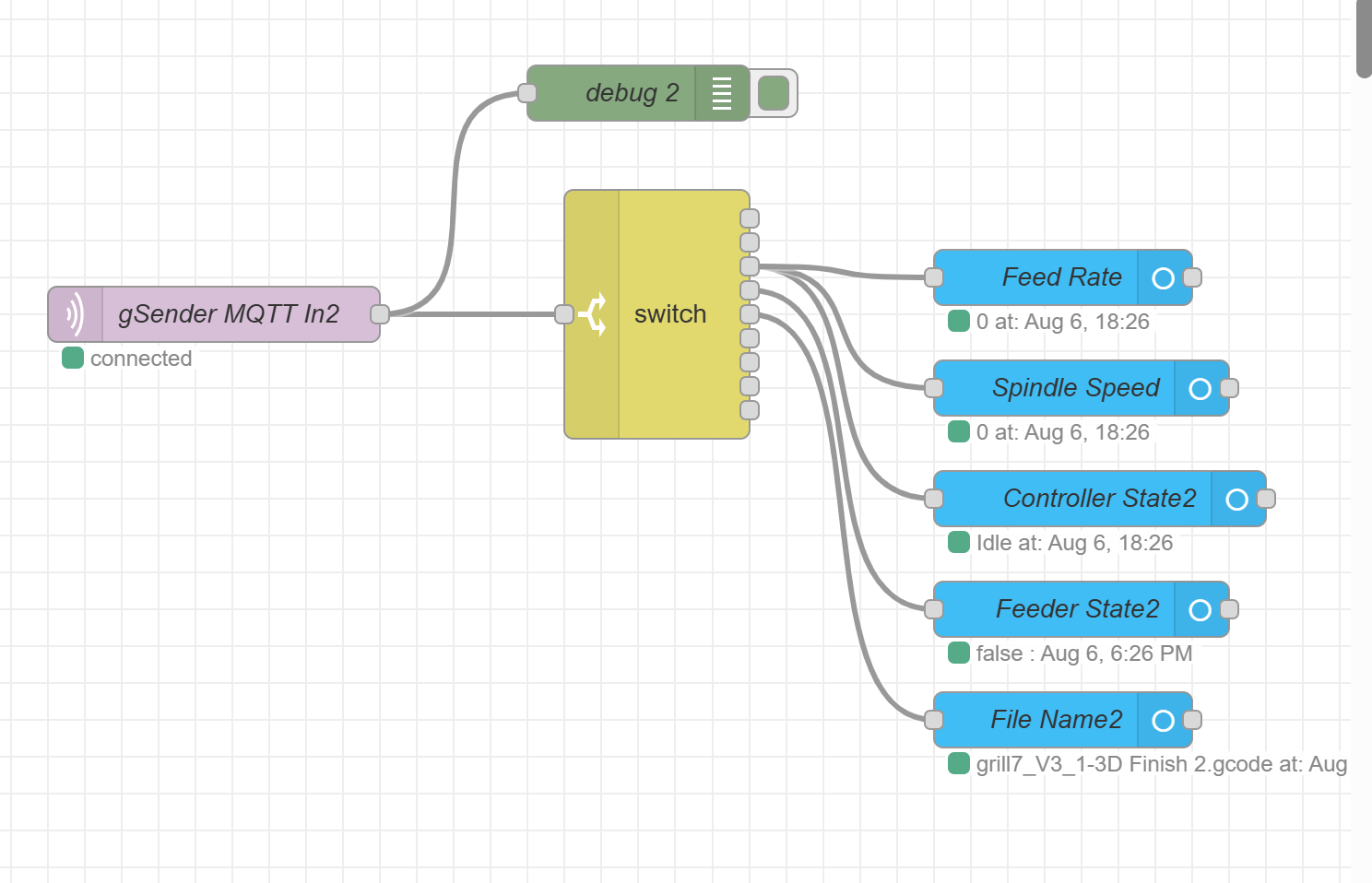
  • Using a switch node to route messages by topic, so you only process and update the entities relevant to the data in each message.
1 Like

So would the topics then be:

  • gsender/status - Connection status
  • gsender/startup - Startup events
  • gsender/serialport - Serial port events
  • gsender/controller - Controller events
  • gsender/feeder - Feeder events
  • gsender/sender - Sender events
  • gsender/workflow - Workflow events


:frowning: unsuccessful

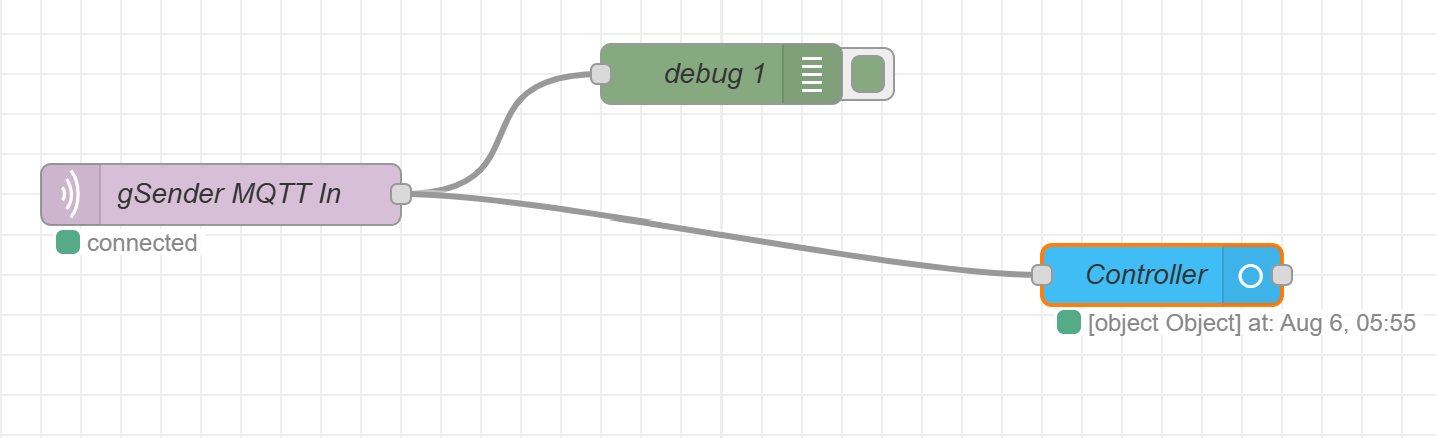
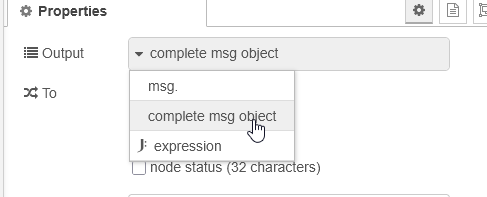
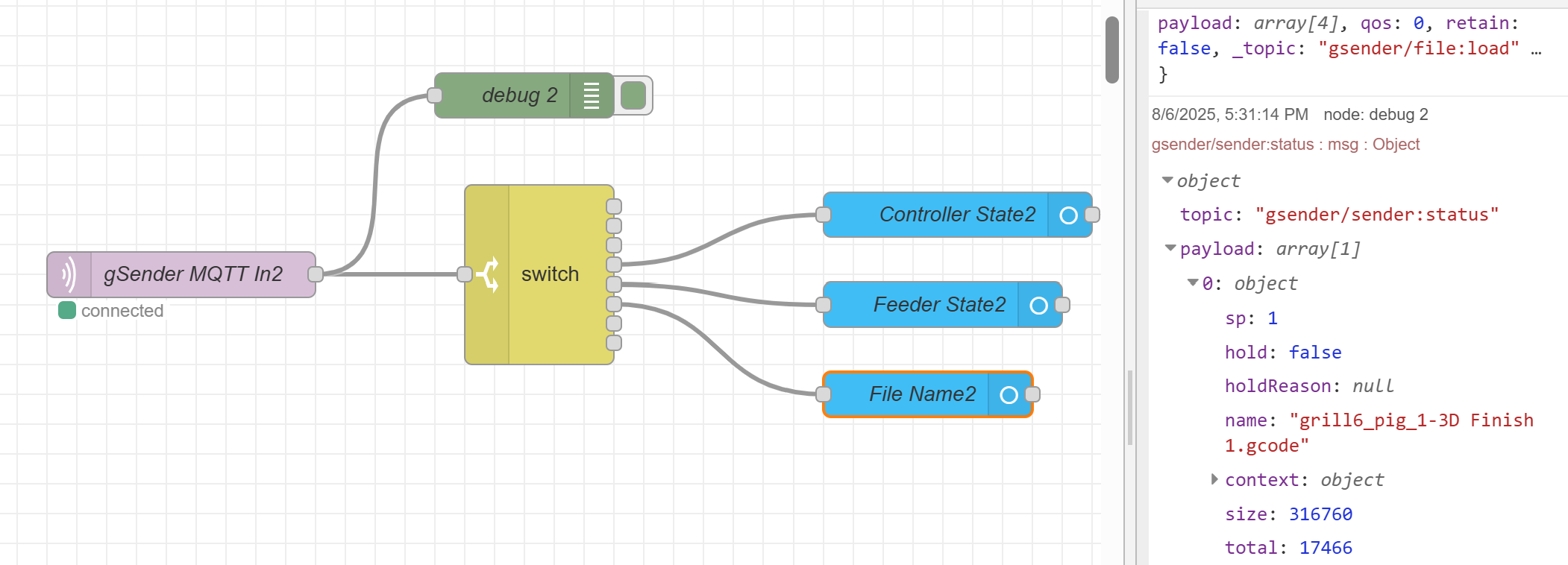
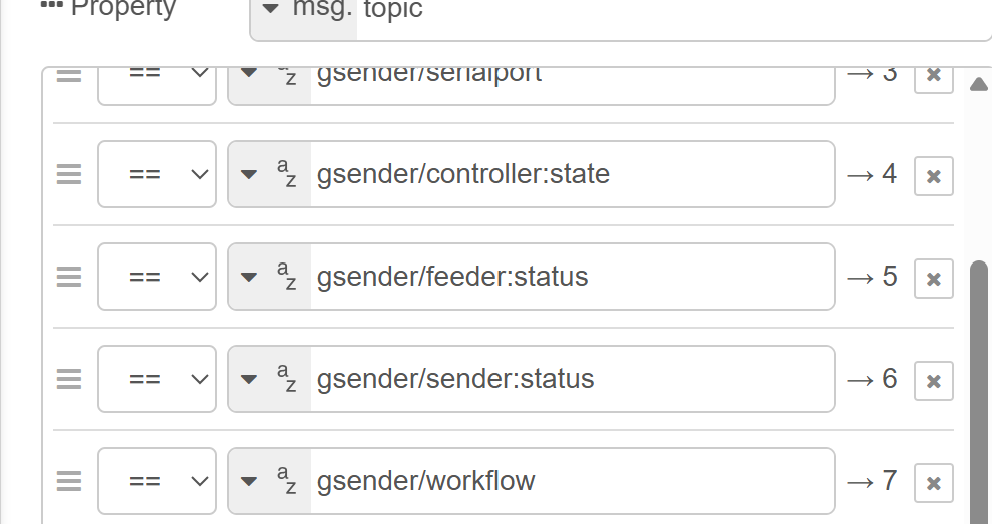
After the MQTT node, add a debug node and set its output to “complete msg object”. You should see that msg.topic contains the MQTT topic that triggered the flow.

Then, in the switch node:

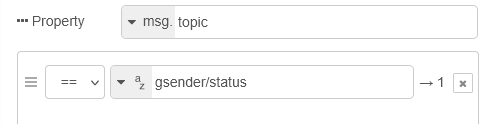
  • Set the property to msg.topic
  • Use the condition == and set the value to gsender/status

I appreciate the guidance - definitely want to say that.

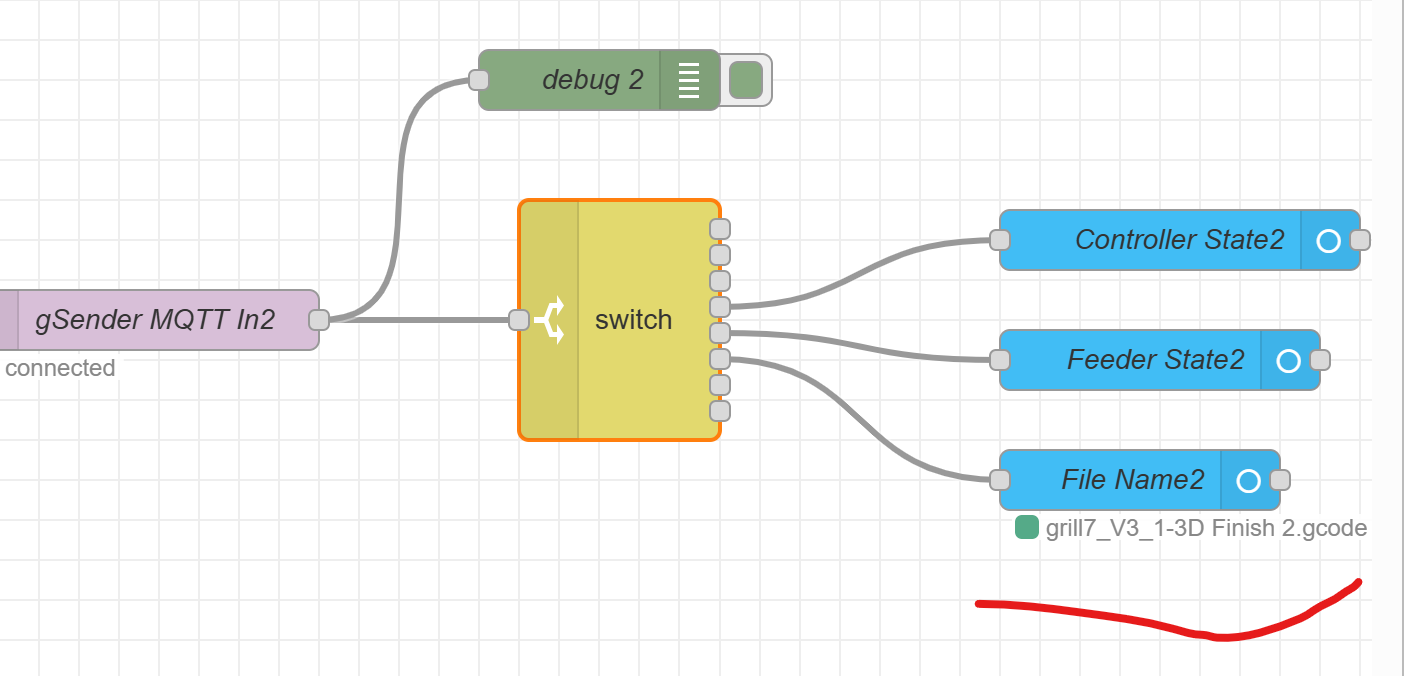
I’m posting what I have below as I am not getting anything on my sensor


I think I got it - it wasn’t just gsender/sender it needed to be gsender/sender:status


Definitely the start of something good here. Lots to setup and learn still.

Thank you @Kermit