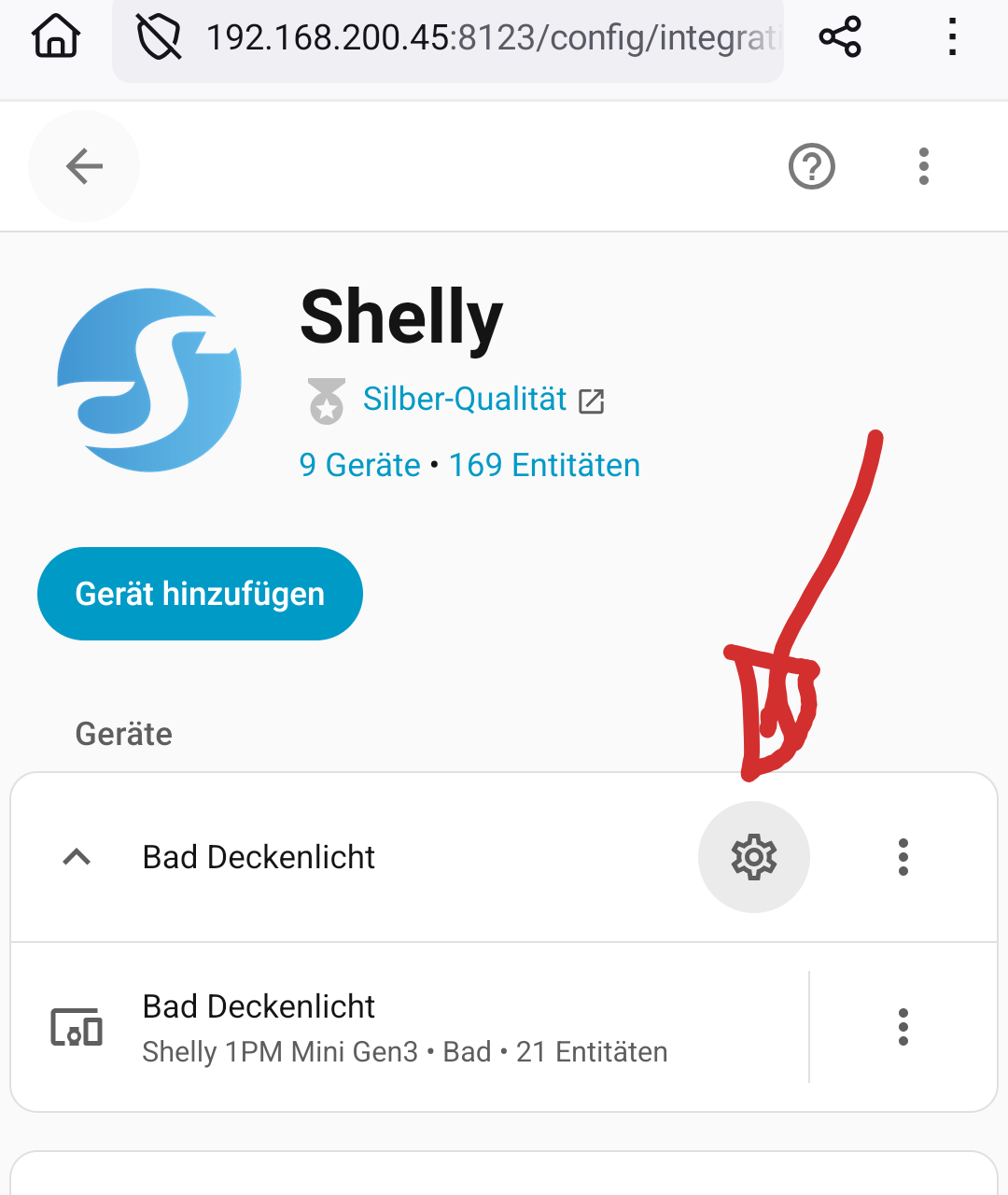
I am currently using a Shelly Mini PM G3.
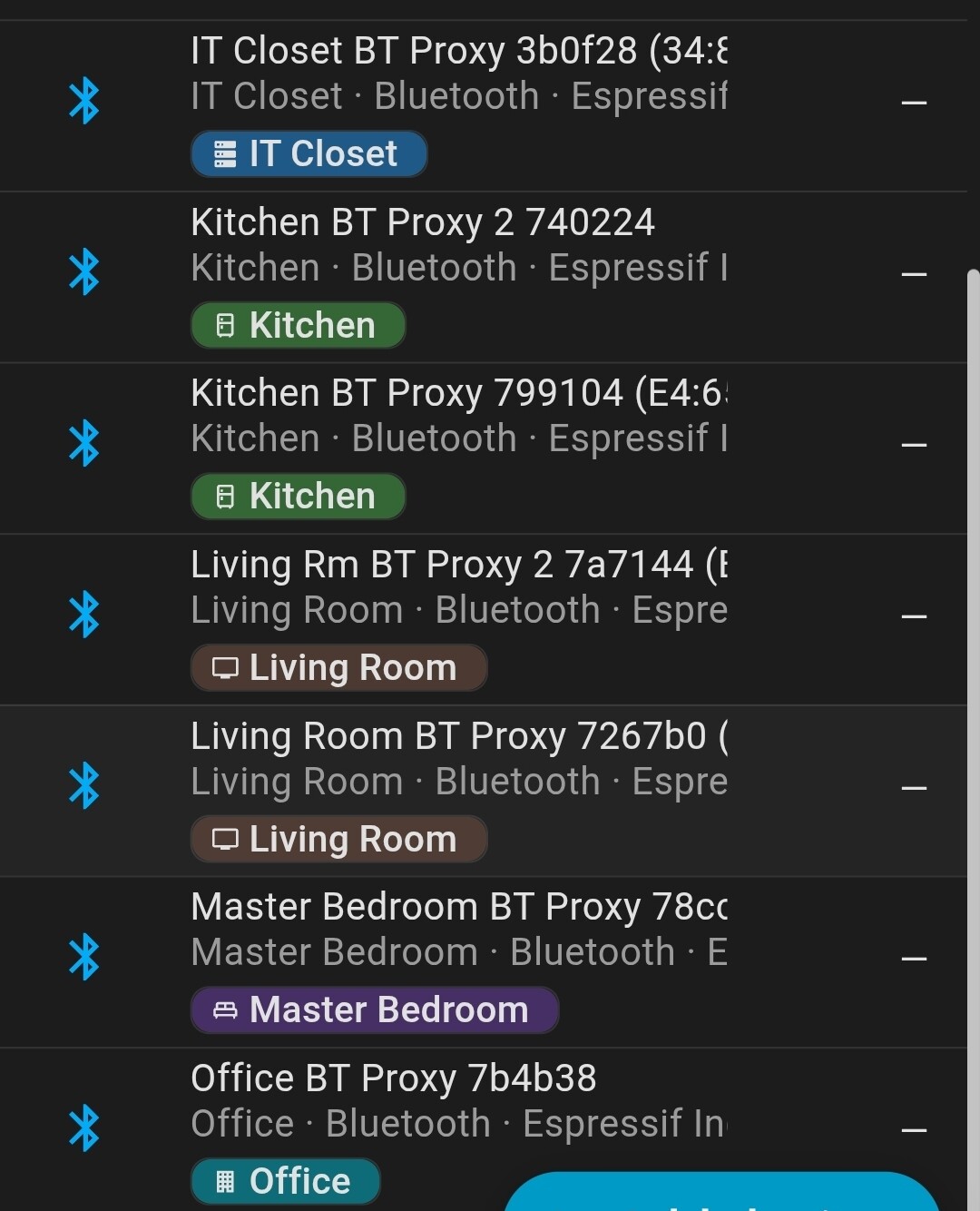
In addition to the standard Shelly integration, it also appears in Home Assistant as a Bluetooth proxy, and my Bluetooth sensors are detected as BTHome devices.
Because of the location of the Shelly, the Bluetooth signal is weak, so I can’t place the sensors where I want. To solve this, I replaced one of my older Shelly plugs with a G3 model that also supports Bluetooth. I added it to Home Assistant and looked for a way to include it in the Bluetooth integration as well. However, Home Assistant reports that no Bluetooth devices are available.
In the Shelly web interface, the Bluetooth sensor is detected correctly. Also, if I move the sensor closer to the Mini PM, the BTHome sensor updates as expected.
is it possible to add a second proxy to Home-Assistant?
and if so, what is going wrong?
"The Bluetooth integration supports receiving advertisement data from external adapters for devices and sensors that do not need an active connection, as "
So what are you trying to connect and are they active or passive. If it actually needs to be paired and maintain an active connection… You may need a Bluetooth adapter not a proxy. It also says your limit to count of proxy is bound by the hardware on your host. (how powerful your setup is.)
(lots of people use Shelly as proxies. Highly recommended for integrations like Bermuda and BPS for position tracking and basic trilateration)
The bt sensor is also a shelly one. (Blu H&T)
It is passive since it already showed up before i unpacked it.
so my plan was… add the new PlugS to Home assistant and enable blutooth.
I was more surprised that it wasn’t working.
The bluetooth intergration shows “No unconfigured Bluetooth adapters found.”
In the shelly under bluetooth there are 2 options (Enable, Enable RPC) both are enabled.
The enable gateway option disappeard since it is always enabled (for what i can find)
Under component BTHome i added the devices (didn’t needed that to do by the other sensors)
The server running HomeAssistant has 8GB Ram. ssd etc so i guess that the hardware isn’t the problem.