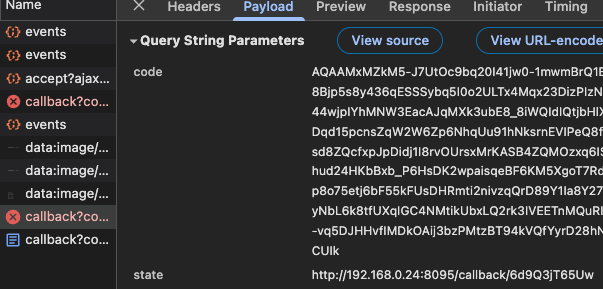
Hi! Is there a known issue with Spotify authentication? I just updated my smart home “stack” and got updated to MA 2.7 in the process, and now I cannot authenticate to Spotify. I correctly get sent to the OAuth authentication page of Spotify, but after pressing Accept the re-direct back to my MA instance simply times out.
I’m running MA as a docker container, and to my knowledge don’t have any “weird” firewalls setup (or rather: the spotify authentication has worked in prev. MA versions with the same docker based setup).
Not sure if it’s as intended, but the callback URL that times out points to https://music-assistant.io/callback?code=AQAAMxMZk......
however the “state” property in the call correctly points to my local instance, so I guess that’s not the issue…? (And before you ask, no, OAuth is not my strong suit… )
Hi I’m casting my dashboards to Nest Hub, so Nest Hub is controlling the dashboards.
I already have other services working where reverse proxy is the only option on nest hub, but couldn’t get MA to work.
Can get to the login screen but nest hub can’t write user/password since keyboard is not working.
Is there a workaround to get Music Assistant working on Nest Hub?
With v2.7 Secure Remote Access, what are the dependencies for it to activate using Home Assistant Cloud? I have HAC and use it for remote access to HA, but MA is still running in Basic Mode.
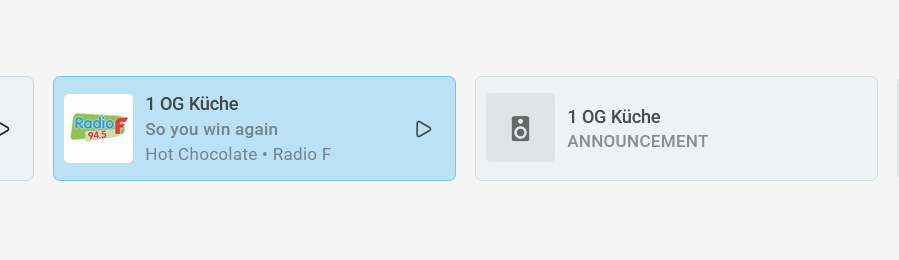
since weekend or update to 2.7 I have to speakers. One with announcement and one playing my radio. Now I can control the speaker only by musicassistant, not by my usual dashboard.
The speaker is a single sonos.
Running MA 2.7.5 with the Plex Media Server Library Provider.
I am not seeing “Radio” option for my Plex Stations in MA?
To play Plex music stations in Music Assistant, first add your Plex Media Server as a music provider in the settings, ensuring your music library is scanned. Once configured, navigate to the “Radio” section within the Music Assistant interface, select your Plex library, and choose from available Plex radio stations (like artist or track radio) to start playback.
Steps to Play Plex Stations:
Setup: In Music Assistant, navigate to Settings > Providers > Add Provider and select Plex.
Configuration: Enter your Plex server IP and port (default 32400) or use GDM discovery. Authenticate with your Plex account.
Scan Library: Ensure the Plex server has indexed your music library, allowing Music Assistant to sync it.
Play Station: Open the Music Assistant menu and navigate to the Radio tab. Browse or search your Plex library for specific radio options. Click the three dots next to a station and select “Play Now”.
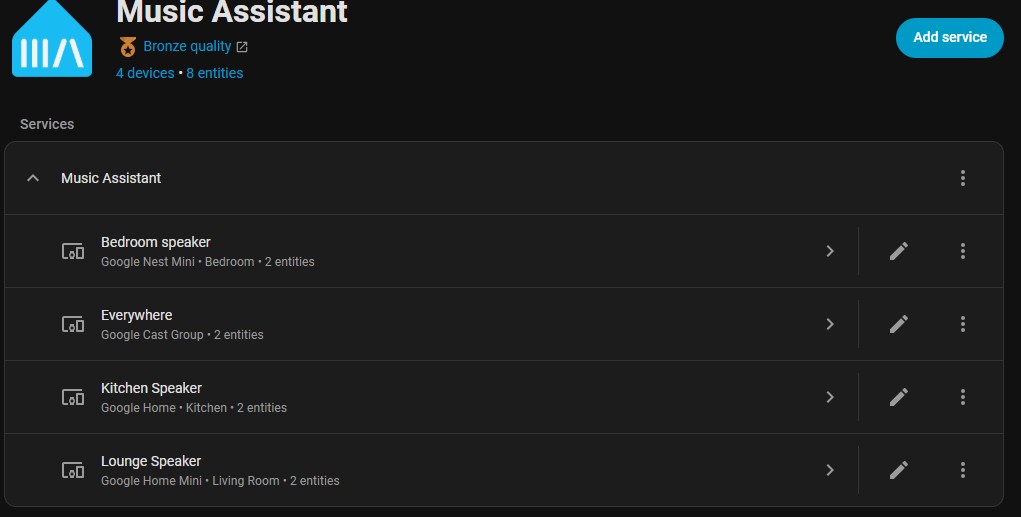
I have 3 google/nest speakers and would like to also have the option to be able to play music simultaneously to all 3 Players from Music Assistant v2.7.5.
AI suggested the following;
In the Google Home app, create a speaker group that includes all three Nest/Google speakers.
Wait for Home Assistant to discover the new group as a media_player entity (e.g. media_player.everywhere).
In HA, go to Settings → Devices & services → Music Assistant → Configure and ensure that this group entity is included as a managed player in Music Assistant.
In the Music Assistant UI, select that group player as your output and start playback; MA will cast directly to the Google group with perfect sync.
I followed that, and sure enough MA recognized the device and was able to select the Player - ‘Everywhere’ in the MA dashboard, and stream music to all 3 speakers, brilliant!!
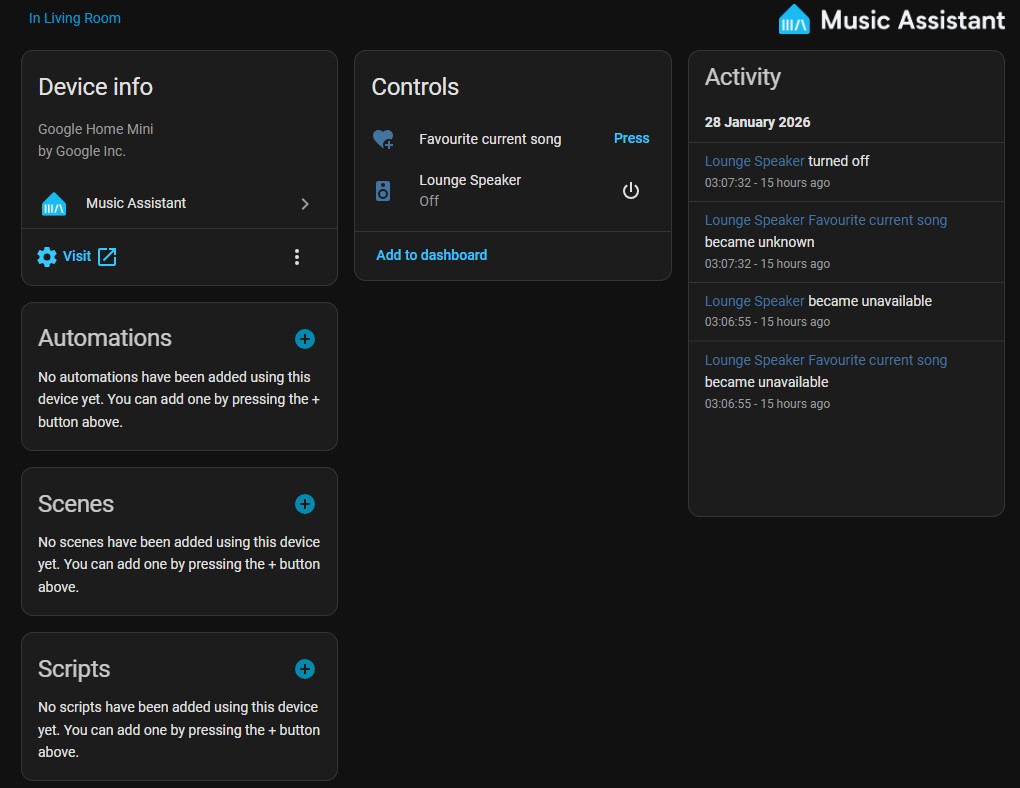
However success was short lived because I noticed that the 3 individual player were now missing from the MA dashboard, meaning that I could not now cast music to any of the 3 speakers individually.
If I disable the ‘Everywhere’ player, then the 3 individual players return, and can use them OK, but enabling ‘Everywhere’ again caused the 3 players to disappear again.
I’ve asked AI for a solution and went around in a big circle, and got nowhere.
Any help would be appreciated.
EDIT - I of course have 2 entity ID’s for music_player.everywhere, one which HA creates - music_player.everywhere_cast, and the Music Assistant entity ID music_player.everwhere_ma.
In Settings → Devices & services → Music Assistant the Everywhere device contains the music_player.everwhere_ma entity ID.
For starters, don’t use AI, it’s suggested nonsense.
Creating a group in the Google Home app is the way (and is what’s suggested in the MA docs). If you stop playing music in MA to that group, your individual speakers will show back up.
And don’t create a group in MA (if it will even let you). They will all be out of sync.
Only MA Airplay groups are in sync. Other internal protocols use the Universal Group which is not in sync.
For Chromecast you can make a group in Google Home and you can even make multiple groups with different combinations of speakers.
MA can play to those groups or individual speakers. They will all show as speakers inside MA if you have added Chromecast as Player Provider it will add the Individual Speakers and Group Players automatically.
In the Speaker settings you can set if the Individual speakers are hidden when grouped or not.
The new Sendspin protocol is being developed to have the Universal Group be in sync across multiple streaming protocols. But it’s in Alpha now.
That was the fist thing I tried, but as @danieldeni has said, it doesn’t work with speakers, as they are not available as group members in Sendspin.
The only way to get the individual players to show up is disabling the group, which isn’t really a good solution.
In Integrations > Music Assistant > Everywhere the entity ID being used is music_player.everywhere_ma
…should that be changed to use music_player.everywhere_cast instead?
Sorry if my terminology is wrong, I’m new to Home Assistant and trying to get my head around how things work.
I might be misunderstanding you, but there is a setting for each player where you define how it behaves with the group. Just change it so it appears even when it is part of a group
Nope, just ‘power off’ the speaker group in MA and your individual speakers will show back up (I use Chromecast groups and individuals in MA all the time). As @danieldeni mentioned, I think you can change this behavior in MA as well, but the idea is that if you’re playing on a group you don’t want to also play to a member of said group.
 )
)