Yes only show 4 media types and make radio one of them. I only have, album, artist, playlist and track.
Can you show me example how you did that?
You have ETA when we can expect this?
i tried with:
type: custom:mass-player-card
entities:
  - media_player.woonkamer_2
  - media_player.keuken_2
  - media_player.bureau_2
  - media_player.badkamer_2
  - media_player.slaapkamer_2
  - media_player.slaapkamer_kid_2
  - media_player.slaapkamer_kids_2
player:
  enabled: true
players:
  enabled: true
media_browser:
  enabled: true
  favorites:
    albums:
      enabled: true
      limit: 25
      favorites_only: true
    artists:
      enabled: true
      limit: 25
      favorites_only: true
    playlists:
      enabled: true
      limit: 25
      favorites_only: true
    radios:
      enabled: true
      limit: 25
      favorites_only: true
queue:
  enabled: true
  show_album_covers: true
  show_artist_names: true
But it still shows everything
You have ETA when we can expect this?
It’s virtually ready - adding one last feature and just working on small tweaks at this point. You can test it out if you want.
I would guess that it gets released this weekend or early next week.
I dont want you to change the order in the dropdown…
I want (if possible) to have the radio at the red square, where tracks is now… is that possible?
That’s what I was referring to.
But it still shows everything
You didn’t disable anything. Not sure what you want to hide but any section and many of the individual elements can be removed. The readme has instructions on it.
It is in my Code in the drop down in this post
You have to explicity false the others
                  media_browser:
                    enabled: true
                    favorites:
                      albums:
                        enabled: true
                        limit: 500
                      artists:
                        enabled: true
                        limit: 500
                      tracks:
                        enabled: true
                        limit: 500
                      playlists:
                        enabled: true
                        limit: 500
                      radios:
                        enabled: false
                      podcasts:
                        enabled: false
                      audiobooks:
                        enabled: false
ok thx for the headsup, ill wait for the release
Ok good, i put the mediabrowser track to false and its gone from the red square, but still visible in the dropdown, that i like !
However
2 more questions there.
Why dont i see the radio in the mediabrowser where the red square is?
Its enabled, and inside music assistant i have radio channels
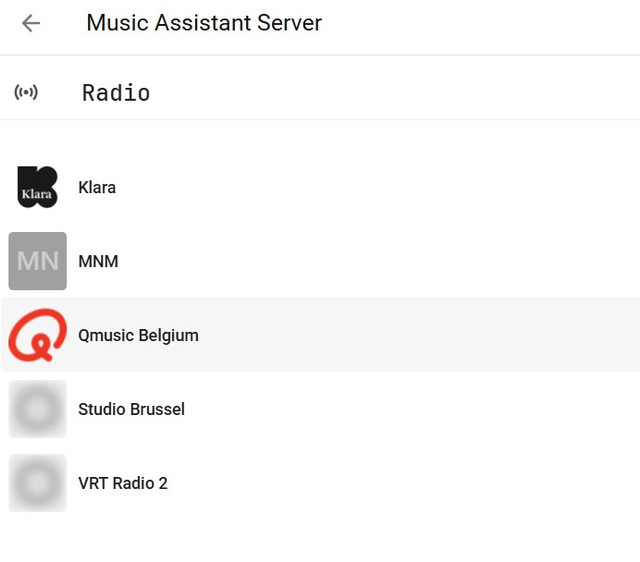
Also the green square, what is it for? Its like people reading a book icon
thx
Have you only limited it to four and disabled all of the others?
I am unsure of the person reading a book icon, seems to do nothing. (Also no detail in ReadMe, maybe a hangover during development.) EDIT: Looks like it limits the search to just your library or expands it to the source music provider.
Would be nice if @droans can document and enable a yaml key so we can set the type of search by default. This would explain part of my problem of limited results, even though set at 500 I do not get more than 100.
I am unsure if you know but all cards have a GitHub with all the information you need on setup and configuration. Always look for the drop down hidden details like in my post (which has the full code for you to copy)
or the cards ReadMe on GitHub.
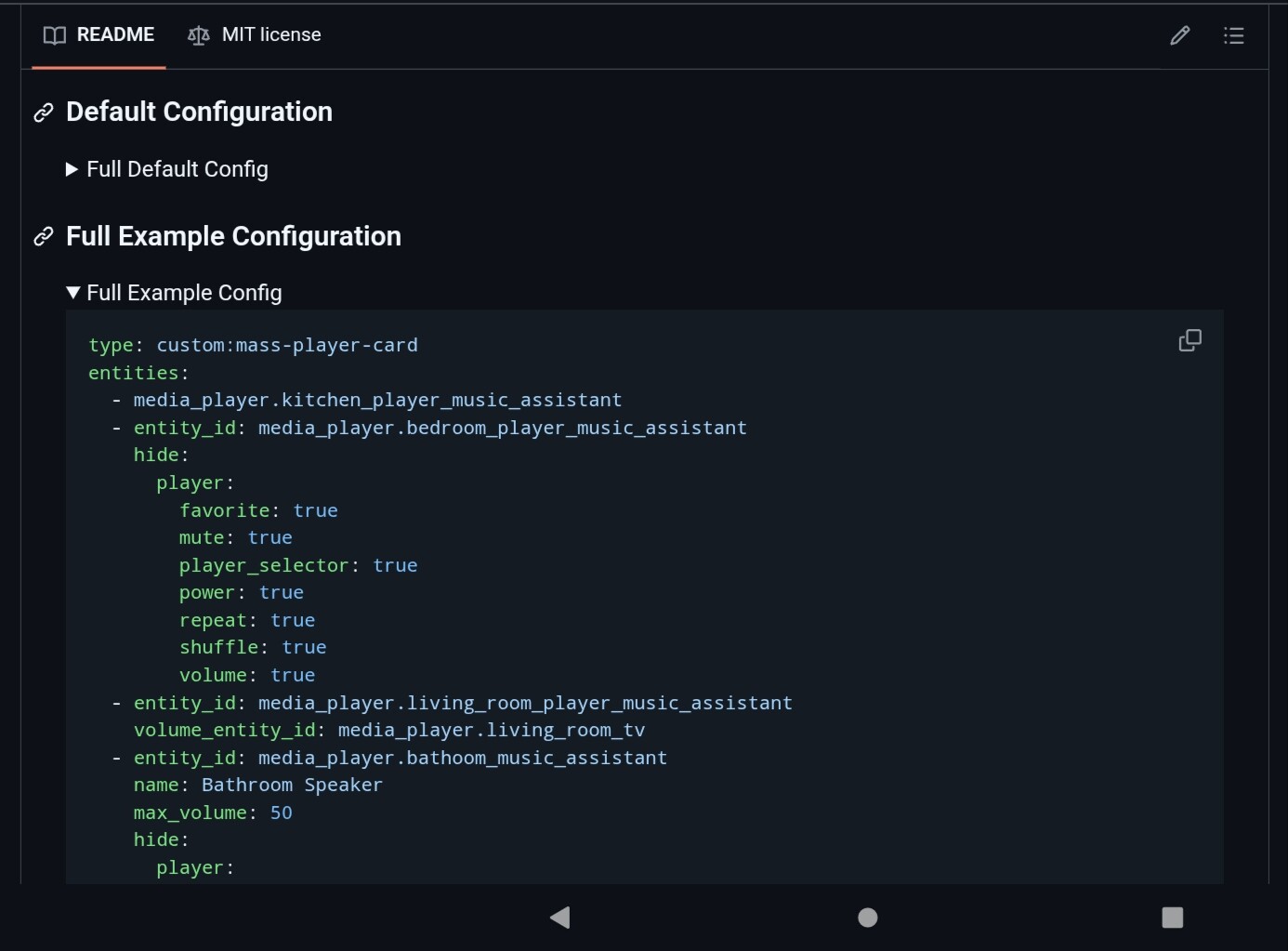
yeah disabled all except the 4 i want, radios still empty
edit: forget what i said, i had to make it favourite
1 Like
v2.0.0 just moved out of beta - enjoy!
3 Likes
I am unsure of the person reading a book icon, seems to do nothing. (Also no detail in ReadMe, maybe a hangover during development.) EDIT: Looks like it limits the search to just your library or expands it to the source music provider.
That’s correct. It’s not really of much use for most people, though. Seems MA only considers something in your library if it’s on your local filesystem or you performed an action that adds it to the database (seems to just be favoriting but I’m not certain…)
Would be nice if @droans can document and enable a yaml key so we can set the type of search by default. This would explain part of my problem of limited results, even though set at 500 I do not get more than 100
Currently it is limited to 20 but that’s something I could change in the future. However, I’d likely just set it the same as the media type limit.
1 Like
I agree with performance issues of the card but if a user is able to adjust this to what they want, pending their own hardware that would be good in the future. Save me Opening the Full MA Add-On and the Mrs. complaining at me.
@droans v2.0.0 I am unsure if you changed some yaml keys with this version.
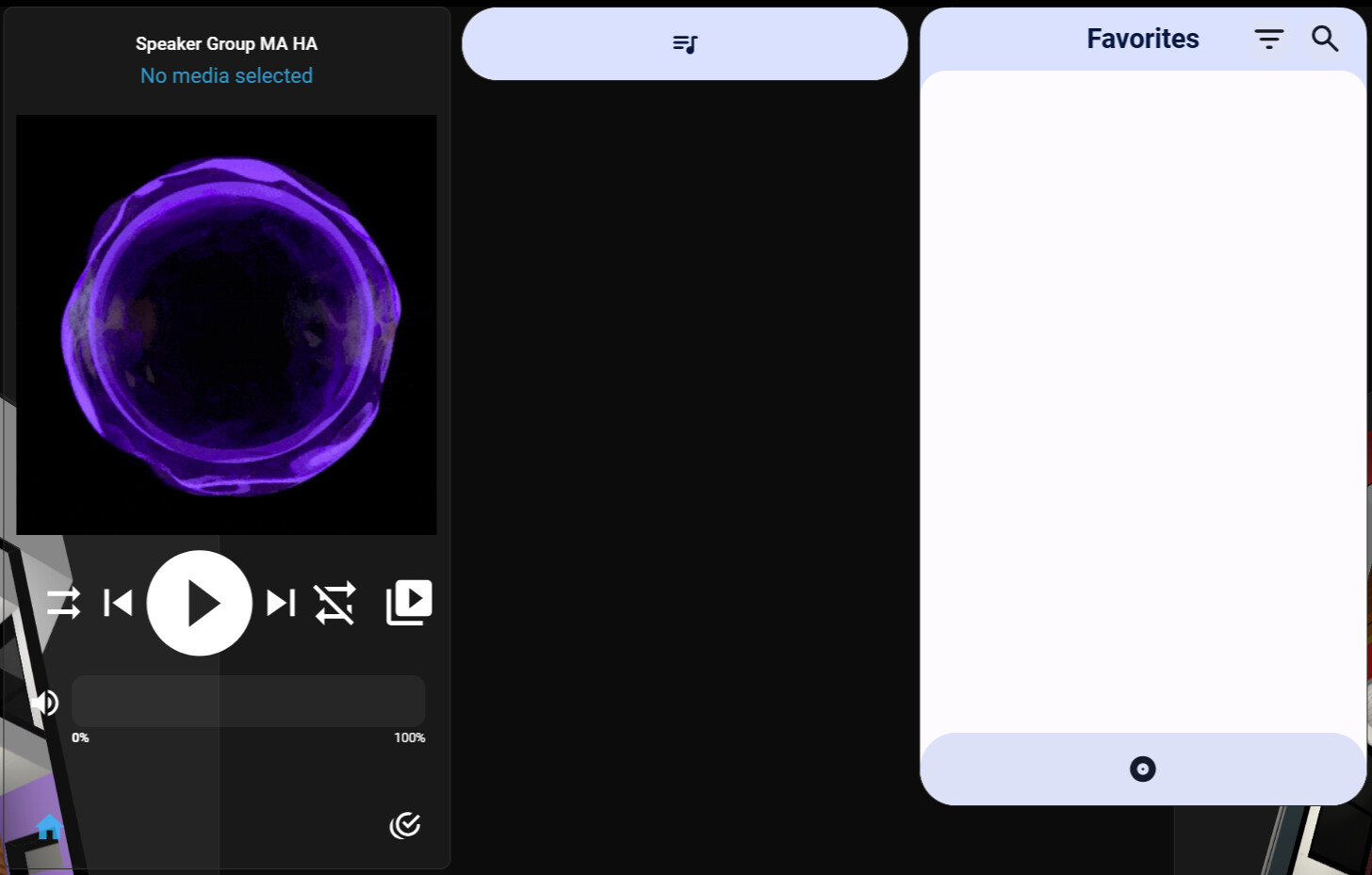
- The Playlist starts minimised (Needs to be full open and blank on start-up)
- Favourites blank on start up
- White background not good (Needs to be ha-card-background for me)
- Pastel colours do not go with my dashboards, sticks out like a sore thumb.
- If you can give us a yaml key to adjust the transparency of that colour it will work)
- Also I think you need the colours light or dark themed. Maybe change the scale so the colours pick up a darker shade.
-
Filter menu snaps to the right edge of the screen not the card
-
Queue menu snaps to the right edge of the screen not the card
-
Playlist does not expand even when playing something
-
Favourites duplicated and not obeying yaml. podcast is false


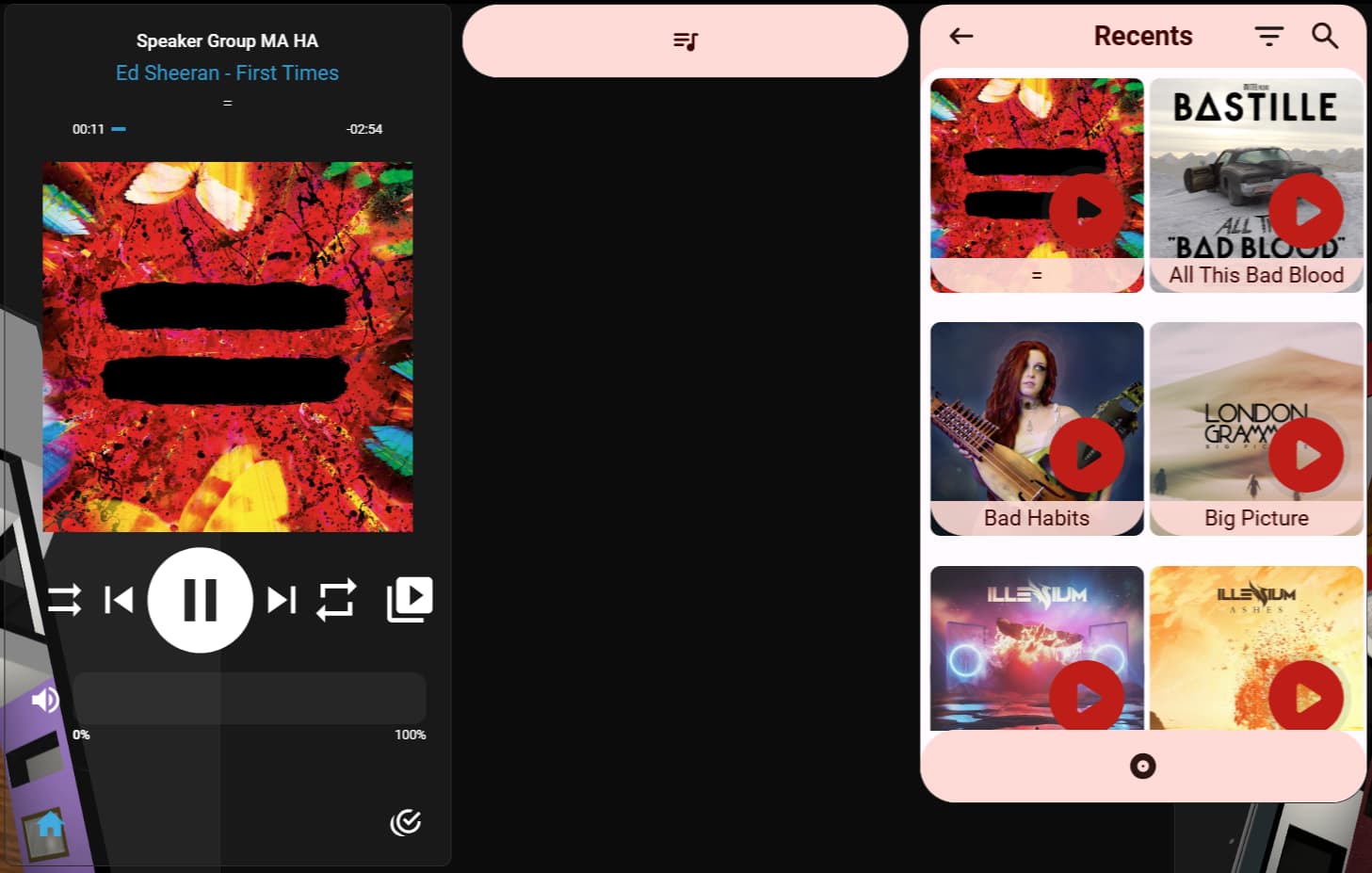
podcasts:
enabled: false

Full Player showing this, cant switch between pages.
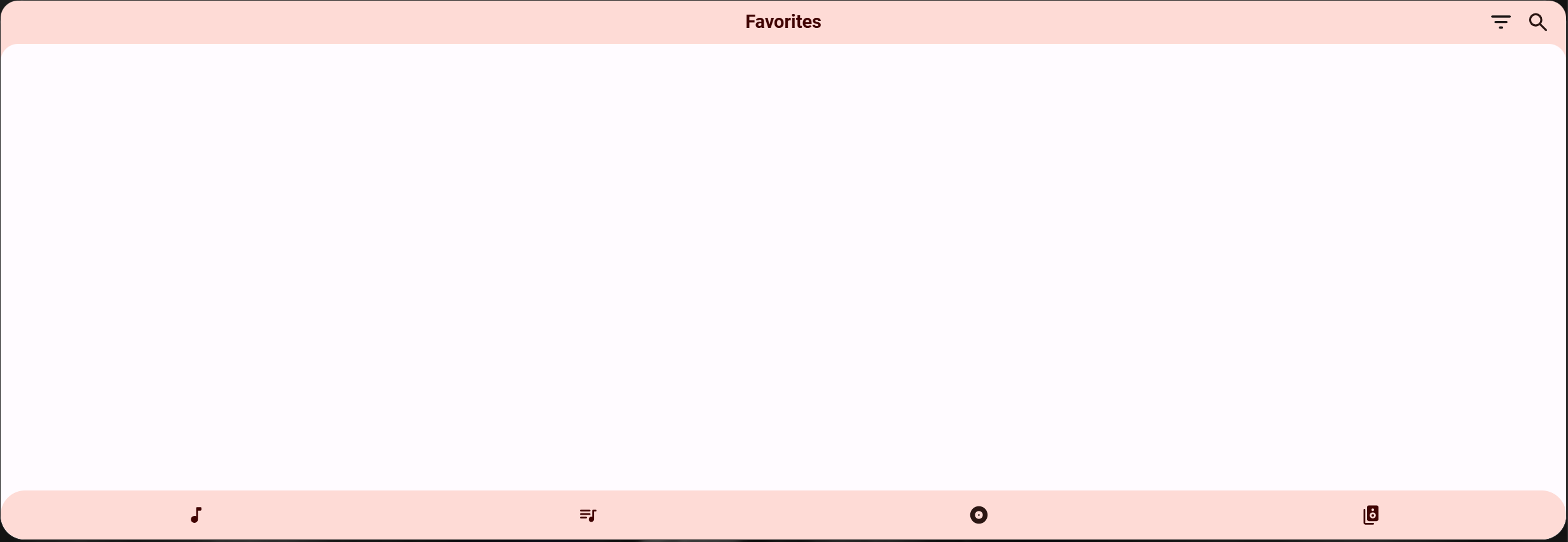
Switched back to v1.0.1
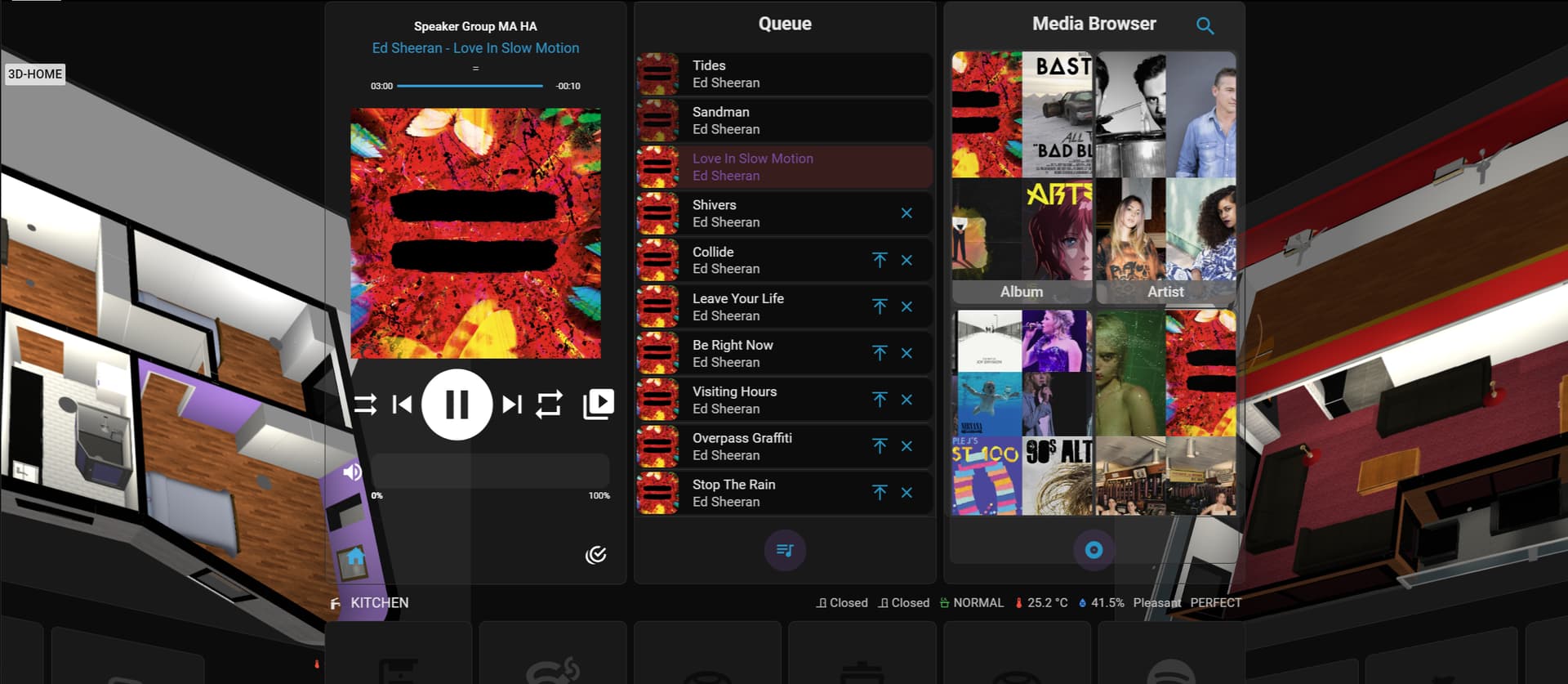
Update Music Assistant Queue Actions. Clear your cache.
There are no hardcoded colors. It appears you’re using a dark theme while HA is set to light mode.
1 Like
Did clear the cache. Will check the Theme.
I had updated Music Queue actions prior but will check if there is another updating in HACS.
CURRENT CARD CODE v2.0.0 and Music Assistant Queue Actions 0.7.0.
Maybe the update did not push properly through HACS I have had that happen to me before.
- type: horizontal-stack
cards:
- type: custom:mass-player-card
entities:
- media_player.speaker_group_ma
player:
enabled: true
hide:
favorite: true
layout:
controls_layout: compact # Options: compact or spaced (default: compact)
artwork_size: large # Options: small, medium, large (default: large)
# Note: Medium/Large will display in the background behind the header and player controls. Small will display on its own.
icons:
shuffle:
size: small # Options: small or large (default: small)
box_shadow: false # Options: True/False (default: false)
label: true # Options: True/False (default: false)
# Note: Label will never show if size is large
previous:
size: small # Options: small or large (default: small)
box_shadow: false # Options: True/False (default: false)
label: false # Options: True/False (default: false)
# Note: Label will never show if size is large
next:
size: small # Options: small or large (default: small)
box_shadow: false # Options: True/False (default: false)
label: false # Options: True/False (default: false)
# Note: Label will never show if size is large
repeat:
size: small # Options: small or large (default: small)
box_shadow: false # Options: True/False (default: false)
label: true # Options: True/False (default: false)
# Note: Label will never show if size is large
play_pause:
size: large # Options: small or large (default: small)
box_shadow: true # Options: True/False (default: false)
label: false # Options: True/False (default: false)
# Note: Label will never show if size is large
queue:
enabled: false
media_browser:
enabled: false
players:
enabled: true
expressive: true
- type: custom:mass-player-card
entities:
- media_player.speaker_group_ma
player:
enabled: false
queue:
enabled: true
limit_before: 3
limit_after: 100
show_album_covers: true
show_artist_names: true
media_browser:
enabled: false
players:
enabled: false
expressive: true
- type: custom:mass-player-card
entities:
- media_player.speaker_group_ma
player:
enabled: false
queue:
enabled: false
show_album_covers: true
show_artist_names: true
media_browser:
enabled: true
favorites:
playlists:
enabled: true
limit: 500
albums:
enabled: true
limit: 500
artists:
enabled: true
limit: 500
tracks:
                        enabled: true
                        limit: 500
radios:
enabled: false
                              podcasts:
                                enabled: false
audiobooks:
enabled: false
columns: 3
players:
enabled: false
Same Issue. Player and Playlist collapsed when opening
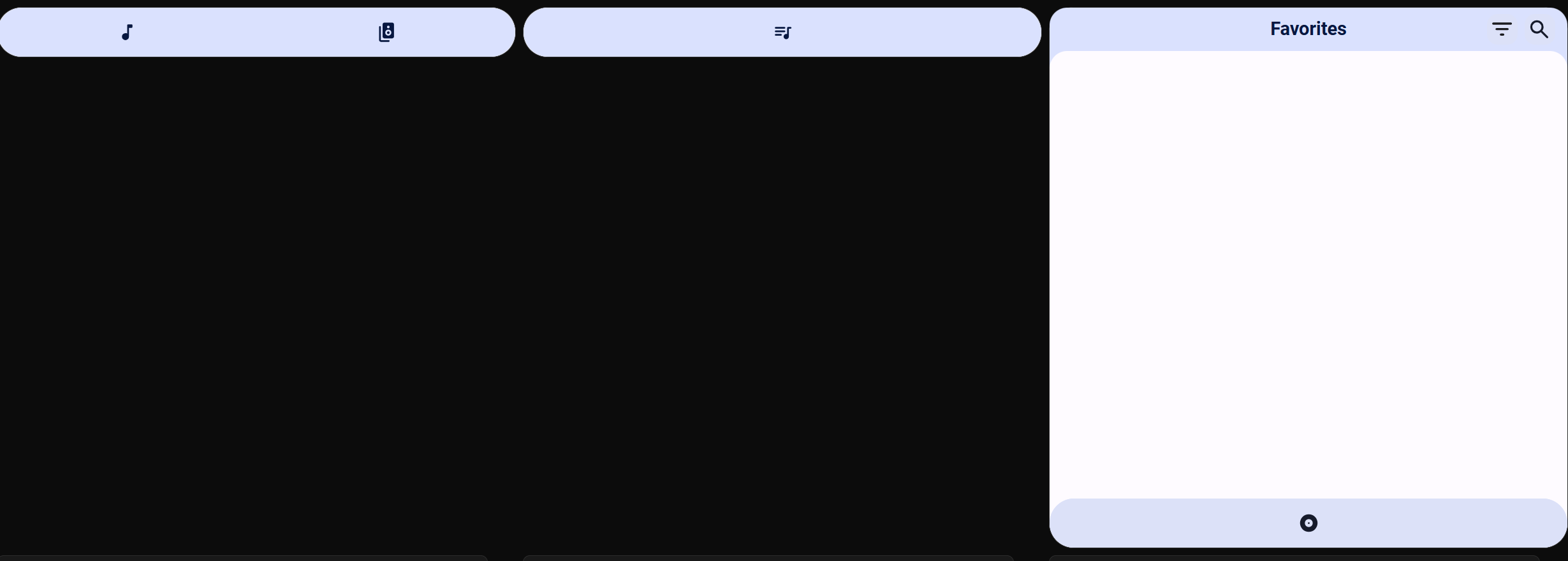
I Use Caules theme pack, and it is set to dark, there must be something in it that is causing it to play up with dark and light mode. Stock Home Assistant Theme works.
- Still starts collapsed and blank
- Does not open player or playlist when something is playing
Still getting repeats and Podcast showing up
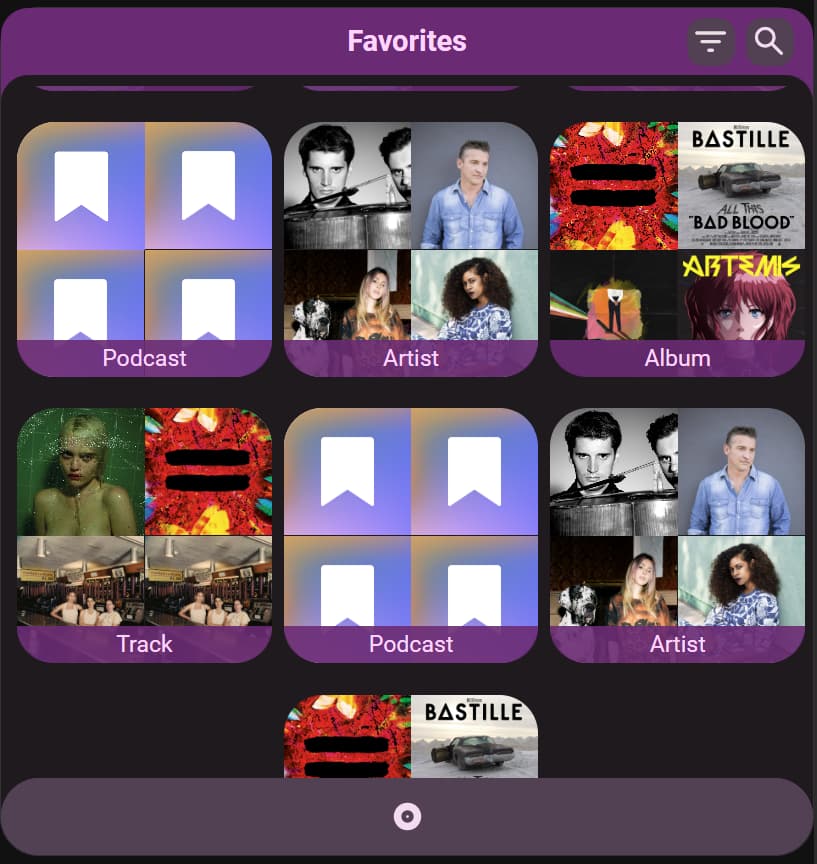
Is looking better
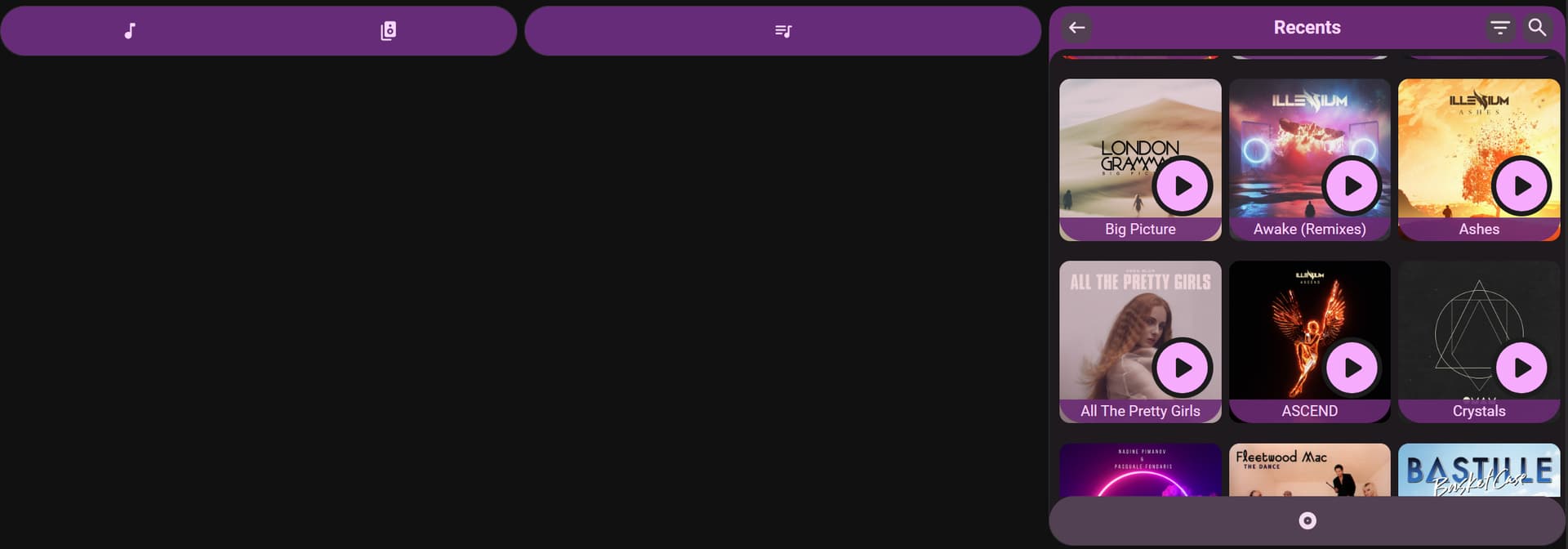
There is a problem
- Refreshed multiple times
- Cleared Browser Data cached images and files
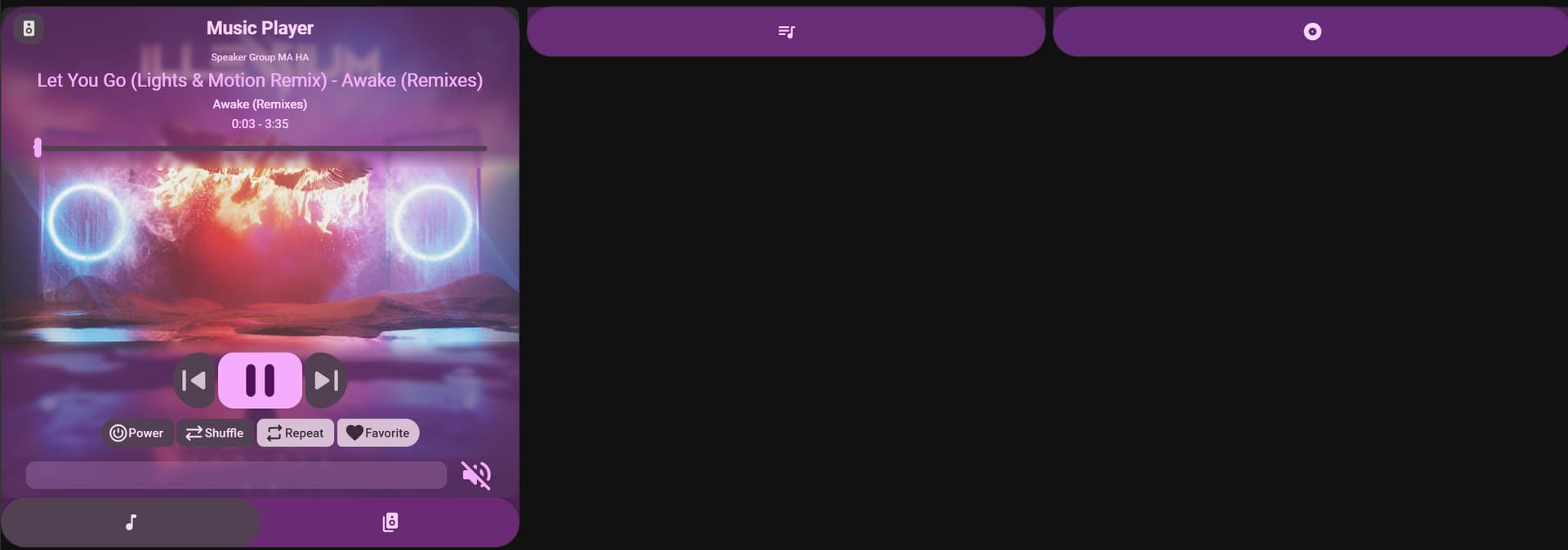
Have to click on Queue and Favourites for them to display.
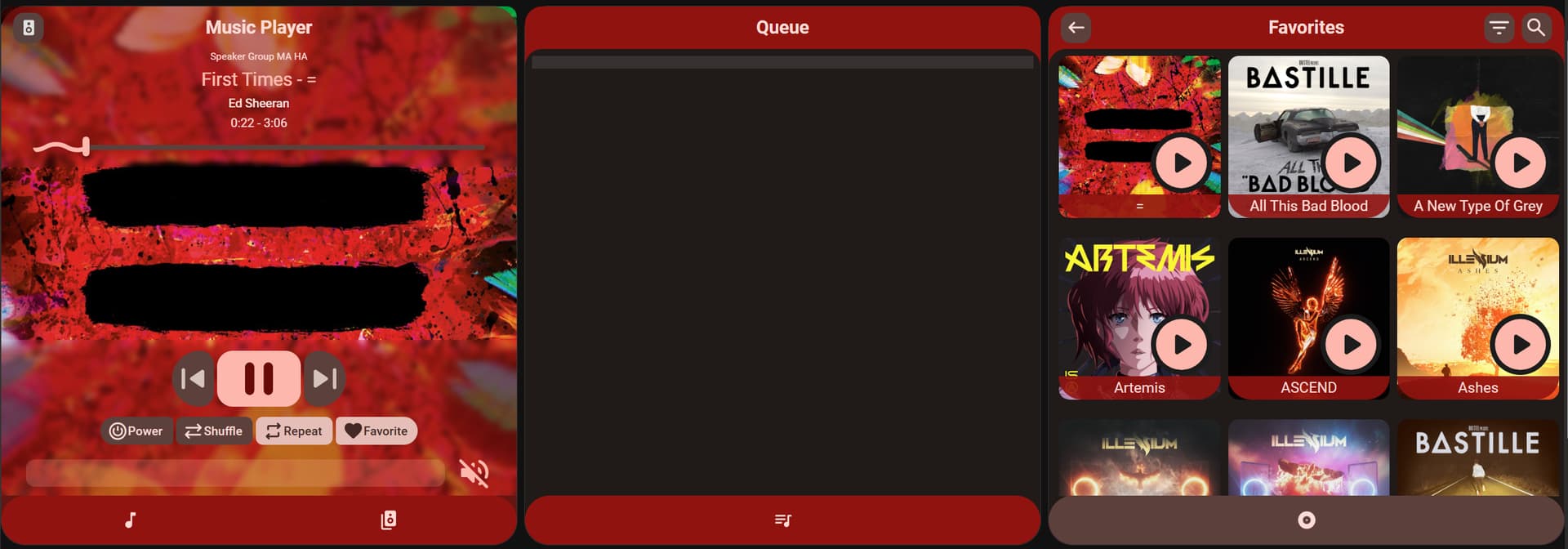
Queue is not showing anything in the Queue
- Will go to the next song
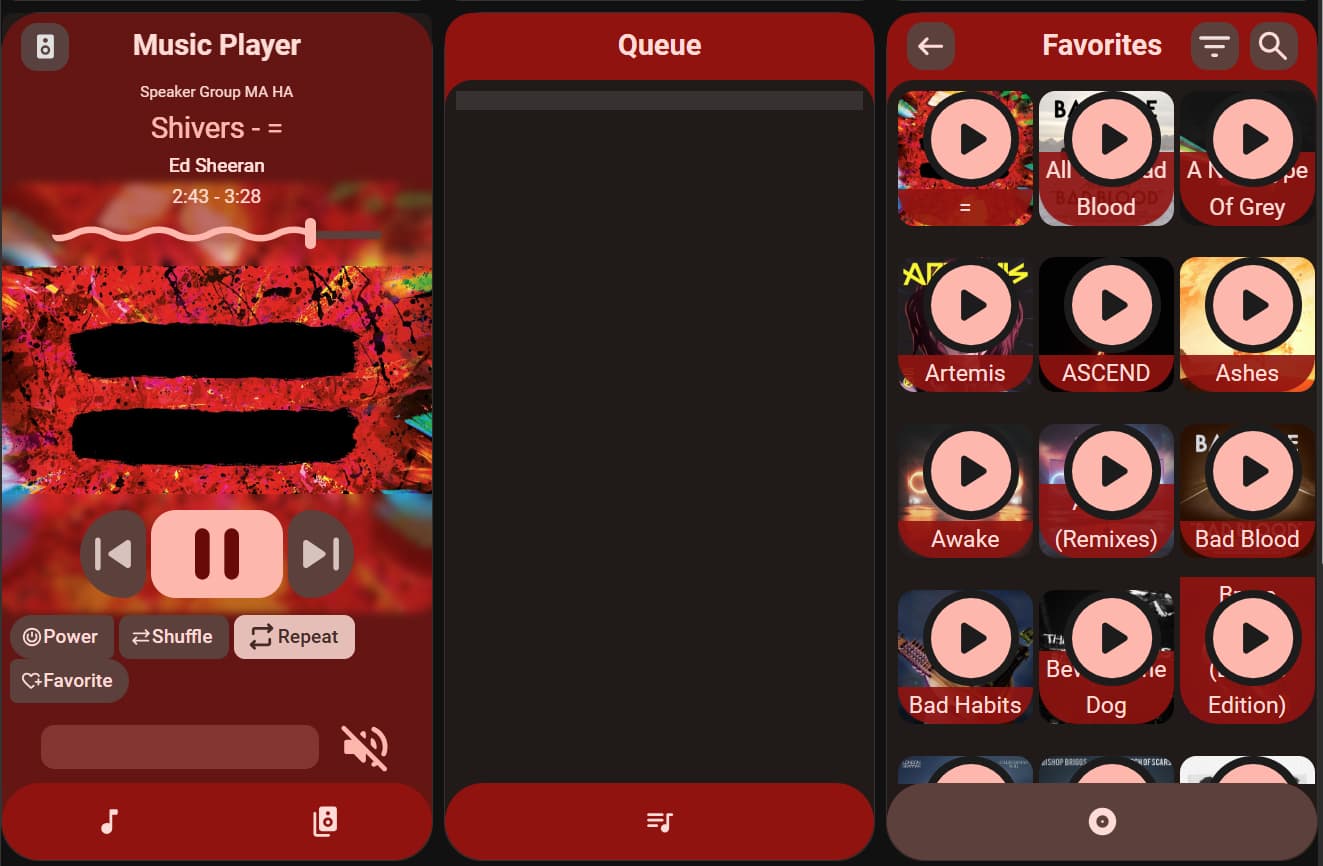
Need to be able to size play button in media browser or have it scale correctly with album cover.
Wow very nice release man ! Best music player in my eyes ! Gonna tweak some more ! Really best card! Thx a lot. Will give you some things as feedback… to move it further.
@Chykan i dont have the issues you are describing
1 Like
Here some questions
-
In the old player on top instead of music player, we had the player selected. You could even click there to swap the player.

Now it says “music” player. Is it possible to bring the selected player (swappable) back? OR at least have the option? I preferred this a lot. -
When selecting a player that is not active, we get to see a nice text, is it possible to have this in my language or the languager selected in HA?
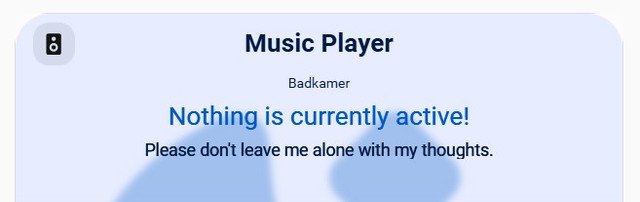
gratis foto delen site -
Library is much better now thx for this. But again the filter option is in english. Is it possible to have this in my own language?
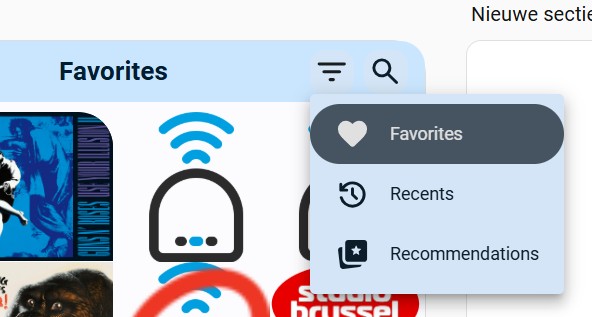
-
The player section… doesnt do much here, just swapping (i prefer swapping in the player , see point 1) Am i missing there something? Can i group there?
Can it be translated also?
One more question there… Is it possible to have visuals which one is playing? maxi media player has done this very nice, would love to see the same there… like an icon showing its playing…

Then for me its perfect 