Hruba
October 4, 2026, 11:21pm
1
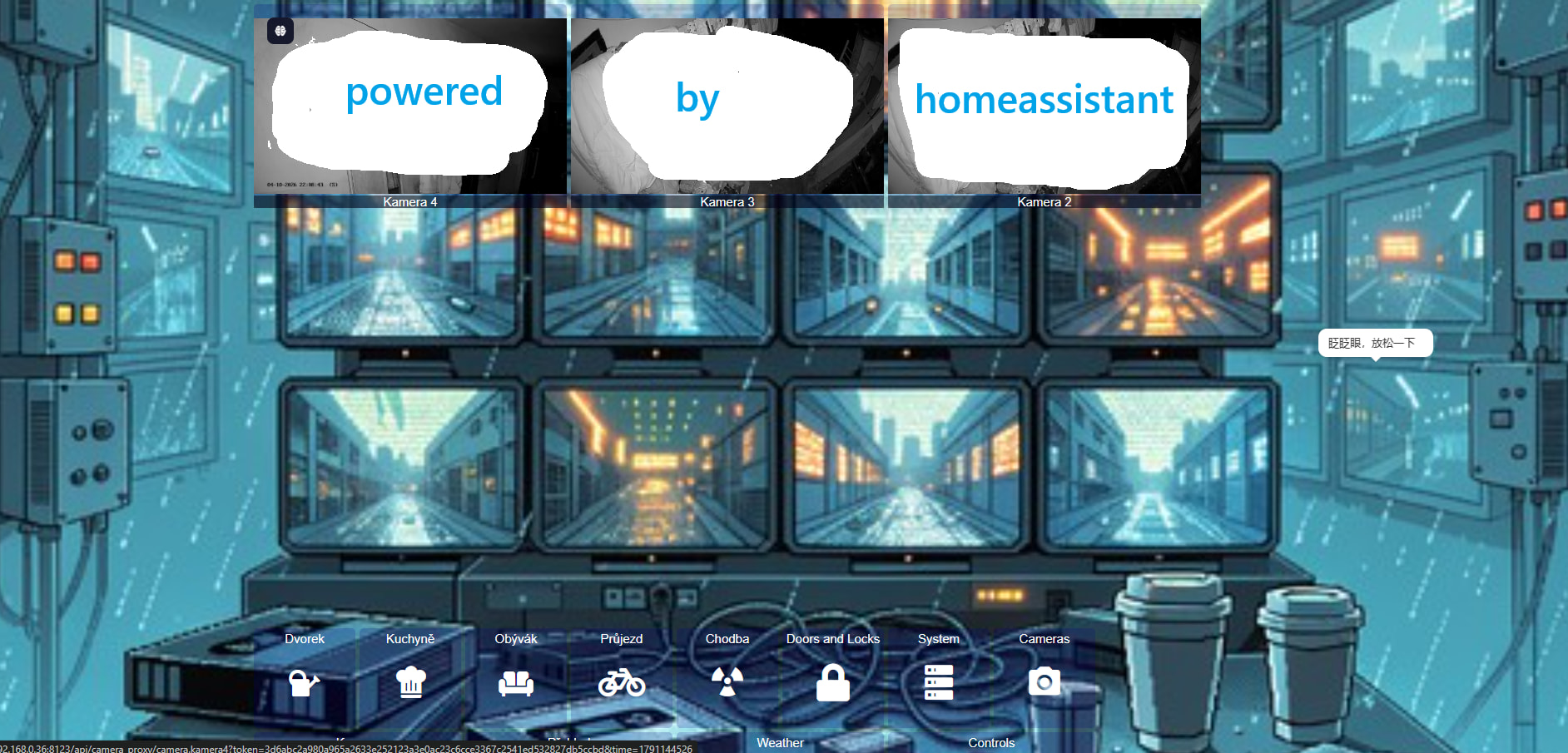
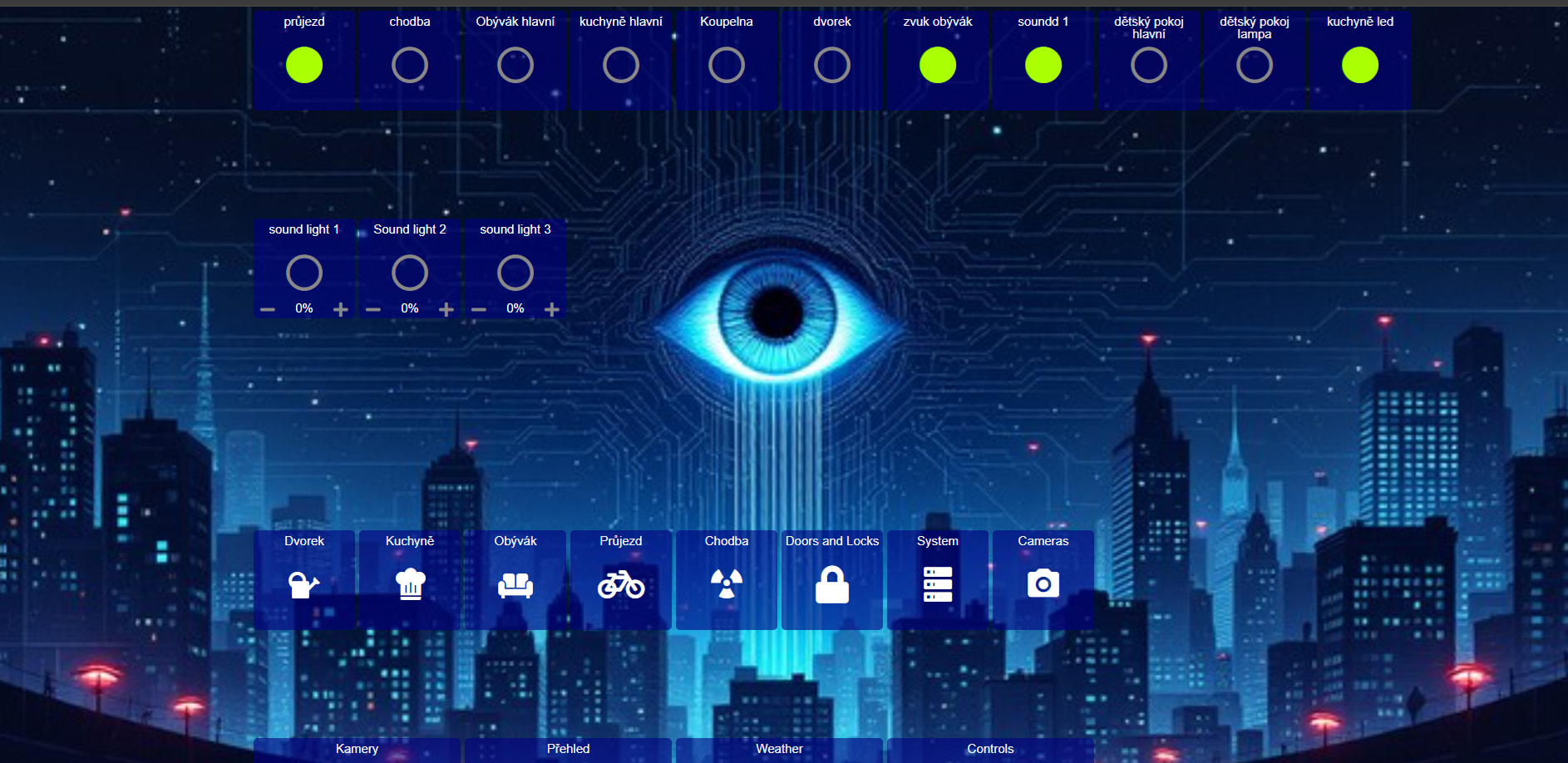
I created the dashboards following the instructions on the AppDaemon website and the AppDaemon GitHub repository. The individual dashboards combine to form a comprehensive control panel. A few minor adjustments and updates were required. This is my first time using AppDaemon; I use it on a touchscreen display in conjunction with Touchkio.
integration providing sensors:
pirateweather
OpenWeatherMap
alarmo
music assistant
VisionState
homeassistant_cz_energy_spot_prices
icloud3(device_tracker)
konfigurace panelů pro ha v appdaemon
Hruba
October 4, 2026, 11:25pm
2
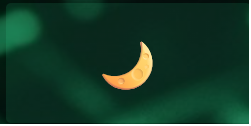
Automation for day_mod: use an image instead of sensor text.
ha automation
alias: Automatic day_mod selector
description: Switch input_select.day_mod based on time of day
triggers:
  - trigger: time
    at: "06:30:00"
  - trigger: time
    at: "10:00:00"
  - trigger: time
    at: "18:30:00"
  - trigger: time
    at: "21:30:00"
  - trigger: homeassistant
    event: start
actions:
  - choose:
      - conditions:
          - condition: time
            after: "06:30:00"
            before: "10:00:00"
        sequence:
          - action: input_select.select_option
            target:
              entity_id: input_select.day_mod
            data:
              option: "🌅"
      - conditions:
          - condition: time
            after: "10:00:00"
            before: "18:30:00"
        sequence:
          - action: input_select.select_option
            target:
              entity_id: input_select.day_mod
            data:
              option: "☀️"
      - conditions:
          - condition: time
            after: "18:30:00"
            before: "21:30:00"
        sequence:
          - action: input_select.select_option
            target:
              entity_id: input_select.day_mod
            data:
              option: "🌇"
    default:
      - action: input_select.select_option
        target:
          entity_id: input_select.day_mod
        data:
          option: "🌙"
mode: single
config.yaml
input_select:
  day_mod:
    name: Day mod
    options:
      - "🌅"   # morning
      - "☀️"   # day
      - "🌇"   # evening
      - "🌙"   # night
dashboard widget
day_mode:
  widget_type: sensor
  entity: input_select.day_mod

  text_style: "color: #44d2a4 !important; font-weight: bold; font-size: 360%;"
Hruba
October 5, 2026, 9:25pm
3
I tweaked the settings so the cameras would line up with the monitor in the image.