Hi everyone 
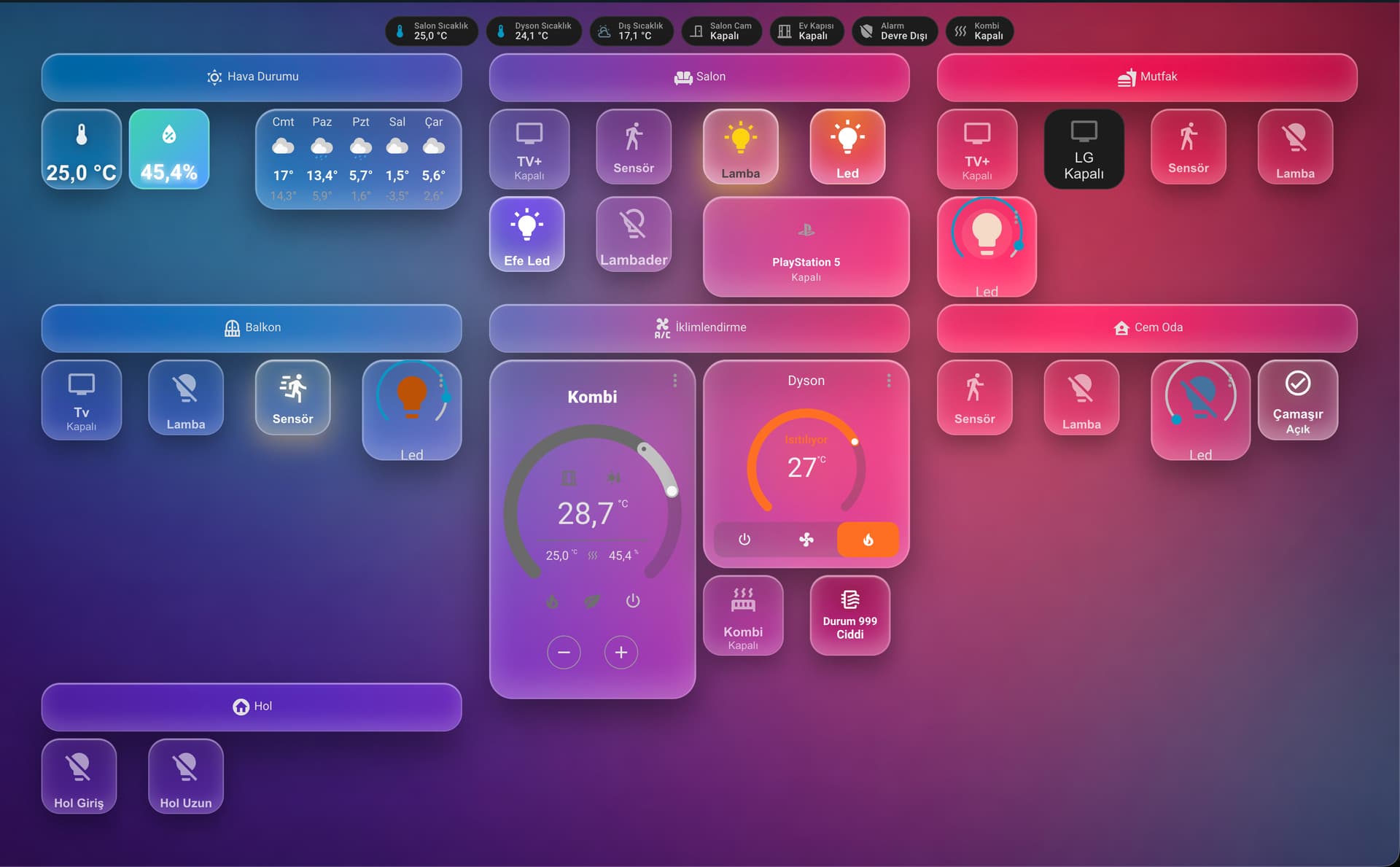
I wanted to share my current Home Assistant dashboard, which I’ve been actively using and continuously refining. This setup is designed with one main goal in mind: making smart home control feel natural, fast, and visually satisfying, not just functional.
Overall Design Philosophy
I went for a modern glassmorphism / liquid-glass inspired UI with soft gradients, rounded cards, and smooth color transitions. The idea was to move away from the “technical control panel” look and create something that feels more like a premium smart home interface you’d actually enjoy looking at every day.
The background gradient adapts nicely to different sections, and each room has its own visual identity without breaking consistency.
Room-Based Structure
The dashboard is organized by rooms:
- Living Room
- Kitchen
- Balcony
- Bedroom
- Hall
Each room section contains only what’s relevant for that space, so you don’t get overwhelmed with unnecessary controls. This keeps interaction fast and intuitive, especially on wall tablets.
Smart Controls & Devices
You’ll find controls for:
- Lights (standard, LED strips, dimmable lights)
- Motion sensors
- Media devices (TV, PlayStation 5)
- Climate systems (Combi boiler & Dyson climate device)
- Doors, alarm status, and washing machine state
The cards are state-aware: colors, icons, and animations subtly change depending on whether a device is on, off, active, or idle. This gives you instant visual feedback without even reading text.
Climate & Automation Focus
Climate control is a big part of this setup:
- Central Combi control card with temperature, humidity, and mode indicators
- Dyson climate card with heating status and target temperature
- Quick-access buttons for critical states (like emergency or high-priority modes)
Everything is designed so that one glance tells you the current situation of the house.
Why I Like This Setup
- Clean but information-rich
- Touch-friendly for tablets
- Easy to expand with new rooms or devices
- Feels more like a product than a dashboard
This dashboard is still evolving, but it’s already become something I genuinely enjoy using daily. If you’re bored of classic HA layouts and want something more visual, modern, and user-experience focused, I hope this gives you some inspiration.
I’m happy to answer questions, share card configs, or discuss ideas for improvement.
Thanks for checking it out! 

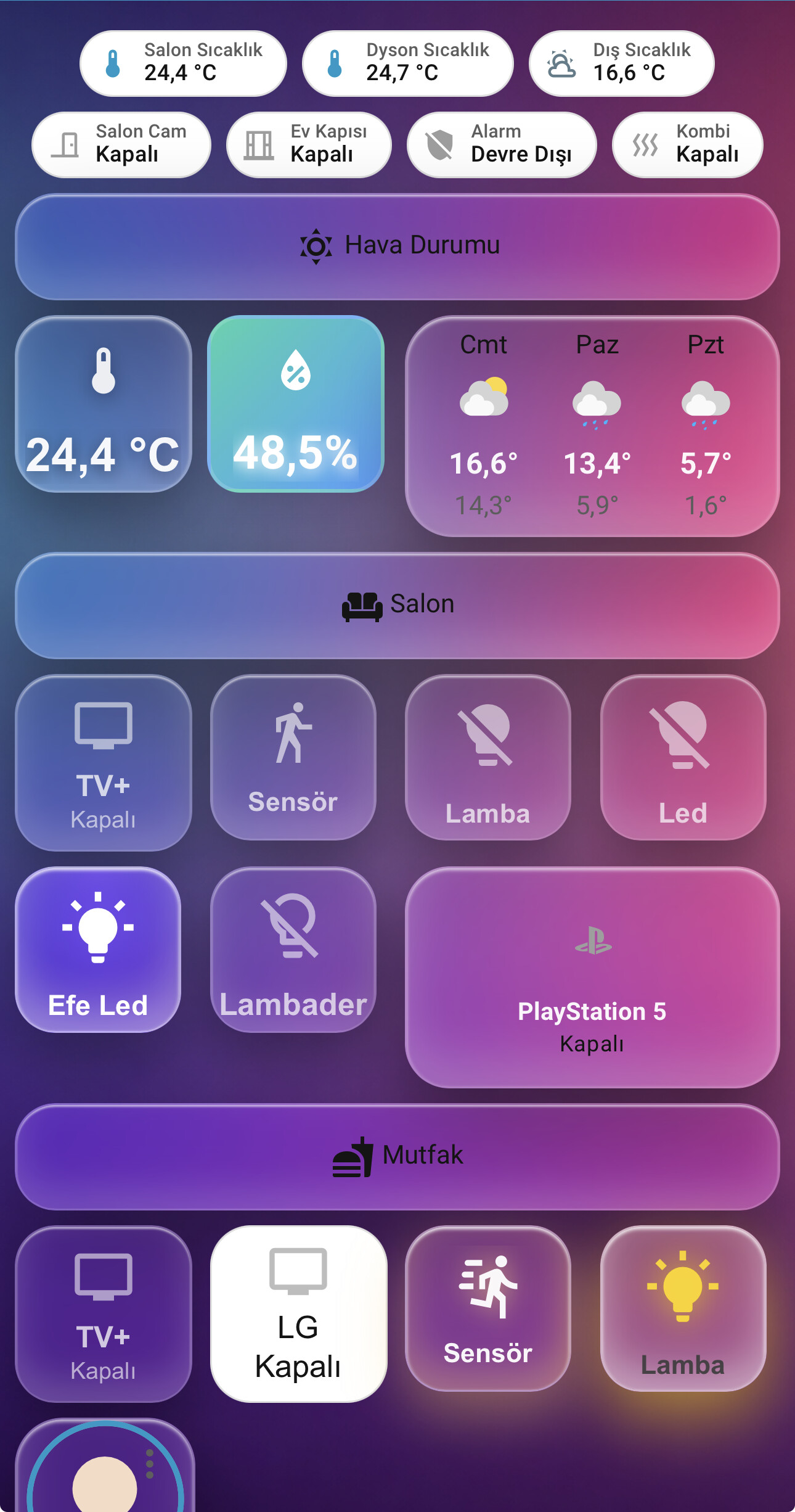


 , And single household
 , my battery, last for days if not a week )