Zemismart M1 Pro Matter Hub with Home Assistant — quick first impressions
I recently tested the Zemismart M1 Pro with Home Assistant and wrote up a full review on my personal blog.
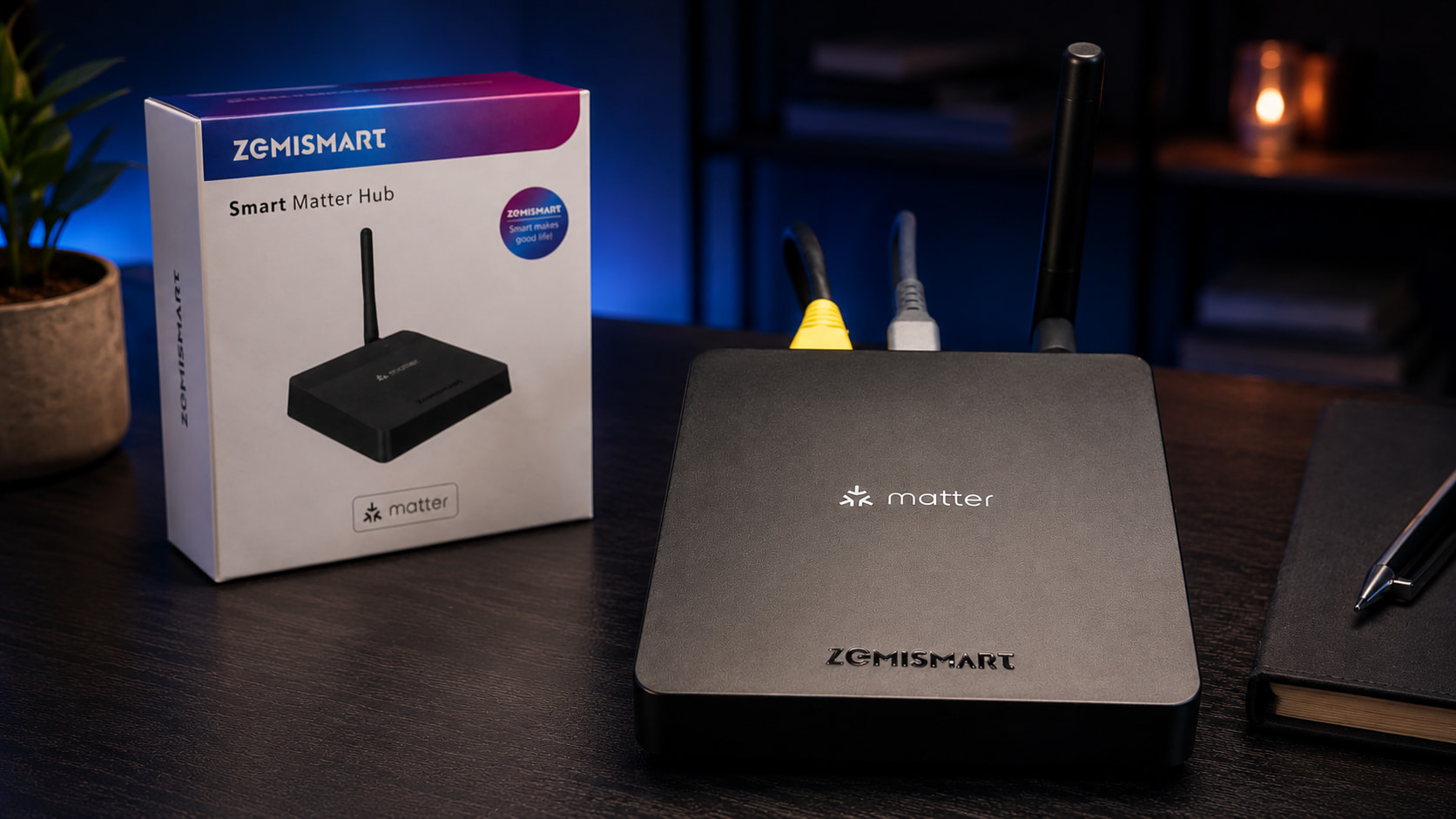
Disclosure: Zemismart sent me the M1 Pro directly for review, but this is not a paid review.
The main reason I was interested in the M1 Pro is that it acts more like a Matter bridge than a traditional Home Assistant Zigbee coordinator. Instead of replacing an existing Zigbee2MQTT or ZHA setup, it is better suited for exposing compatible devices into a Matter-based smart home.
For my setup, I tested it with:
- Home Assistant
- Matter integration
- M1 Pro connected over Ethernet
- Google Home
- Google Nest Hub
- Meross Smart Plug Mini
Initial setup was fairly straightforward. The instructions recommend connecting the hub via Ethernet for first-time setup, which I did. Home Assistant discovered it as a Matter device, but one important point is that you need to add Matter devices through the Home Assistant companion app rather than the web UI.

Once added, the hub appeared inside Home Assistant and exposed supported devices/entities. In my case, a Meross smart plug that had already been added in Google Home became visible in Home Assistant with its available entities.
My main takeaway is that the M1 Pro is not really a replacement for a dedicated Zigbee coordinator if you want deeper Zigbee control and visibility. For that, Zigbee2MQTT or ZHA still make more sense with a dedicated coordinator (I currently use the TubesZB CC2652 P7 Based Zigbee to PoE Coordinator 2023 and it has been rock solid)
Where the M1 Pro does seem useful is device sharing. If you have a mixed smart home with Home Assistant, Google Home, Apple Home, Alexa or SmartThings, a Matter bridge like this can help make supported devices available across multiple platforms without starting again from scratch.
So far, I see it as a useful bridge for people moving towards Matter while still keeping their existing smart home setup.
Full review with photos and setup notes here:
Please Note: some links are external affiliate links and I may earn a small commission for any qualifying purchases made through there - this allows me to keep my website running and to review products, sharing my experience. Please let me know if this is not allowed on the HA community.