Could you please guys explain me why do you still use this card for floating navigation bar? Does it automatically do a copy of an items from original header navigation bar? If not isn’t it better to style original one?
I personally use Bubble Cards and his Horizontal Stack Row Menu which is absolutely killer solution:
- menu items may represent current light state from light entities
- reorder item position by presence/motion sensor activity to first
So basically I’m trying to understand if I missed something or not 
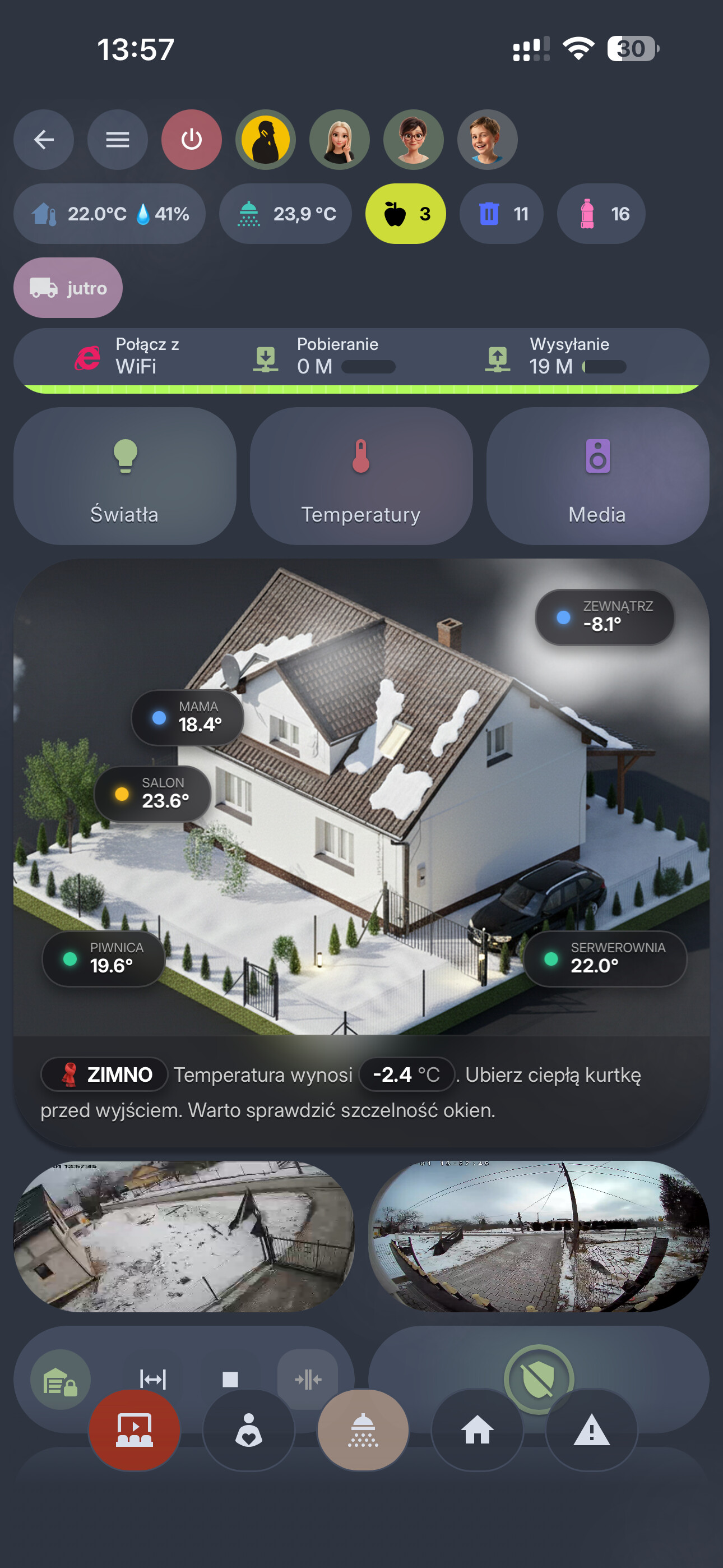
If any of above things can be done easily in navbar let me know please. 