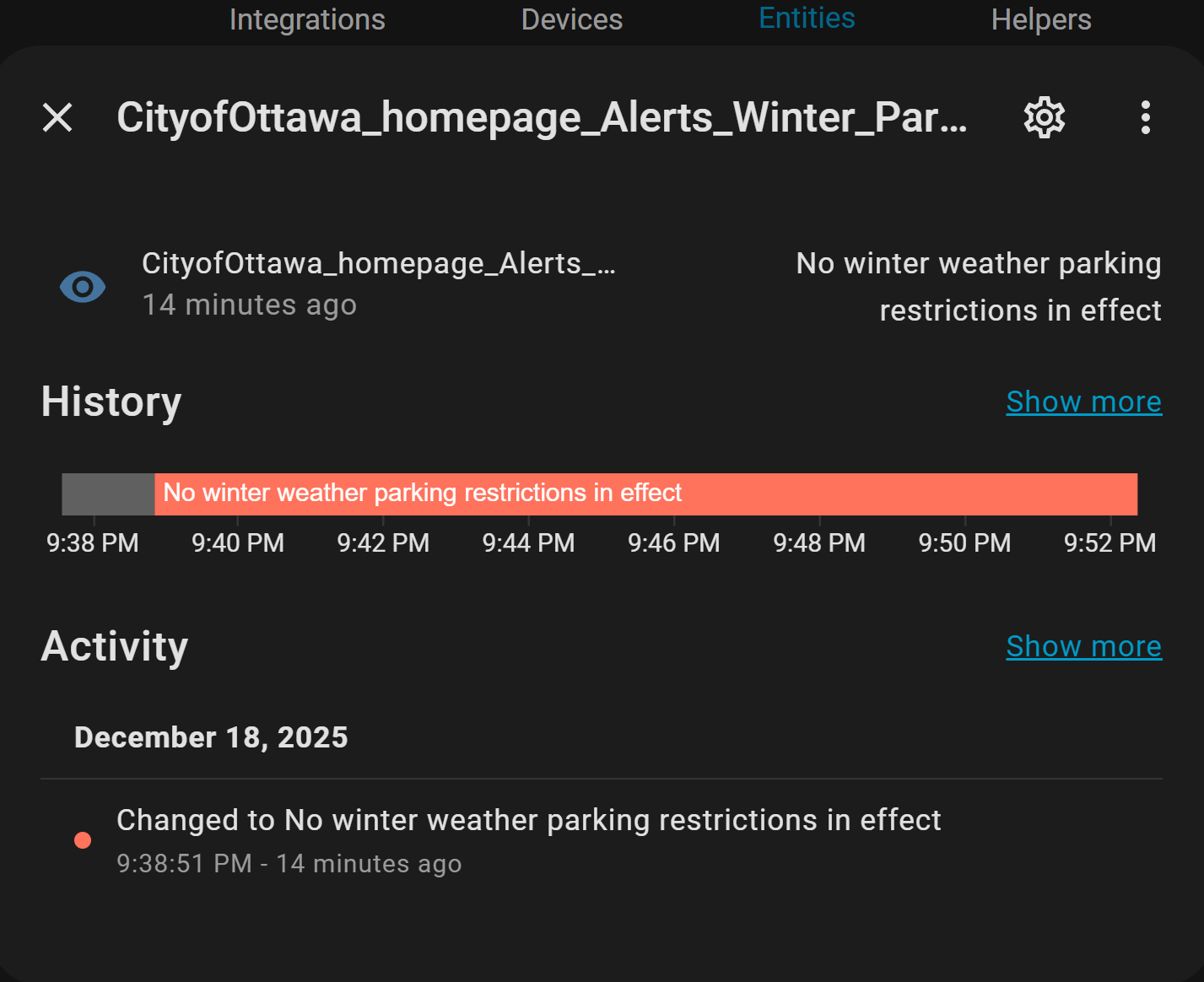
My YAML code as shown below should be pulling sensor data from the site as a Text. I’m getting “unavailable” entity status. Any helpers please? Many many Thanks.
multiscrape:
  - name: City of Ottawa
    resource: https://ottawa.ca/en/parking-roads-and-travel/parking/winter-parking/winter-weather-parking-bans
    scan_interval: 360
    sensor:
      - unique_id: CityofOttawa_homepage_Alerts_Winter_Parking
        name: CityofOttawa_homepage_Alerts_Winter_Parking
        select: "#block-mainpagecontent > article > div > div > div > div:nth-child(3) > div > div > div > div > div > div > div.col-xs-auto.layout__region.layout__region--second > a"
        value_template: "{{ value | trim }}"
Am trying to pull the “No winter weather parking restrictions in effect” Text beside the logo. That text tend to change often to ‘ban in effect’…
Is Beautiful Soup on your holiday coding list? Are you hitting the website too often, and the server is reacting as if you are DDOSing it? Are you sure you need parking updates to the nanosecond? How often do they change?
Have a look and see what the HACS addon code for Waste Collection Schedule has on your municipality for ideas how they extract their data.
Did you wait for 6 minutes (360 seconds) before testing? I copied your code exactly under my multiscrape integration and it just works. Only difference is that I’m impatient and always add the optional button entity to immediately test my setup.
Sure. I had actually removed it after testing, but I readded it now to test again with the same positive results. Here’s the whole thing, a literal copy and paste of your config with the button.
multiscrape:
  - name: City of Ottawa
    resource: https://ottawa.ca/en/parking-roads-and-travel/parking/winter-parking/winter-weather-parking-bans
    scan_interval: 360
    sensor:
      - unique_id: CityofOttawa_homepage_Alerts_Winter_Parking
        name: CityofOttawa_homepage_Alerts_Winter_Parking
        select: "#block-mainpagecontent > article > div > div > div > div:nth-child(3) > div > div > div > div > div > div > div.col-xs-auto.layout__region.layout__region--second > a"
        value_template: "{{ value | trim }}"
    button:
      unique_id: test_ottawa_parking
      name: Test Ottawa Parking
OK, May be my IP, on the way it loads in home assistant when it fetched, not sure where things are going wrong.
It still shows the Unavailable. no matter what i do.
Your IP address may now be blacklisted as a hostile attacker. How do they identify you? By IP address and request header? Cookies stored? Try changing them and see what happens. Check your return codes. What are they sending back? Is the URL valid? Cut-n-paste and see.
Update: I tried that Ottawa url for curiosity. I was rudely confronted with a survey popping in over the web page. Your code will need to allow for that. I’m guessing that is why your data is not being consistently returned.
Are you both in Ottawa (or close)? It could be that local IP’s get the survey popup but others don’t since it isn’t relevant to them? My consistantly successful attempts are coming from the GTA (Oakville).
It might be worth bringing up tis issue in the ha-multiscrape forum thread to see if anyone there can offer a workaround.
I’ve moved on to use ‘scrape’ integration and disabled the option to poll for changes.
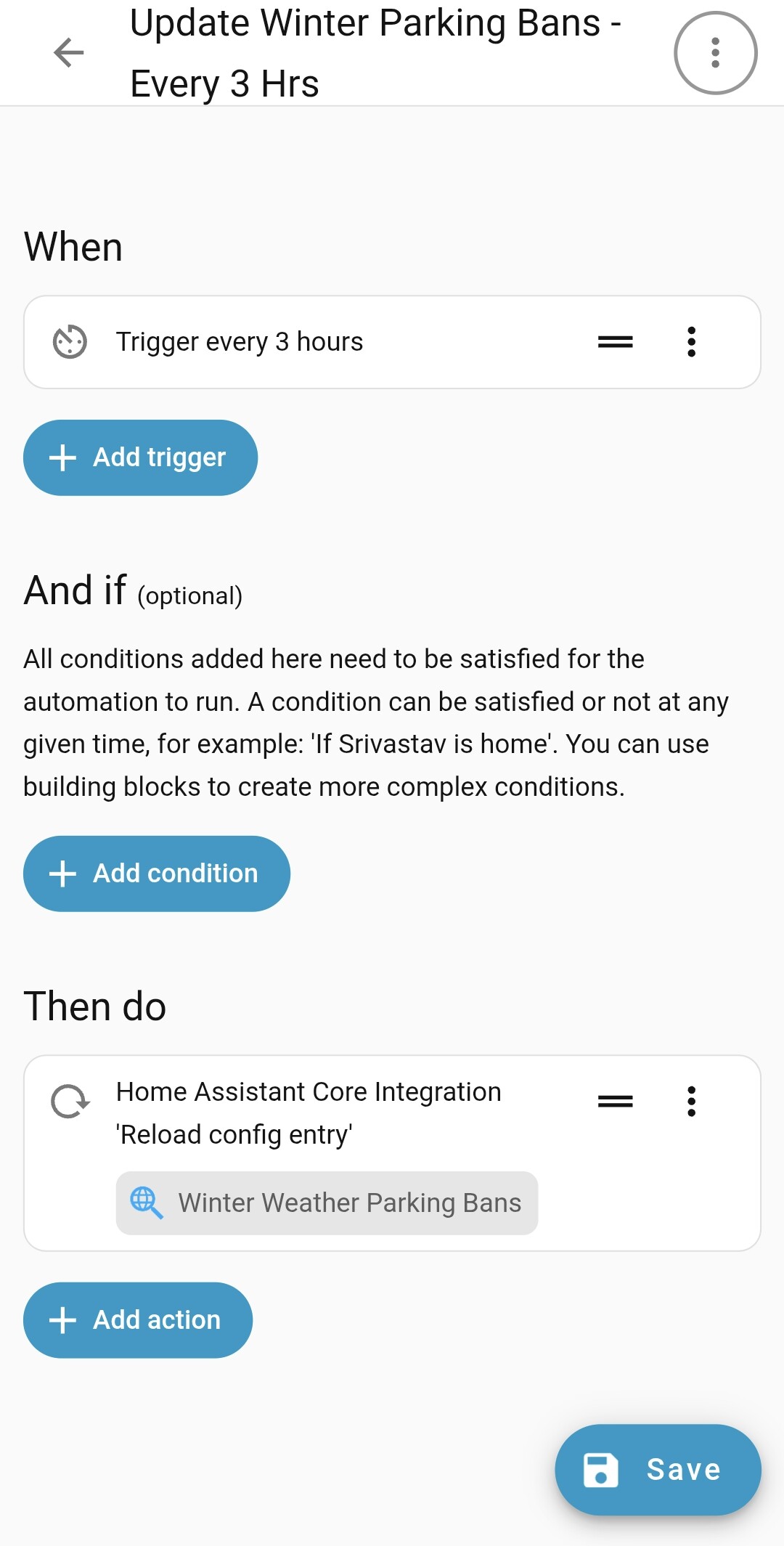
It seems to be working now. Only thing is i had to create a new automation to reload every 6 hrs. Which is not bad.
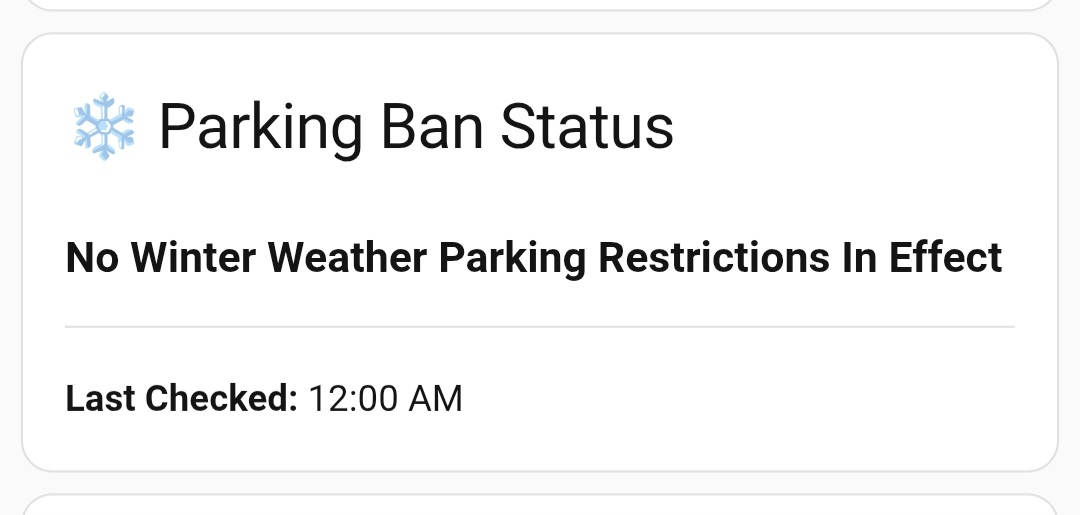
Dashboard…
type: markdown
content: >
  ### {{ states('sensor.winter_weather_parking_bans') | title }}

  ***

  **Last Checked:** {{ (states.sensor.winter_weather_parking_bans.last_updated |
  as_local).strftime('%I:%M %p') }}
title: ❄️ Parking Ban Status