Hi, I installed Home Assistant Operating System on a NUC. NUC is connected to a secondary dedicated router(switch) that is only used for my home automation devices.
Everything works fine, but I can not install Add-on in HA. I think must be some network configuration issue in my routers.
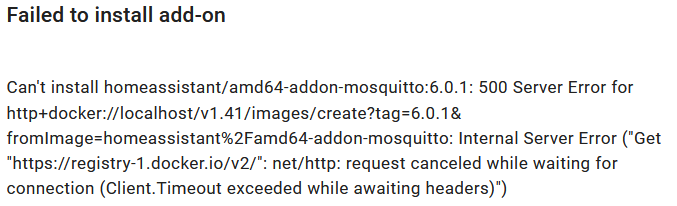
If I try to install any Add-on, I get error in log:
21-08-03 10:52:51 INFO (SyncWorker_4) [supervisor.docker.interface] Downloading docker image homeassistant/amd64-addon-mosquitto with tag 6.0.1.
21-08-03 10:53:06 ERROR (SyncWorker_4) [supervisor.docker.interface] Can't install homeassistant/amd64-addon-mosquitto:6.0.1: 500 Server Error for http+docker://localhost/v1.41/images/create?tag=6.0.1&fromImage=homeassistant%2Famd64-addon-mosquitto: Internal Server Error ("Get "https://registry-1.docker.io/v2/": net/http: request canceled while waiting for connection (Client.Timeout exceeded while awaiting headers)")
Internet access on HA seems to work. Could update HA from 6.1 to 6.2. Also, the weather for example updates, meaning HA is connecting to external weather server.
Main Router Configuration(LAN 10.1.0.x):
Static Routes for 10.10.0.0/16 to be handled by gateway 10.1.0.250(Secondary Router)
Port Forwarding configured for 8123 to 10.1.0.250
Secondary HA Router Configuration(WAN 10.1.0.250, LAN 10.10.0.x):
DHCP Enabled
WAN IP = 10.1.0.250(IP seen on main network)
Router LAN IP = 10.10.0.254
Configure NUC to have IP 10.10.0.200 (via DHCP Reservation)
Port Forwarding configured for 8123 to 10.10.0.200 (to NUC)
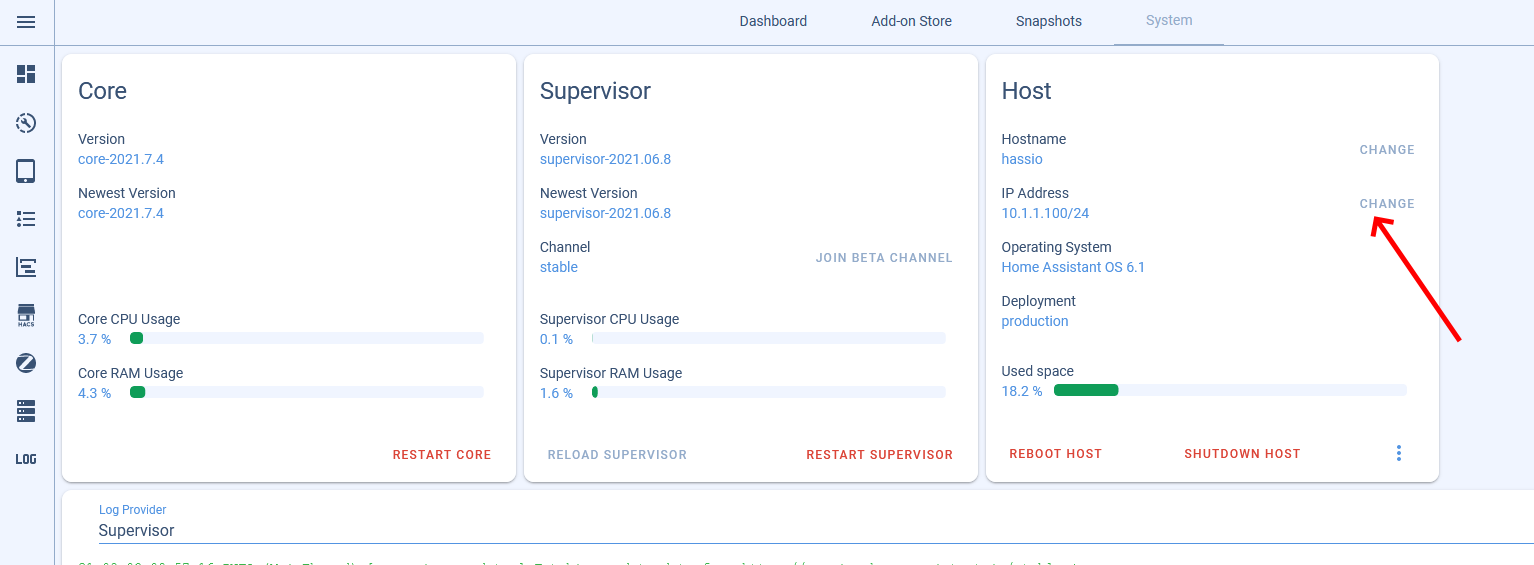
I clicked on the “CHANGE” link, and noticed DHCP was also enabled in HA. I disabled it, and set to static, seeing that my router has DHCP enabled. I rebooted HA NUC. But, still can not install Add-ons.
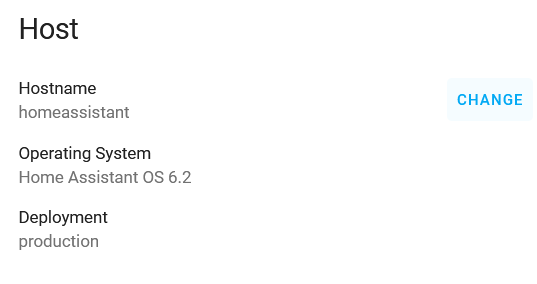
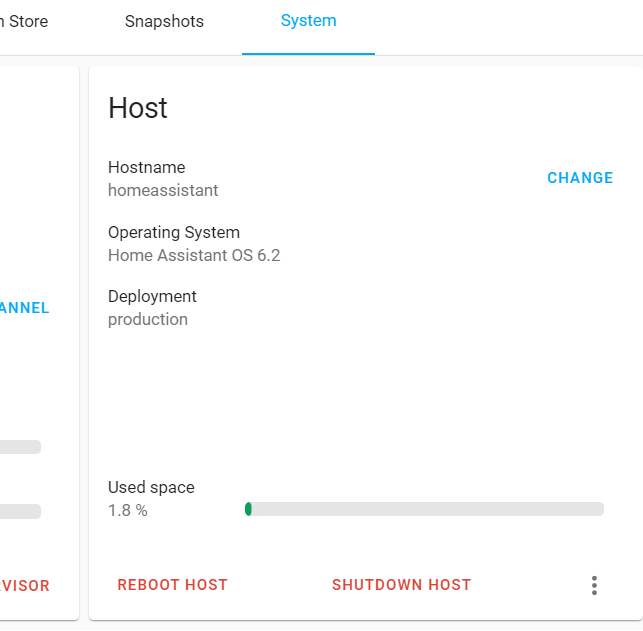
That didn’t go too well. I changed DNS server in HA to IP of primary router = 10.1.0.254. And, now I have the same problem again. And, the “CHANGE” setting next to IP address is missing. So, can not change it back to “8.8.8.8” any more. Any help how to change it back again?
21-08-03 14:19:00 WARNING (MainThread) [supervisor.resolution.evaluations.base] NetworkManager is not correctly configured (more-info: https://www.home-assistant.io/more-info/unsupported/network_manager)
21-08-03 14:19:01 WARNING (MainThread) [supervisor.core] System running in a unsupported environment!
And, as mentioned on top the “CHANGE” link and “IP Address” section is now missing. It obviously did not like the DNS setting I entered. Any idea how to change the DNS setting back to “8.8.8.8” with out the UI ?
HA in your case should use:
IP 10.10.0.200
netmask is not clear from your info gw 10.10.0.250
dns 10.10.0.250 or 10.1.0.254 or 8.8.8.8 (these should all work)
As far as i can see, you used the wrong gateway, ha wouldn’t have a clue where 10.1.0.254 is, as it is not on the same LAN