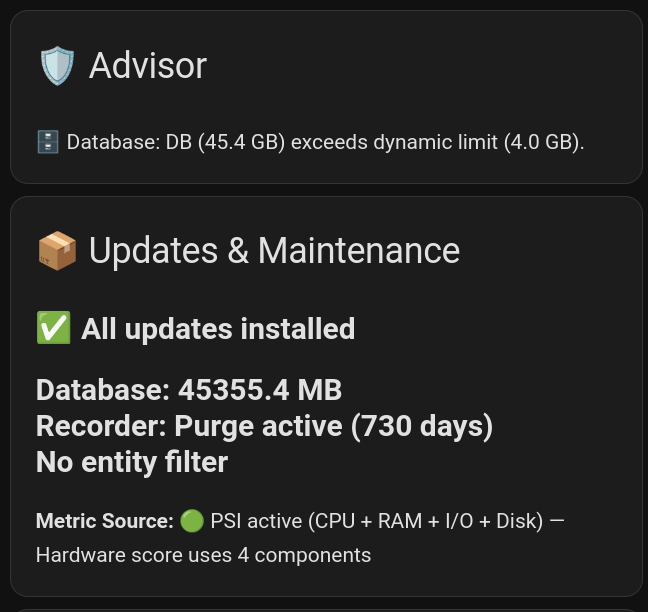
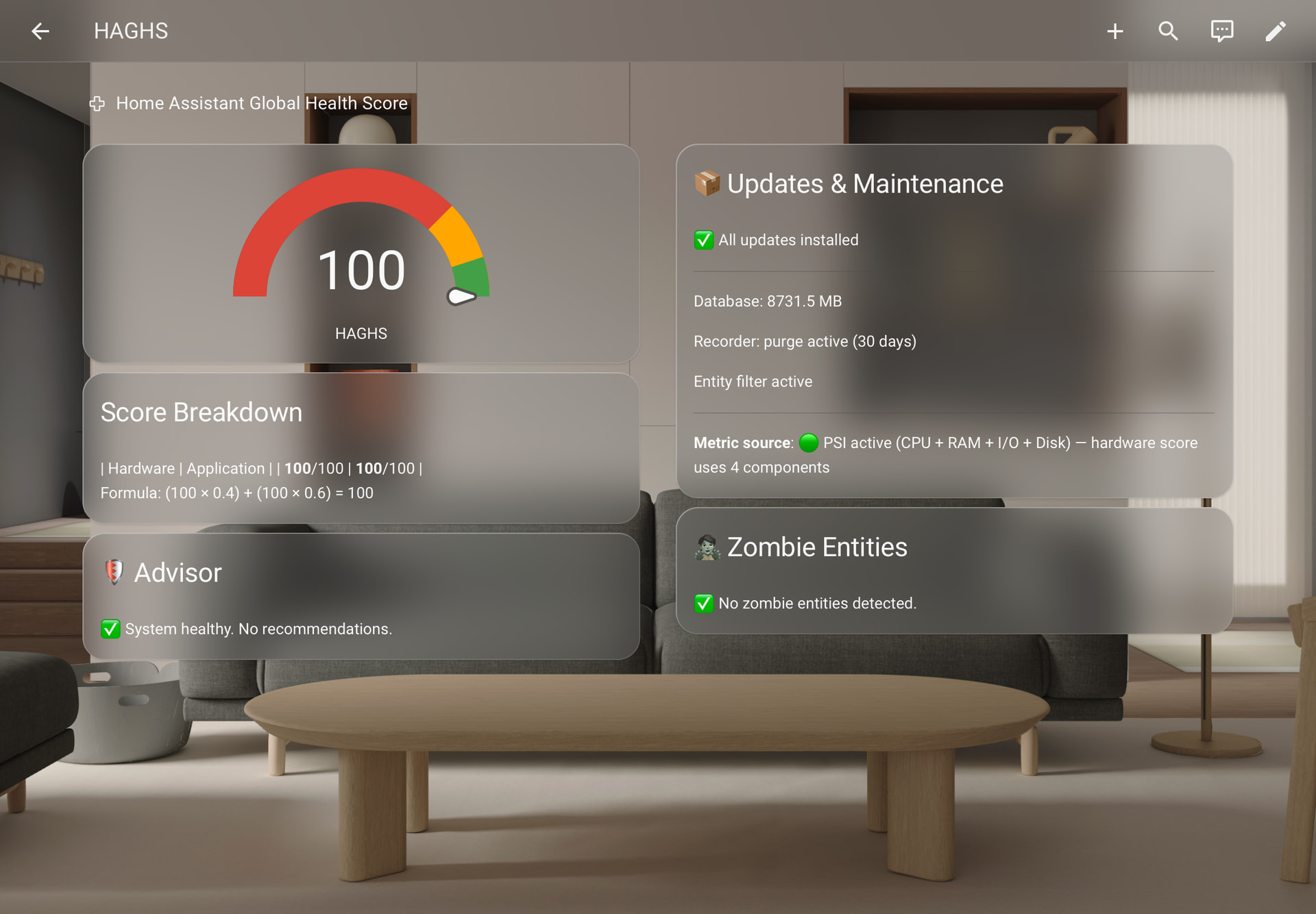
I’m thrilled to announce that HAGHS v2.2 is officially live! A massive amount of architectural work went into this release, and I want to extend a huge thank you to everyone in the community who shared their ideas and feedback. You guys are awesome.
Zero-YAML & Auto-Detection: HAGHS now automatically detects your SQLite database size and disk space.
Linux PSI Integration: We now read Pressure Stall Information directly from the Linux kernel for high-precision measurements. It tracks true hardware bottlenecks (CPU, Memory, and I/O) rather than just simple utilization.
Dynamic Database Limits: The database penalty threshold now automatically scales with your total entity count, making it much fairer for large setups.
Runtime Options Flow: You can easily change your storage type (SD-Card vs. SSD), update intervals, and fallback sensors directly via the UI’s configure button, no reinstall required.
Smarter Hygiene: We implemented a 15-minute grace period for offline entities to prevent false alarms during network drops, and disk penalties now adapt based on whether you use an SD-Card or an SSD.
The update is waiting for you in HACS. Be sure to check out the updated README for the new and improved Lovelace dashboard cards!
exactly, you can safely delete the old haghs template sensors from your templates.yaml, and you can also rip out any old filesize or sql sensors you had in your configuration.yaml for this. the new v2.2 architecture handles all the math, storage tracking and attributes natively in the background now. enjoy
Successfully updated, but it looks like many of the sensors I’ve labelled with the ignore label are still being considered zombies. Have you come across this issue?
Just in case anyone else bumps into this same issue, I had needed to set up a 2nd label when I first configured HAGHS, which resulted in the label ID having _2 appended while the lable name did not. I forgot to update the label ID in the configuration workflow when I upgraded.
This is nice. I’ve installed it and got my number. Pretty nice to see. Similar to systems I have at work. I’ll be talking about this on this weeks podcast for sure. Thank you.
the short version: it monitors your instance health, gives you a single score from 0 to 100, and tells you exactly whats wrong and how to fix it, so problems dont go unnoticed until something breaks.
the long version: visit the repo and read the README for full context.
It’s boring it doesn’t support monitoring of Mysql db when you don’t use the flat sql file by default I have seen in documentation that I should use the sensors of the addon concerned but the Mysql addon doesn’t return any sensor
Totally understand the frustration, the MariaDB addon does not expose a size sensor natively, but you can create one yourself using the built-in SQL integration. Add this to your configuration.yaml :
@denzo Thanks for your message and confirmation there is a way to get size of db although your syntax for it is quite wrong
Here it is and working with current release of ha
sql:
  - name: MariaDB Size
    query: >
      SELECT ROUND(SUM(data_length + index_length) / 1024 / 1024, 1) AS size_mb
      FROM information_schema.tables
      WHERE table_schema = 'homeassistant';
    column: size_mb
    unit_of_measurement: MB
Info: Integrations that can not be activated can also lower the score. But there is no warning in the Dashboard. It also happens if a device is not permanently powered and the integration cannot be activated (e.g. I have a Fire TV Stick, that is only powered by the projector USB if the projector is powered on, so the "Android Debug Bridge" cannot be activated for this device if the projector is off). There should be an option to ignore such devices in integrations just like entites with the label
Hey @Snapjack, its been a while, but i wanted to let you know that the beta for v2.4.0 is out and i adressed half of your issue there (warning in the Dashboard). the second half (option to ignore such devices in integrations) is being worked on right now and should be ready for the v2.4.0 stable release.
Thank you, D.
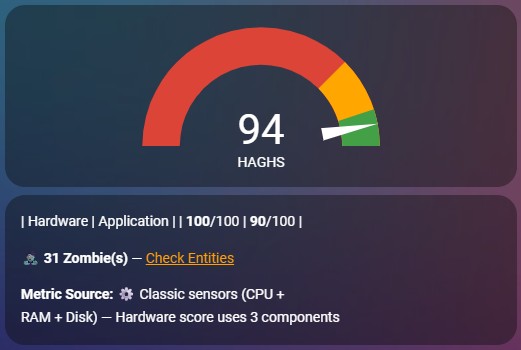


 I have seen in documentation that I should use the sensors of the addon concerned but the Mysql addon doesn’t return any sensor