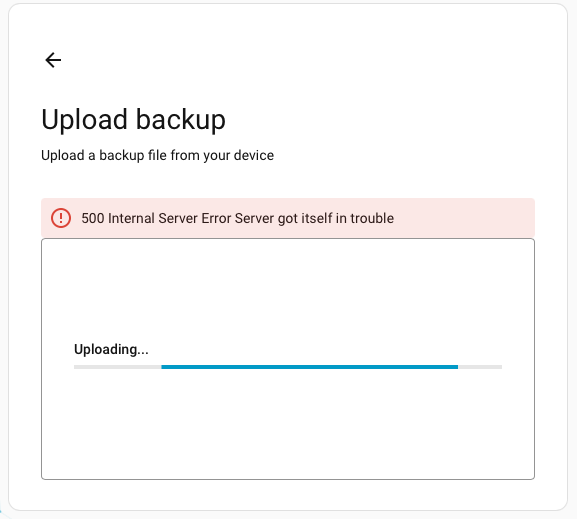
I’m moving my HA node from a Proxmox VM back on to a Pi4. I downloaded the latest automatic backup, installed a clean version of HA on the Pi4’s SSD and I’m now asking it to restore from the backup.
Each time I try to upload from the installer, I get a 500: Server Error The Server got itself into trouble.
Do you try to upload from the initial (onboarding) screen ? That often fails. Go through onboarding (create a user etc…) and once you are in HA, go to settings → system → backup, the 3 dots in the upper right corner, upload backup, then restore from there.
I’m going to try a previous release of HA that I downloaded - rather than the one fetched by the imager. When I was practicing the migration, this one seemed to work.
2025-08-23 16:39:08.425 ERROR (MainThread) [supervisor.backups.backup] Can't validate data for /data/tmp/tmpubmweh1a/upload.tar: extra keys not allowed @ data['docker']['mtu']. Got None
2025-08-23 16:48:57.854 ERROR (MainThread) [supervisor.backups.backup] Can't validate data for /data/tmp/tmp48bef9oz/upload.tar: extra keys not allowed @ data['docker']['mtu']. Got None
This implies that the backup is not in a valid format rather than being corrupt.