bhamilton
(Ben Hamilton)
April 27, 2026, 1:46am
1
I put together a new integration which directly integrates Watts Home / Tekmar radiant heat (HVAC and hot water) thermostats into Home Assistant. This integration currently supports Watts Home / Tekmar 561, 562, 563, and 564 models, but others might work (your mileage may vary).
This is based on the wonderful MQTT gateway by AlbinoDrought (but it doesn’t require setting up a Docker instance or integrate MQTT into Home Assistant).
It works in my home, but I’d love feedback to see if it works for others!
To install, if you haven’t already:
Install HACS
Go to HACS > 3 dots menu > Custom Repositories, add https://github.com/bhamiltoncx/ha-watts-home/, select Integration
Install the Watts Home (Tekmar) integration
Watts Home (Tekmar) heating/cooling thermostat integration with Home Assistant
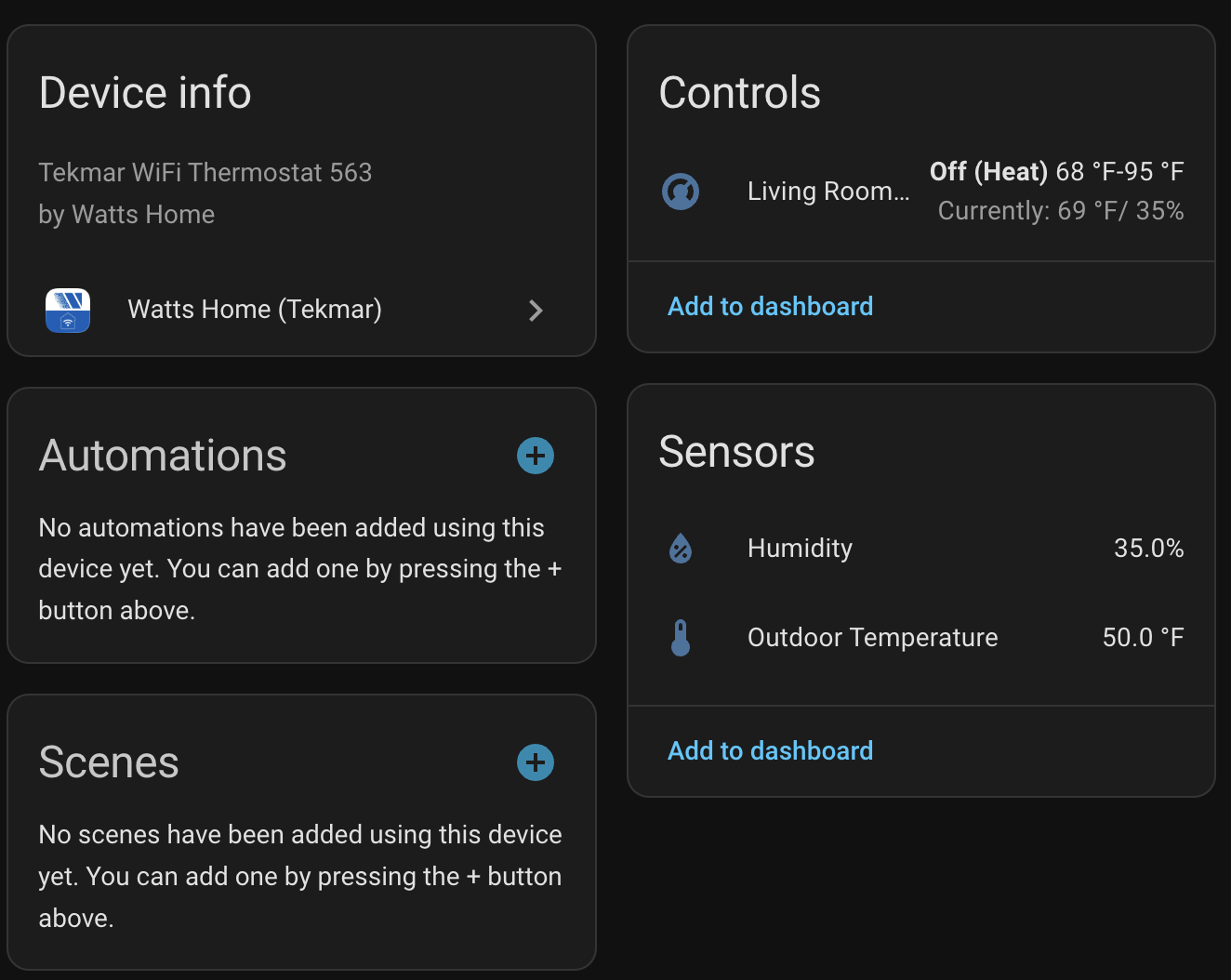
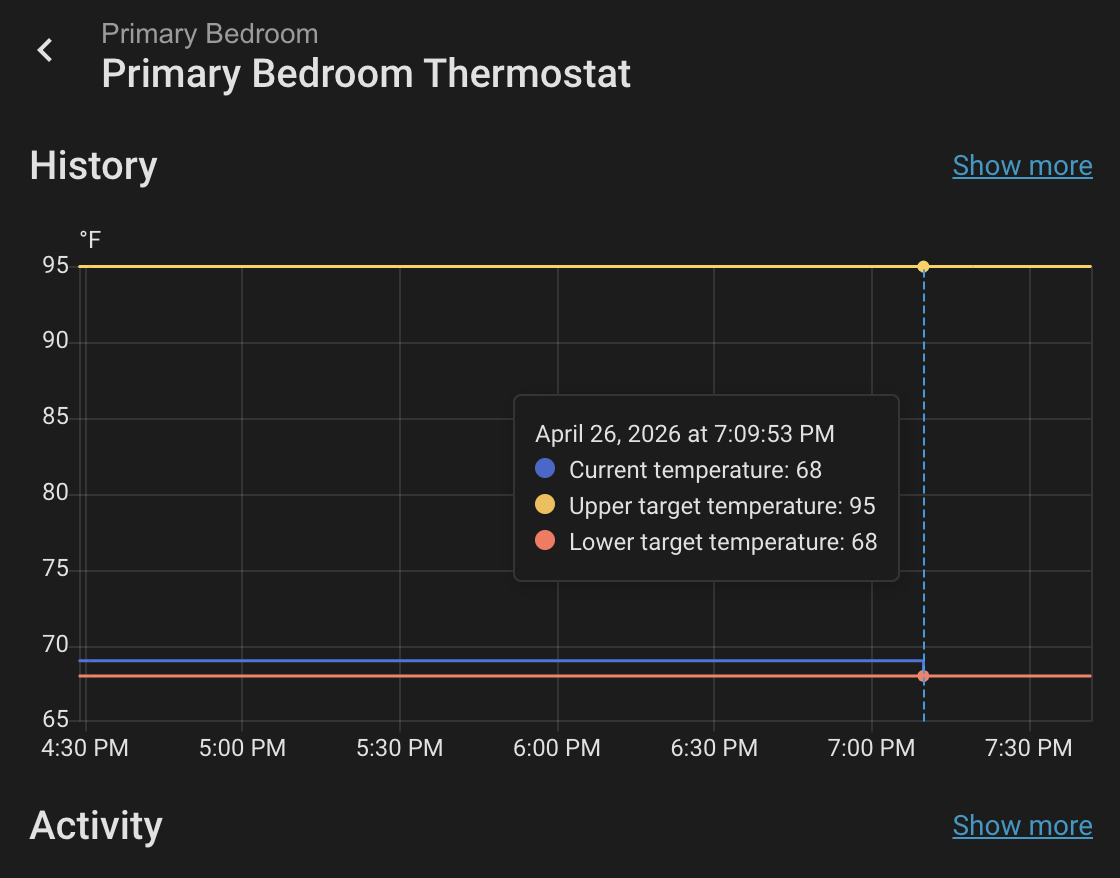
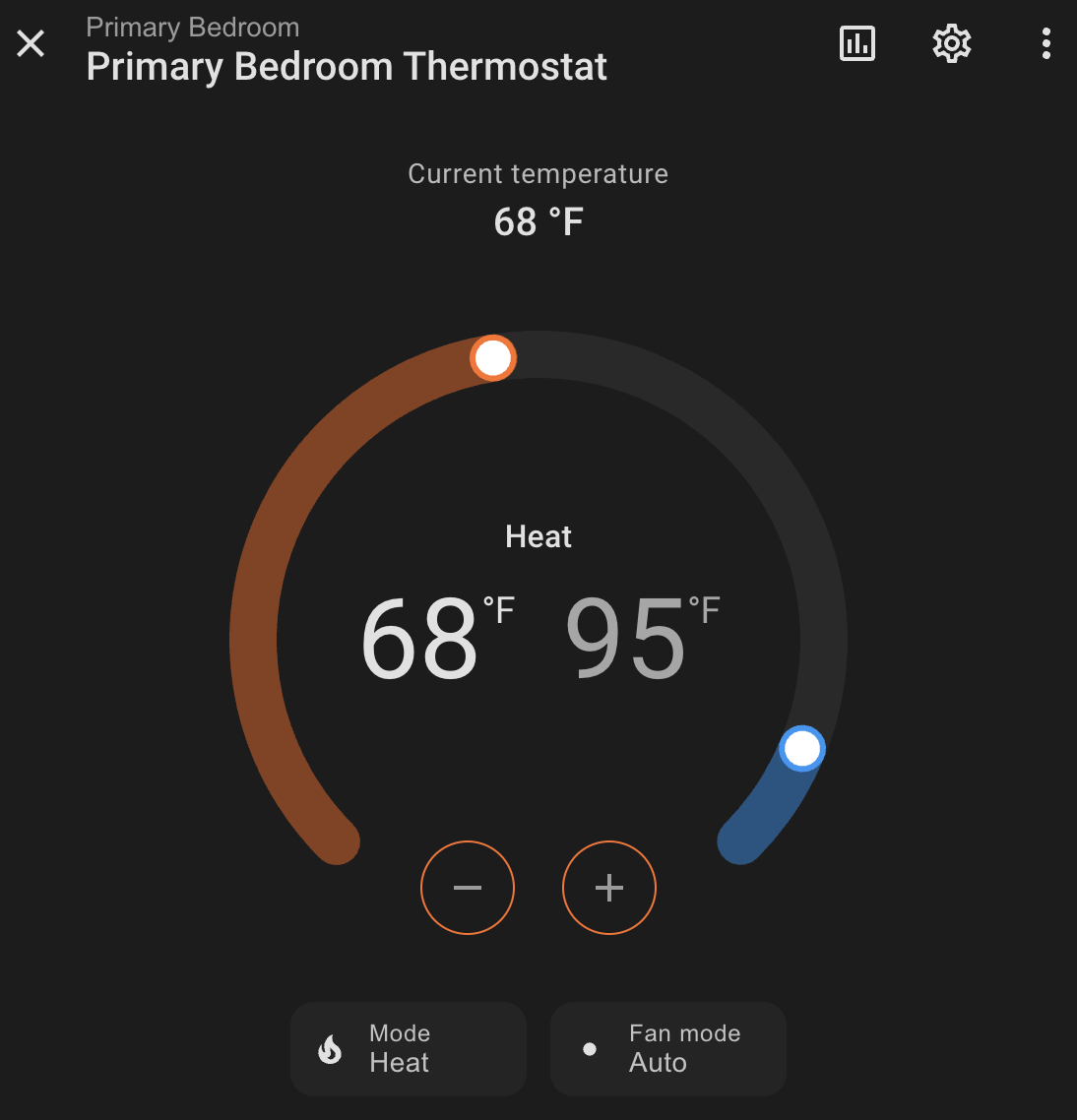
Screenshots:
1 Like
Just installed it for Tekmar 561 - works well, thank you !
Of course, still would be great to add a mode change feature and (can't even dream about it) a local control without using a Tekmar account
1 Like
Works! Thank you so much for making this. I also have the Tekmar561's and seems to work.
1 Like
Any way to get the floor temp sensor into this as well on the Tekmar 561's?
bhamilton
(Ben Hamilton)
June 16, 2026, 8:27pm
5
Yes, I believe Tekmar requires a tekmarNet 486 gateway for this:
https://www.watts.com/products/hvac-hot-water-solutions/controls/control-accessories/486
The individual thermostats just don't have any (documented) interface for local control.
bhamilton
(Ben Hamilton)
June 16, 2026, 8:28pm
6
I got a pull request to add this and other functionality:
main ← salanki:feat/extended-entities
opened 07:07PM - 25 May 26 UTC
## Summary
Adds support for the full range of Tekmar 5xx thermostat capabilitie… s exposed by the Watts Home cloud API — binary sensors, humidifier control, radiant floor heating, energy monitoring, away mode, and emergency heat — along with two correctness fixes for the existing climate entity.
Based on reverse-engineering the Watts Home API and live integration testing against real Tekmar 563 hardware with 14 zones. All write operations are verified with round-trip tests (write → /Refresh → re-read → assert → restore).
## Bug fixes
### Always send both Heat and Cool in temperature writes
The Watts API silently corrupts the omitted setpoint when only one field is sent. For example, sending `{"Settings": {"Heat": 66}}` in Heat mode resets Cool to `Schedule.CoolMax` (e.g. 95°F). The fix always includes both `Heat` and `Cool` (or `HeatHold`/`CoolHold` when schedule is active), echoing the current value for the unchanged field.
### Fix setpoint property mode check
`target_temperature` / `target_temperature_high` / `target_temperature_low` previously checked whether the device *supports* `heat_cool` mode, not whether it's *currently in* that mode. A 562/563 in Heat mode would hide the single `target_temperature` and show the dual high/low controls instead. Fixed to check `self.hvac_mode == HVACMode.HEAT_COOL`.
### Fix `_patch()` empty response body
Some PATCH endpoints return an empty body on success. The previous code unconditionally called `resp.json()`, which would fail. Now tolerates empty responses.
### Fix `async_unload_entry` session leak
Only closes the HTTP session after a successful platform unload.
## New features
### Expanded Pydantic models
Models for API fields not previously captured: `State.Sub`, `Fan.Active`/`Relay`, `Hum` (humidifier), `Schedule` (floor heating), `Energy` (daily/monthly kWh), `Location` (away state). All fields have defaults so existing devices parse without changes.
### Optimistic state updates
`coordinator.optimistic_update()` immediately reflects write operations in entity state via `async_set_updated_data()`, preventing UI snap-back while waiting for the cloud to propagate.
### Post-write `/Device/{id}/Refresh`
After every write, calls the `/Refresh` endpoint to force the thermostat to sync with the cloud before the next poll. Reduces state reflection time from up to 40s to ~5s.
### Binary sensor platform
- **Fan Running** — `Fan.Relay` state (standalone G-terminal circulation, not the HVAC blower)
- **Radiant Heating** — floor temp below occupied setpoint
- **Humidifier Running** — fan relay on with no heat/cool call (heuristic)
- **Cold Weather Shutdown** — `State.Sub == "CWSD"` (diagnostic)
### Humidifier platform
For devices with `Hum.Active == 1`: target humidity, current humidity from RH sensor, action state. Always-on (Watts API has no humidifier on/off toggle).
### Floor Min number entity
Writable occupied floor minimum (`Schedule.Floor.W`) for devices with radiant floor sensors.
### Switch platform
- **Away** — per-location toggle via `PATCH /Location/{id}/State`
- **Emergency Heat** — per-device, sets mode to `Emer`; restores previous mode on turn-off
### Additional sensors
- **Floor Temperature** / **Floor Max** (diagnostic)
- **Heat Today** / **Cool Today** — daily energy kWh (`total_increasing`)
### Other
- Emergency heat mode mapping (`Emer` → switch entity since `HVACMode` has no `EMERGENCY_HEAT`)
- Default poll interval changed to 40s (matches Watts Home app cadence)
- Rename test env vars from `WAHA_*` to `WATTS_*`
## Testing
All integration tests make real API changes, verify via `/Refresh` + re-read, then restore original values:
- Temperature round-trip (both-field write, no corruption of unchanged setpoint)
- Mode switching (Heat → Cool → Auto with setpoint verification)
- Humidity, floor min, away state round-trips
- Verification that all new model fields are present in real API responses
## Test plan
- [ ] Install via HACS, configure with Watts credentials
- [ ] Verify climate entities show correct mode, setpoints, current temp
- [ ] Change a setpoint in HA → verify it reflects in the Watts Home app
- [ ] Verify binary sensors show correct state
- [ ] Verify humidifier entity shows target/current humidity
- [ ] Toggle away switch → verify in Watts Home app
- [ ] Check energy sensors show kWh values
- [ ] Run for 24h, verify no token refresh errors
I asked for a few fixes, but if the author doesn't implement them, I'll go ahead and do it myself.
haNube
June 22, 2026, 1:29am
7
Possibly I wasn't clear enough about the mode change - I was talking about a possibility to change between Home and Away modes...
bhamilton
(Ben Hamilton)
July 19, 2026, 4:31pm
8
Got it. This is now implemented in release 1.0.1 thanks to salanki’s work which I adapted. The integration now exposes a single switch switch.{name}_away which enables the Away mode on all thermostats in the home when toggled on.
haNube
July 29, 2026, 11:39pm
9
Thanks for letting me know !