I’ve been trying to get the best I can from location tracking but after todays failure it shows I’m still not there yet,
I want to use my/my partners location to disable home security and turn some things on when we get near home and also when we enter the home.
So far I have got my phone with the companion app tracked on GPS, I have a home zone, a high precision zone extension, I have a WiFi tracker integration and I’m running Nabu Casa as well. I’m also running some door logic which helps massively to stop false “away” triggers if the phone drops off the WIFi.
It seems to function reasonably well if I go out and travel a reasonable distance - I have Node Red message me when I leave or enter the zone which is interesting as it shows where it picks me up.
However, today I only walked round the local shop which sadly is at the end of my garden in map terms. Home zone does not cover it and I have tried to keep it tight, just enough to cover the random GPS jitters. I’m basically walking round the edge of the zone sort of, and the system does not seem to like fluctuations in home and away. The extended zone has my phone in precise mode nearly all the time in that area.
What would be the next step to improve things - I did read something about BLE beacons or something but I’m not sure how to implement or if it even helps??
Any suggestions here would be greatly appreciated, thanks.
If you enable the BLE transmitter in your phone via the HA companion app, then a Bluetooth interface on your HA server or in an ESPHome device can capture the packets via the iBeacon Tracker integration. Alternatively carry an Apple or third-party iBeacon gizmo on your keyring.
Some smart watches transmit on fixed BLE MAC addresses and the HACS BLE passthrough integration will generate events which can be picked up by a trigger-based template entity. Sadly Fitbits are a bit flaky in this regard.
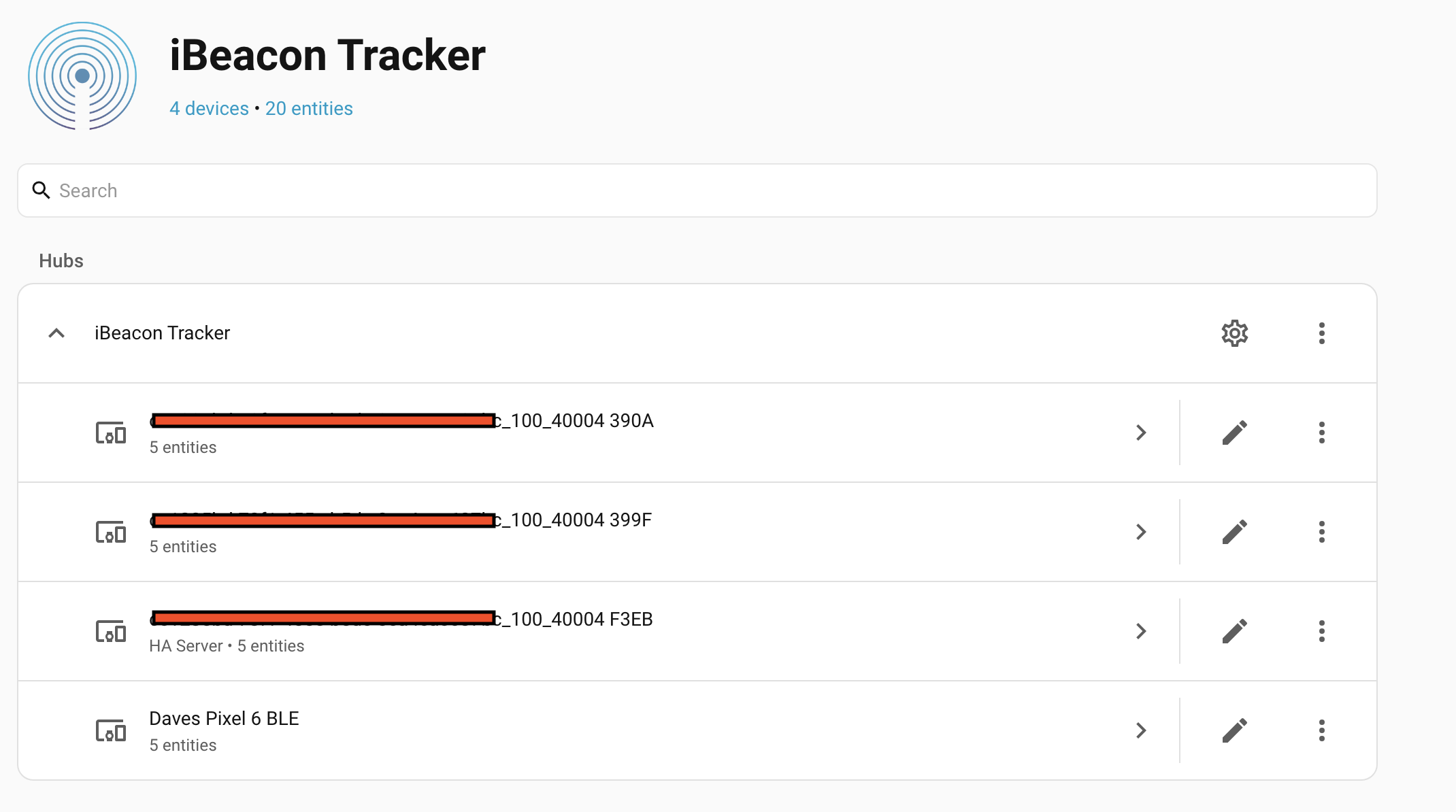
I think its sorted - I discovered a message asking if i wanted to setup an iBeacon tracker so I followed it and its created the tracker now so added it to my person entry.
No idea if this will help but I doubt it will make it worse lol
In testing it out the tracker showed “Home” in HA, I turned off bluetooth on my phone and almost instantly it showed “Away” - good so far, however, it’s been turned on for about 10 minutes now and still not showing “Home”
No idea what to do here - i rebooted HA in a fit of desperation, it returned with two “Home” devices which seemed odd, after about 6 - 10 minutes, both devices changed to “Away” despite the phone sitting here next to me.
I can’t see any help on Google so apart from deleting it all what can I try here??
Anyone can spook a ble beacon code, they can capture yours off the airwaves and then replay it, it’s just a number. May not be the best approach to turn off a security system, unlock doors, etc…
A better practice is to install a BLE beacon, have your phone scan for it and then have the HA app update your location. This follows the same path as your phone sending GPS location.
I use that method at home also.
I have a beacon hidden outside, when I arrive at the home zone the phone starts listening for the beacon.
When they get in contact range the phone (HA actually) sends a command to open.
Having spent most of the day, I am no nearer getting it working; I have switched the ESP32 to be an iBeacon, I can see it in my phone bluetooth list so it is transmitting.
In the companion app I have beacon monitor turned on and it shows the UUID if I choose to filter.
Regardless of the filter, the HA server mobile_phone.beacon_monitor just shows “Monitoring” and nothing more.
I have Googled it and tried adding the Min & Major id’s to the beacon but no change.
Its a Pixel 6 Android phone - is there something I have missed? I didn’t think it would be this hard for sure.
The app and beacon have been restarted many times.
Last info - if i look at phone.beacon_monitor in developer_tools-states. I can see the beacon in the attributes list, with the correct UUID, MIN & MAX values.
I have no idea what to do with this data - all i need is a device_tracker entity to add to my person for presence detection surely???
How do i get and attribute into a device_tracker???
Well, I won’t know if i’ve done it until tomorrow as I’m away at present but either way this is a convoluted, messy fix i think.
Using the power of google and a lot of CGPT I have now created a binary sensor that tracks the beacon monitor state from the device, then an automation to create an device_tracker from the binary sensor, the tracker should then go into the person setup.
Seems very messy to me and a pain when i add other peoples phones too.
Is there really no integration that can handle all this malarky for me and just convert the beacon attribute into a tracker?