 Nimbus Weather Card
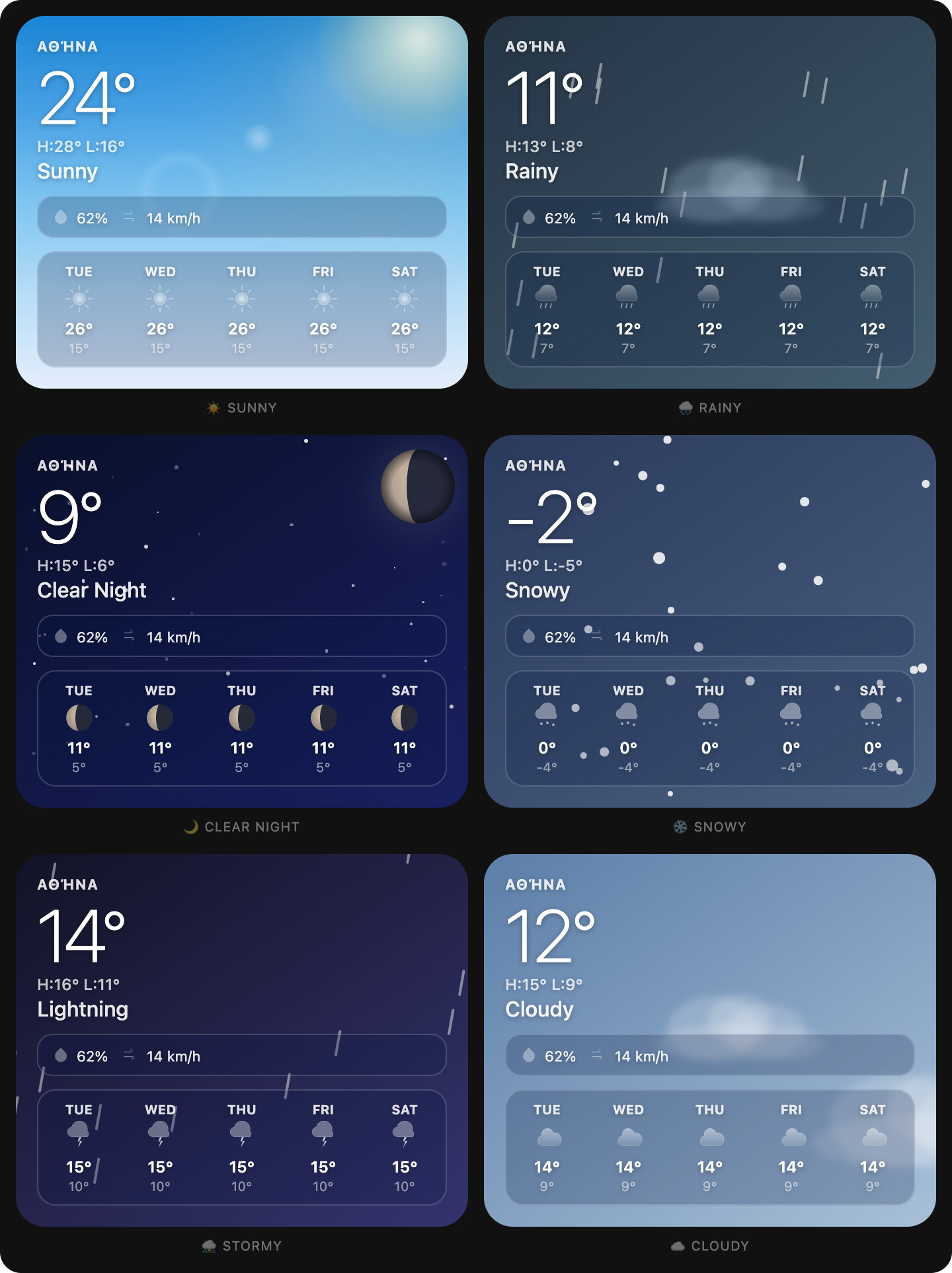
A beautiful, Apple Weather‑inspired custom card for Home Assistant with smooth particle effects, dynamic backgrounds, and full moon phase support.
 Features
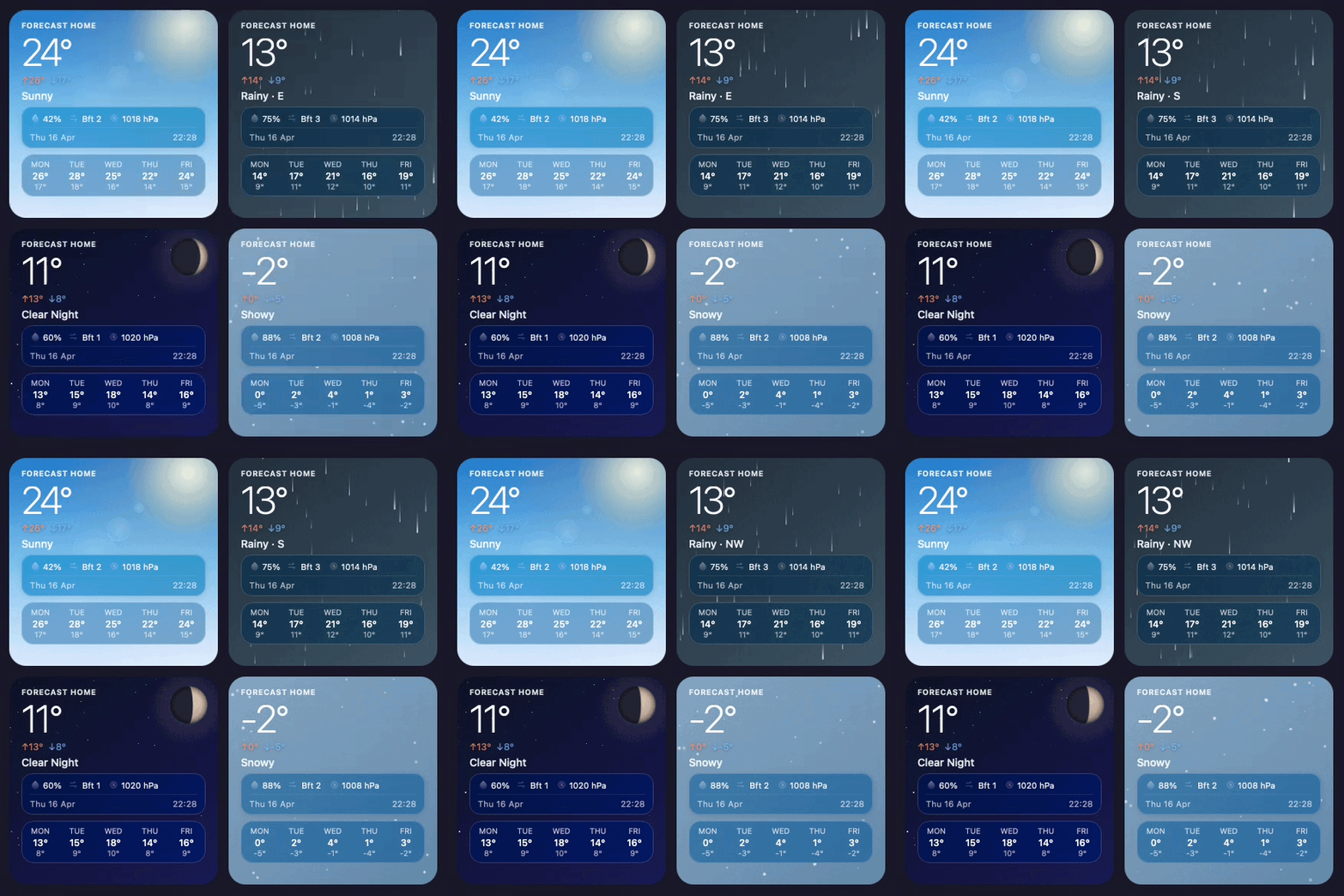
- Stunning visuals – gradient backgrounds, floating particles (rain, snow, fog, clouds, wind, lightning)
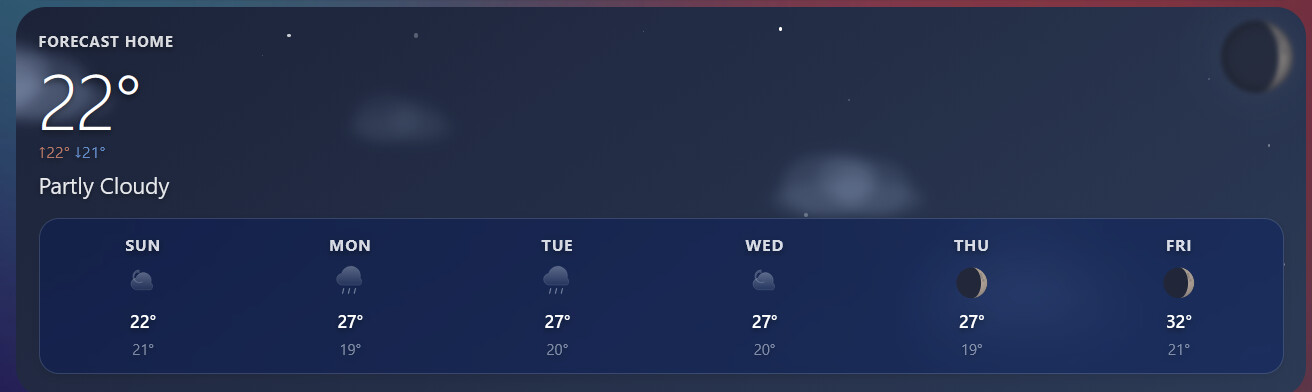
- Dynamic day/night – automatically switches between sun/moon, starry sky, and colour‑shifting gradients
- Moon phases – renders realistic waxing/waning moons with craters (requires
moon_entity) - Feels‑like temperature – shows apparent temperature when available
- Smart units – automatically converts wind speed (
mph,m/s→km/h) and temperature (°C/°F) - Accessible – ARIA label, keyboard focus, high‑contrast text shadows
- Optimised performance – debounced updates, icon caching, hardware‑accelerated animations
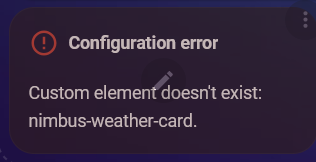
 Installation
Manual
- Download
nimbus-weather-card.js - Place it in your
www/community/nimbus-weather-card/folder - Add the following to your Lovelace resources:
resources:
  - url: /local/community/nimbus-weather-card/nimbus-weather-card.js
    type: module
 Configuration
Minimal
type: custom:nimbus-weather-card
entity: weather.home
Full options
type: custom:nimbus-weather-card
entity: weather.home                      # required
name: "Athens"                            # optional – display name
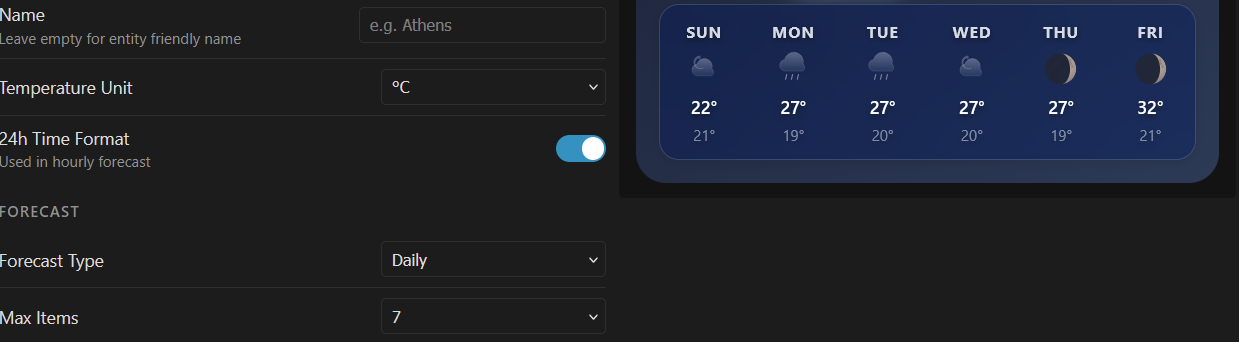
forecast_type: daily                      # "daily" or "hourly"
max_items: 7                              # number of forecast days/hours
show_forecast: true                       # show/hide forecast strip
show_details: true                        # show/hide humidity/wind/pressure
show_feels_like: true                     # show/hide feels‑like temp
temperature_unit: C                       # "C" or "F"
use_24h: true                             # 24h format for hourly forecast
animation_speed: 1                        # multiplier (0 = off, 2 = double speed)
sun_entity: sun.sun                       # for precise day/night detection
moon_entity: sensor.moon_phase            # for realistic moon phases
Detailed options table
| Option | Type | Default | Description |
|---|---|---|---|
entity |
string | required | Your weather entity ID |
name |
string | friendly_name | Custom header text |
forecast_type |
string | daily |
daily or hourly |
max_items |
number | 5 |
Max forecast items |
show_forecast |
boolean | true |
Show forecast strip |
show_details |
boolean | true |
Show humidity, wind, pressure |
show_feels_like |
boolean | true |
Show “Feels like” temperature |
temperature_unit |
string | C |
C or F |
use_24h |
boolean | true |
24h time for hourly forecast |
animation_speed |
number | 1 |
Speed factor for all animations |
sun_entity |
string | null | e.g. sun.sun for accurate day/night |
moon_entity |
string | null | e.g. sensor.moon_phase for moon phases |
 Moon entity
For beautiful moon phases you need a moon sensor.
Install the Moon Integration and set:
moon_entity: moon.moon
The card expects phase names like new_moon, waxing_crescent, first_quarter, full_moon, etc.
 Sun entity
To get exact sunrise/sunset times and elevation‑based sun colours, add:
sun_entity: sun.sun
If omitted, the card falls back to a simple hour‑based day/night detection.
 Examples
Simple daily forecast
type: custom:nimbus-weather-card
entity: weather.openweathermap
max_items: 5
Night‑optimised with moon
type: custom:nimbus-weather-card
entity: weather.home
sun_entity: sun.sun
moon_entity: moon.moon
show_details: false
Fahrenheit + mph wind
type: custom:nimbus-weather-card
entity: weather.weatherkit
temperature_unit: F
# wind speed will automatically use mph if the weather entity provides it
 Notes
Notes
- The card automatically respects your Home Assistant unit system for wind speed (
mph,m/s,km/h) – no extra config needed. - Lightning bolts and screen droplets appear only during rainy/stormy conditions.
- Star count and cloud opacity adapt to the weather condition.
- All animations can be slowed down or disabled with
animation_speed: 0.
 Troubleshooting
| Issue | Solution |
|---|---|
| No moon shown | Add a moon_entity (see above) |
| Feels like missing | Check if your weather provider supplies feels_like or apparent_temperature |
| Forecast not updating | Verify forecast_type matches your weather platform (some only support daily) |
| Particles too heavy | Set animation_speed: 0 to disable all animations |
 Credits
Inspired by Apple Weather and the amazing Home Assistant community.
Moon crater SVG originally from Vecteezy, adapted for dynamic sizing.
 If you like this card, consider giving it a star on GitHub!
 Support
If you enjoy Nimbus Weather Card, you can buy me a beer!

or scan:



 Pending inclusion in HACS default store — add as a custom repository for now:
 Local sensors panel
 Links
Links .
.

 Wind-aware rain
 Beaufort scale
 Clock option
 Hi/Lo visibility fix
 Performance