Hi everyone,
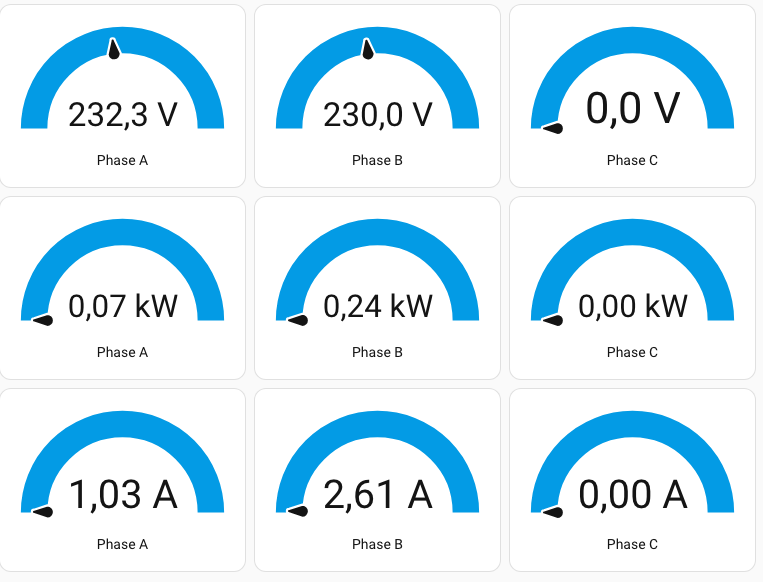
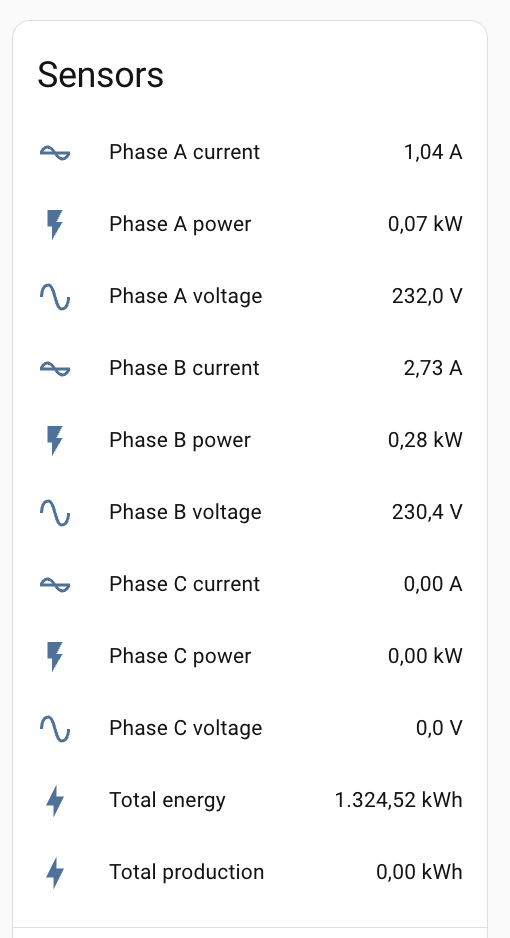
I've installed smart meter devices which measures voltage, power, and current, via tuya integration. In the dashboard I'm getting values for all entities of the device:
Goal: Display historical data of the entity sensor.3_phase_wifi_smart_meter_phase_c_current.
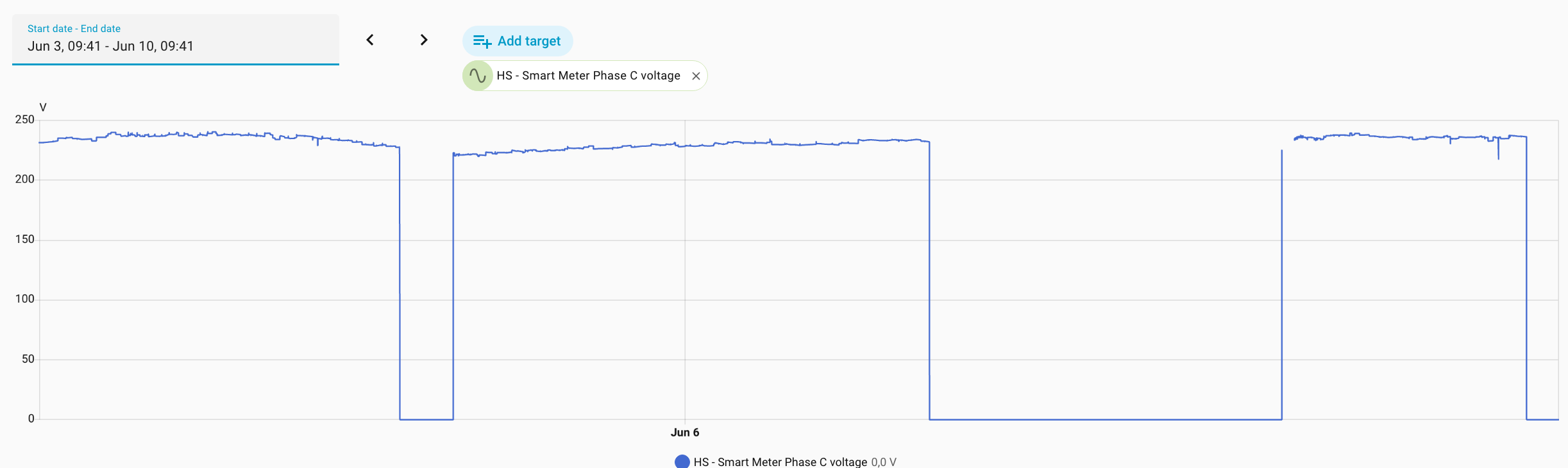
Reason: The circuit is shutting down repeatetly, and I hope to see according data.
What I did so far:
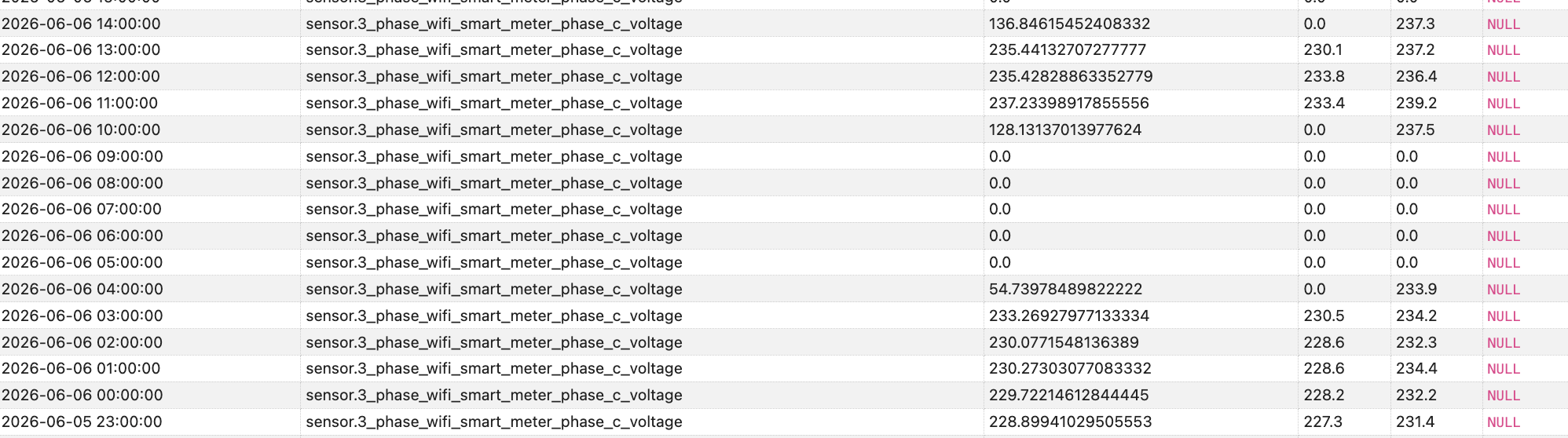
I queried the DB (SQLite Web Add-on) for another entity of the same device (voltage):
SELECT
  datetime(st.start_ts, 'unixepoch', 'localtime') AS time,
  sm.statistic_id,
  st.mean,
  st.min,
  st.max,
  st.state
FROM statistics st
JOIN statistics_meta sm ON st.metadata_id = sm.id
WHERE sm.statistic_id = 'sensor.3_phase_wifi_smart_meter_phase_c_voltage'
ORDER BY st.start_ts DESC
LIMIT 1000;
The same query for a different entity (current) of the same device:
SELECT
  datetime(st.start_ts, 'unixepoch', 'localtime') AS time,
  sm.statistic_id,
  st.mean,
  st.min,
  st.max,
  st.state
FROM statistics st
JOIN statistics_meta sm ON st.metadata_id = sm.id
WHERE sm.statistic_id = 'sensor.3_phase_wifi_smart_meter_phase_c_current'
ORDER BY st.start_ts DESC
LIMIT 1000;
I suggest trying with the HA built-in tools rather that trying to forensically determine how the database is designed and making conclusions off of that.
I did give you a couple of links that tell you how to make sure data is in the database and how to see it.
@Sir_Goodenough, I don't understand, what you want more from me.
As you can see from the first screenshots I've send, I used as a first step History to retrieve the values and was wondering why they are not showing up. Next step was accessing the DB with SQLite Web since Recorder is suggesting
[...] The default, and recommended, database engine is SQLite which does not require any configuration. The database is stored in your Home Assistant configuration directory (’/config/’) and is named home-assistant_v2.db . For details on the database structure, including available tables and columns, see the Database documentation. [...]
While I understand the requirement for a structured question and the necessary research, which I did, throwing two links for standard documentation over the fence is not really help. If you don't want or can help - fair enough.
I can say, having HA since 2021 heavily in production, I have a fair understanding what's going on under the hood. But I'm probably still scratching the surface. Hence, my request for support from the people who know what's going on in depth.