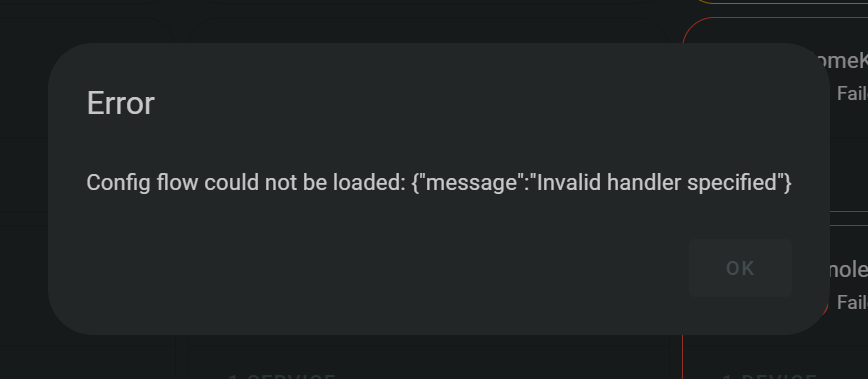
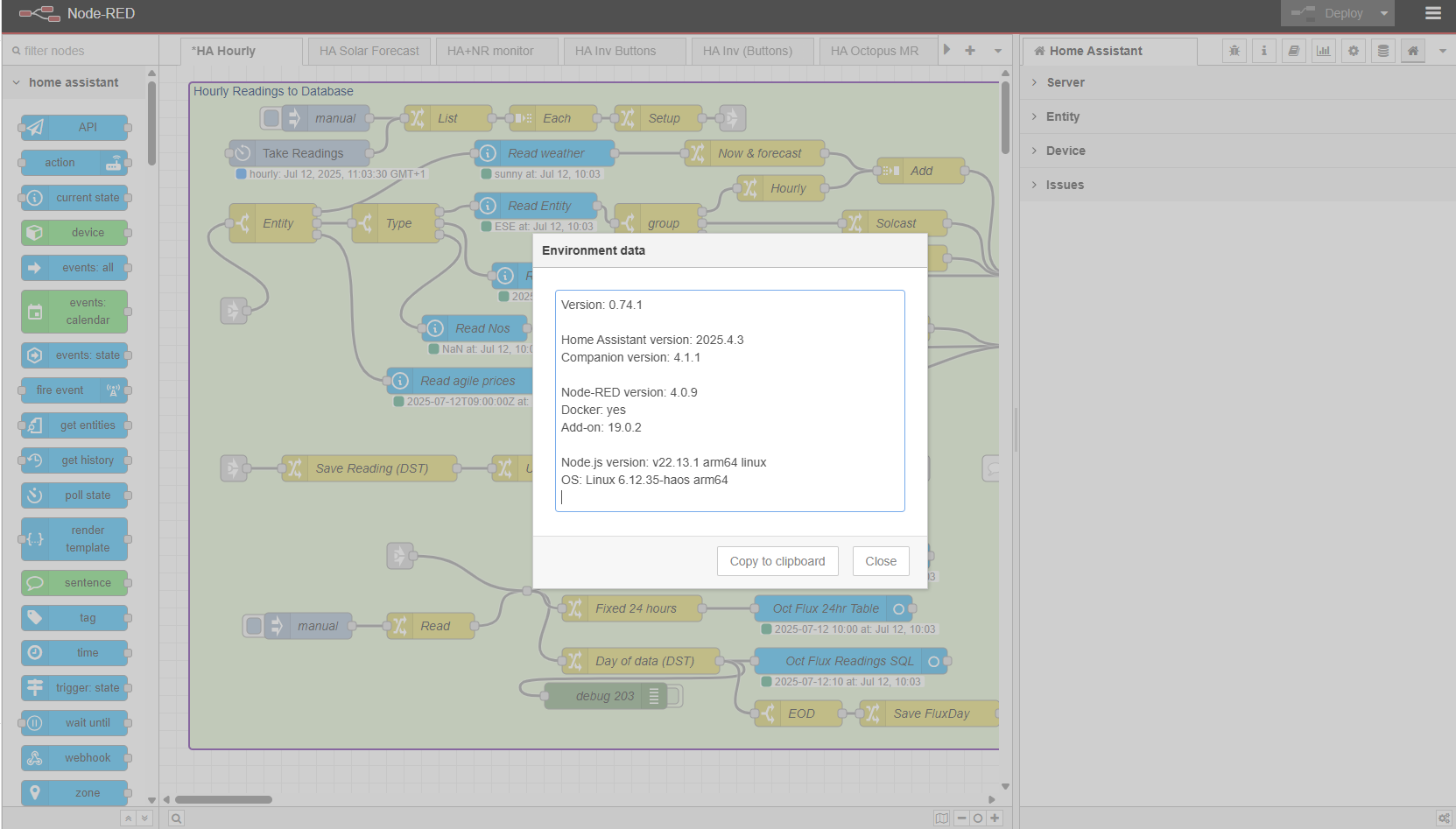
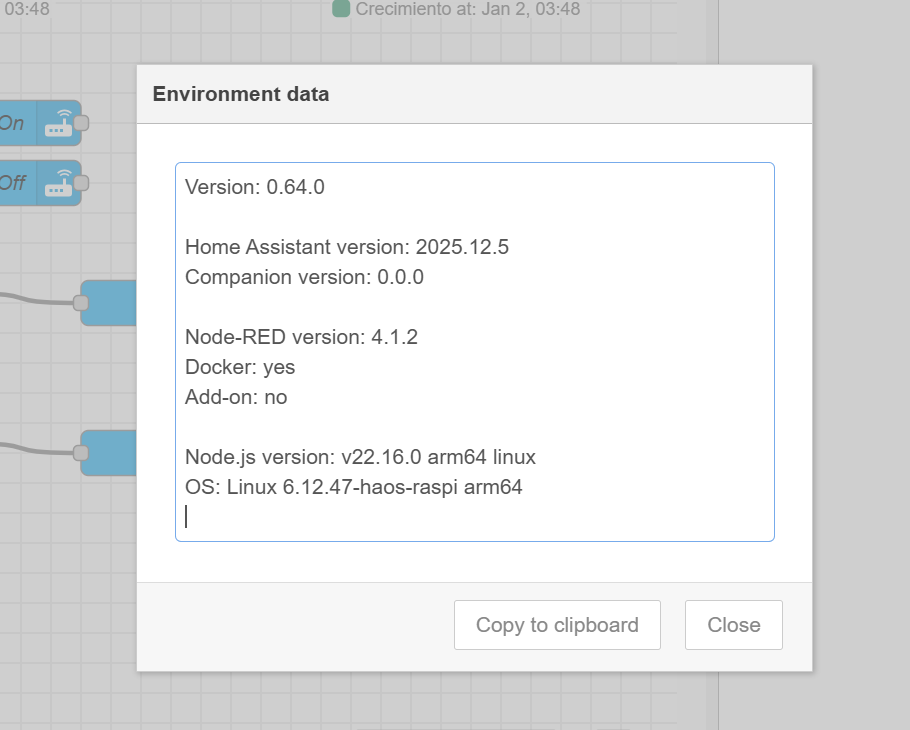
The Companion (Node-RED Companion integration) has a dependency on the HA version. The reverse also applies → if you update HA then the Companion may also need updating. Version 4+ has a breaking change on HA from 2024.5. If you are still running Node-RED Companion on v3+ then yes it is likely to complain.
I have just updated everything, and the latest versions are:
HA Websocket nodes - 0.77.1
HA core - 2025.7.1
HA Node-RED Companion 4.1.2
Node-RED add-on 20.0.0
Version: 0.77.1

Home Assistant version: 2025.7.1
Companion version: 4.1.2

Node-RED version: 4.0.9
Docker: yes
Add-on: 20.0.0

Node.js version: v22.16.0 arm64 linux
OS: Linux 6.12.35-haos arm64
A full machine restart required to ensure a clean reboot of HA and Node-RED and (after dealing with a couple of ‘_2’ entities) all appears to be in full working order.
Version: 0.80.3

Home Assistant instances: 2
Server: ff8a17debdab7d91
Home Assistant version: 2025.12.5
Companion version: 4.1.3
Server: 9c455fb81b6d9bb3
Home Assistant version: 2025.12.5
Companion version: 4.1.5

Node-RED version: 4.1.2
Docker: yes
Add-on: 20.2.4

Node.js version: v22.16.0 arm64 linux
OS: Linux 6.12.51-haos arm64
The Home Assistant WebSocket nodes (which sit inside Node-RED, and are updated in the NR palette manager) connect with the Node Red Companion (which sits inside Home Assistant as an integration) and are co-dependent, and also dependent on Node-RED, Node.js, and Home Assistant.
The latest (as I write this) versions are:
Node-RED 4.1.2 [need at least 4.1+]
Node.js 22+ [18 or 20 may do but 22 is the latest]
Home Assistant 2025.12.x
HA WebSocket Nodes 0.80.3
Node Red Companion 4.1.5
Try removing the existing nodered folder in custom_components, and replacing it with the latest version, then restart HA.
You will also have to update your HA WebSocket nodes otherwise they will not load and start on Node-RED startup. You will have to update your nodes to the new schema, and deal with all the update issues that will arise.