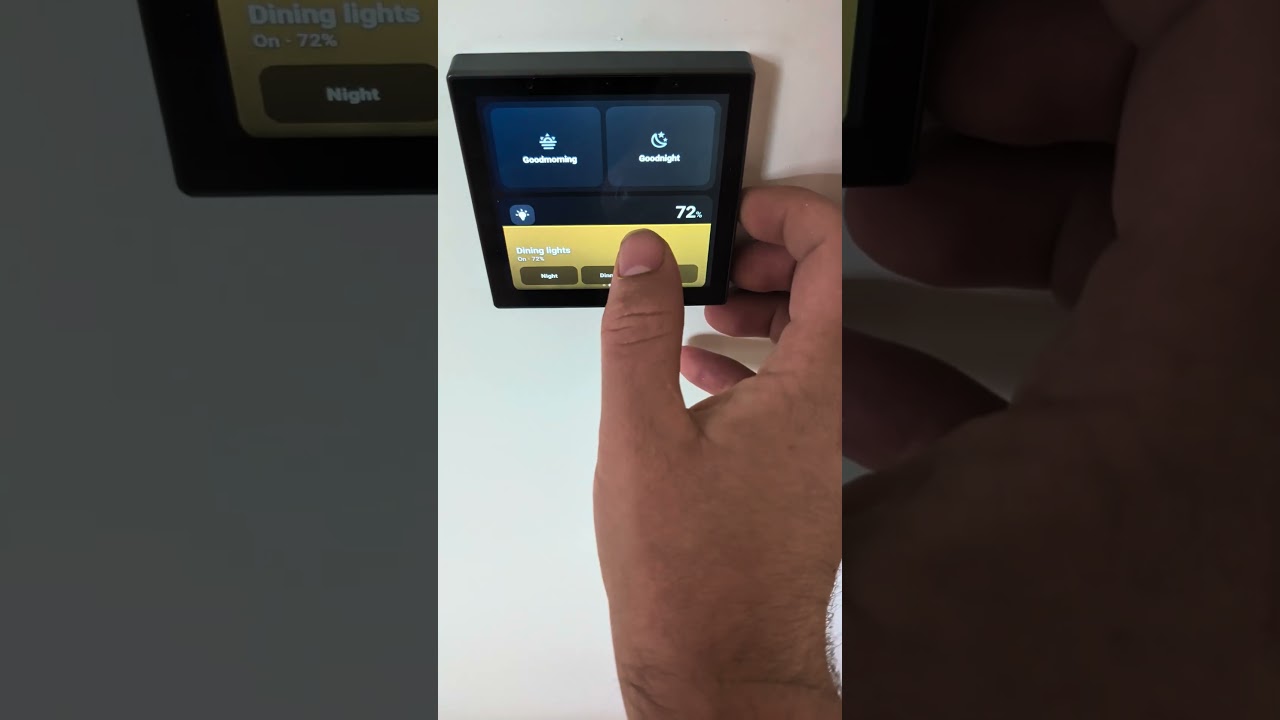
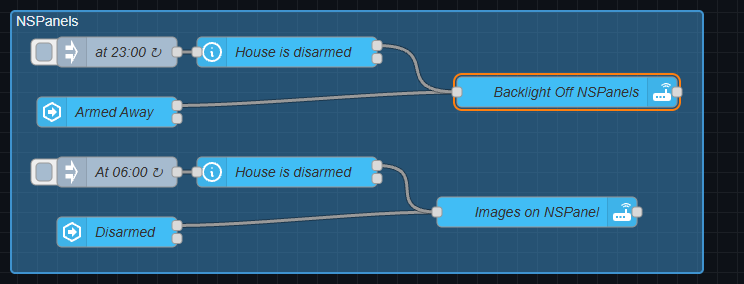
I bought a Sonoff NSPanel Pro 86 for the dining room and spent the first weeks being slightly annoyed by it. Sonoff’s own firmware is a walled garden, and every Home Assistant route I tried came down to a browser on a 2018-class SoC: the companion app in a WebView, kiosk browsers, the popular card packs made for phones. They all work. None of them felt smooth. Sliders lagged behind the finger, animations stuttered, and tap targets designed for a hand-held phone are small on a wall at arm’s length.
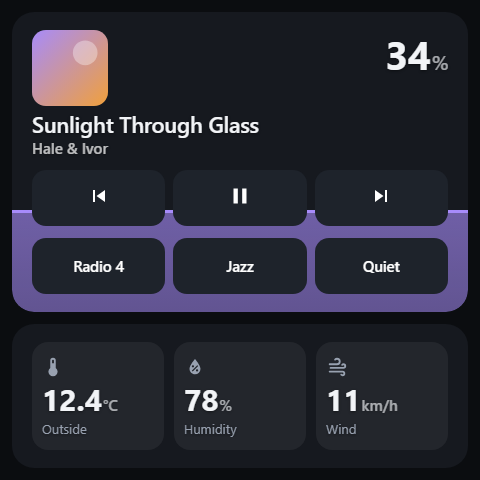
I am a Flutter developer by day, and the panel is just an Android 8.1 device with a 480×480 screen, a Rockchip PX30 and a Mali-G31. So I stopped fighting the browser and built two things that share one config.
1. NSPanel Cards (HACS)
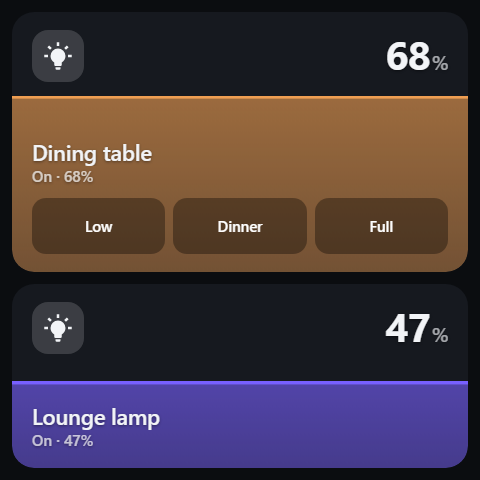
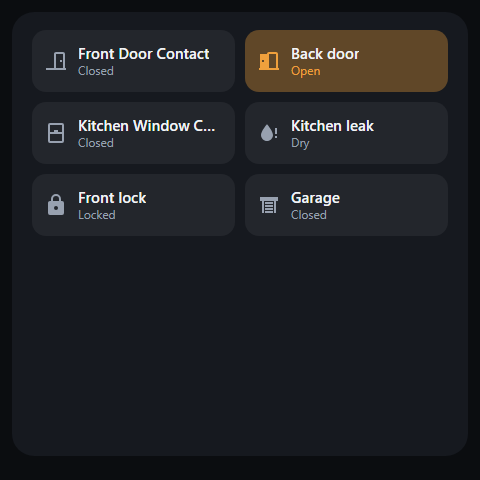
A set of Lovelace cards designed for exactly this panel: a square 480×480 canvas, big drag surfaces, no continuous animation, and everything tuned to the frame budget of that GPU. They run in any browser, so the same dashboard also looks right on a phone or tablet.
[light, climate, status images]
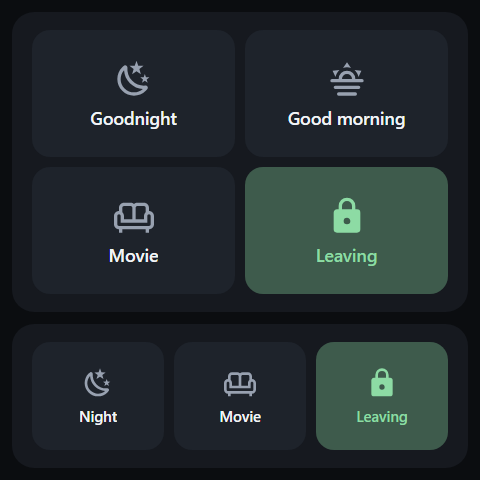
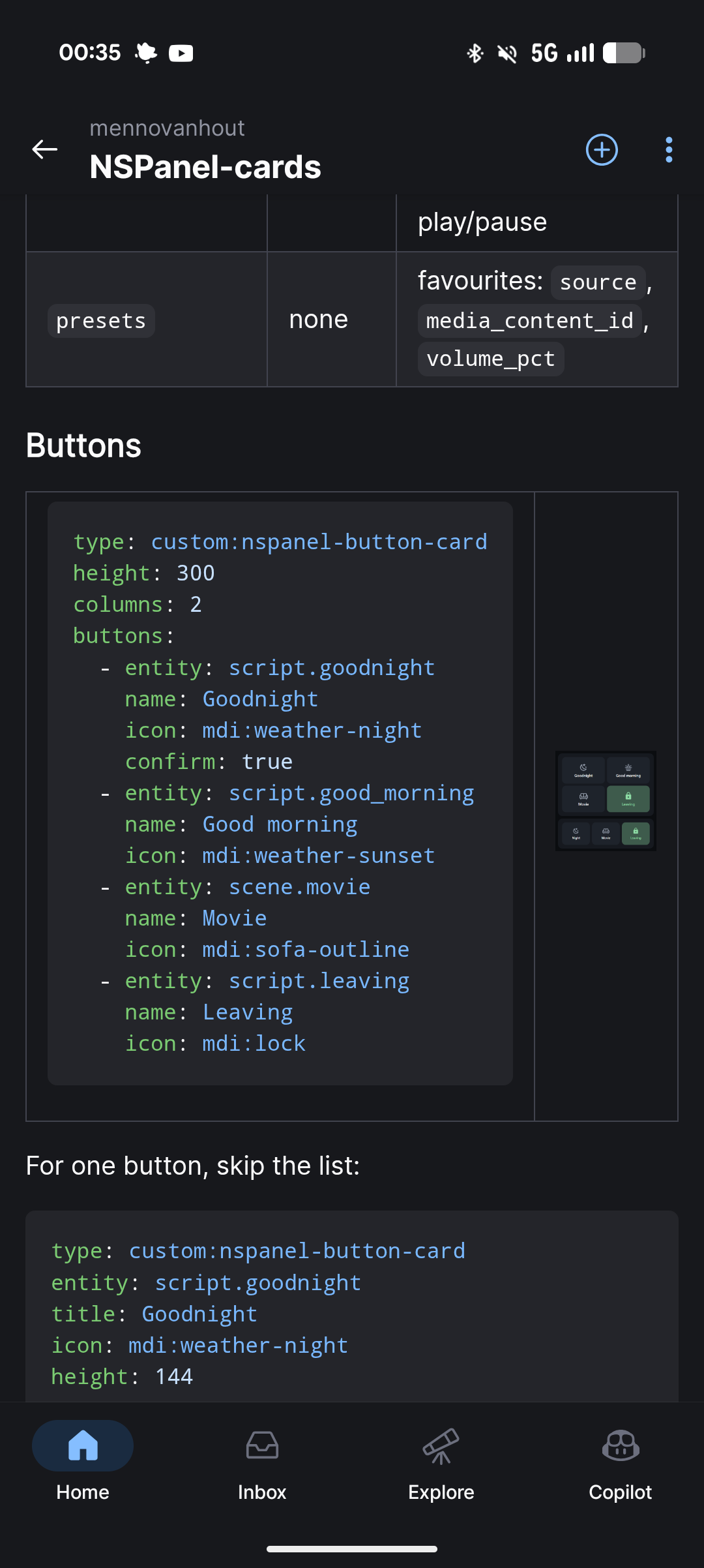
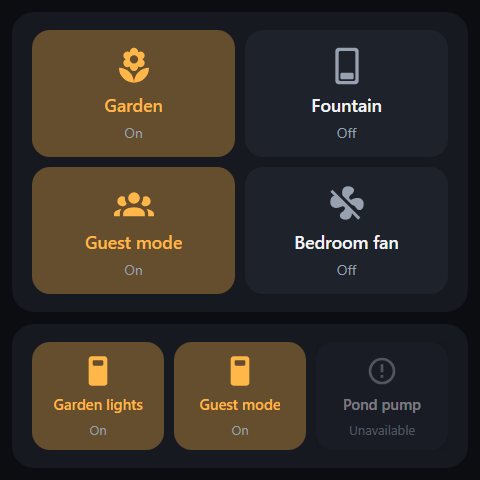
Cards for lights, covers, climate, media players, scene/script buttons, sensors (single and a strip), a status grid, weather, a clock, an alarm panel and a screensaver; pages are swiped with the usual swipe card. Controls follow one gesture language: drag anywhere on the card to set a value, tap to act, long-press for a full-screen version. Every option has a GUI editor, so no YAML is needed if you do not want it.
[media, scenes, alarm images]
Repo: GitHub - mennovanhout/NSPanel-cards: Custom lovelace cards for NSPanel Pro · GitHub
2. The native app (Flutter)
This is the part that made the difference. A Flutter app that you sideload on the panel once, which then reads your Lovelace dashboard from Home Assistant over the websocket and renders the same nspanel-* cards natively, straight to the GPU. No browser, no HA frontend running in the background.
You keep editing the dashboard in HA, YAML or the GUI editor, and the panel reloads on its own. The result is what I wanted from day one: sliders that stay under your finger, page swipes at a steady frame rate, and a card that reacts the moment you touch it.
[two panel photos]
What it does beyond the cards:
- Screensaver with your own photos, a wandering clock and proximity wake using the panel’s built-in sensor.
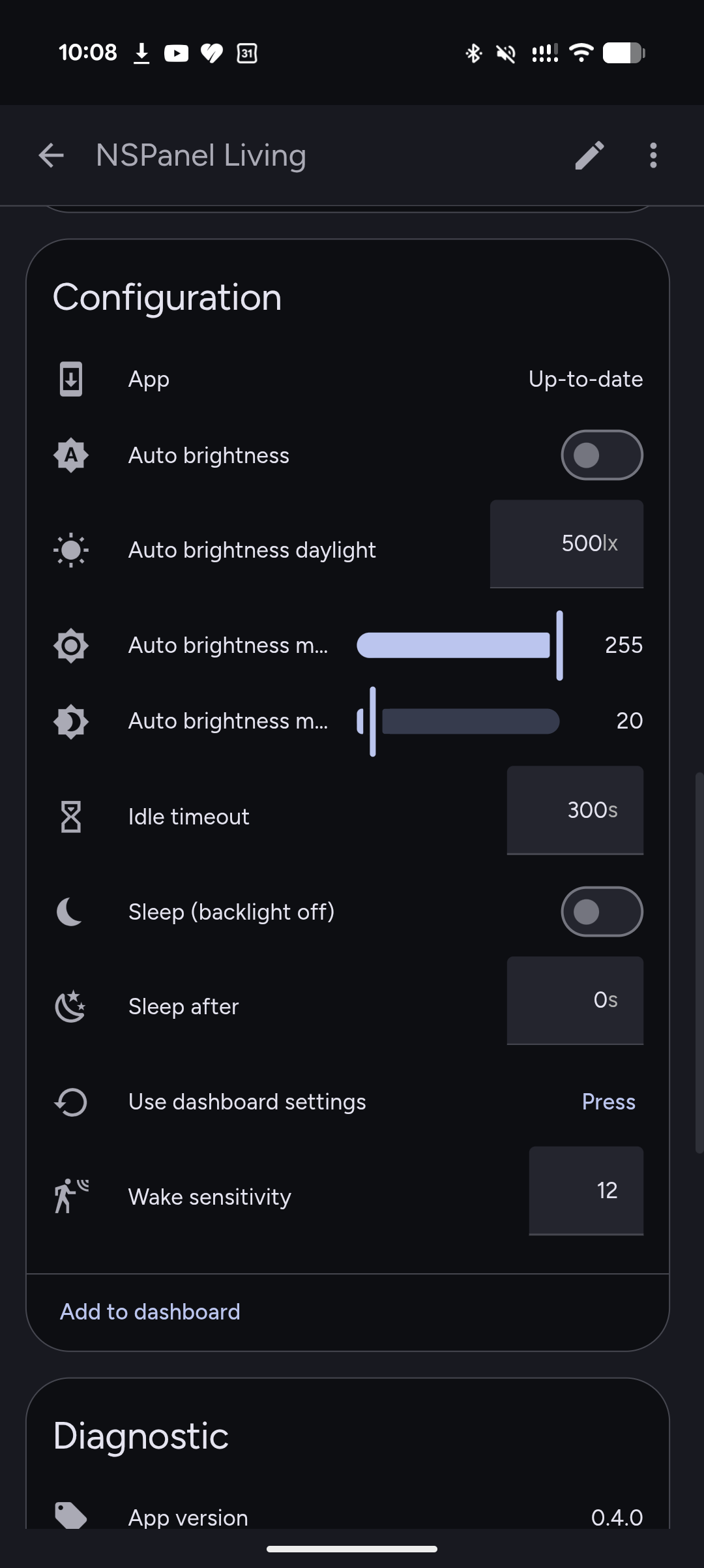
- A device in Home Assistant through MQTT discovery. Each panel exposes brightness, volume, the current page, the screensaver as a switch, proximity and presence, illuminance, plus an update entity.
- A notify entity per panel: send it text and it speaks through HA’s TTS, or
sound:doorbellto play one of twenty built-in sounds (doorbell, alarm, laundry, timer, goodnight and so on). - Alarm card with a keypad: when your alarm wants a code, arming or disarming opens a full-screen keypad, and a refused code says so. The code check is Home Assistant’s, so the panel cannot bypass it.
- Starts on boot and can optionally take over as the launcher.
- Updates itself: the update entity in HA shows new releases, and Install downloads and installs the APK on the panel. No adb after the first time.
Repo: GitHub - mennovanhout/nspanelpro-flutter · GitHub
Why two renderers
The config is the contract. Every card option exists in both the web cards and the app, or the README says which one lacks it. So you can build and preview a dashboard in your browser with the web cards, and the panel shows the same thing, only faster. If you would rather not sideload anything, the cards alone already work in a kiosk browser on the panel. The app is the upgrade.
Status and what I would like from you
The cards are at 0.8, the app at 0.3. It runs my house every day, but it has been tested on one house and one panel, so I expect edge cases. Things I would love to hear about:
- Cards or entity types you miss.
- How it behaves on your NSPanel Pro (120 or 86, older or newer firmware).
- Ideas for the panel as a device: I am thinking about a doorbell camera view, notification banners and BLE presence.
Everything is MIT and on GitHub, issues and PRs welcome