I started a new home assistant install at version 0.114.4. My old install was version 0.109.6. I had defined an onvif camera on my old configuartion.yaml like this:
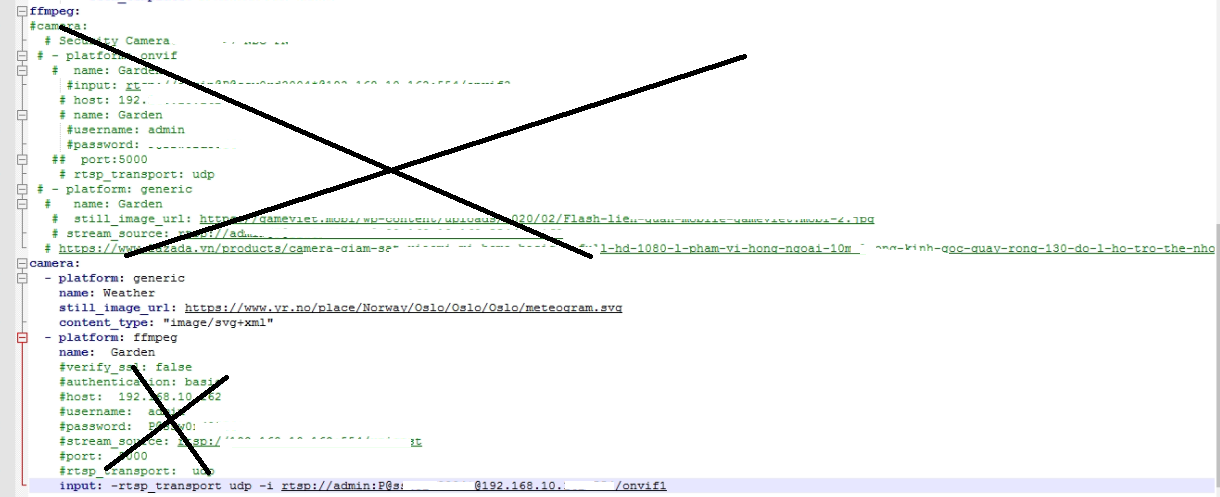
camera:

  # first camera
  - platform: onvif
    name: outside_cam_1
    username: xxxx
    password: xxxxxxxx
    host: 192.168.1.x
    port: 80

  # second camera
  - platform: onvif
    name: outside_cam_2
    username: xxxx
    password: xxxxxxxx
    host: 192.168.1.xx
    port: 80
But on version 0.114.4, having this in configuration.yaml doesn’t make available an entity by that name. It works fine on the older version. So my entities list doesn’t list this ONVIF camera (but I have other cameras defined using the generic platform that does show up in entities list and is available to add to UI).
I read that ONVIF platform requires ffmpeg to be in the configuration (I didn’t have that in my old HA install), so I put
ffmpeg:
right above the “camera” in my config, but that didn’t solve the issue.
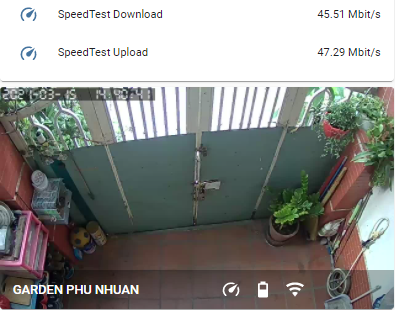
Interestingly, when I go to my “integrations” page on the new install, there is a ONVIF camera integration, and I think maybe that got discovered automatically? But the weird thing is, the integration has the text “outside_cam_1 - xx:yy:cc:xx:”, which is the correct MAC address of my camera as well as the name I gave it in my configuration (I blur out the mac address in the shot below, but it’s there). So it connected somehow and grab the mac address fine, but hasn’t made an entity by that name.

I don’t see any errors in the logs.
 I can’t remember if I had to enter those details or not