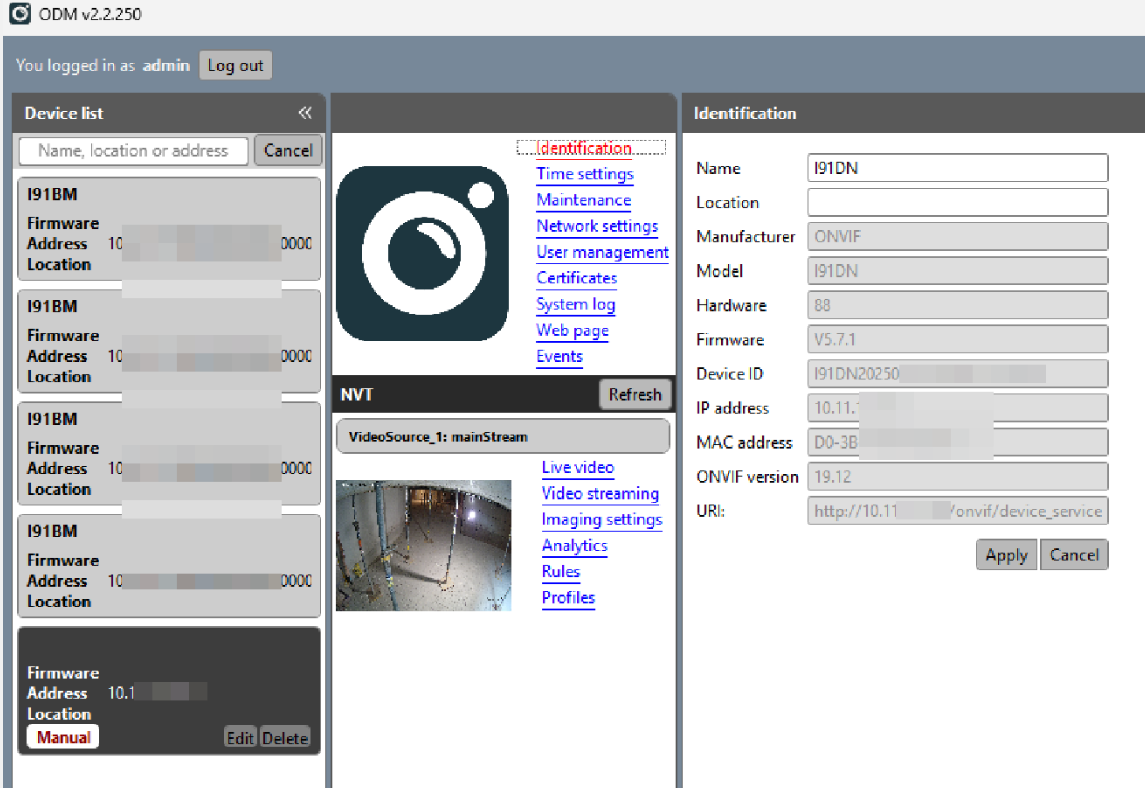
I can connect to the NVR using the same user/password/address using Onvif Device Manager software (in Windows), so it appears to be an issue with the integration authentication not with my setup.
Hi Tim,
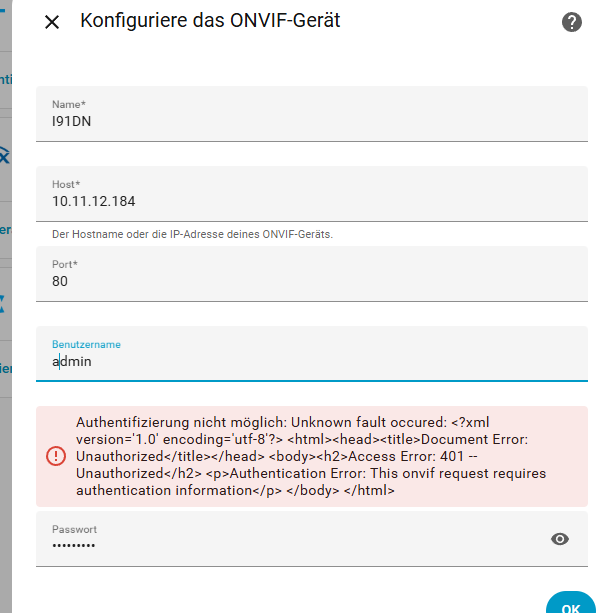
did you ever manage to find a solution for this? I’m running into the exact same issue with my Annke I91DN (C1200). I’ve tried all possible settings (time sync, DST, admin, Admin etc.) but still can’t get it to work and I have exactly the same fault.
I don’t know what the current Annke firmware versions look like, but you do know that with Hikvision, or Annke OEM cameras from Hikvision, you first have to enable Onvif and create a separate user for that, right? It doesn’t work with the regular admin account, which you seem to be trying according to the screenshot.
Thx!
Unfortuantely in the Annke firmware there’s no dialog to create a separate ONVIF user. That seems to exist only on Hikvision devices, but not on Annke. I tested with the ONVIF Device Manager and can access the camera (screenshot attached), so ONVIF itself is enabled and responding. Of course, that doesn’t necessarily mean it works with every integration, since there are different proably more than just one ONVIF protocols. I don’t want to waste more time debugging the Home Assistant ONVIF integration, so I’ll just go with the Hikvision integration instead.
4. When logged in, please go to the Configuration → Network → Advance Setting → Integration Protocol. Enable the “Onvif” and create an Onvif account.
But if you’ve integrated it via the Hikvision integration, that’s fine, and you’ll probably have more features than if you used the HA Onvif integration. I’m not familiar with the Hikvision integration, though, since I only use Dahua. My Dahua cameras and NVRs can be integrated easily via HA Onvif integration.