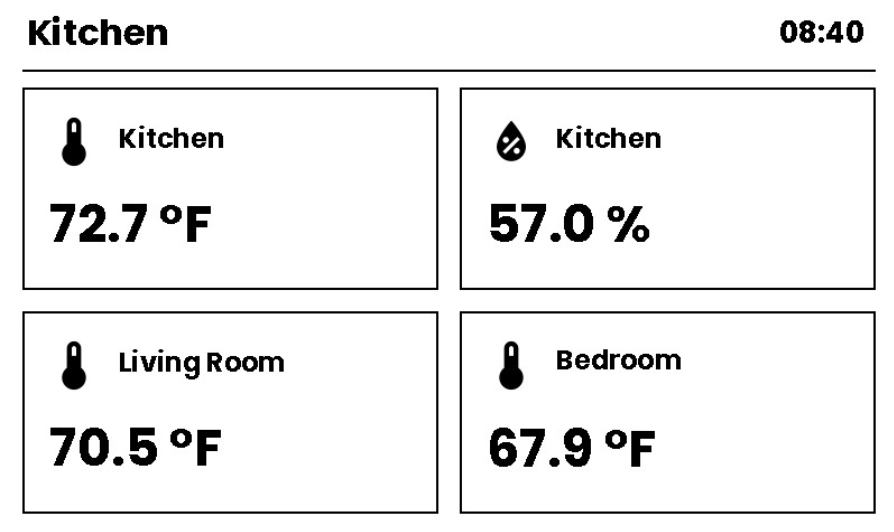
Draws up to 4 sensors with custom Material Design Icons on an 800x480 Seeed Studio OpenDisplay monochrome screen using opendisplay.drawcustom. from the OpenDisplay integration from opendisplay.org -note install the one from opendisplay.org to replace the HA one in order to get the drawcustom action.
I couldn’t find any blueprints to use with my new OpenDisplay kit so I used AI to generate one. If one gets uploaded I can delete the AI one but I wanted to share since I thought that there might be other people in my boat that might have used the kit to get into open display without realizing that it needed some non beginner service calling.
also you need the OpenDisplay integration released by opendisplay not the one shipped with HA
Thanks for contributing to the community with a new Blueprint.
I have a suggestion for you. Many people who are not familiar with directory structures will have problems installing this without the Home Assistant MY tools.
Adding a MY link for this Blueprint to your top post would help them a lot.
Here is the link to make that. Create a link – My Home Assistant