I recently purchased the OpenFAN Micro from OpenFAN Micro – Karanovic Research
Working through the documentation, I setup a RESTful Command integration and I wanted to share my initial setup. Testing soon to come.
My mission: Control dual Noctua NF-S12A PWM 4-Pin fans for my server rack via variable speed controls based on internal temperatures.
rest_command:
  set_fan_pwm:
    url: "http://192.168.0.150/api/v0/fan/0/set?value={{ pwm_value }}"
    method: get

sensor:
  - platform: rest
    name: "OpenFAN Micro RPM"
    resource: "http://192.168.0.150/api/v0/fan/status"
    value_template: "{{ value_json.rpm }}"
    unit_of_measurement: "RPM"

  - platform: rest
    name: "OpenFAN Micro PWM"
    resource: "http://192.168.0.150/api/v0/fan/status"
    value_template: "{{ value_json.pwm_percent }}"
    unit_of_measurement: "%"

fan:
  - platform: template
    fans:
      openfan_micro:
        friendly_name: "OpenFAN Micro"
        value_template: "{{ states('sensor.openfan_micro_rpm')|int(0) > 0 }}"
        percentage_template: "{{ states('sensor.openfan_micro_pwm')|int(0) }}"
        turn_on:
          sequence:
            - action: rest_command.set_fan_pwm
              data:
                pwm_value: "50" # Default to 50% when turning on
        turn_off:
          - action: rest_command.set_fan_pwm
            data:
              pwm_value: "0"
        set_percentage:
          - action: rest_command.set_fan_pwm
            data_template:
              pwm_value: "{{ percentage | int }}"
One thing I failed to add was unique_id to the sensors and fan above their names.
beorn1988
June 27, 2025, 10:23am
3
Did you get this working?
I’m buying a few of these to control my Smart home cabinet.
BeryJu
July 7, 2025, 8:34pm
4
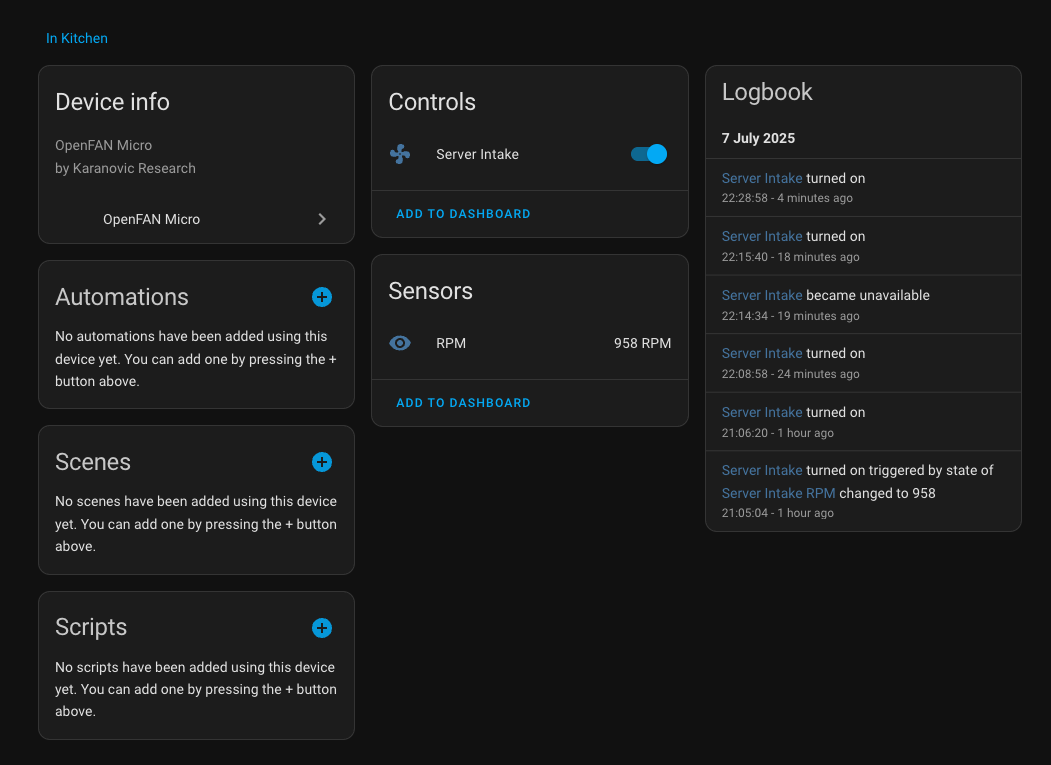
Based on the configuration above I’ve created this custom component for the OpenFAN micro: GitHub - BeryJu/hass-openfan-micro
This has an entity for fan control (as a proper fan entity) and a sensor for RPM speed so you could also alert when fan speed >0% and RPM == 0 if the fan is blocked for example:
bitlisz
September 23, 2025, 9:01pm
5
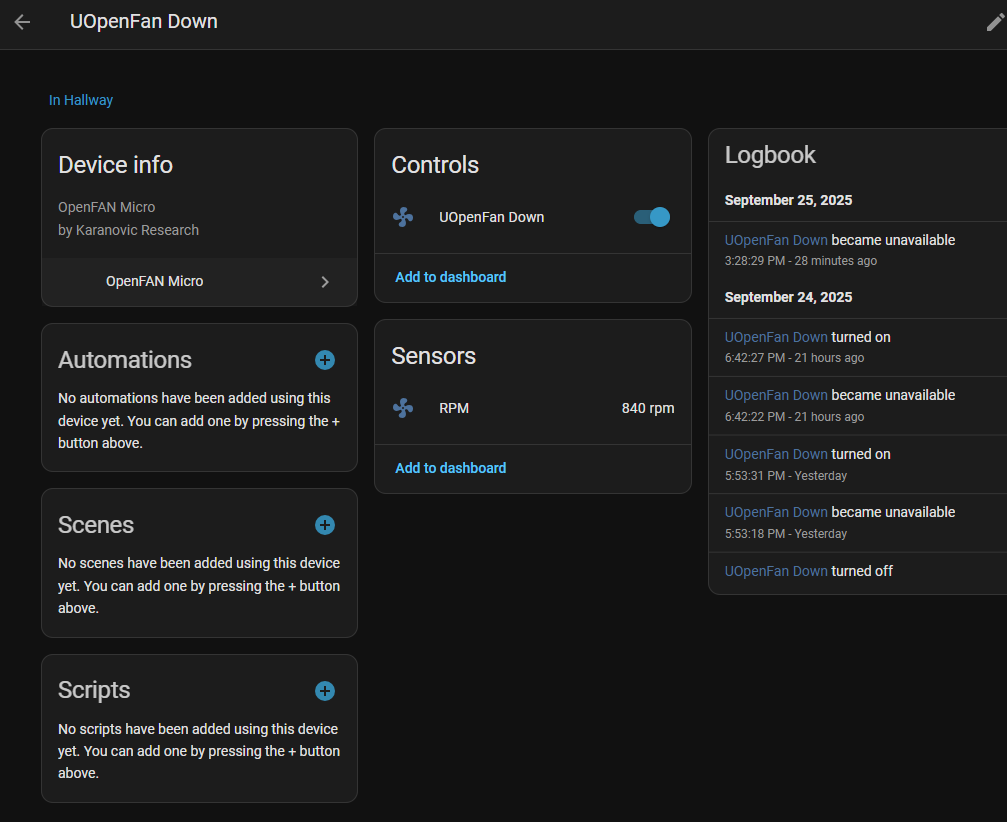
Sadly this does not work anymore.
opened 11:55AM - 22 Jul 25 UTC
My fan was working fine, but since installing 107c190 the fan went unavailable.
… I have tried removing the Fan and re-adding, but it simply creates a device called uOpenFan and no entities.
I can connect and update the fan, by using the web interface.
bitlisz
September 25, 2025, 1:55pm
6
@BeryJu I hope you don’t mind - with the help of AI - created a fork from your repository:
Contribute to bitlisz1/hass-openfan-micro development by creating an account on GitHub.
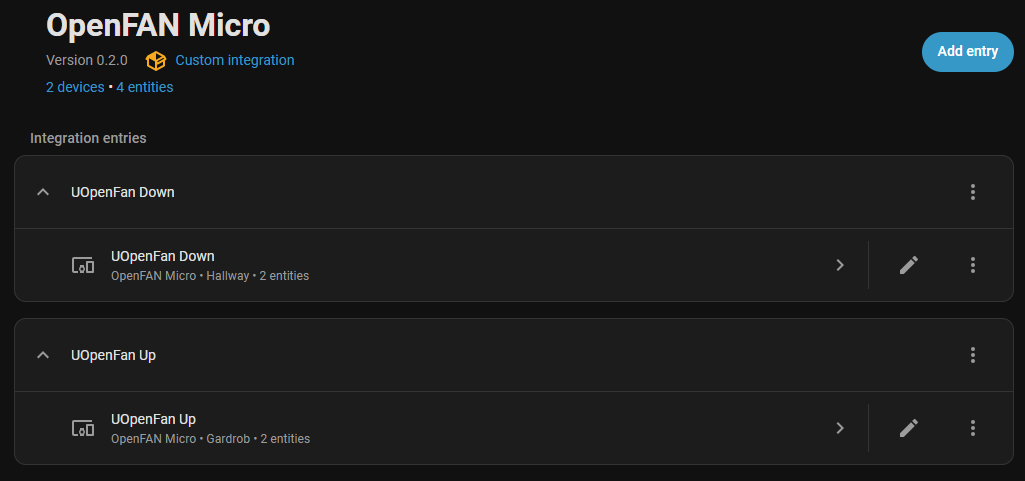
Tested and working with 2 micros:
bitlisz
September 26, 2025, 10:17pm
7
There is a new beta 3 out with ‘pro’ features:
LED switch, 12V mode switch
(with a lot of fight with ai, and I slowly learning git process…made few(many) mistake during commits)
matt12
December 13, 2025, 6:55pm
8
When I try and add the integration, after adding it to HACS, I get an error " This integration cannot be added from the UI"
DeekB1983
February 18, 2026, 9:07pm
9
Not sure if you ever found an answer to this but I figured out what the issue was
When you download the custom components map a drive to your home assistant or use VS code in the following location:
custom_components/openfan_micro/
Within the openfan_micro folder open the manifest.json file.
It will look like
{
  "domain": "openfan_micro",
  "name": "OpenFAN Micro",
  "version": "1.0.0",
  "documentation": "https://github.com/bitlisz1/hass-openfan-micro",
  "issue_tracker": "https://github.com/bitlisz1/hass-openfan-micro/issues",
  "codeowners": ["@bitlisz1"],
  "iot_class": "local_polling",
  "loggers": ["custom_components.openfan_micro"],
  "requirements": []
}
It is missing a line that will allow you to add it, update the manifest.json file so it looks like this:
{
  "domain": "openfan_micro",
  "name": "OpenFAN Micro",
  "version": "1.0.0",
  "config_flow": true,
  "documentation": "https://github.com/bitlisz1/hass-openfan-micro",
  "issue_tracker": "https://github.com/bitlisz1/hass-openfan-micro/issues",
  "codeowners": ["@bitlisz1"],
  "iot_class": "local_polling",
  "loggers": ["custom_components.openfan_micro"],
  "requirements": []
}
Restart home assistant one final time after updating and it should let you add it via the UI. I forked the original repository and suggested a change to the owner.
DeekB1983
February 19, 2026, 9:30am
10
Also if you find it doesn’t let you add the integration due to a connection error or saying unknown I managed to get round that by commenting out the following line within the config_flow.py
# await dev.async_first_refresh()