BASIC ANSWER:
I use the “start watering” service and add a line for “minutes”.
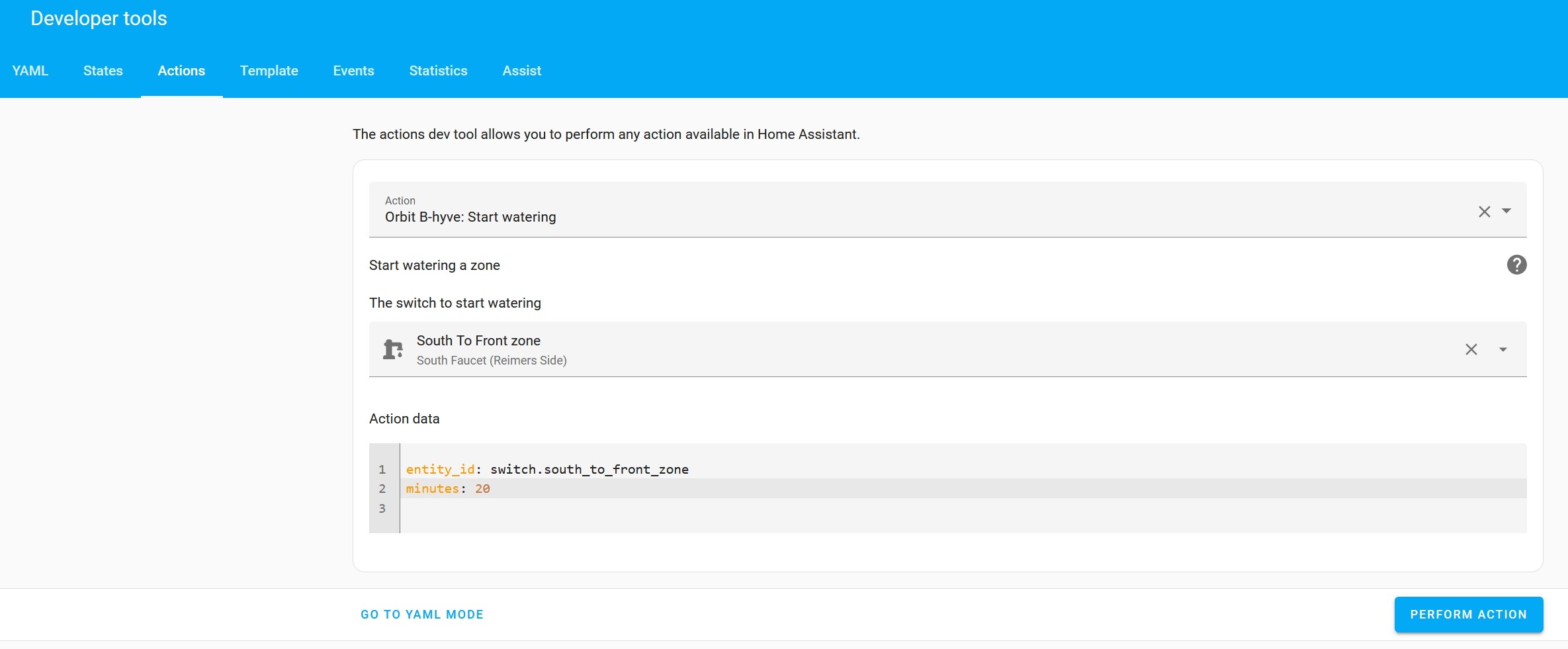
Here is a basic example (in yaml) of the service (for mine) showing how you can enter a set number of minutes:
action: bhyve.start_watering
data:
  entity_id: switch.south_to_front_zone
  minutes: 20
And, here’s a screenshot of mine in UI mode:
ADVANCED OPTIONS:
FIRST: Create an Input Helper for the set time: Once you confirm the start watering service is working for you (above), then you can create an input helper for the runtime and insert it’s state for the minutes.
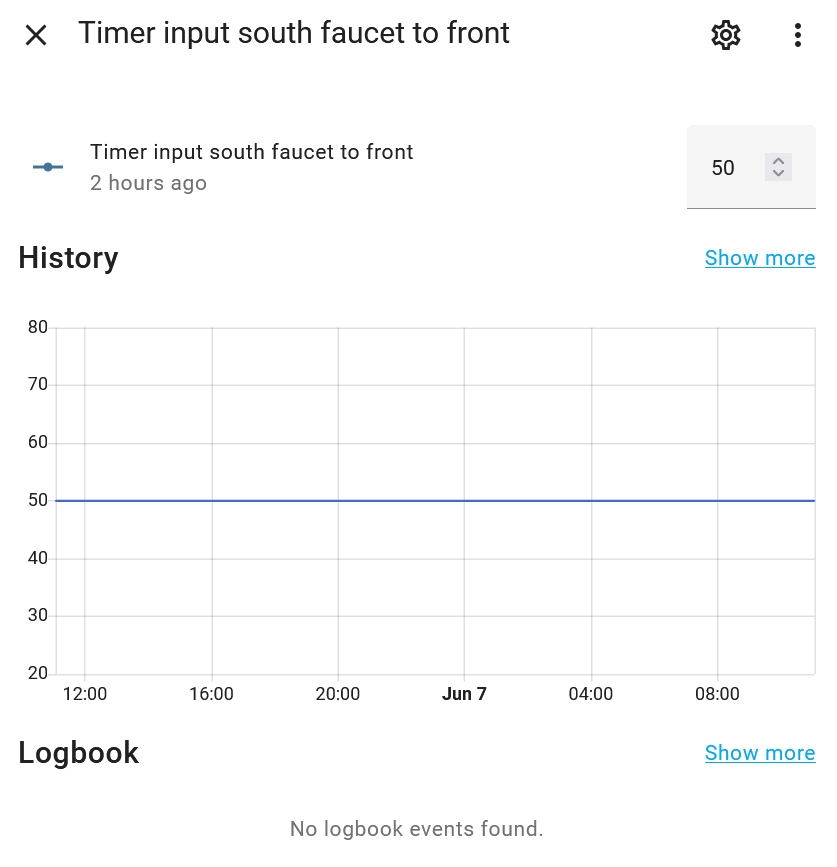
My HELPER looks like this:
My SERVICE yaml then looks like this:
action: bhyve.start_watering
data:
  entity_id: switch.south_to_front_zone
  minutes: "{{states('input_number.timer_input_south_faucet_to_front')}}"
SECOND: Create a timer remaining sensor. Once you’ve made the input helper (above), then you can template a timer remaining sensor in your configuration.yaml file (make sure to restart HA after creating it so the sensor entity shows up). This sensor takes the number of minutes you put in the input helper and figures out how much time is left. Here’s what mine looks like:
  - platform: template
    sensors:
      timer_remaining_south_faucet_to_front:
        friendly_name: 'Timer Remaining South Faucet to Front'
        value_template: >
          {% if is_state('switch.south_to_front_zone', 'on') %}
            {{ (state_attr('switch.south_to_front_zone','current_runtime') - (as_timestamp (now()) - as_timestamp (state_attr('switch.south_to_front_zone','started_watering_station_at')))/60) | round(0)}}
          {% else %}
            0
          {% endif %}
        unit_of_measurement: "min"
END PRODUCT:
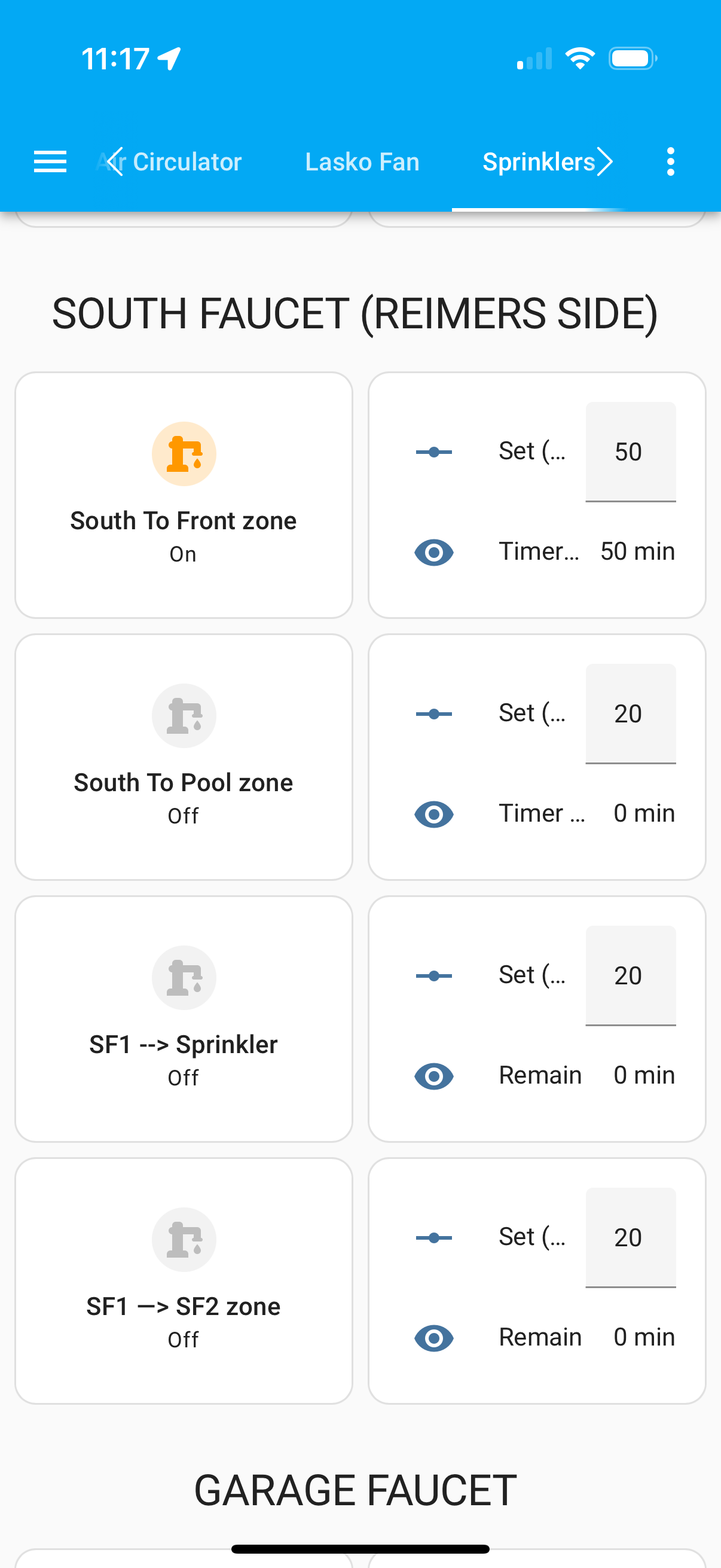
In the end this is what my HA card looks like with all my sprinklers / zones:
When I tap the icon for the switch (left column), then whatever number I have in the input box (right column) will set the sprinkler time and the timer remaining entity (below the input box in the right column) will show you how much time is remaining.
This is what it looks like when enter 50 minutes into the input box and then toggle the switch to on (as time passes, the timer remaining entity will count down - 50 → 49 → 48, etc):