The simplest as a starting point:
type: custom:auto-entities
card:
  type: grid
  square: false
  columns: 4
card_param: cards
filter:
  include:
    - entity_id: input_number.test_level_*
      options:
        type: picture-elements
        elements:
          - type: state-label
            style:
              left: 50%
              top: 50%
            entity: this.entity_id
        image: /local/images/test/lightgreen.jpg
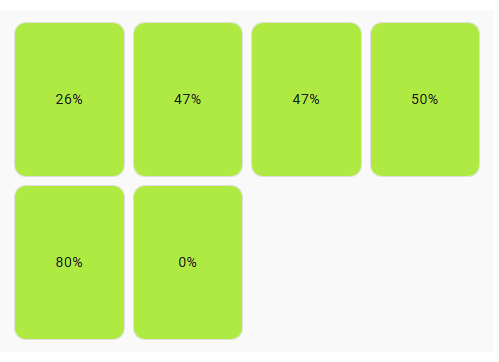
Just use your pattern for entities.
(+ sorting can be added if needed - check the “sort” option in Docs for auto-entities)
But since you need entity-dependent image - that example will not satisfy all you requirements, so will you have to learn more advanced stuff - the “template” option of auto-entities.
But 1st learn THIS simple example. Otherwise, if I provide the ready code for the more advanced case, you will not learn.
P.s. Do not bother about that
        media_content_id: media-source://image_upload/daf1a0495a7fa3c6c979750b4f9fc99c
        media_content_type: image/png
        ... etc
lines, they are not needed for you, just play with “image: some.jpg” case.
P.S. Note that since I got 6 entities for the specified “input_number.test_level_*” pattern, there are 6 cells in the grid. In your case you need to provide a pattern for 4 entities.