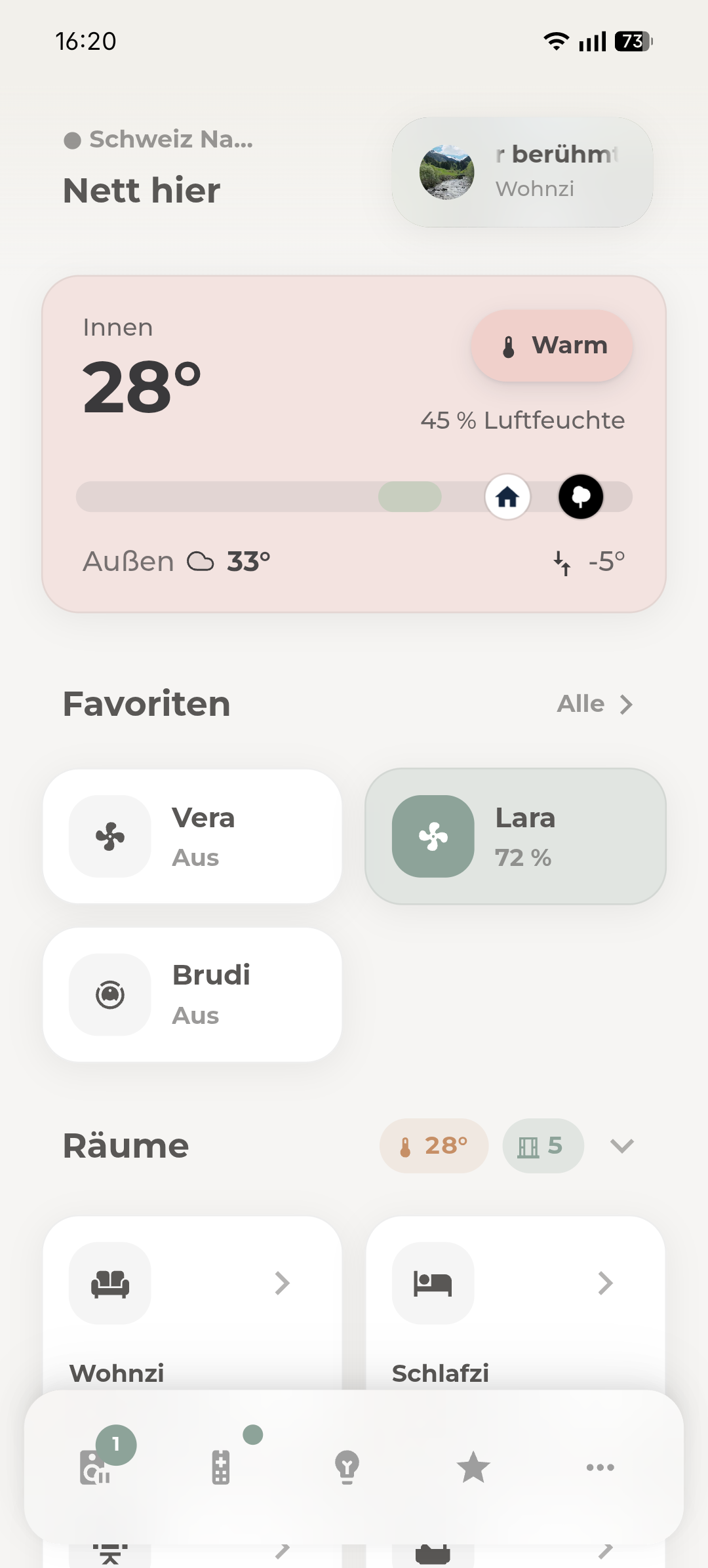
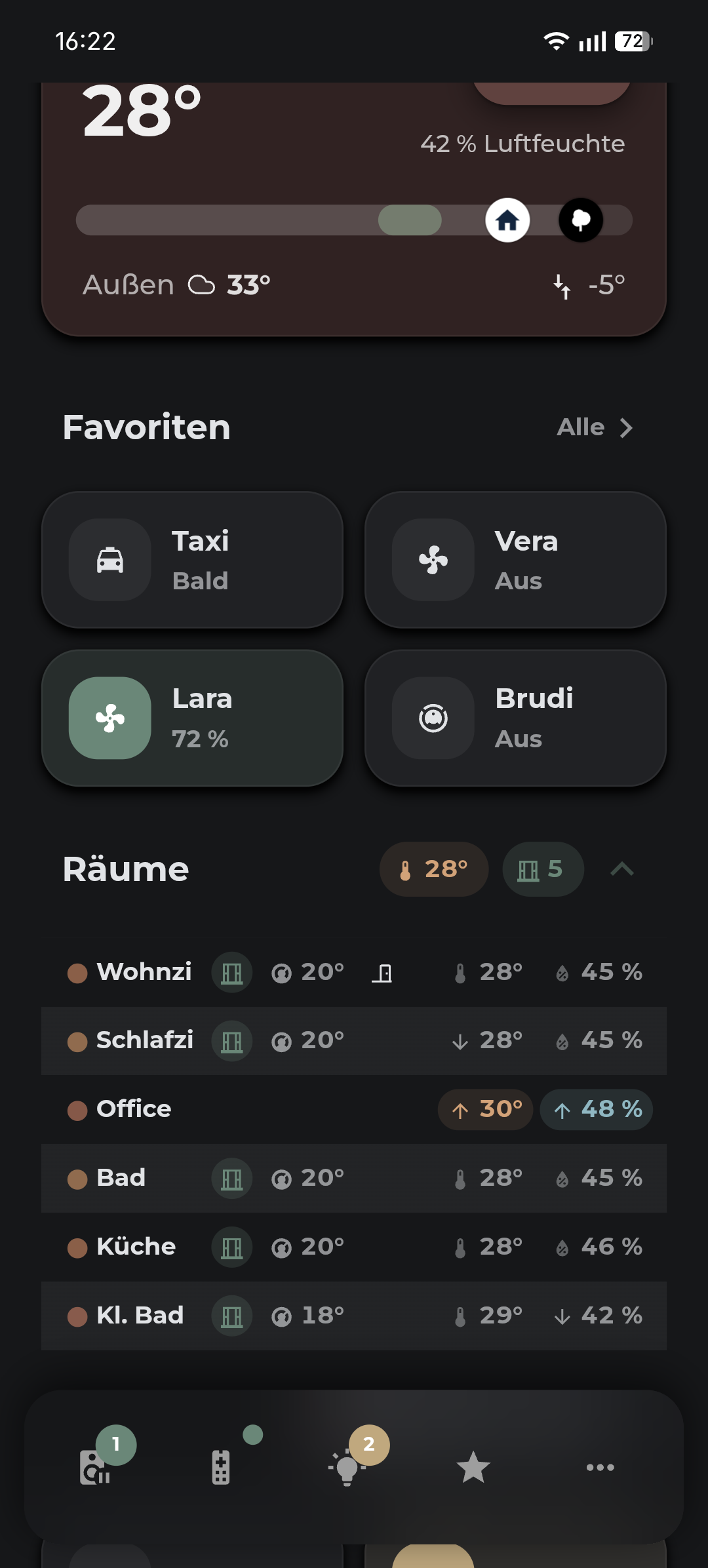
I haven’t seen a dashboard built mostly with paper-buttons-row before, so I decided to document and share my setup. Maybe it’s useful for others. It got created over the last 5 or 6 years and is the result of endlessly changing and improving things.
The style of the theme (there’s a seperate theme file) is clean and calm and it supports dark/light mode. The UI tries to be simple and content shows up dynamically, so it doesn’t feel overwhelming. I don’t like content visibly loading, so there’s a big focus on avoiding that.
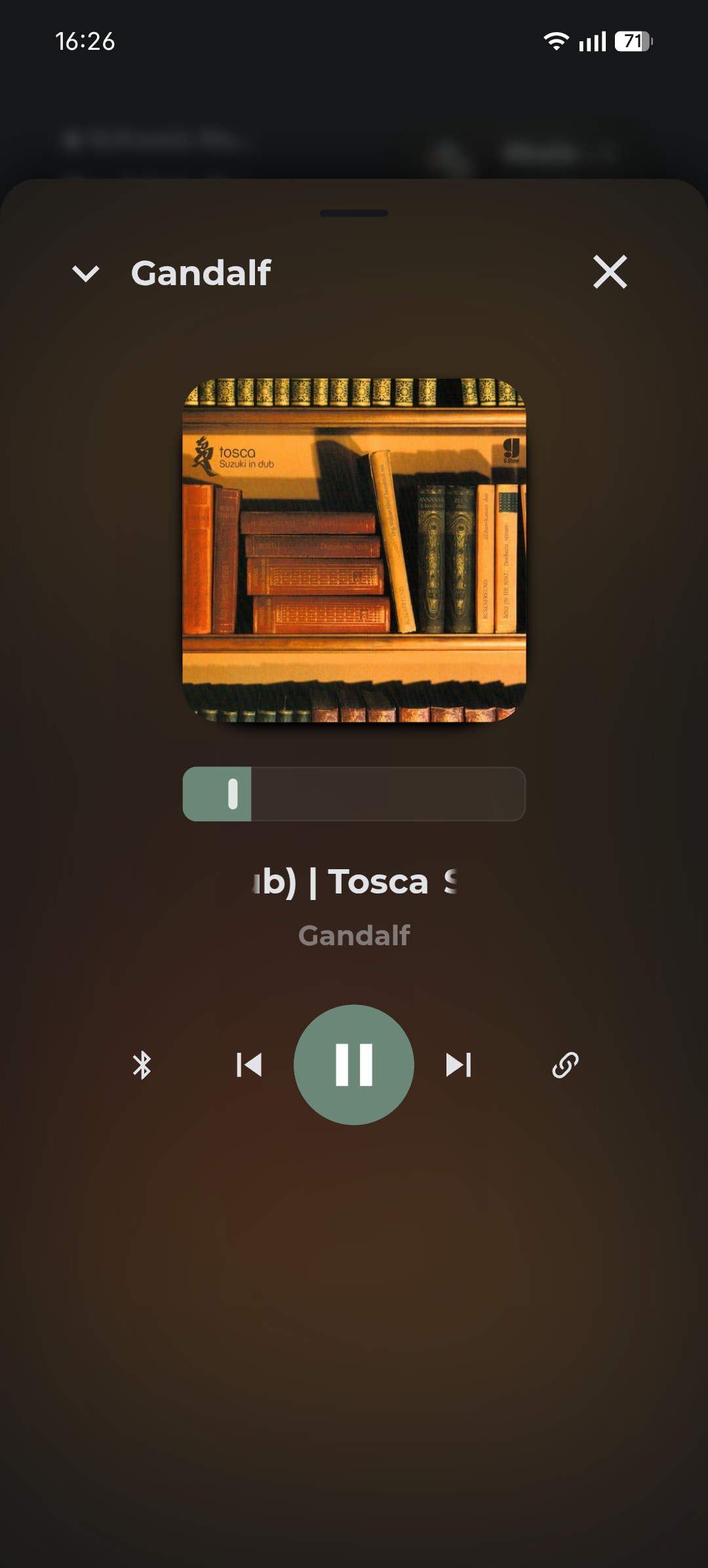
So far the main dashboard and theme is documented. things like vacuum, music, weather, server, rooms, tv cards/popups and more will follow.
Warning: The whole dashboard is meant as inspiration. It is not beginner friendly.
The repo: GitHub - hazymorning/origami: A Home Assistant dashboard built around paper-buttons-row. · GitHub
The weather card (my other project): GitHub - hazymorning/origami_weather: A weather card for Home Assistant · GitHub
3 Likes
Love the dashboard currently, but I got a few issues the server and lights example you show on GitHub, I’m not able to clone it exactly as you have shown it.
Also I would love a possible way to have a floating navbar instead,
Thanks
Thanks, glad you like it 
The server and lights popups need a few things set up before they look like the pictures. Each part’s readme lists them:
- Server: four system monitor sensors (those are off by default in HA), automatic backups, and plotly graph for the graph. Server
- Lights: a light group for the room and your own scenes. Lights
If it still doesn’t work, open a discussion with a screenshot and your yaml and I’m happy to help there.
Floating navbar: Navbar Card itself has a floating mode if that’s what you mean. In navigation-bar/card.yaml, add mode: floating under mobile:, and under .navbar-card change the border-radius line to border-radius: var(--ha-card-border-radius) !important; so all four corners are round.
1 Like
Hmm it’s in floating mode by default but doesn’t seem to be actually working on the mobile app weird
For some reason I didn’t think of it, but you probably tried that with the navbar from Origami. That one has a lot of custom CSS to style it and part of it makes the bar look docked even in floating mode.
Change this in its styles:
- Under .navbar-card, delete margin-bottom: 0px !important; and border-radius: var(–ha-card-border-radius) var(–ha-card-border-radius) 0px 0px !important;
- Delete the whole block that starts with .navbar-card.mobile, .navbar-card.mobile.floating
Then it should float.