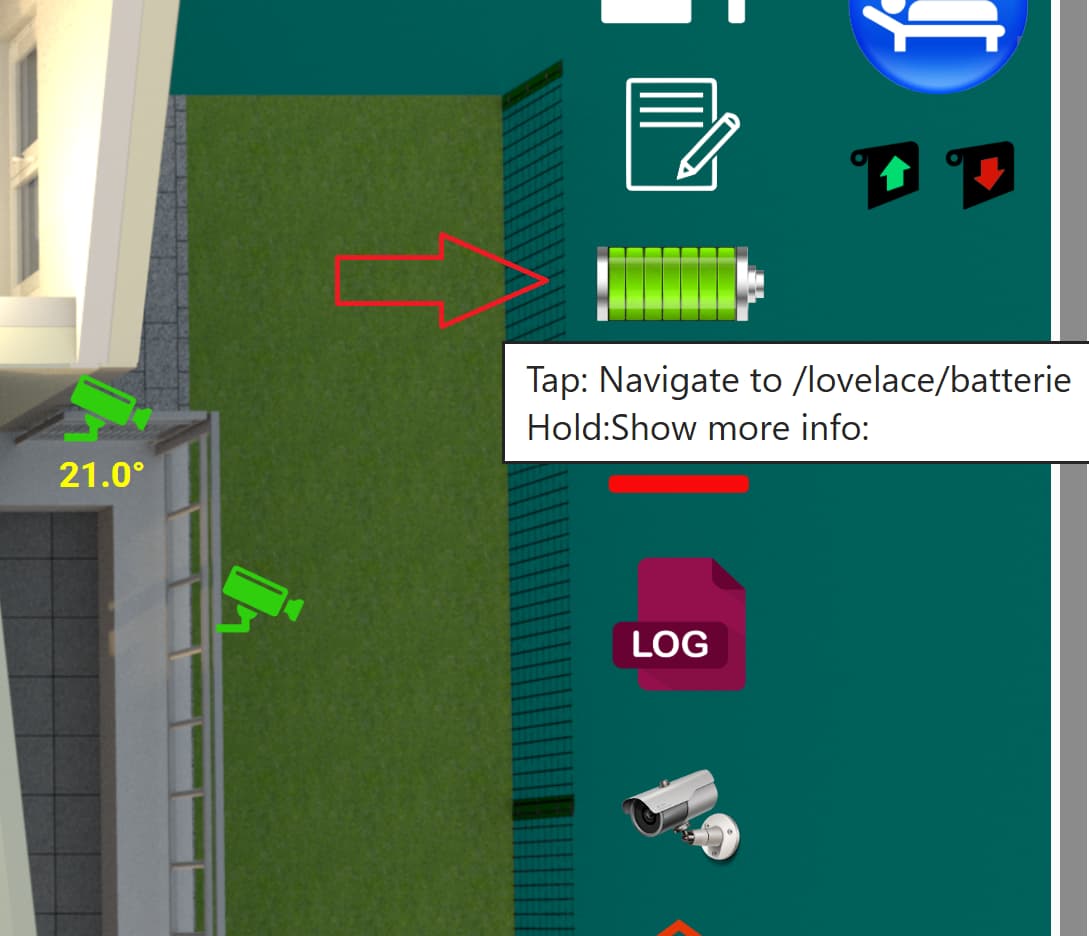
I’m trying to use picture element card for floor plan with state icons and state labels, and it works great! I’ve 2 small issues though and would like to ask if any good solution already exists:
Some of my device exposes multiple states, for example I have weather sensor that expose temperature, humanity and air pressure. While it’s possible to use state label for each one of them, but they occupy too much space. Would like to ask if there is a way to “group” entities by device and click brings up more info?
Those state icons/labels seems to be in fixed sizes, while it works great on my PC with bigger screen it gives issue for mobile devices like tablet and phones. Is there a way to make the icons/labels scalable depending on the display size?
Depending on who you ask you’ll probably get a different answer about this because everyone will have their own way. For me, depending on my goal is how i decide what to use but either way it involves using a custom integration from HACS like card-mod to adjust the style or some type of card that displays the state and will size it everything in it for you. I personally have a separate dashboard view for my mobile device and use the Layout Vertical (layout-card) with the following. I found that it’s the easiest way for me. What sucks is that you have to recreate everything from your computer dashboard view to the mobile view.
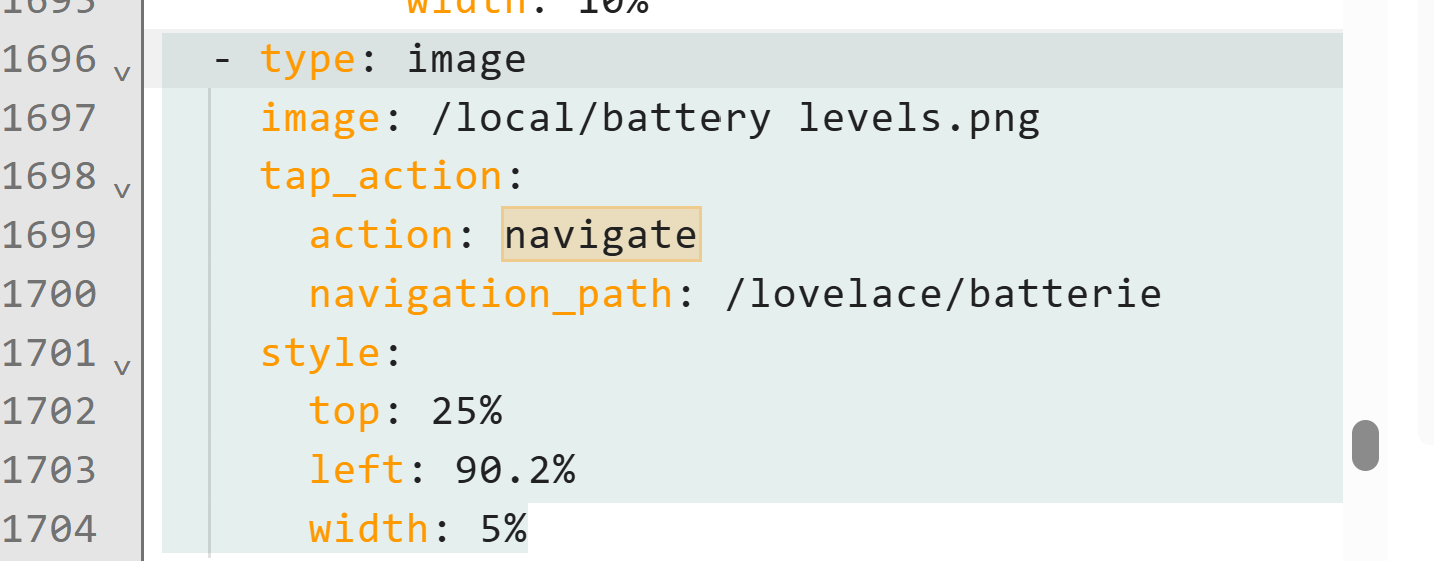
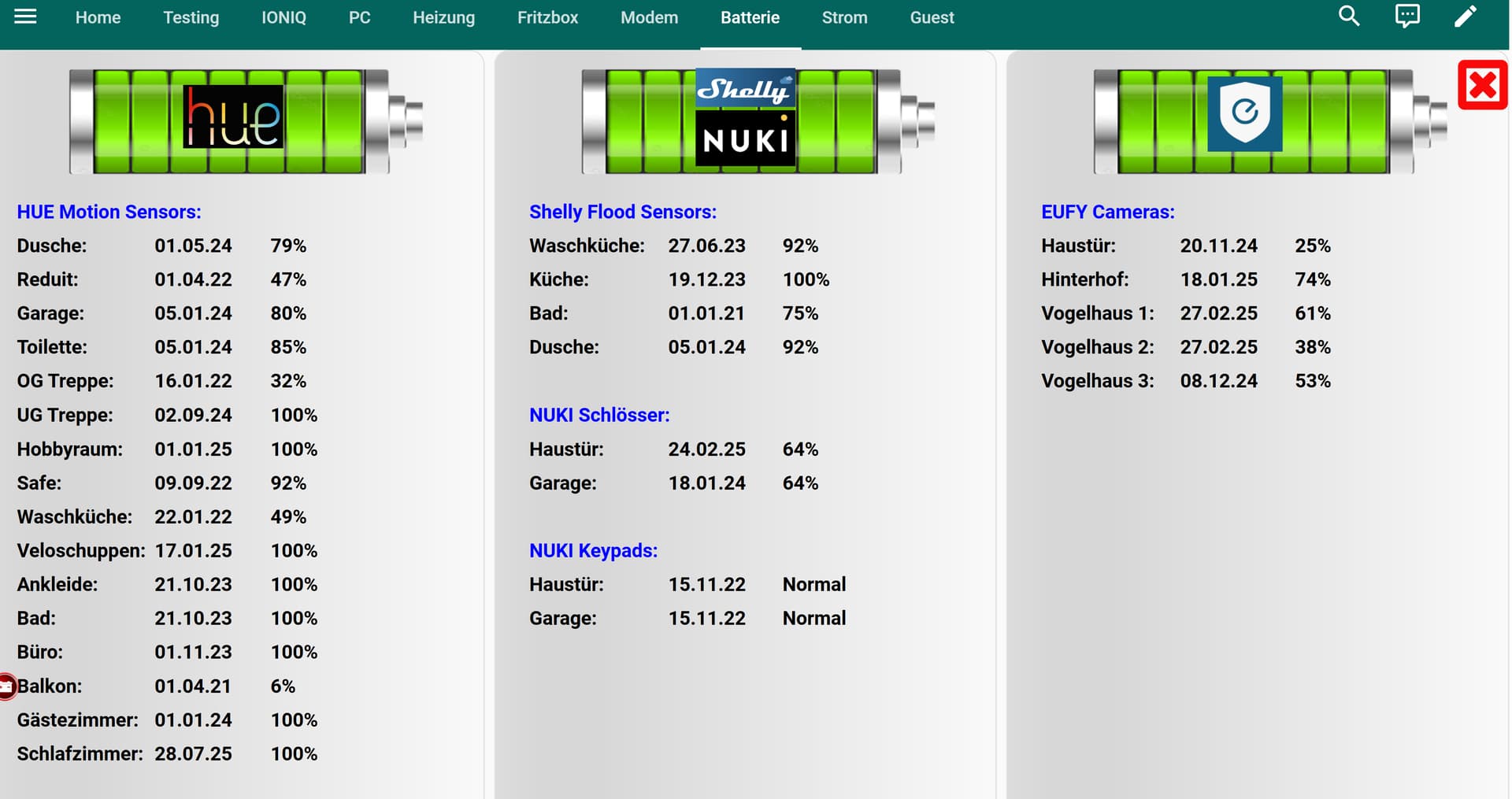
Just use a symbol/icon/.png as placeholder on the card and when you click on it it, use “navigate” to jump to a different dashboard with the graphs or the details of the weather station?
Ok I have tried the approach and indeed it works, but not exactly what i want. I’d like something similar as more-info which shows the overlay without navigate away from the floor plan page. Is there a way to customize more-info overlay or something similar?
Many thanks in advance!