A high-performance button card for Home Assistant — Most cards go silent after calling a service. This one tells you it worked.
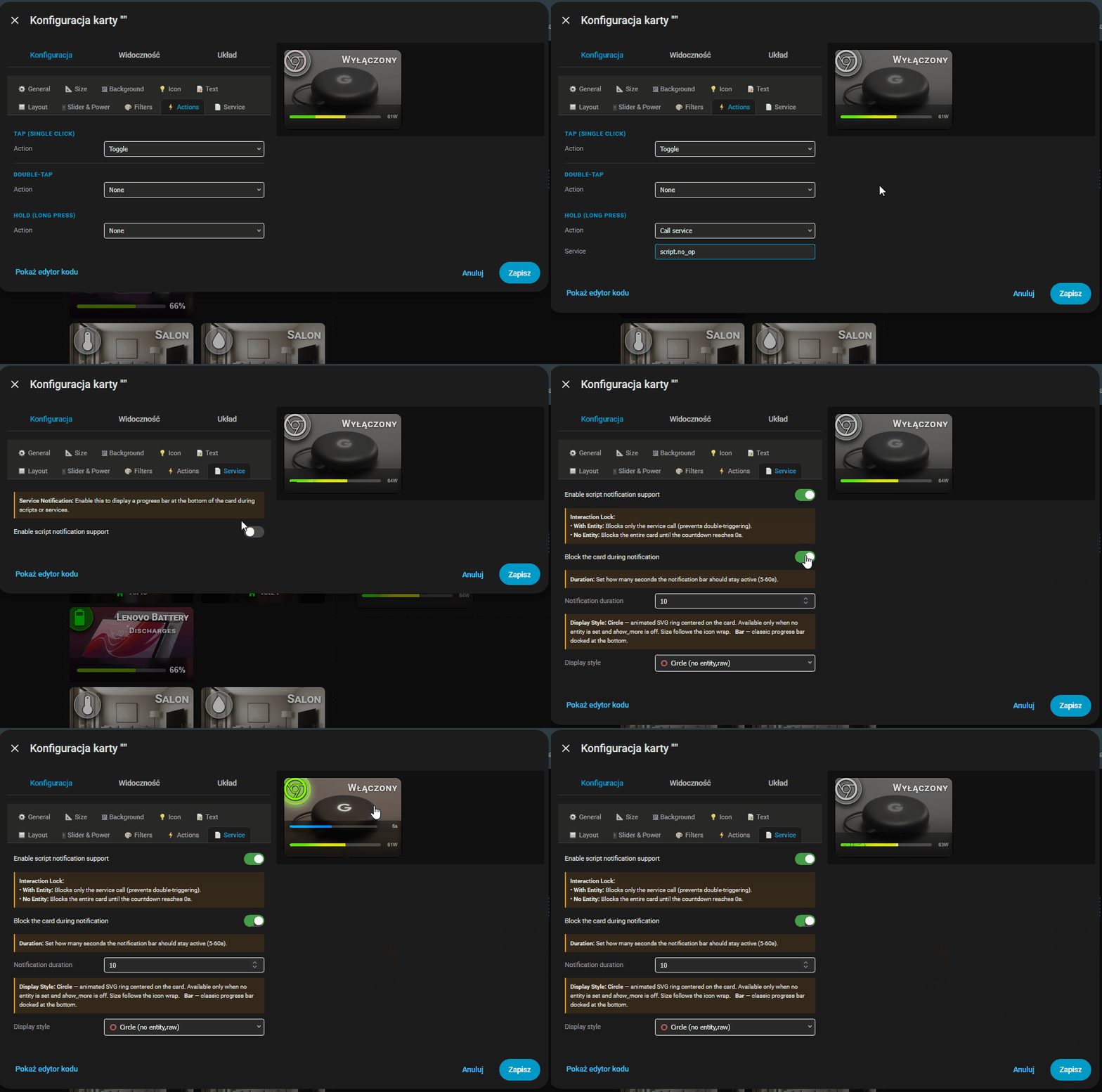
Visual Editor — full GUI with tabs: General, Size, Background, Icon, Text, Layout, Slider & Power, Filters, Actions, Service. No manual YAML needed.9-Grid Layout System — place Icon, Name, and State badge independently across a 3×3 matrix.Adaptive Auto-Sliders — smart detection of Brightness, Color Temp, Volume, Cover Position, Fan Speed. Zero configuration required.Dynamic Backgrounds — solid color, 2/3-color gradients, or full-resolution background images.Smart Filter Engine — CSS filters (brightness, saturation, grayscale) applied automatically per ON/OFF state.Service Countdown — animated SVG circle or progress bar after call-service, with optional card blockade.Power Monitoring — real-time consumption bar with configurable pulse warning threshold.Font Styles — 4 text presets for Name and State labels.Advanced Action Engine — Tap, Double-Tap, and Hold, optimized for both mobile and desktop.Visual Editor Full GUI — General, Size, Background, Icon, Text, Layout, Slider & Power, Filters, Actions, Service tabs. No YAML required.
Click the button below to automatically add the repository to your HACS:
Click Add in the pop-up window.
Once the repository page opens, click Download .
After downloading, do a Hard reload of your browser.
Download this repository as a ZIP file and extract it.
Inside your Home Assistant config/www/ directory, create a new folder named piotras-smart-button.
Copy the compiled files (from dist/ folder) into config/www/piotras-smart-button/.
Go to Settings → Dashboards → Resources .
Click Add Resource and enter:
/local/piotras-smart-button/piotras-smart-button-loader.js?v=1.0.0
Resource type: JavaScript Module
Hard reload your browser (Ctrl+Shift+R).
Piotras Smart Button A high-performance Home Assistant button card designed for ultimate control and deep customization.
2 Likes
VietNgoc
March 29, 2026, 4:00pm
2
You should also upload the source code to github, not just the dist files
Thanks for the suggestion. Currently, I’m focusing on refining the stable dist version to ensure the best user experience. The full source code will be made available alongside the official HACS release. If the official Home Assistant HACS submission process requires it, the repository will be updated accordingly. For now, my priority is delivering a polished final product. Please stay tuned for the official HACS launch.
Fixed editor incorrectly showing default values instead of actual YAML config. Toggles, number and text fields now correctly reflect saved state. Minor card fix: removed hardcoded widths on service bar and slider zones — now fully responsive to card_width setting.
An example of how the script works
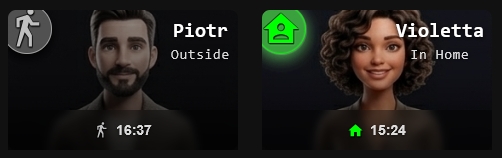
Person & Device Tracker support
Control Zone now shows last state change time (HH:MM) for person and device_tracker entities
Bar icon uses mdi:home / mdi:walk colored by icon_color_on (home) and icon_color (away)
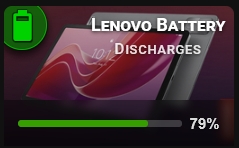
Battery monitoring
Dynamic main card icon auto-adjusted to charge level (mdi:battery-10 → mdi:battery)
Color bar in Control Zone: red → yellow → green
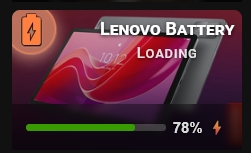
Optional entity_battery_state for charging detection (charging / discharging / full / not_charging)
Card turns ON when charging, OFF otherwise
⚡ suffix when charging
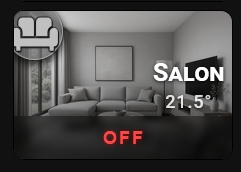
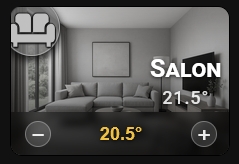
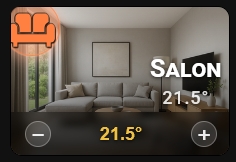
Thermostat control
Control Zone renders − / + temperature buttons with 0.5° step
State badge shows current room temperature instead of ON/OFF
Card turns ON when hvac_action is heating or cooling
Red OFF label when thermostat is fully off
Dual icon mode
New icon_on option — separate icon for ON state
Battery ignores icon and icon_on — always uses dynamic battery icon
Control Zone scaling
All Control Zone content (labels, icons, sliders, bars) scales proportionally with slider_height using √(height/26) — smooth, non-linear growth
New options
slider_label_color — single color variable for all Control Zone labels and iconsentity_battery_state — optional battery charging state entityicon_on — alternative icon for ON state
Visual Editor improvements
Editor detects entity domain automatically
Slider & Power tab shows only relevant options per entity type
icon and icon_on fields hidden for battery (auto-dynamic)name_on / name_off fields hidden for climate (state badge is automatic)Battery Icon Tip shown in Icon tab
First guides for the card are now available. Hope someone finds them useful!
 Piotras Smart Button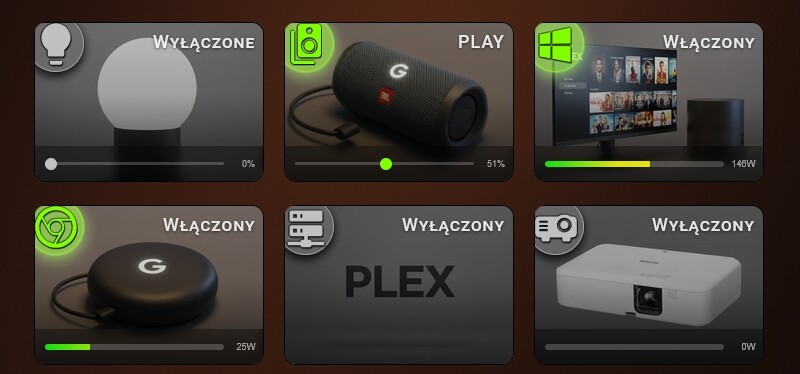
 Features
 Navigation Mode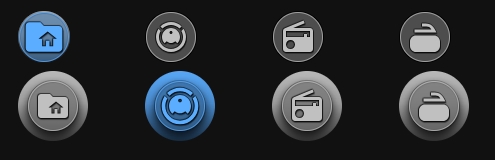
 Light & Auto-Dimmer Slider

 Socket & Power Monitoring

 Script Button

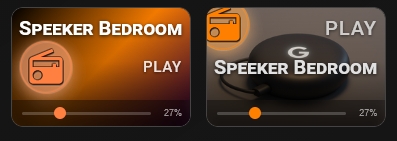
 Media Player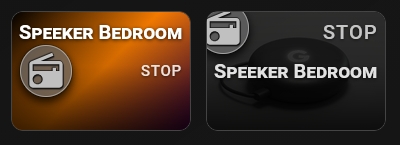
 Installation

 View Smart Button Assets