Pointer-events not working

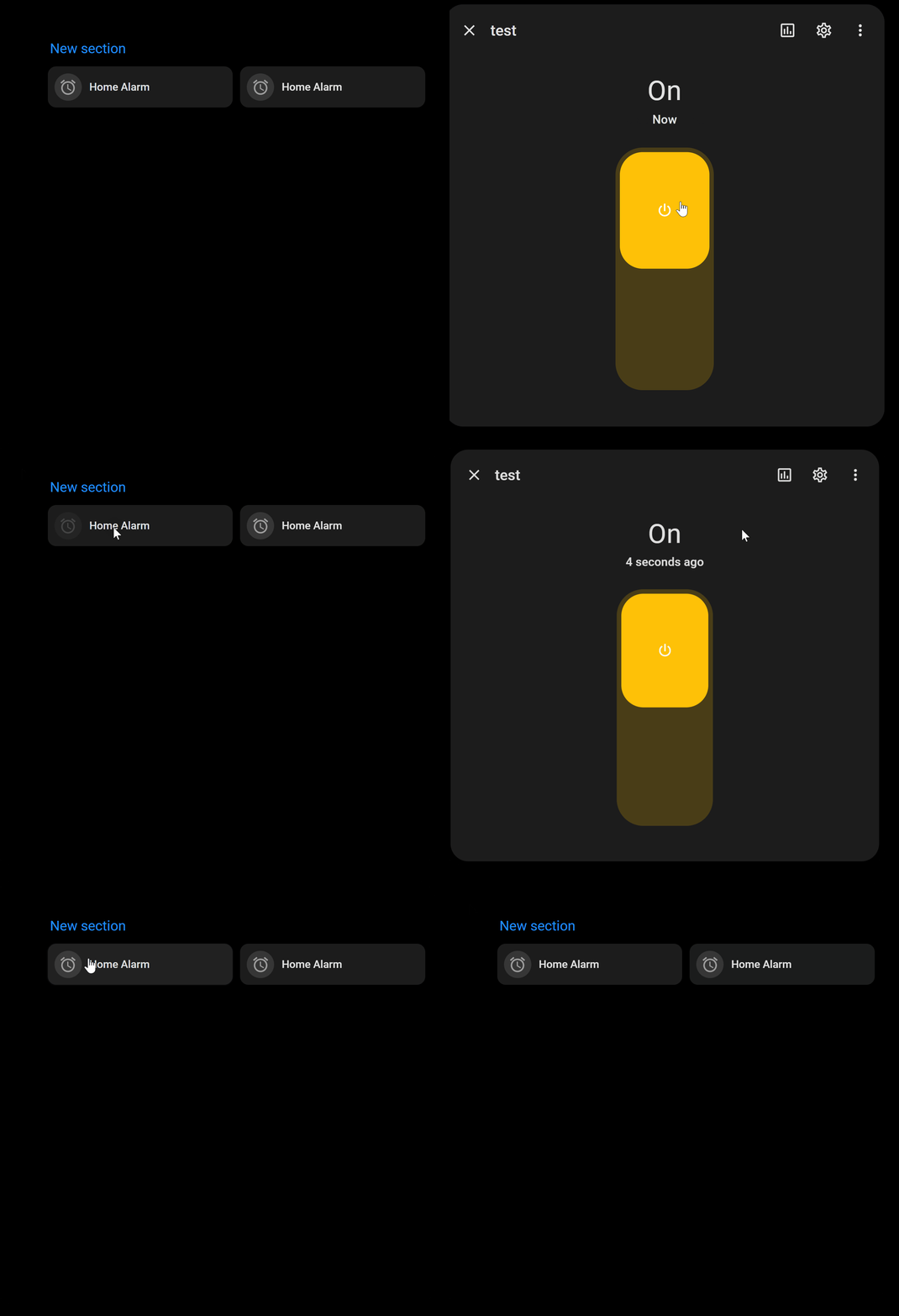
Hi, I am trying to use pointer-events in my card as indicated in different posts to disable/deactivate a card based on a condition (I do not want make my card disappear based on condition), but I am still able to trigger events of the card and its clickable even with pointer-events set to none

Here is my code

type: custom:mushroom-template-card
primary: Home Alarm
icon: mdi:alarm
features_position: bottom
entity: input_boolean.alarmactive
card_mod:
  style: |    
    ha-card {
      {% if is_state('input_boolean.locationstatus', 'on') %}
        pointer-events: none;
        opacity: 0.5;
      {% endif %}
    }

Try

  style: |
    ha-card {

Yes, tried. result is same. I am still able to click and trigger action

Test this to start…

card_mod:
  style: |
    [role="button"] {
       {% if is_state('input_boolean.locationstatus', 'on') %}
        pointer-events: none;
        opacity: 0.5;
       {% endif %}
        }
        

Same results, card is still clickable irrespective of the value of input_boolean.locationstatus
Opacity seem to take effect, but the pointer is still working, I think for some reason pointer-events: none is not taking effect

I tested the code with multiple scenarios and it definitely works.

Temporarily remove the logic and test either of these methods below…

card_mod:
  style: |
    [role="button"] {
        pointer-events: none !important;
         }
card_mod:
  style: |
    .background {
      pointer-events: none !important;
            }

What card_mod version is installed?

Thanks @LiQuid_cOOled , solution works. Looks like the tag “!important” is indeed important :grinning:
May I know the meaning of this tag (I am fairly new in this area) ?

It gives the assigned CSS property value the highest priority and overrides all other style declarations from other sources.

ok, Thanks

May I ask what browser are you using?

Google Chrome

Mushroom card version 5.0.9

BTW, opacity will not work under [role="button"] ?

On the icon or the text?

did you test opacity: 0.5 !important;

Here is an example of the icon opacity dimmed when the boolean is on

example

Yes, I did use opacity: 0.5 !important; under [role="button"] and it doesn’t work. I added it under ha-card to make it work