Popular A9 mini Wi-Fi camera & the HA challenge

@Angel Hi! Yes, you don’t need to modify them. You only need to connect it to the router to receive IP.

I implemented the protocol for camera that I have. It is

  • encrypted with (0x69, 0x97, 0xcc, 0x19)
  • use json command
  • use port 32108 for discovery

I know that there could be different keys and also binary protocol that is used for earlier models. I started working on it but lack devices for testing. The working implementation for binary proto is here: GitHub - DavidVentura/cam-reverse

Additionally, I bought A9 cam with an unknown protocol that use discovery on port 20190. I haven’t found protocol description.

Where can I find this prefix DGOK?

It is in the camera “ID”, and is used in WiFi AP name.
If you’re asking where you can buy one, it was a local store, but looks like this lot https://www.aliexpress.com/item/3256807104961761.html. App for connection is vi365.

I assume it should work for all DGxx* prefixes. And some work and testing is needed for Binary protocol and other encryption keys. (Like this Support for little stars encryption · Issue #2 · devbis/aiopppp · GitHub )

Hello and thank you for working on this.
I’m trying to use the X5 camera to get it I to home assistant, locally.
I installed the integration via HACS and got the local ip in my router (the camera is called Iwip)
Without username and password, or using admin:6666, I’m able to connect, but an error arise.
Can I do something to make it work?

Error setting up entry BATE-xxxxx-IURQM for pppp_camera
Traceback (most recent call last):
  File "/usr/src/homeassistant/homeassistant/config_entries.py", line 753, in __async_setup_with_context
    result = await component.async_setup_entry(hass, self)
             ^^^^^^^^^^^^^^^^^^^^^^^^^^^^^^^^^^^^^^^^^^^^^
  File "/config/custom_components/pppp_camera/__init__.py", line 30, in async_setup_entry
    await device.async_setup()
  File "/config/custom_components/pppp_camera/device.py", line 87, in async_setup
    async with self.ensure_connected():
               ~~~~~~~~~~~~~~~~~~~~~^^
  File "/usr/local/lib/python3.13/contextlib.py", line 214, in __aenter__
    return await anext(self.gen)
           ^^^^^^^^^^^^^^^^^^^^^
  File "/config/custom_components/pppp_camera/device.py", line 121, in ensure_connected
    await self.connect()
  File "/config/custom_components/pppp_camera/device.py", line 66, in connect
    await self.device.connect()
  File "/usr/local/lib/python3.13/site-packages/aiopppp/device.py", line 56, in connect
    self._session = make_session(
                    ~~~~~~~~~~~~^
        device=self.descriptor,
        ^^^^^^^^^^^^^^^^^^^^^^^
    ...<2 lines>...
        on_device_lost=lambda dev: self.on_device_lost(),
        ^^^^^^^^^^^^^^^^^^^^^^^^^^^^^^^^^^^^^^^^^^^^^^^^^
    )
    ^
  File "/usr/local/lib/python3.13/site-packages/aiopppp/session.py", line 523, in make_session
    raise NotImplementedError("Only JSON protocol is supported")
NotImplementedError: Only JSON protocol is supported

Hello! I have an ACCQ-prefixed camera with no open ports. Using the Little Stars app, I set it to LAN mode, and I receive a 16-byte hexadecimal response through the broadcast port (32108). Unfortunately, I couldn’t extract any meaningful data from it using XOR decryption. Even when I send the 0x42 0x76 message, I don’t receive any response from the device. I’ve tried extracting and using the typical ports as well.

Does anyone have any ideas on how I can determine what to send and to which port in order to receive the camera stream?

Very thanks @devbis

Hey @mabusdogma, I just got 4 different A9 cameras and I’m getting exactly the same error.
My cameras are not DGOK like @devbis’, these are TBAT, so I’m guessing we are stuck for now.

You can join testing binary protocol development here Support for Binary Protocol (non-json commands) · Issue #3 · devbis/aiopppp · GitHub

I don’t have such cameras, so I’m blindly trying to implement the protocol based on cam-reverse and similar projects

There’s a solution coming!

I added support for binary protocol to my library and component.

1 Like

I also have the same camera, I’m trying to extract some useful data

How did you manage to set it to LAN mode? Is it a checkbox in the app?

What command did you send to the camera to get such a long response? Mine also starts with 5d, but it’s only 48 characters long. For discovery, I’m sending 0x5D 0x78 0x28 0x18, and based on that, I would expect to receive a prefix, serial number, and suffix.

Sorry, I phrased it wrong. I didn’t set it to LAN mode, I just used the app to connect to WiFi. By the way, I blocked WAN access for the device and it still responds on LAN.

I am developing a way to use little-stars encryption in HA as well.

Can you capture communication with your cam with blocked external IPs in PCAP using wireshark and share it?
Or try running the library at github with your cam

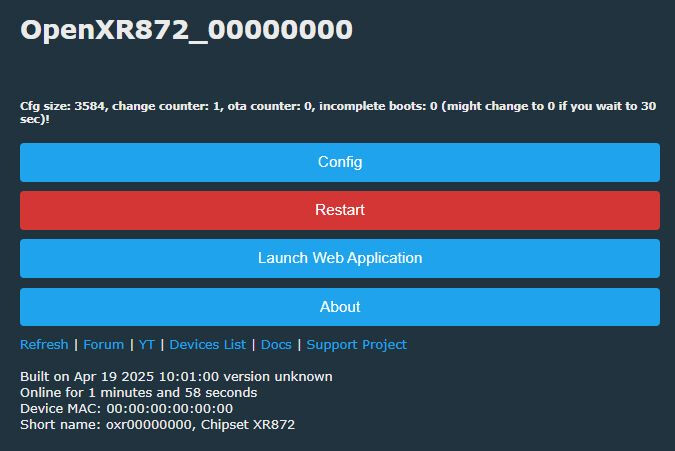
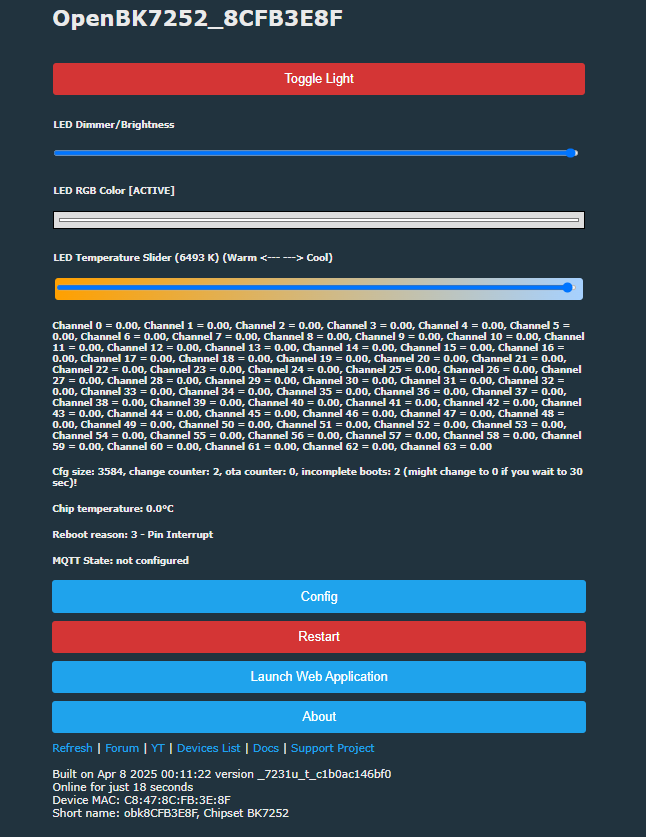
Some recent developments regarding BK7252 and XF16 devices and open-source firmware alternatives in these two Elektroda threads. Early builds of OpenXR872 (XF16 boots with app built from XR872 SDK) and OpenBK7252 shown running on A9 cams.

No camera support at this stage and most things don’t work, but here if anyone’s interested:

https://www.elektroda.com/rtvforum/topic4074636.html
https://www.elektroda.com/rtvforum/topic4073760.html


How to dump flash of Taixin TXW81x MCU: https://www.elektroda.com/rtvforum/topic4123724.html

Hi,

i correctly installed A9 fake server and use add guard for dns transfer but no camera appear in the server did i miss something ?

many thanks

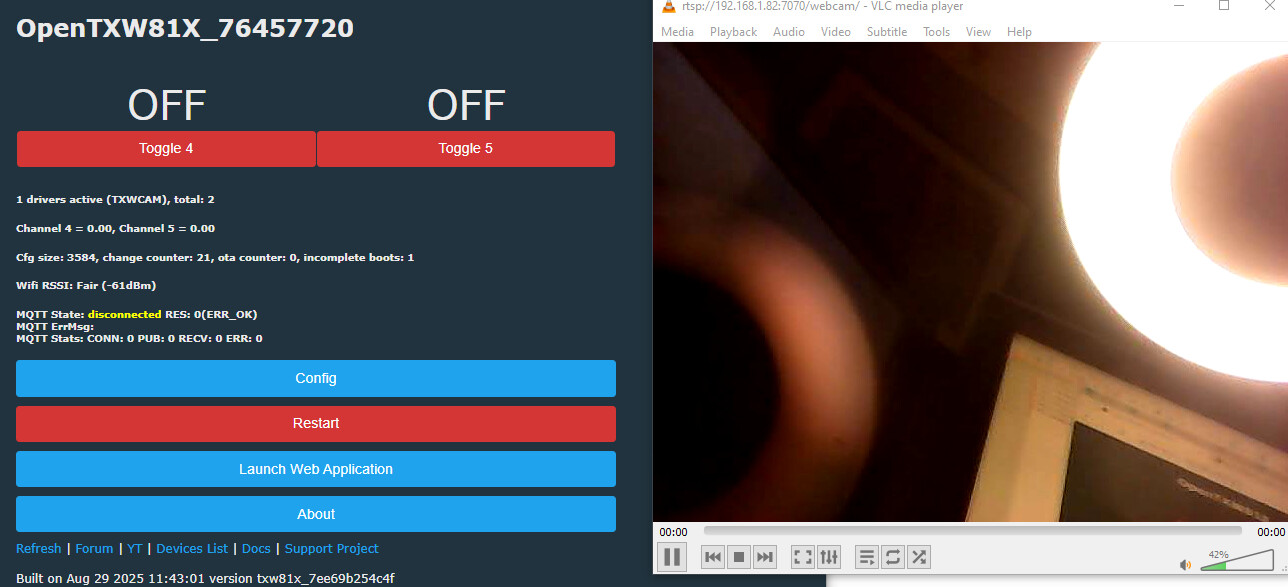
OpenTXW81X in development

development thread: https://www.elektroda.com/rtvforum/topic4033757.html
development for OpenTXW81X heats up from: https://www.elektroda.com/rtvforum/viewtopic.php?p=21638429#21638429

hello,

anyone still using this camera?

I got mine a few days ago, here’s what i’m finding out so far:

wifi prefix DGOR, worked with hdwificampro (recommended app in manual) , vi365, cy365 this last one probably the best because of no ads, didn’t work with the others 720, 360 etc, complains about invalid qr code.

In general it’s working but I try still to find a good app, the ones I got only have no sd card record, or all-day recording, I mostly wanted it to record only when a motion event is detected, saving lots of sd card storage.
The motion events are saved, but I only can find it in their cloud server.

I tried the methods described here, trying to make it work without the chinese apps, especially i liked hyc’s project in C, a9serv, however, it didn’t work here, so I decided to run a tcpdump on that camera, and I saw the following:

It is not using anymore the port used in hyc’s program, it was using something different, and not only that, but I think it’s using a new port on every session! which makes me think, the developers are reading these posts and inventing a new way to prevent users from seeing the stream on their own,
To let the app know about these different ports, the camera seems to be sending at startup some icmp port unavailable packet, which actually would mean port available in this case ?!
anyway, I thought developing a new program to mimic this new behavior would probably be doable, although I think I don’t have that much skill , or actual interest, to do that , probably not the best way to spend one’s free time, but you may disagree.
If there are any news/comments on this I would like to know more.
see you