Hi, I have one a9 camera wi-fi with above
Specifications:
There is a Way tô access that outside of app PIX APP ?
potentially this GitHub - DavidVentura/cam-reverse: Implementation of iLnk/iLnkP2P/PPPP protocol for X5/A9 cameras if it’s iLnk/iLnkP2P/PPPP based
Hi to everyone! Do you know camera A8 ?
I bought camera on Temu, model “1080P Ultra HD Home Security Camera, Mini WiFi Surveillance Cam with 2.4G Wireless Connection, Wide-Angle View, Motion Detection”
Actually on the box: manufacturer Ausek, model AS-A8
Ip scanner says that it is Beken Corporation and open port is 20190. It supports telnet connection but “Server has closed the session” in a second after connection. It identifies itself as “rtthread” in local network.
Do you know anything about this camera? I want RTSP 
I have a A9 camera with TXW817 chip and blue PCB IOT_V1 2D250609.
I managed to use wireshark in AP mode. I just need to send
echo -ne “\x86\x86\x00\x09\x00\x01\x00\x04\x00\x02\x01\x01\x0e\x0d” | nc -w 3 192.168.1.1 8266
It respond a RTSP address and i can use it directly.
It seems to not work when connected to WiFi, the port 8266 is closed, and everything works through the cloud…
I’ll try to setup OpenTXW81X
Guys, got myself also an A9 mini, i purchased those before, the old ones had 554 open easy to find the url with wireshark nut seems this one not…
In the manual its an z-iot cam
how to proceed, this thread is like 404 posts long, can someone summarize what i have todo ? what are my options? seems i need to install the z-iot cam app on android, do i need to sniff it? or is it cloud only?
sniffed with frida: and they make connection to : ipc.gps555.net
thnx
i stumbled on this project, they support flashing the A9 cameras , so it provides an rtsp stream
flash guide:
https://www.elektroda.com/rtvforum/topic4123724.html
cheap flash module:
https://www.elektroda.com/rtvforum/topic4120455.html
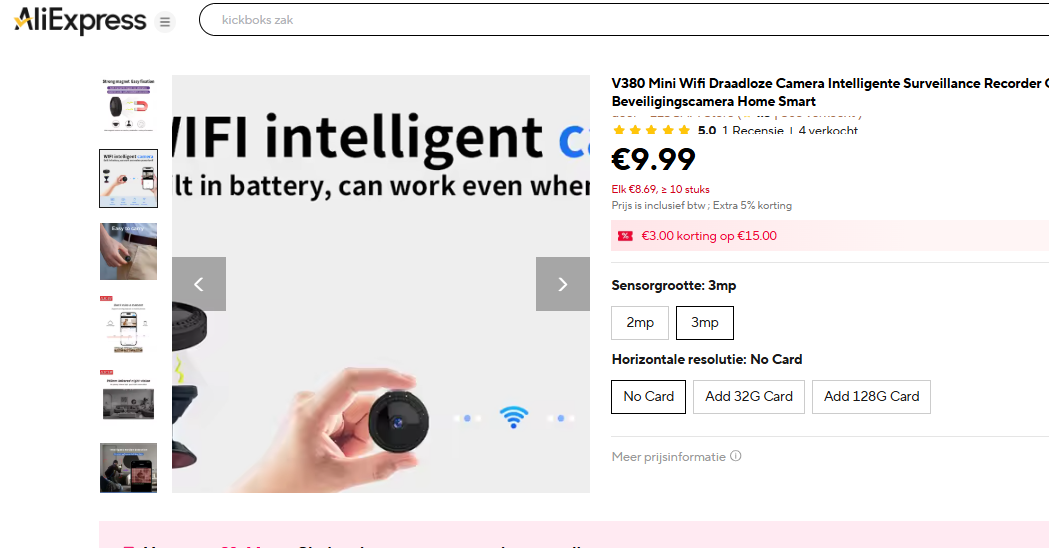
do u have any news for this? i just realized i have one. i connect thorugh the ZIOT cam app but then every port is closed. do u have any update?
Ok. I flashed my A9 cameras with below project, I flashed it with the tools. And now I have finally locally RTSP support !! Took me 10 min to make the tools and the j-link ready
Used this one:
However, the project states that the A9 does not currently support camera drivers. How did you obtain RTSP?
It’s in there, you need to send the command to activate RTSP, next boot it’s auto enabled…
It’s all here:
Hello
Does the camera works withing RTSP?
Which firmware can use?
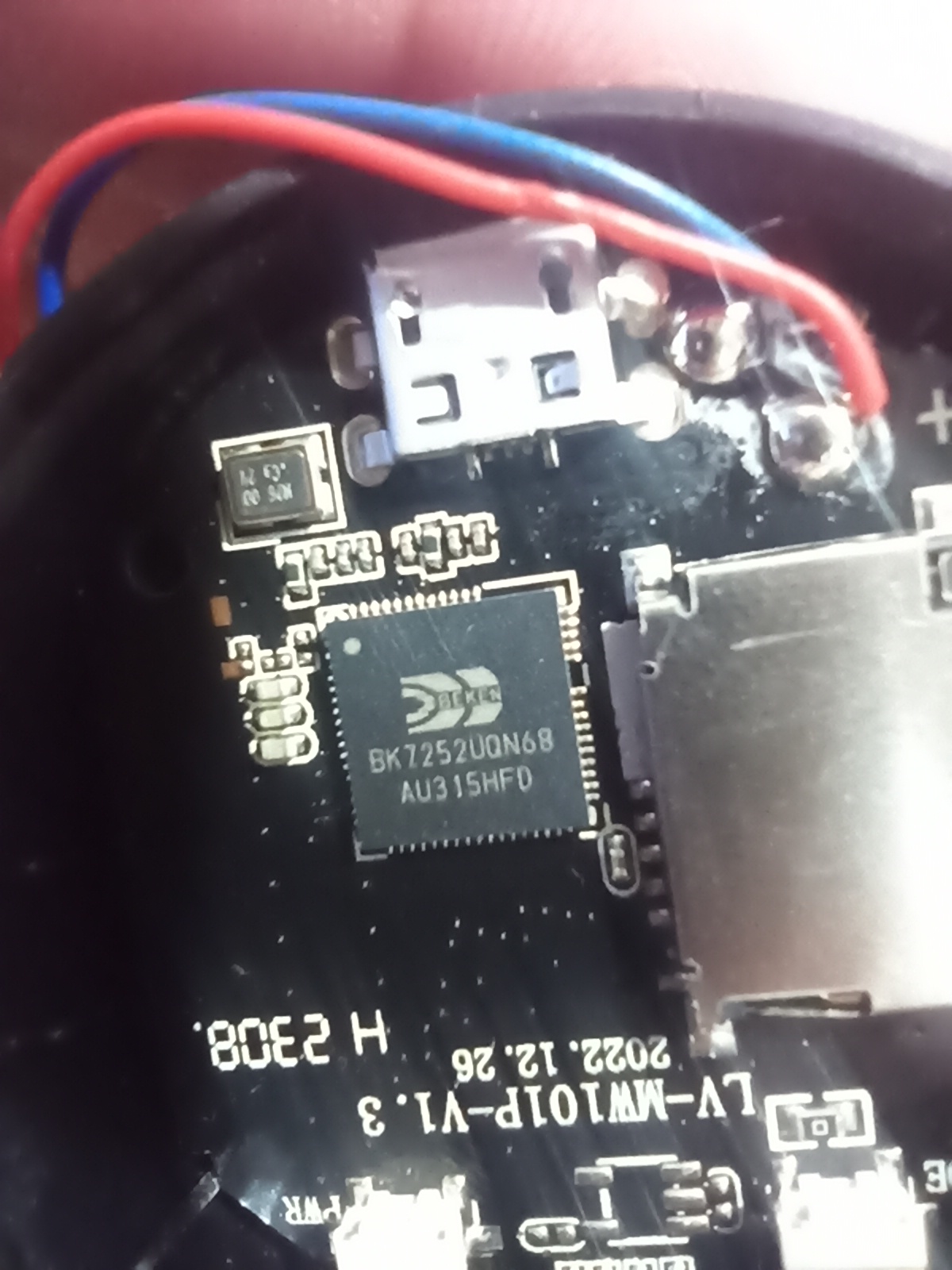
- BK7252 (eg A9 cameras, for testing only! No camera driver is implemented.)
- BK7252N
Thanks.
I have Z-IOT Taixin TXW817 A9 camera, successful rtsp
can u please share how u did it? (i see u are italian, me too!) i’m trying to get my rtsp but not in the AP mode but in STA mode, didi u manage to do it?
(i would prefer to do it wthout flashing the whole os, is it the only way?)
my camera connects to z iot cam app and has TXW817 chip
Yes, but only with flash , you need to solder or connect the 3 cables, scroll up a few post, flash info is there
only OpenTXW81X has support for camera drivers/RTSP.
A9 cameras come in many forms. OpenBK7252/OpenBK7252N does not include any camera support.
Thnx !
Do you know if the RTSP quality will be better in future?
added response here https://www.elektroda.com/rtvforum/viewtopic.php?p=21871604#21871604
though of course anyone with the skills is welcome to come develop OpenBK7252x further…
It was really easy to flash the OS.
I had successfully play the RTSP stream from VLC, but i can’t add it to Home Assistant via the Generic Camera integration. It say
Error from stream worker: Error opening stream (Protocol not supported, rtsp://192.168.1.20:7070/webcam)
Weird. but I can take snapshot with the ffmpeg service and i only need this