Howdy! I’m looking for a way to improve my creation of Automations in Home Assistant by adding button profiles.
Button Profiles (or Groups)
What I want is the ability to add a device as a trigger in an automation and simply assign it to a button profile that includes all button mappings and trigger IDs I’d typically use to manage my lights. That way, all devices with that profile get updated at the same time.
I mean, you can create Scripts to make a reusable set of actions, so why not buttons too? Maybe a way to make a “button group” so each function of the buttons are grouped somewhere in one spot.
My Goal
I’m trying to reduce the load on me to add a single device. I typically buy in bulk, and it takes hours to fix, and I’m likely to get something wrong. The fewer steps I have to do, especially one that require a keyboard and mouse, the more likely I am to do it right the first time.
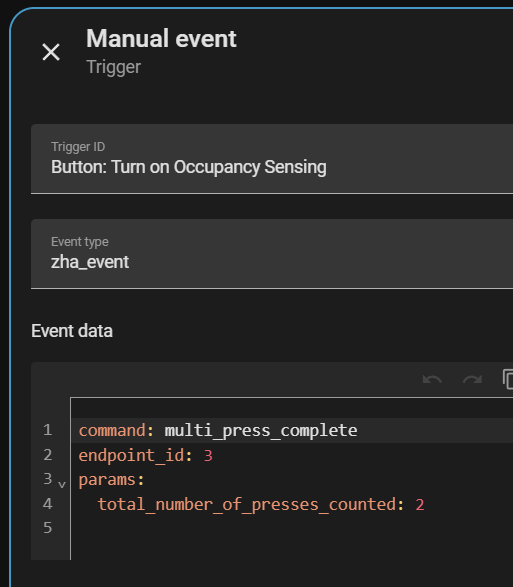
But ZHA doesn’t currently provide event entities for button devices, so there’s nowhere to apply the Labels in a way that the new triggers can be leveraged.
I don’t have any of the IKEA multi button devices. But, I think the picture he posted the other day was of the Rodret which, based on @censay’s blueprint, means the trigger options should be:
I would assume the IKEA device’s event also include their device_id, so he could attach the Label to the device then use {{ trigger.event.data.device_id in label_devices('profile_1_buttons')}} as a condition… or just have a trigger for each device ID.
@Sawtaytoes the point is, if you lean into templates, you can condense 100 single use automations, into 1 automation if you use templates. This example was just for zha button events.
What’s label_devices do? Is this like creating the button profile?
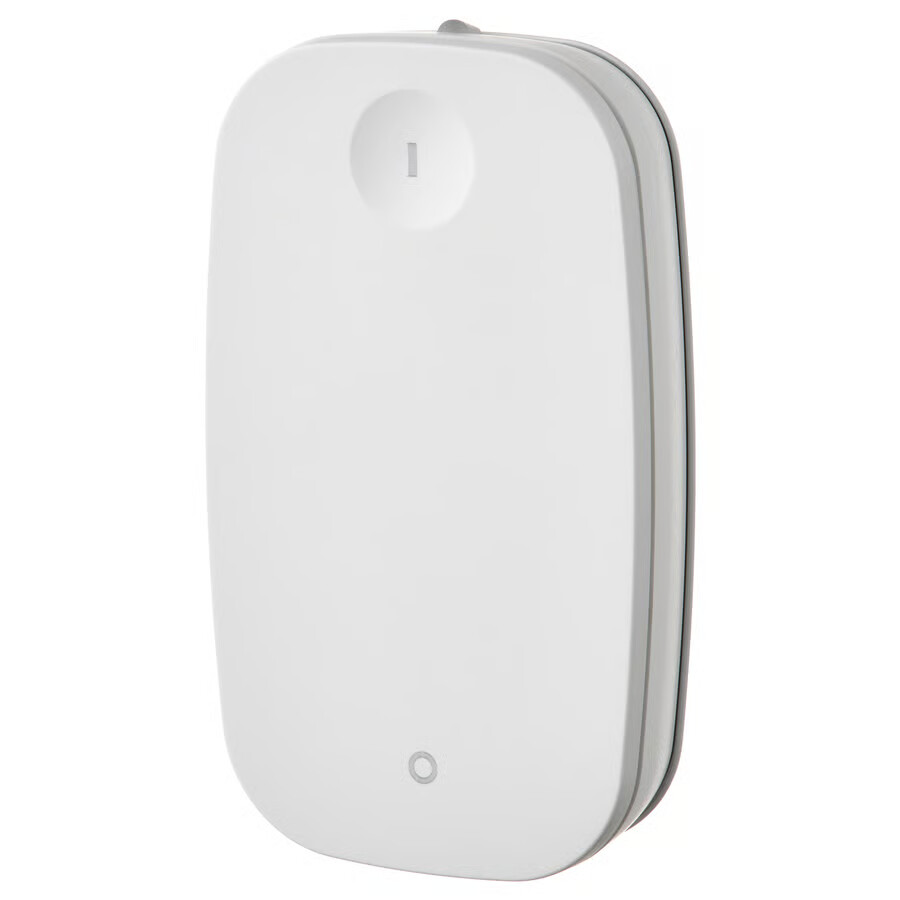
You were similar. I have RODRET buttons, but that one posted was from a SYMPHONIK media button.
I haven’t had a chance to look into this, so you’re correct, my respones are slow .
This looks great! I’ll take a look when I next touch this. The fewer triggers, the better! I like this variables for the whole button. I can then have a single trigger for each button rather than each press type in zha_event. Great!
Is device_id the device itself or the unique ID for that device? Or is that unique_id? I was thinking of using the IEEE ID, but I’d rather whatever picks the make and model correctly from Home Assistant, so all my RODRET buttons are the same.
I wouldn’t be calling actions from there, I’d be assigning strings to actions and the room certain devices belong to. Then I can do an event listener in those room-specific automations to remove all button triggers and replace them with a single event listener.
It’s not a unique_id, I have no idea what this is. I don’t use ZHA, that’s why I need your examples to show an actual working version. @Didgeridrew provided something that I could work with.
My assumption is that device_id is an id that ZHA passes around with it’s events. So in the case above, that single trigger is limited to only that device’s events.
Yeah, I’m looking to do this for a category of devices, not that one particular device.
I have many of the same buttons, so that’s why I’m looking for that solution, something that is an ID or model or something to reduce the number of IDs I need to find an add.
If all I have to add is one trigger per make 'n model, that’s good. If I have add each device individually, it’s about as bad as what I have now.
 .
.