Hi all:
I have migrated my Xiaomi Gateway from HomeKit to HA via HomeKit controller, everything works fine except that the alarm control panel shows unsupported modes “Home” and “Night”. My gateway only supports “Away” and “Off”, is it possible to customise the alarm control panel to hide unsupported modes?
Many thanks in advance!
You can do it with the tile card:
type: tile
features:
  - type: alarm-modes
    modes:
      - armed_away
      - disarmed
entity: alarm_control_panel.alarmo
Hi Tom,
Thanks! Is there a way to hide the modes in the entity? I ask because I also expose it to HomeKit and don’t want these modes visible in HomeKit. Thanks again!
Maybe. What do you see on the device page (Settings → Devices & Services → Your Alarm Device)?
Thanks for your reply!
I see the following, and I connect the gateway via HomeKit controller, for some reason HomeKit controller thinks it supports more modes. It was used to connect to HomeKit before and there it only shows Away and Disarm modes.
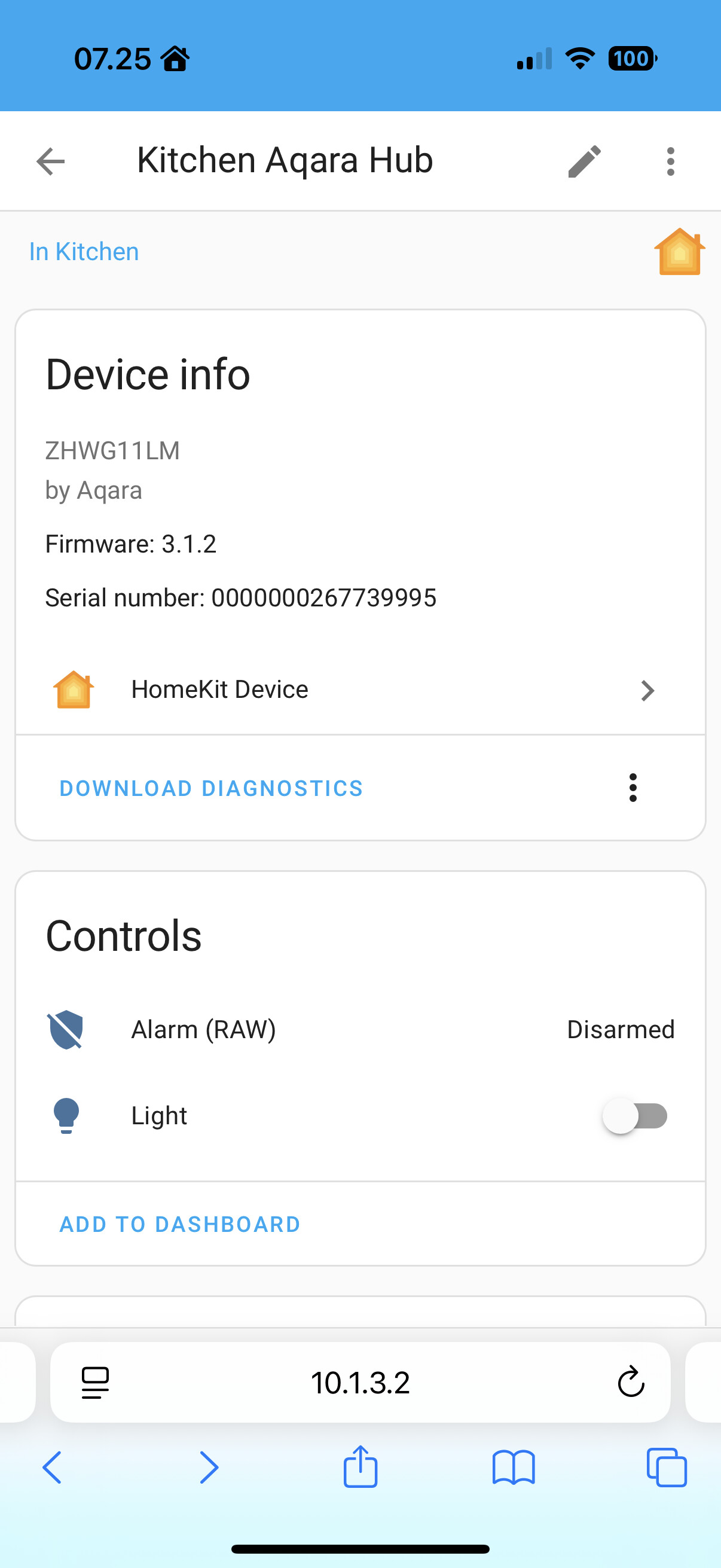

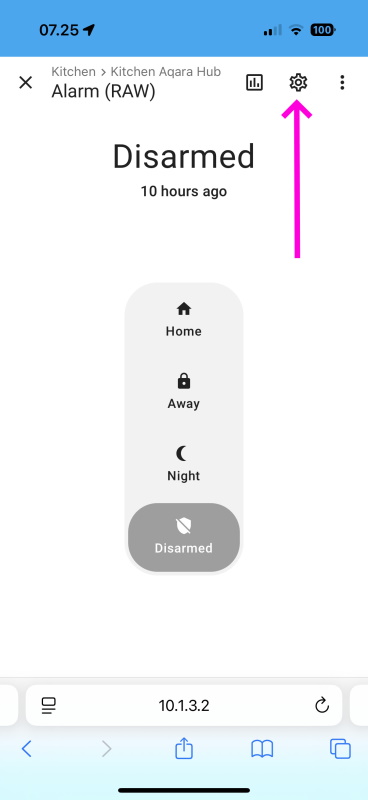
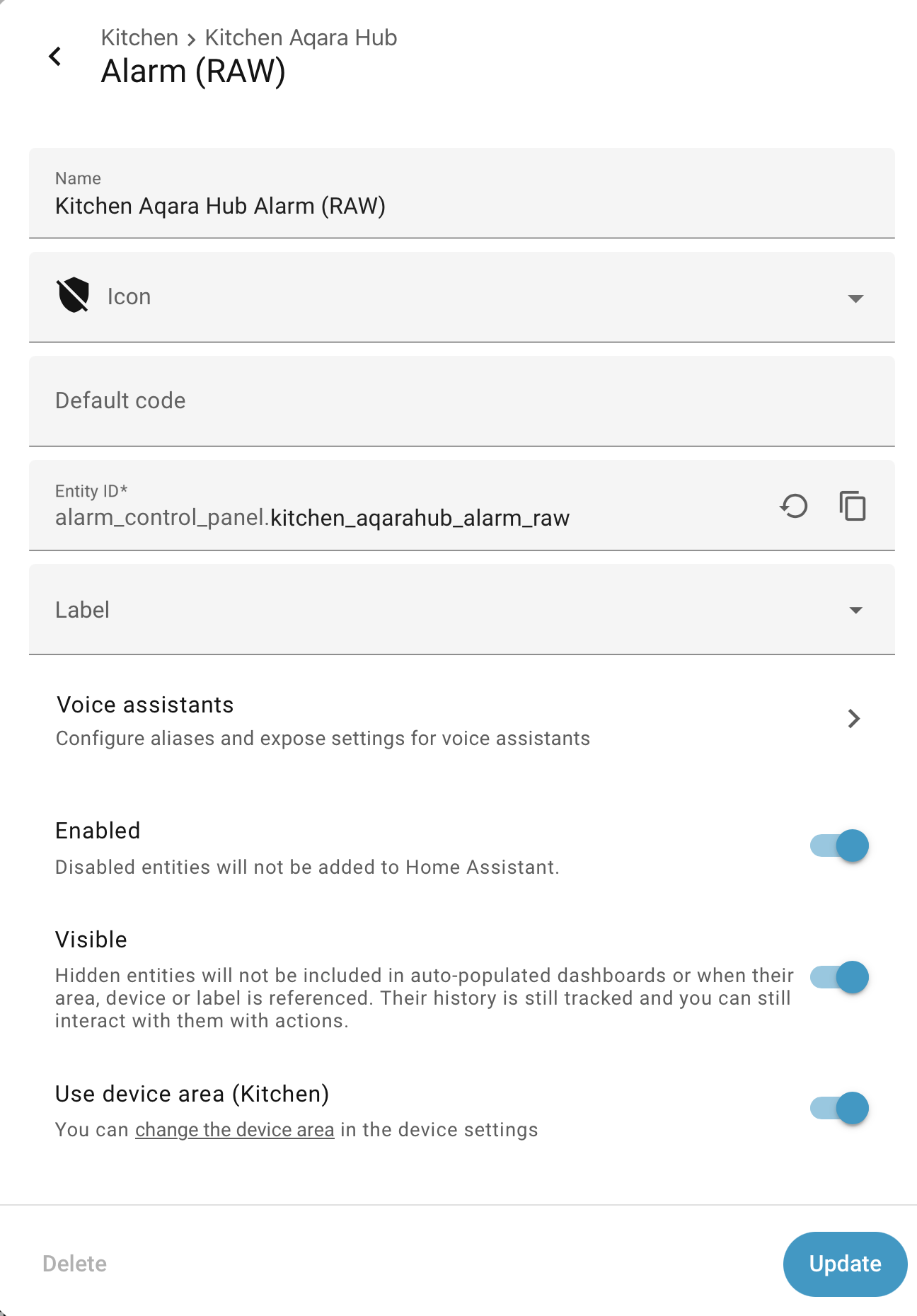
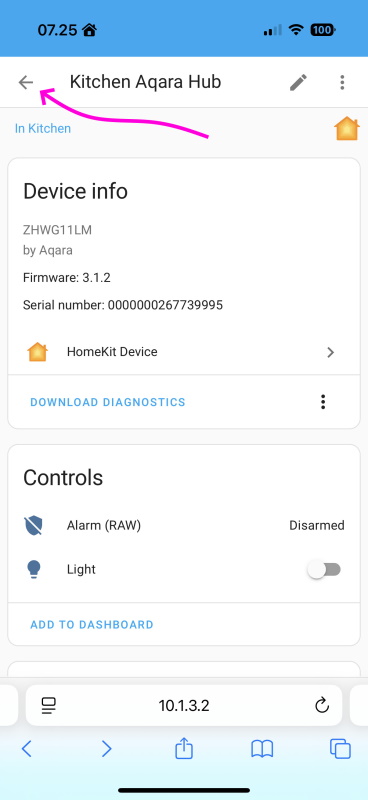
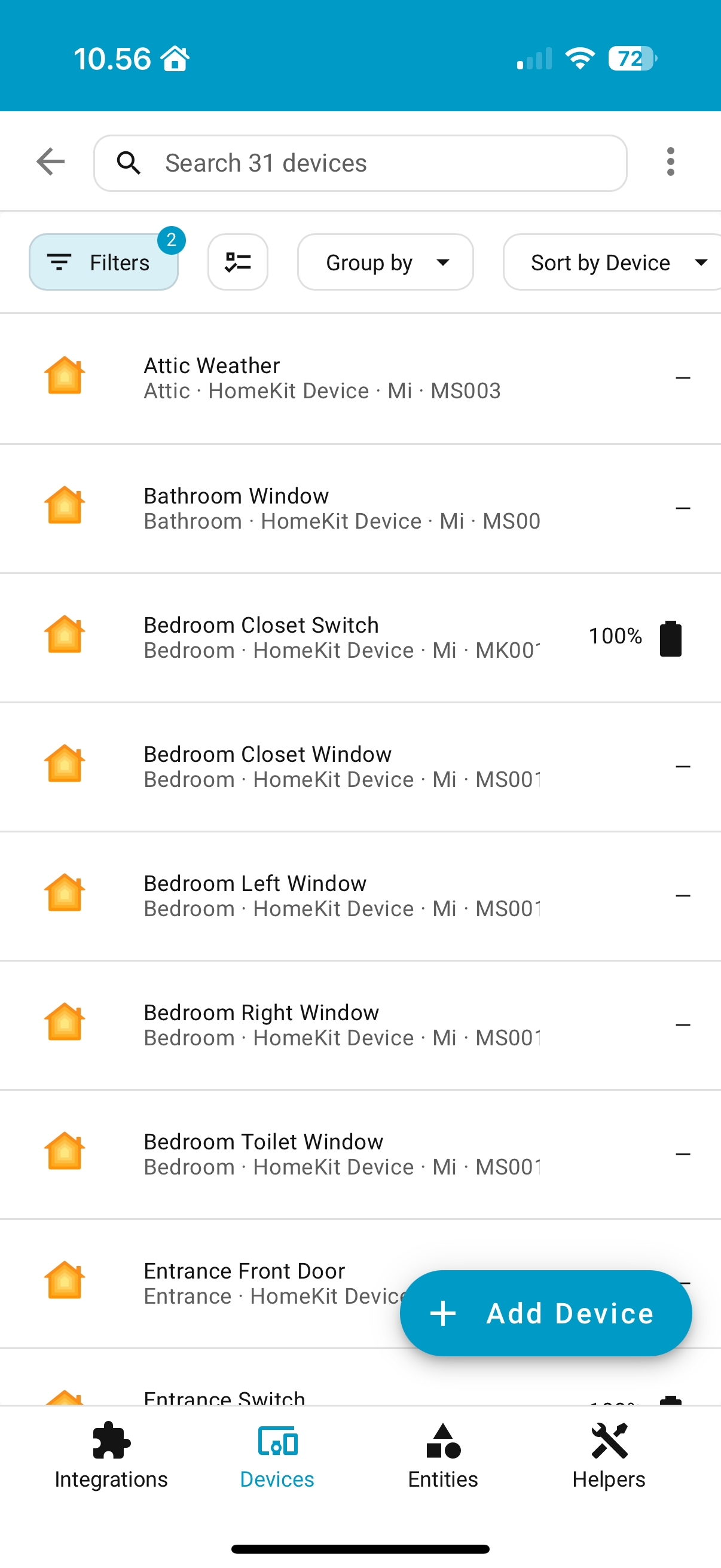
When I click back I see a list of HomeKit devices added by HomeKit controller (guess nothing interesting there), anything particular you’re looking for?
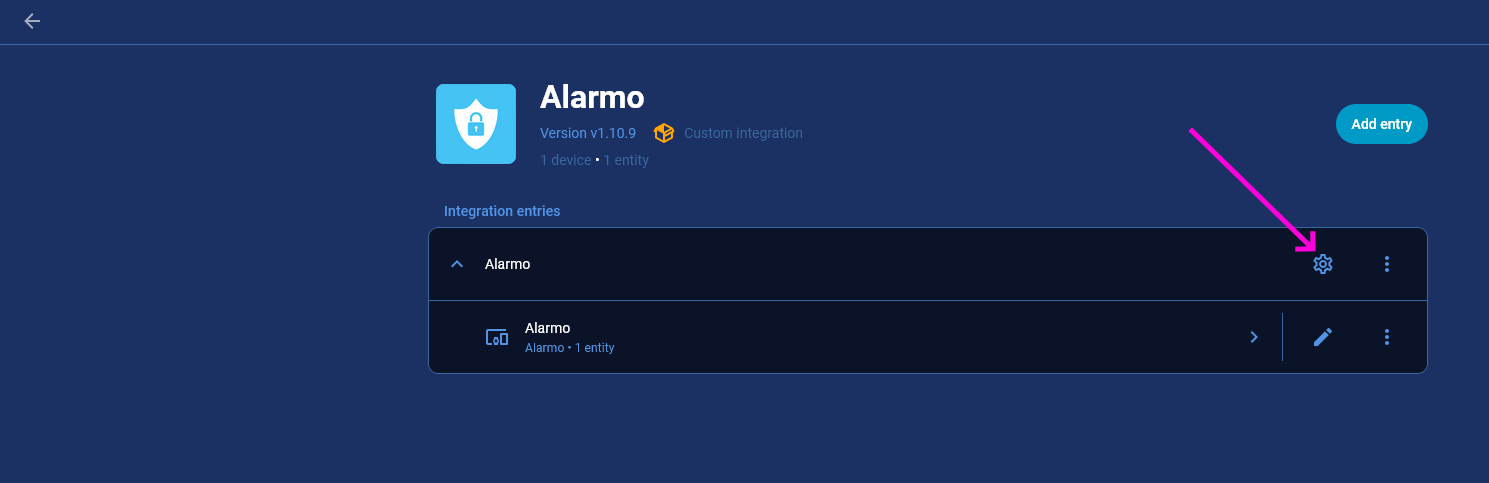
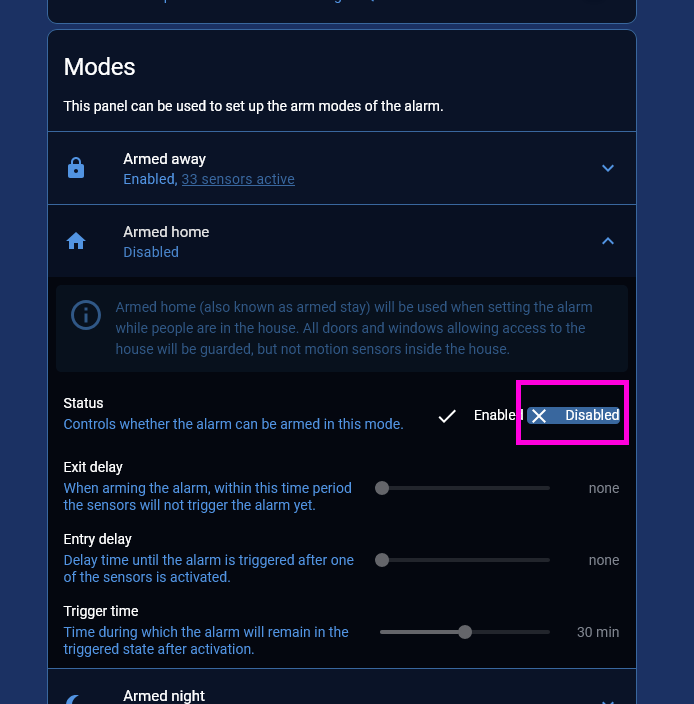
Hi @tom_l :
I do have a view similar from HomeKit controller, however there is no settings button:
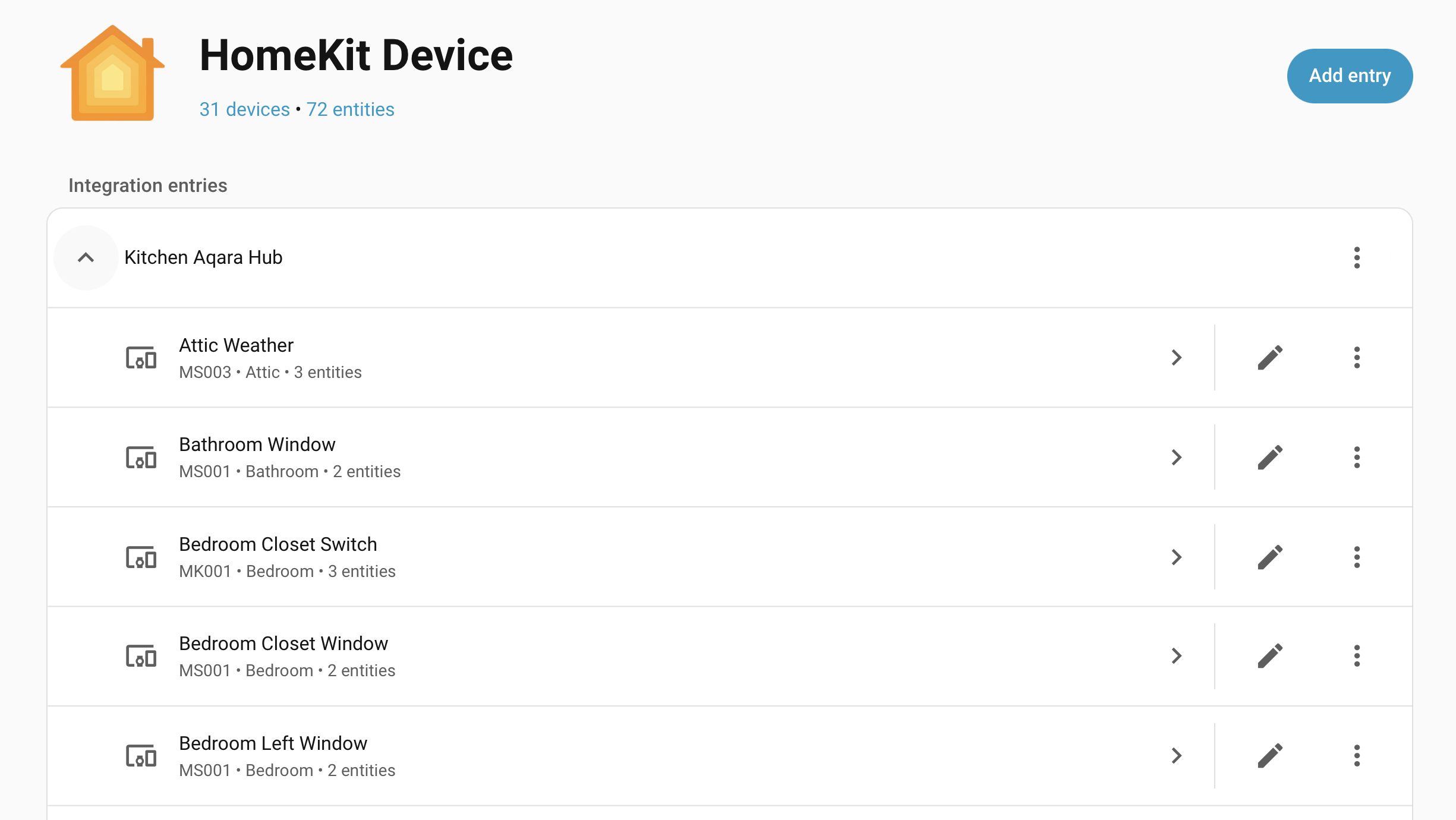
And the hub itself which provides alarm panel entry is also a sub-device:
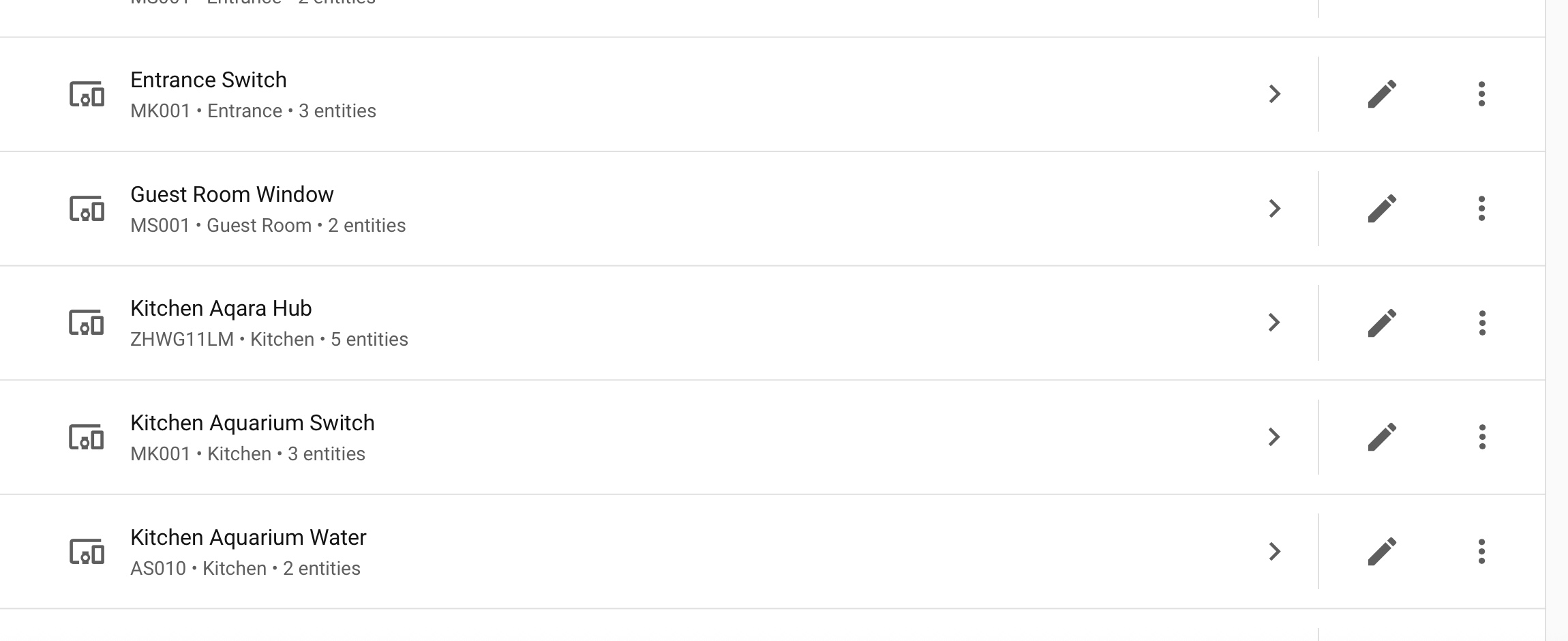
I’m running HA 2025.8, maybe a limitation of HomeKit controller integration?
Unfortunately it looks that way.
Thanks a lot for your help!
I have now created a template alarm panel to hide the modes and it seems to work fine for now 