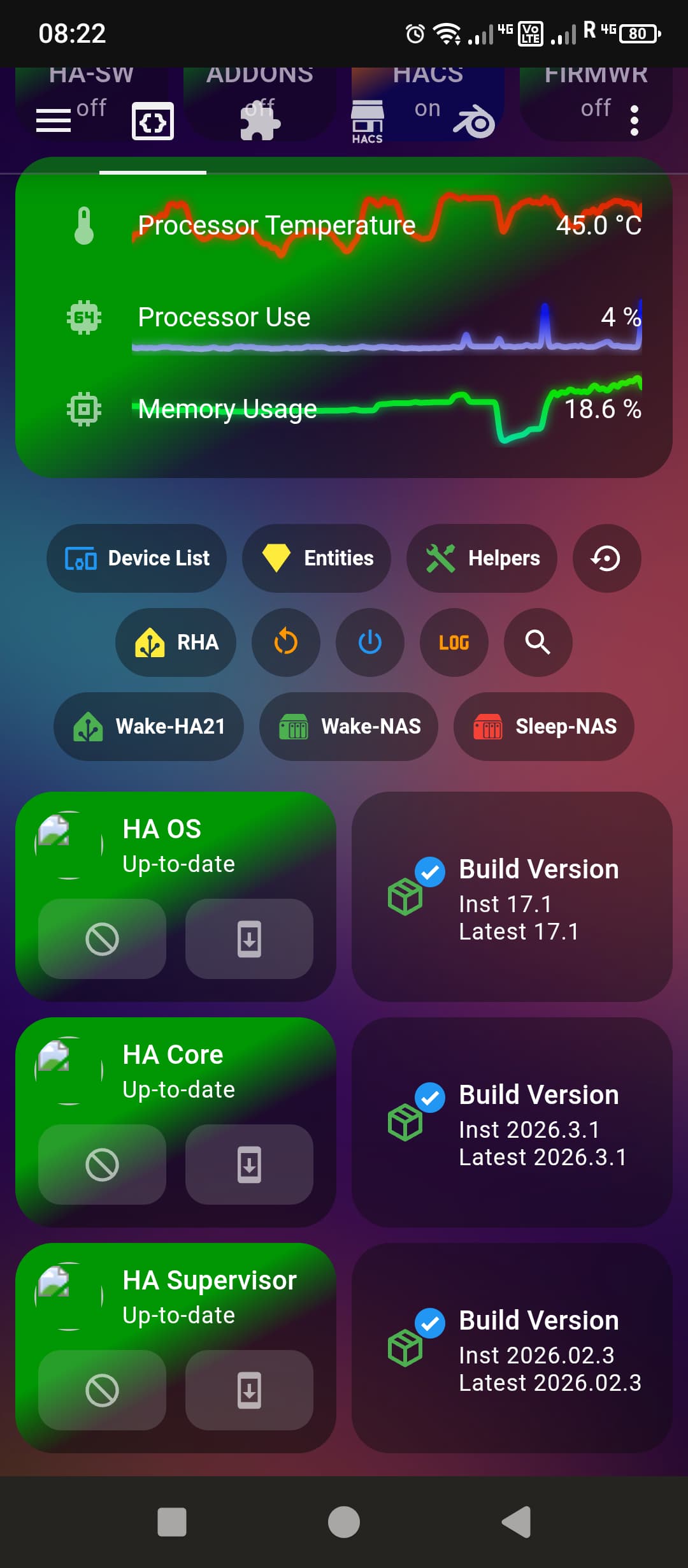
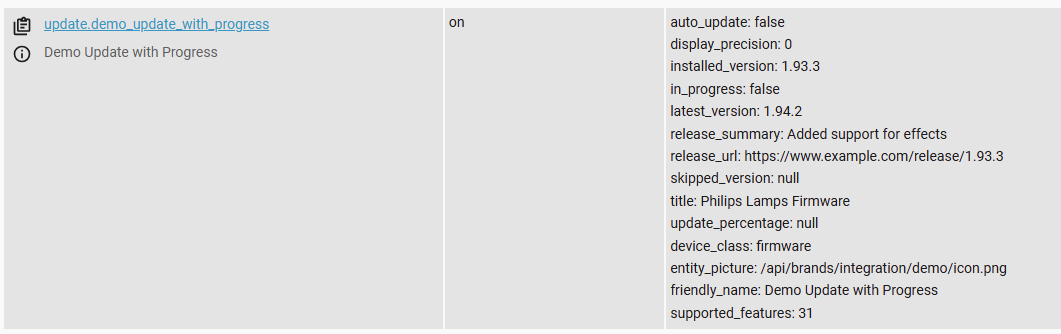
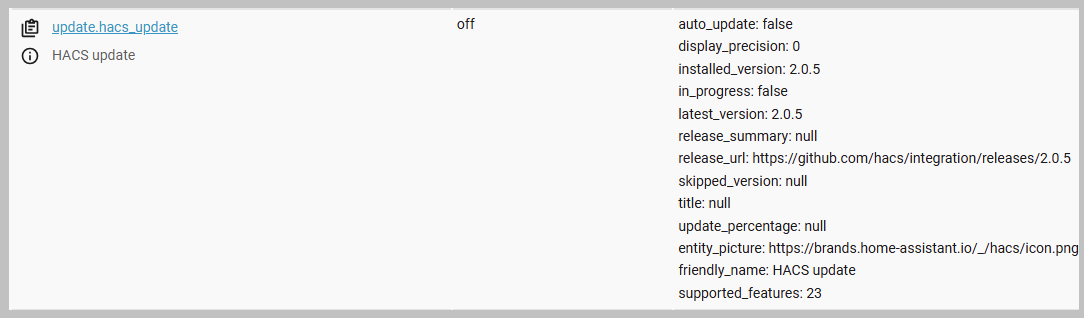
I have a post about it too.
The path is in the updat entity, but if you go to the path on the web site, then you get an error 403.
It is not the mushroom cards, but the actually core, supervisor and so on th are missing the icons files.
Yes I agree as stated lower down in my initial post that I can choose the picture entity for the same entity -
“update.home_assistant_core_update”
in the native “Tile card” successfully however not in the mushroom update card as depicted in my first post.
Hence It may be a Mushroom update card bug issue for that card only…
The picture entity is broken for all of my update entities using the Mushroom update card.
I need to verify this before placing a bug report with the mushroom card as this issue occured instantly post the HA Core 2026.3 update.
I noticed the difference between the two cards in the web inspector is that the Tile card had a token number passed to it at the end of the URL where the mushroom card did not. I believe that this is the API token mechanism required to be able to display the entity picture.
I use the entity_picture attribute in the update entities for my update dashboard and all the other ones work.
It is only the ones for the OHP products that fail and if I try to follow the url manually, then it will fail for those too, where as all the others work.
I am using a template for ALL update entities, so I can not just switch to a picture entity for some of them.