Good morning everyone, I’ve been having an issue with Fully Kiosk for a few days now and can’t figure out the cause.
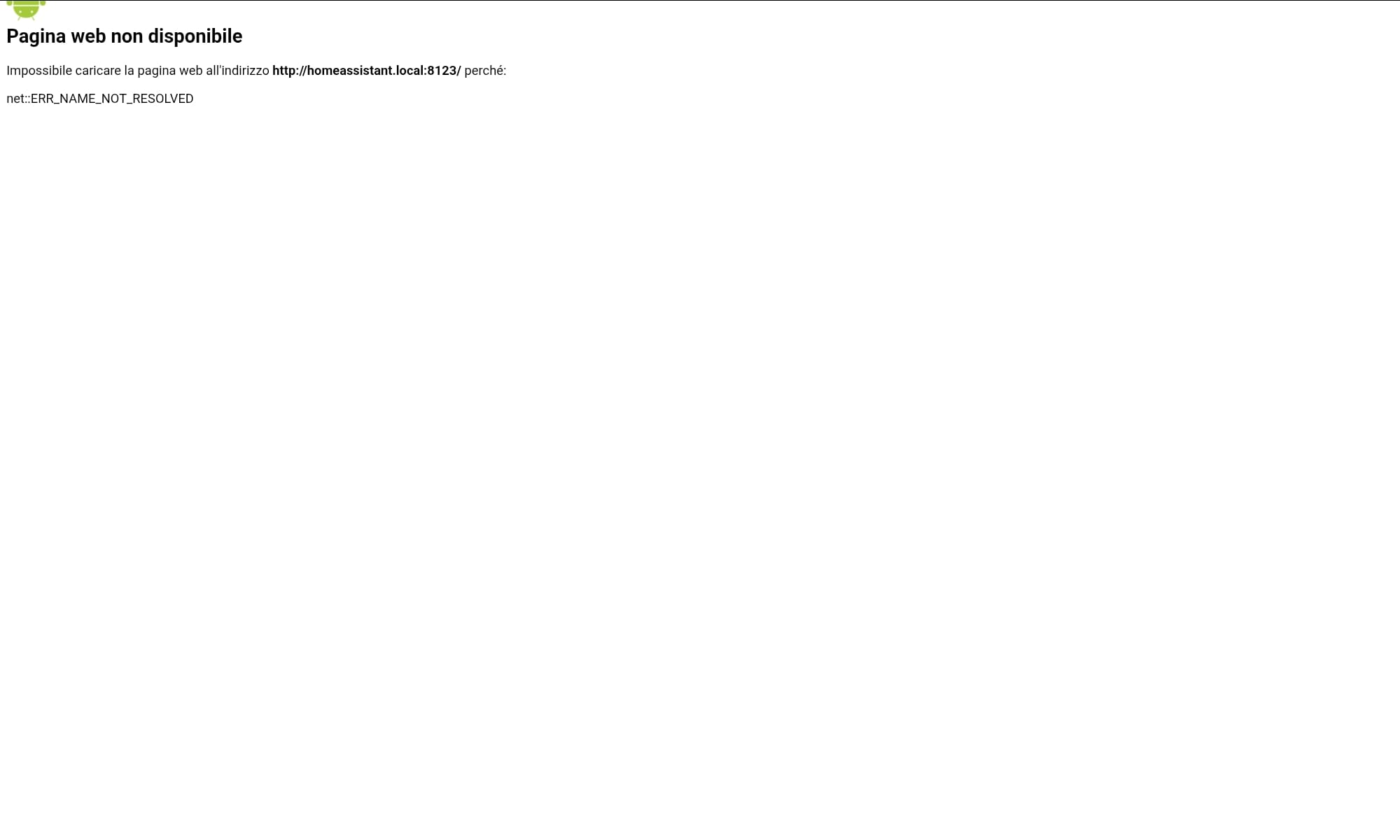
When I refresh the page via the “Go to Start URL” or through automation, the error shown in the attached photo often appears.
I should point out that a few days ago I merged my network (now I only have one: a 2.4 GHz connection; previously I had both 2.4 and 5 GHz, with Home Assistant connected via Ethernet to 2.4) and before this change, the error didn’t appear. After the error occurred, I tried unmerging the networks to 2.4 and 5 GHz with Home Assistant on 2.4, but the problem persists.
I use Fully Kiosk with a Plus license and the app updated to the latest version, on a Galaxy Tab S6 Lite with Android 14, also updated to the latest version available.
I’ve also been having issues with the Home Assistant app for a few days (Unable to connect to Home Assistant). I prefer using Fully Kiosk for motion detection, the screensaver, and other advanced settings.
Has anyone else encountered the same problem?
Have you found a solution?
Thanks in advance for your replies, and have a good day everyone!