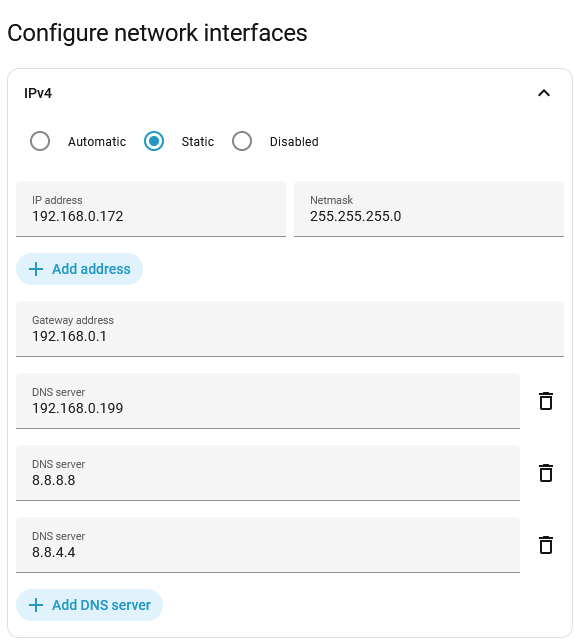
I’ve recently got a new modem from my internet provider. With my old one the IP of HA was at 192.168.31.172, with the new one it’s 192.168.0.172, so I changed the “31” to “0” in the HA settings under System > Network > IPv4:
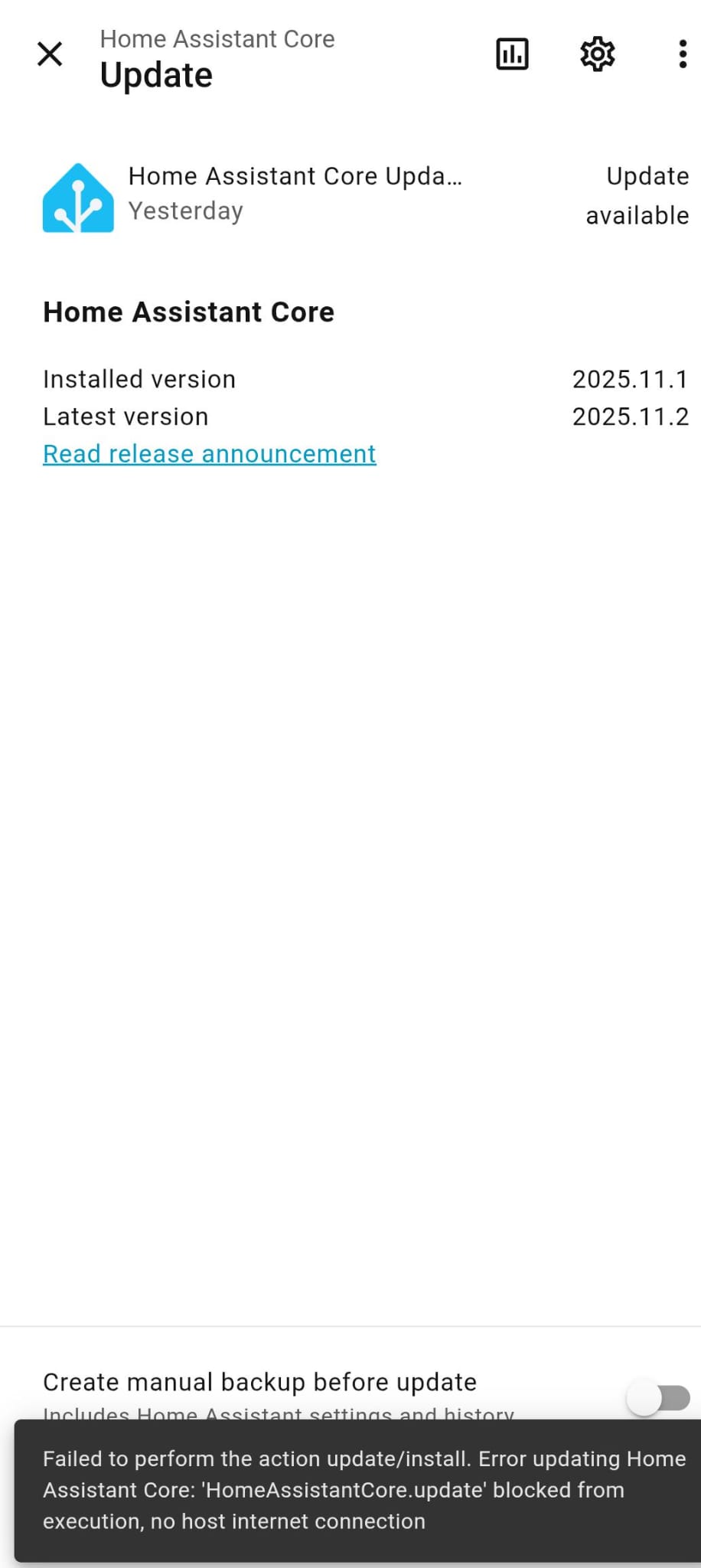
I slowly got all integrations to work again, but today I wanted to install the new Home Assistant Core Update and always get this error:
Failed to perform the action update/install. Error updating Home Assistant Core: ‘HomeAssistantCore.update’ blocked from execution, no host internet connection
I connected HA back to my old modem and changed the IP back to 31 to try the update again, and there it worked. Back on the new modem the same error showed up again. Other updates, like updates to integrations, have worked just fine so far.
I feel like there’s a configuration I’m missing but I know too little about that kind of stuff to know where to look. I’m also not sure what other logs or settings would be pertinent to that problem… Could anyone please help me get everything working again? Thank you!
Is your DNS server correct? Unless you are running your own DNS server it would normally be the same as the gateway. You could also add Google’s DNS 8.8.8.8
The network address, netmask and gateway must ALL be correct or you put your box on an island unable to get off the local segment (sound familiar)
You will need the settings from your modem however in most cases if you change more than one ‘octet’ (group of numbers) inan ip address and there’s a 255. In the same position in the netmask then you MUST change the gateway and likely the DNS addresses
DNS guidance will either be the same as the network gateway or a global DNS like the 8.8.8.8 mentioned. The gateway address I’d you have a 255.255.255.0 netmask means the first three octets will match between netmask and ip address (so if you changed that third octet to 172 it almost certainly needs to change in the gateway too. Not doing so would me no external access and no download of your updates.
Is that a sustainable solution? What was the reason 192.168.0.199 wasn’t working as a DNS? Where could I look up the correct one? In my router settings I only found “LAN address 192.168.0.1” and extrapolated from there based on my last modem’s DNS working with 192.168.31.199…
If you have a PC connected to the same network from a command prompt type ‘ipconfig /all’ and it will tell you the gateway and dns server. Adding the public DNS is okay as a solution as long as you don’t need to resolve any internal resources, but I’d get rid of the .199 entry. For me I’d want it to have the correct internal which I would guess is 192.168.0.1, but that is just me.
Normally the router is a DNS proxy hence gateway and DNS is the same unless you have something extra like Pi-Hole.
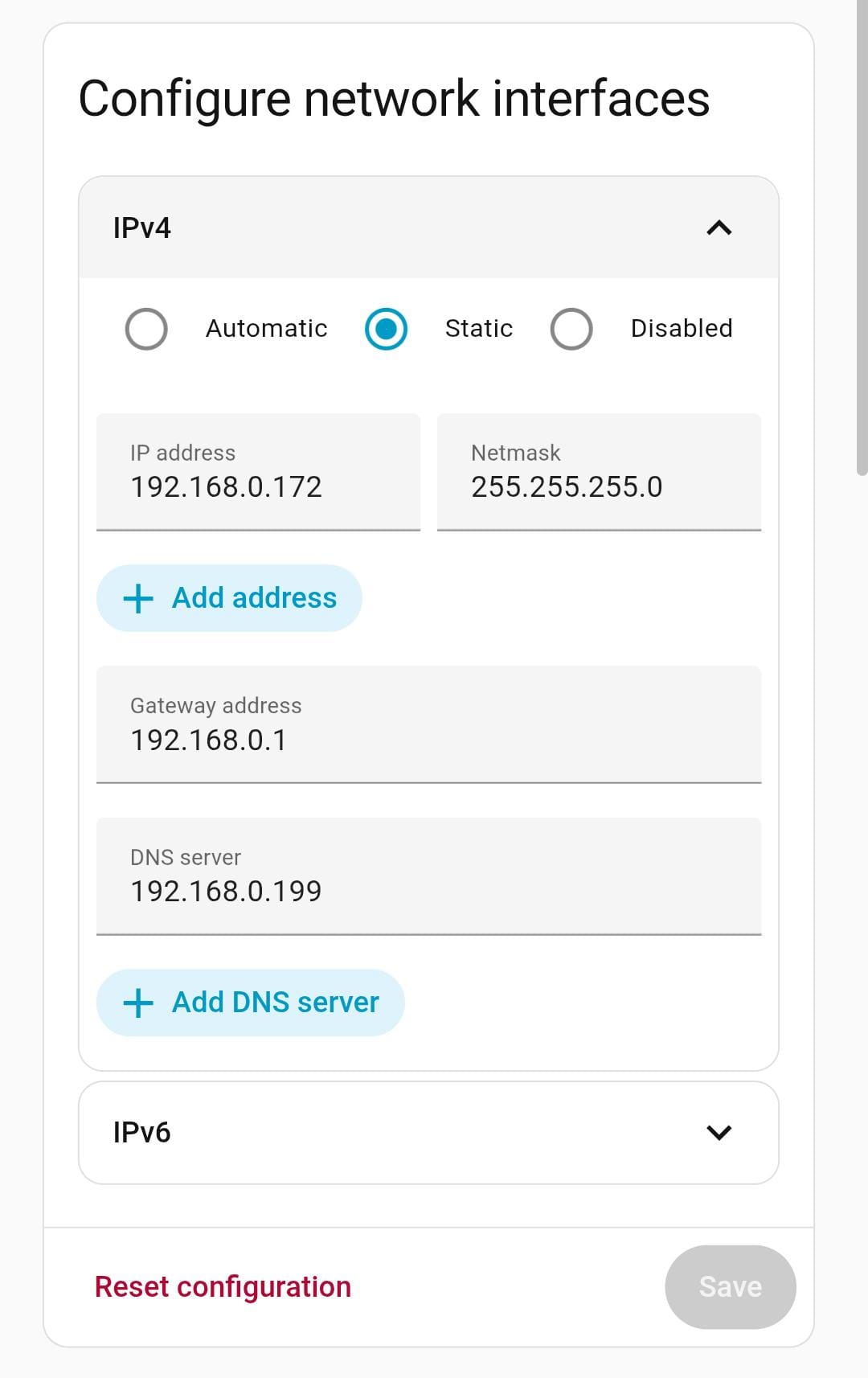
 Thank you!