Hello, I’m new to the forum. I’m just getting into home automation and I’m having a lot of problems. I wanted to know how to run a very simple automation that turns off the lights when my iPhone is charging. I’ve done the automation, but the status on Home Assistant doesn’t change when I plug it in, or at least it takes a long time. Are there any solutions? I’ve already activated everything I need to activate on both my phone and HA.
Thanks to anyone who can help me.
Just checked and charging changes almost instantly on my HA. Same network and using Mobile App integration
Thanks so much for your reply, so why do you think it’s not like this for me??? I read about creating shortcuts on the iPhone. I’m quite new to this and maybe I’m doing something wrong. The phone is connected to the home Wi-Fi like HA but still when I plug it in to charge it doesn’t change anything.
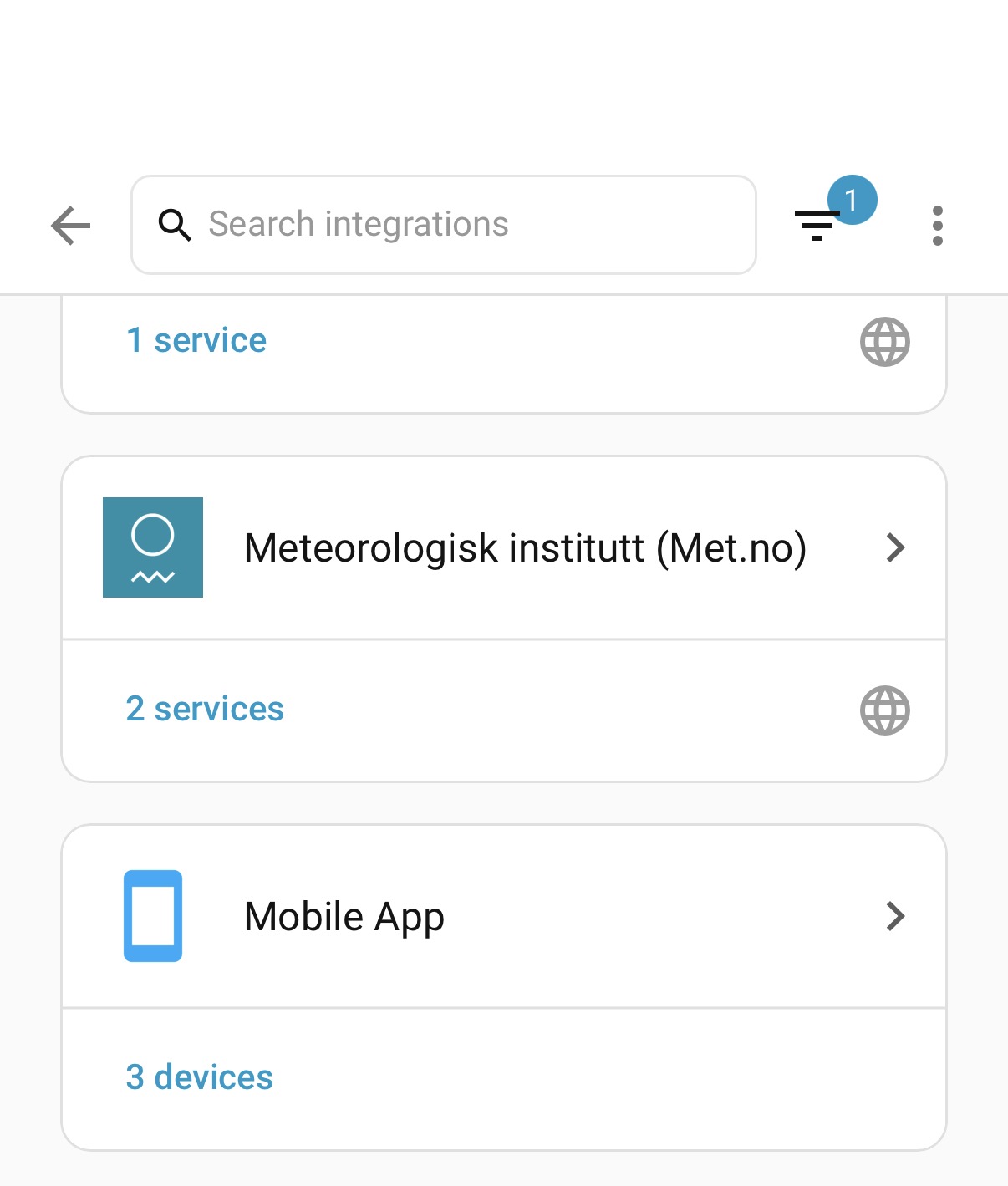
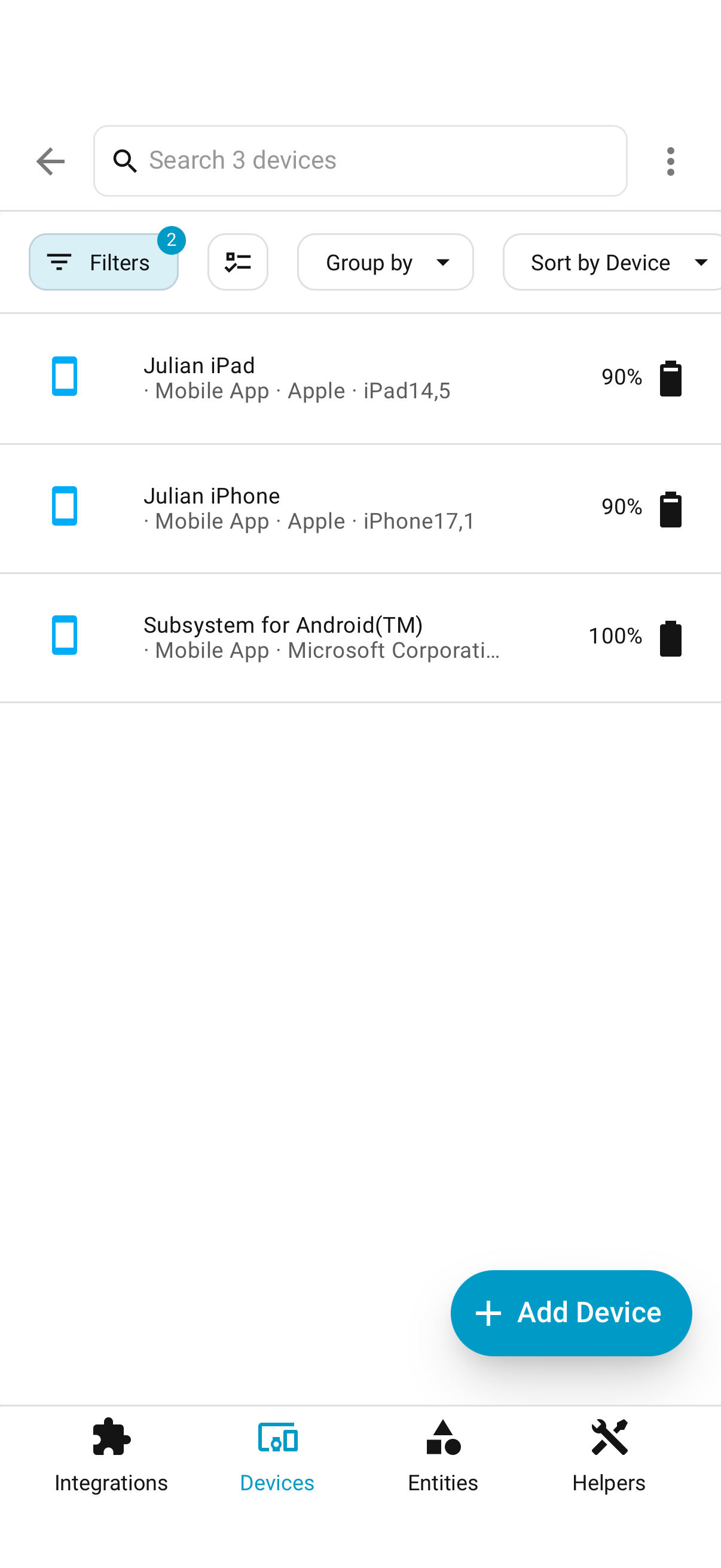
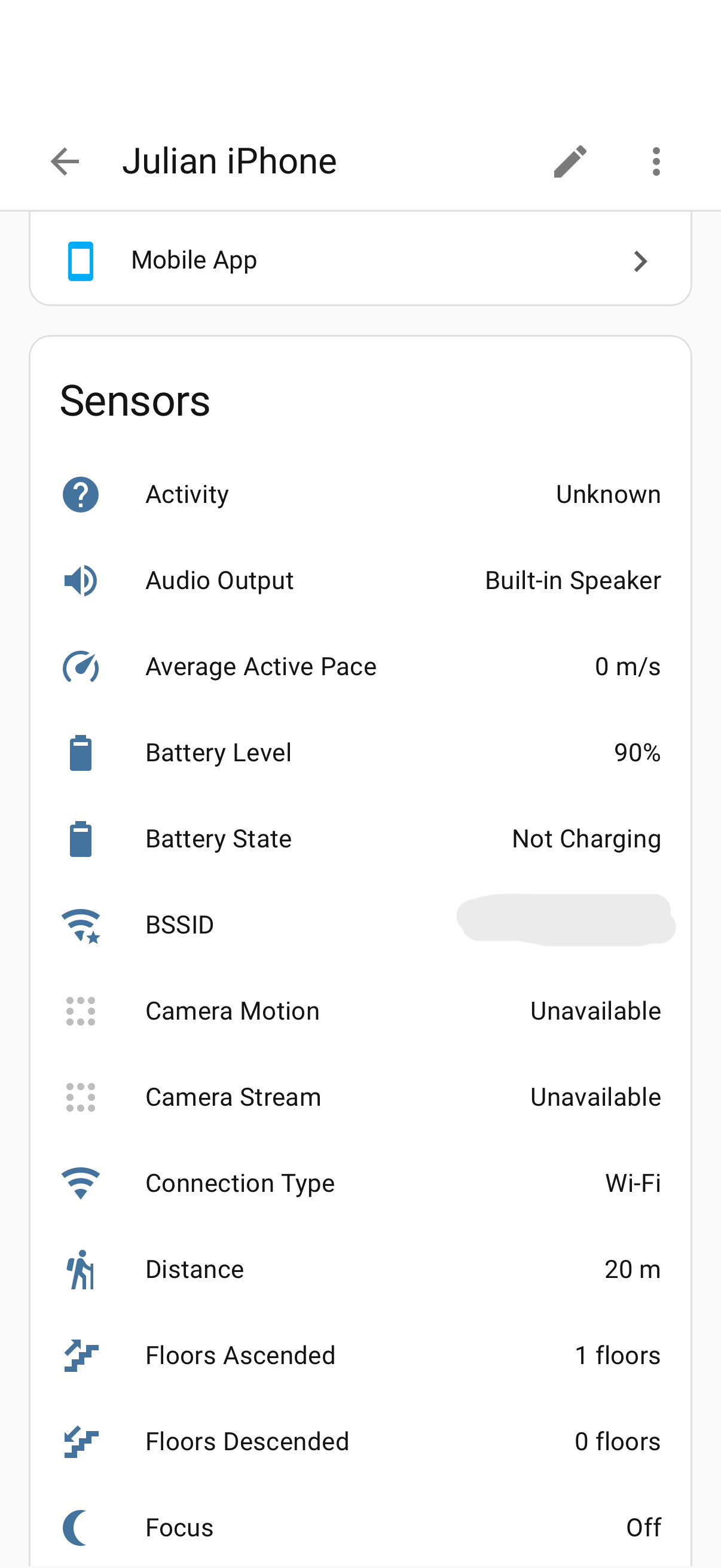
I already have everything as you describe. Maybe I need to check that the phone’s URL is the same as the home one, but from what I read it’s identical. From other guides, I read that I need to replace the URL like this: http://YOURIP:8123… I honestly don’t understand much. I want the automation to turn off the lights when the phone is charging, but the charge status doesn’t update. I don’t know where I’m going wrong or if I have some incorrect settings.
I think the problem is with the home modem, which perhaps has AP isolation enabled. Could this be the cause?
Check the charging history in devices\mobile App\
It should look something like this:

Things you might want to verify on your IPhone:
Settings/App/Home Assistant/Background app refesh → Enabled
HomeAssistant/Sensors/BatteryState → Enabled
HomeAssistant//Sensors Sent → All
PS:
Using NabuCasa (or not) has nothing to do with the Mobile App integration…it should be there as soon as you setup the app on your (I)phone…
Wether it works from remote is another thing, but still you don’t realy need NC for that
The phone communicates immediately with HA remotely, the problem arises when it is on wifi, all the phone and HA settings are active, I think the problem is with the home modem.
Do you have two routers?
no… just one Tim Hub