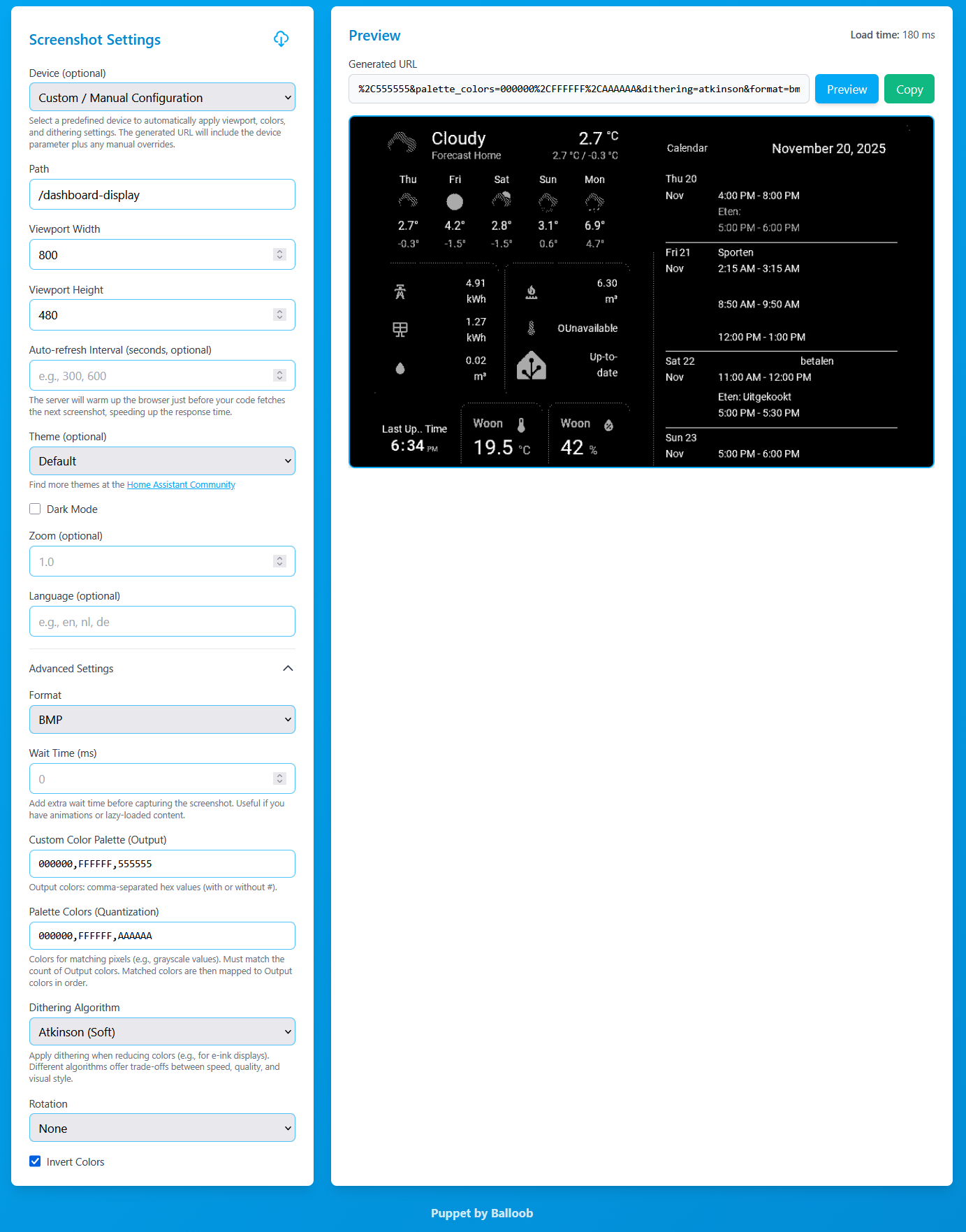
After updating Puppet to version 2.3.0, the eink=2 parameter no longer works I only get a black screen.
In the changelog I found this note:
“Replaces the previous eink parameter approach for limiting colors on e-ink displays.”
However, it’s not clear to me what the new replacement for this parameter is.
Same thing here!.. Looking at the logs, I found this:
[DEPRECATED] The "eink" query parameter is deprecated. Please use "colors" instead. Example: colors=000000,FFFFFF for black and white.

[eink migration] Converted eink=2 to colors=000000,FFFFFF
It seems it automatically updates the URL, but I still only get a black screen…
Even updating my URL to use “colors=000000,FFFFFF” instead doesn’t work… Not sure what else to try
So far, I’ve discovered that they’ve removed the eink parameter for manual settings. You now have to define the colors yourself through the configuration page at homeassistant.local:10000
I created a theme to remove the border, and it works.
You need to create a directory with your own theme name in themes.
I have called my theme no-border-theme
Inside that directory, add a file called no-border-theme.yaml, and in that file you need to add:
I was just using “000000,FFFFFF”, but using “000000,FFFFFF,555555” and “000000,FFFFFF,AAAAAA” made it look pretty much like I had it before, thank you!
On the GitHub page from Puppet Balloob give the following information
#balloob
Puppet 2.0 no longer supports eink=2, instead you need to define the colors yourself. We have some partial automatic conversion, which should work better with 2.4.1. We recommend to upgrade to defining palette directly.