Thanks. Today I got back to this project. For some background, until I get a new Raspberry Pi configured to directly pass the real sensor readings to HA via MQTT, I have set up another Pi to publish some test data in MQTT JSON format:
# sudo apt install python3-paho-mqtt
import paho.mqtt.client as mqtt
...
    Temp = randrange(30)
    ValTemp = Temp
    client.publish("Weather/Patio/Temperature",  str(Temp))
This is working as I see the data in the HA MQTT-Explorer. I have added this code to the “Studio Code Server”:
mqtt:
  sensor:
    - name: "Patio Sensor"
      state_topic: "Weather/Patio/Temperature"
      value_template: "{{ value_json['Weather/Patio']['Temperature'] }}"
      device_class: temperature
      state_class: measurement
      unit_of_measurement: "°C"
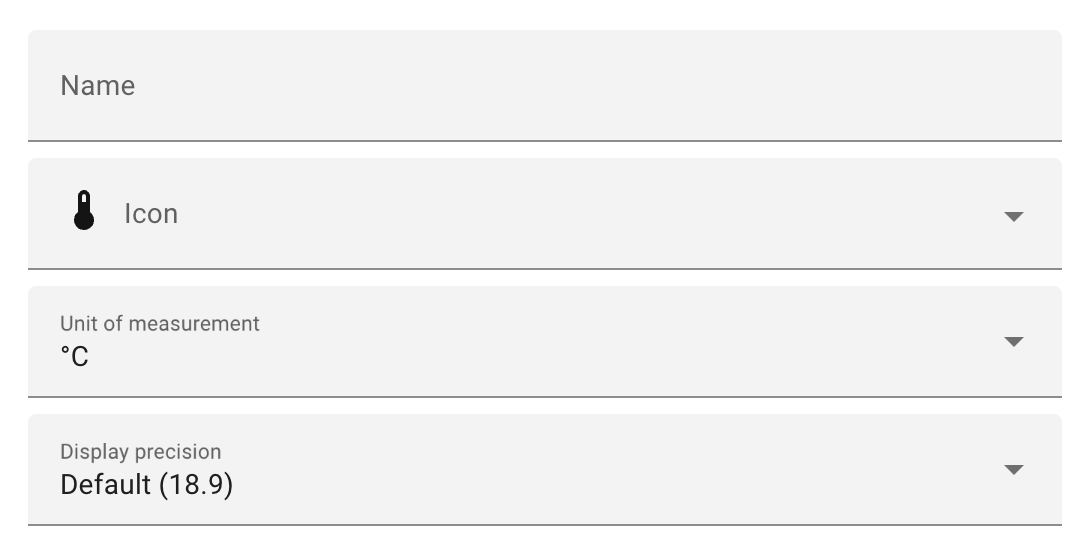
which does seem to connect to the “Patio Sensor” as, on the default dashboard, I see Patio Sensor but “unknown” for value. If I remove the “value_template” line then it works and I see the temperature value. However, I can not seem to move/transfer that sensor onto my personal dashboard??
The data information I posted in the original question and answered by @tom_l would have multiple sensor readings is the same MQTT message:
{
  "Weather/patio": {
    "Temperature": "20 C",
    "humidity": "50%",
    "wind speed": "25 kph",
   "rain": "25 mm"
  }
}
I modified my Raspberry Pi program to send this MQTT message:
    Value = '"Temperature": ' + str(Temp) + ', "humidity": ' + str(Humid) + ',  "wind speed": ' + str(Wind) + ', "rain": ' + str(Rain)
    client.publish("Weather/Patio/Temperature", Value)
ex:    Value String  "Temperature": 10, "humidity": 8,  "wind speed": 86, "rain": 8
Again, I see the MQTT full message in the MQTT explorer. Here is the code, using @tom_l suggestions, in the “Studio Code Server” for all four sensors:
mqtt:
  sensor:
  - name: "Patio Temperature"
      state_topic: "Weather/Patio/Temperature"
    #  value_template: "{{ value_json['Weather/Patio']['Temperature'] }}"
      device_class: temperature
      state_class: measurement
      unit_of_measurement: "°C"

    - name: "Patio Humidity"
      state_topic: "Weather/Patio/Humidity"
    #  value_template: "{{ value_json['Weather/Patio']['humidity'] }}"
      device_class: humidity
      state_class: measurement
      unit_of_measurement: "%"

    - name: "Patio Wind Speed"
      state_topic: "Weather/Patio/Wind"
    #  value_template: "{{ value_json['Weather/Patio']['wind speed'] }}"
      device_class: wind_speed
      state_class: measurement
      unit_of_measurement: "km/h"

    - name: "Patio Rain"
      state_topic: "Weather/Patio/RainFall"
    #  value_template: "{{ value_json['Weather/Patio']['rain'] }}"
      device_class: precipitation
      state_class: measurement
      unit_of_measurement: "mm"
All four sensors are shown on the default dashboard, but all are “Unknown” with or without the “value_template” line in the code.
Any help, suggestion and comments will be welcomed…RDK