Hello everyone I bought an r4 mini broadcom , I selected a model of zephir brand air conditioner is found it . After I unlocked the device r4 mini for home assistant, I configured it but in the screen of the r4mini sensors on home assistant I see only 4 entries. Why don’t I see the air conditioner that exists in the broadlink app? How do I see or rather import the climate ??? Notes : at the moment the air conditioner must be mounted so I limited myself to configure only the app .
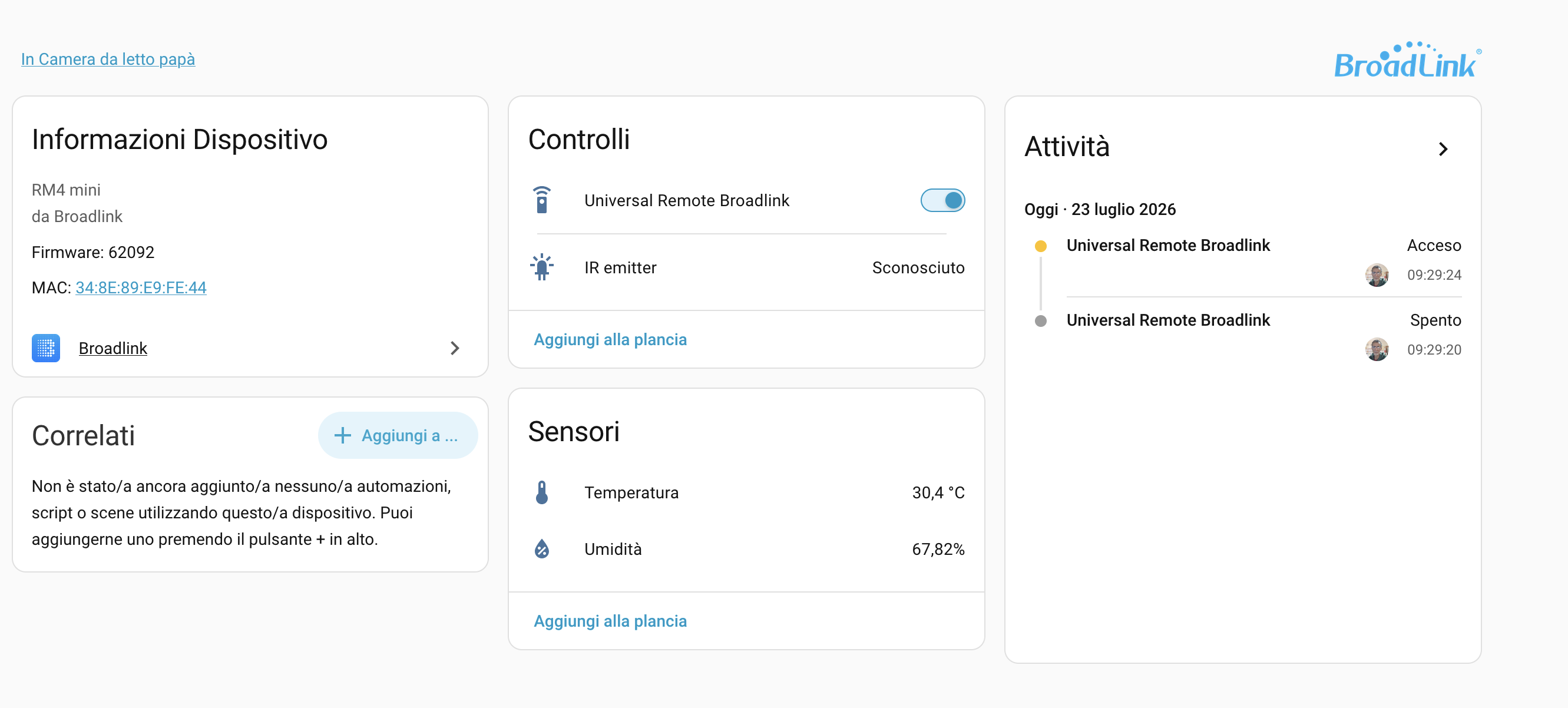

My understanding is that the integration allows managing the device, not “import” what you have configured on the app/cloud, but I might be wrong.
If so, you would need to make HA “learn” the IR commands from your air conditioner remote.
Ok , so you say that beyond the daybase that provides the broadlink, in the menus I should have the opportunity to learn through the remote control that I want to drive , the device ? From HA as well as having connected r4 mini I do not see other commands or functions that permate this .
You should see a set of actions available in the developer tools:
- remote.learn_command
- remote.delete_command
- remote.send_command
etc per Broadlink - Home Assistant
Actually, I say that you don’t have access to the broadlink database at all, afaik
Hello and thank you all, I found the commands that you told me, I thought you could import the complete device. For example, I use tuya with HA integration and clearly the integration detects devices from the cloud, instead HA has detected r4mini but only the r4mini device does not configure the periffics I have configured inside the app.
At least I think it is so !!
I have 4 broadlinks that are not managed through the application, however I recall the initial threads I read before setting them up that they will not import the routines / controls from the Broadlink application and they must be programmed through HA.
Thank you for answering . So I think you need programming also with an integration on hacs called smartir ?? Thank you
I’ve never used that - I simply followed the instructions for remote.learn_command for ir & rf as appropriate from the integration page I linked above.
HAIR has the ability to Pluck stored codes from Broadlink and import from many code files. 
~ DAB