Doriso
February 8, 2025, 11:34am
21
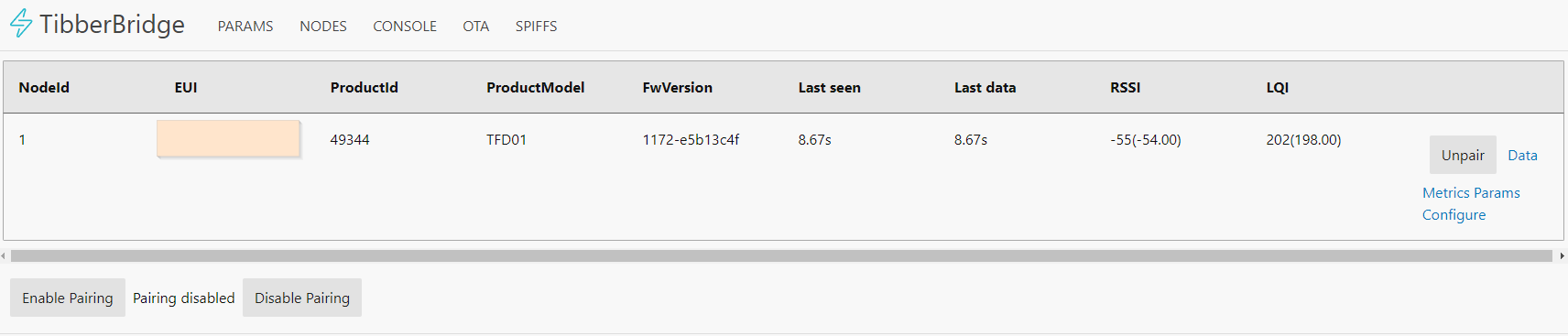
I successfully enabled the local web server and use this integration. Unfortunately The values are only updated every 10 seconds as you can see in the attached screenshot. I tried to rotate the Pulse, but it doesn’t help.
Is it possible to shorten the intervall or is it a problem of the electricity meter which does not porvide a value more often?
On the meter’s screen the current consumption updated every second.
The values in the Tibber App which uses the cloud are updated every ten seconds, too… so it’s not a problem with the local integration.
I want to use the Pulse for zero feed-in and a latency of 10 seconds is too much for that use case.
Can you help me @Prof.Dr.YoMan , @marq24 or anyone else?
Thanks a lot!
No idea. For me it updates ever second, as I changed the rate. This is also what Tibber got me originally.
For some electricity counters you can change rates. With a flash light.
Doriso
February 9, 2025, 6:44pm
23
I checked with the counter’s manual and it states that the data is sent every second. Nevertheless, the Tibber Bridge gets a value every ten seconds.
I am thankful for every hint.
Doriso
February 9, 2025, 6:58pm
24
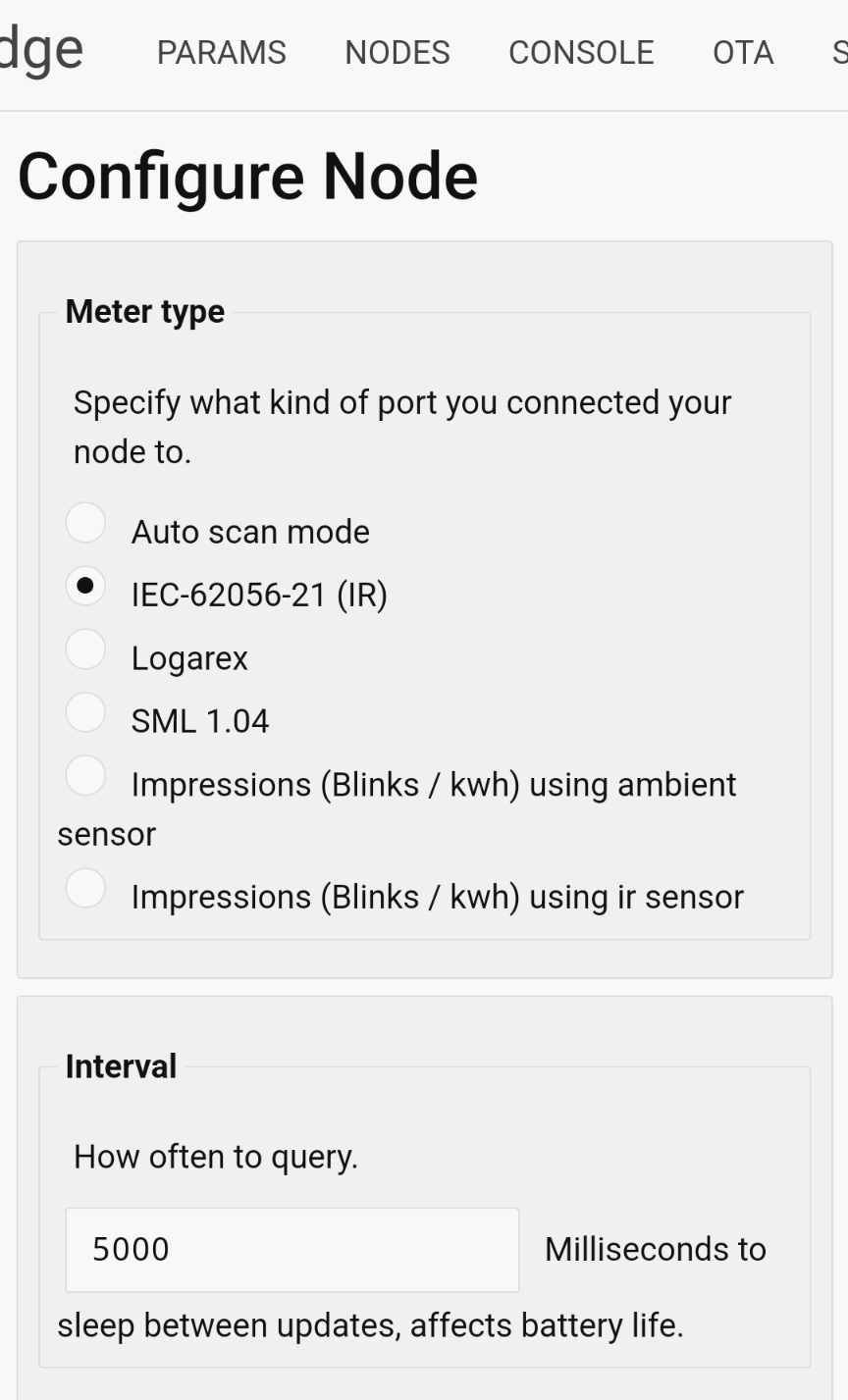
What about this interval? Is it something I can adjust?
I am not sure if it solves my problem, as it’s 5000 ms instead of the expected 10000 ms.
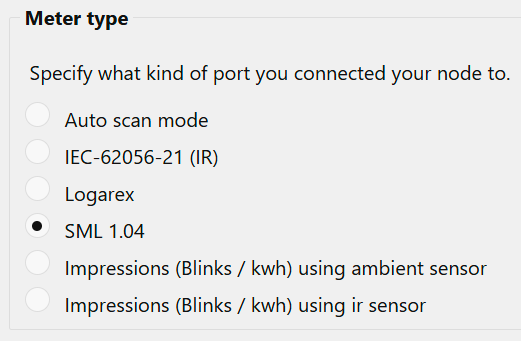
I don’t know. My counter is different:
Doriso
February 10, 2025, 5:36am
26
Thanks! I switched to SML and now I get new values every three seconds!
The Tibber ap is able to present them but the Home Assistant integration by @marq24 seems not to work with it. I found this entry in the log:
2025-02-10 06:30:23.662 WARNING (MainThread) [custom_components.tibber_local] access to bridge failed with exception: 'utf-8' codec can't decode byte 0x90 in position 36: invalid start byte
2025-02-10 06:30:23.662 DEBUG (MainThread) [custom_components.tibber_local] Finished fetching tibber_local data in 0.130 seconds (success: True)
This is what the browser displays for http://[my-tibber-ip]/data.json?node_id=1
Seems to be some binary data which cannot be decoded.
With this tool I can read the values in plain text btw
marq24
February 14, 2025, 7:45pm
27
if there is an issue with the integration - please create an issue @ github - TIA
riemers
March 3, 2025, 5:25pm
28
Anybody every tried to push data to tibber? So you already have a p1 reader and want to push the data to tibber if at all possible? already have 4 devices reading the consumption ;p
Doriso
March 18, 2025, 8:42pm
29
HACM
October 18, 2025, 9:12am
30
I have the feeling that something has been wrong since we started using Websocket. Everything ran smoothly for a year, but now the bridge has lost the nodes (pulse) for the second time, and the only thing that helped was resetting the bridge and pulse. The web interface also became unavailable shortly after startup.
marq24
October 18, 2025, 3:25pm
31
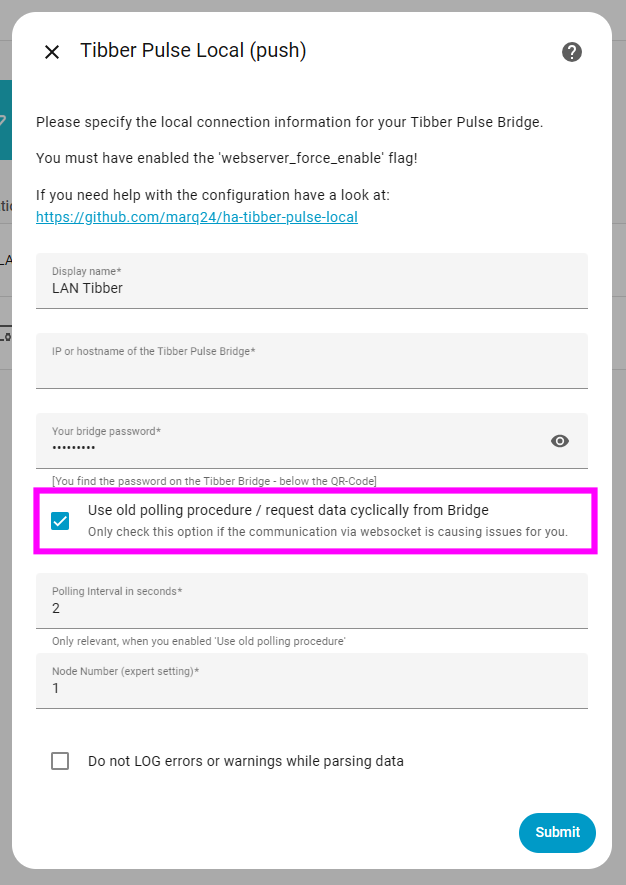
… You can simply switch back to the PULL option via the Integration configuration…
And I see your point - looks like the websocket implementation on the bridge itself can be optimized in the future by tibber.