TL;DR - I like, well mostly like, the Em16 now that I have it working. I would not recommend buying one right now. I DO recommend waiting for the EM16P that’s due later this year. I DO want Refoss to succeed even though I’ve got issues with the EM16 in its current state.
This is just my experience. But since I didn’t find a lot out there on the EM16 when I was trying to figure things out, I thought maybe this will help someone else. Hopefully. 
Tech support:
Pro: They were friendly and helpful. They also responded in ~27hrs which isn’t terrible since I think they are in another country on another continent then I am.
Setup:
I’m going to skip nearly two days of pain. But I personally found the app garbage. My primary “phone” I want to actually just be a phone/text so it’s a LineageOS install with almost no additional apps except for f-droid + Nextcloud to sync contacts/data. Thus, their app won’t work because they only support GPlay for Android  (not that I really want to install any app on my phone).
I do have a Android tablet that I do all my app’y things on. And it’s got all the same features as my phone except it isn’t connected to a cell service. I could not get their app to work. Most of the time, tapping on the app it would open and immediately close it. After a fresh reboot, I got it to open but the sign-in would crash - and you MUST sign in before you can scan for the device. It was very frustrating. I tried with a third Android device and that didn’t work either. In the end, I went to the store and bought a 30$ pre-paid phone with the latest android and that worked. Their Tech Support said they don’t support tablets - which confuses the heck out of me because the tablet is an Android device on a very recent release (eg: it’s not app compatibility with old versions issue). Anyway. Whatever silliness is going on there - it sucks. Same with reliance on GPlay.
Con: You MUST use their stupid app for setup on the EM16. I really wish it was more of a Shelly type setup with a local web connection.
Future pro: Per their Tech Support, there will be a EM16P edition later this year that is supposed to have full open API with full local control without required an app or cloud service. IF true, then I really want to swap My EM16 out as soon as I can.
Pro: When I actually did get the app working with the Em16 on the primary network - it did do an upgrade to the latest firmware for me and that was pretty seemless.
Con: I already know it’s going to suck trying to do another update. (see the Home Assistant integration section below.)
Installation:
Went well. I’m always super nervous about power so I was super cautious and killed as much of the power as I could before working.
Informational: Kind of a con, kind of a pro - the clamps are fairly small and the latch is solid. But the hinges are really weak and wiggly. I’m already working in a tight enclosure with a flashlight and if the latch isn’t lined up perfectly it simply won’t connect. A lot of frustration getting the clamps to latch at times, but I’m pleased with how solid the clamps appear to hold. It also added a lot of extra wires and filled any extra space I had - but this is to be expected. I think they did really well with the limitations they have to work with.
Con: I don’t know if it’s the HA Refoss integration or the device or the manual. But the manual says the K->L diagram should point TO the breaker on the main clamps and point TO the load on the small clamps - it says this in two different ways in two different places. Support confirms this. I had a friend verify that I did this correctly. Yet all of the values in Home Assistant reported “energy returned” not “energy consumed” for all sixteen clamps (not counting the two breaker clamps which reported correctly).  After a chat with support, it was just easier for me to flip the clamps around… for all sixteen clamps.
  Supposedly there’s a control option in the app, but I am not going to mess with that stupid app again if I don’t have to.
Informational: There are six clamps for three (A, B, C) groups which correspond to the poles on my electrical box. I had more then 5 of both A and B devices I wanted to monitor (remember A1/B1 are breaker clamps) - 4 more A’s and 3 more B’3 to be exact… So my C is monitoring additional A’s because there were more of them and I just tossed the other two C clamps onto A breakers I care less for because I have them so why not… but that’s rather disappointing. My breaker box is rather huge so maybe I’ll inquire about getting a second one when the EM16P comes out and how two might work because then in theory I can cover my entire breaker box with two.  I’ll figure that out if/when I ever seriously consider it. I do wish they had a bigger version or something expandable for an add-on to cover more breakers.
Home Assistant Integration:
Pro: it works! I’ve got data coming in! 
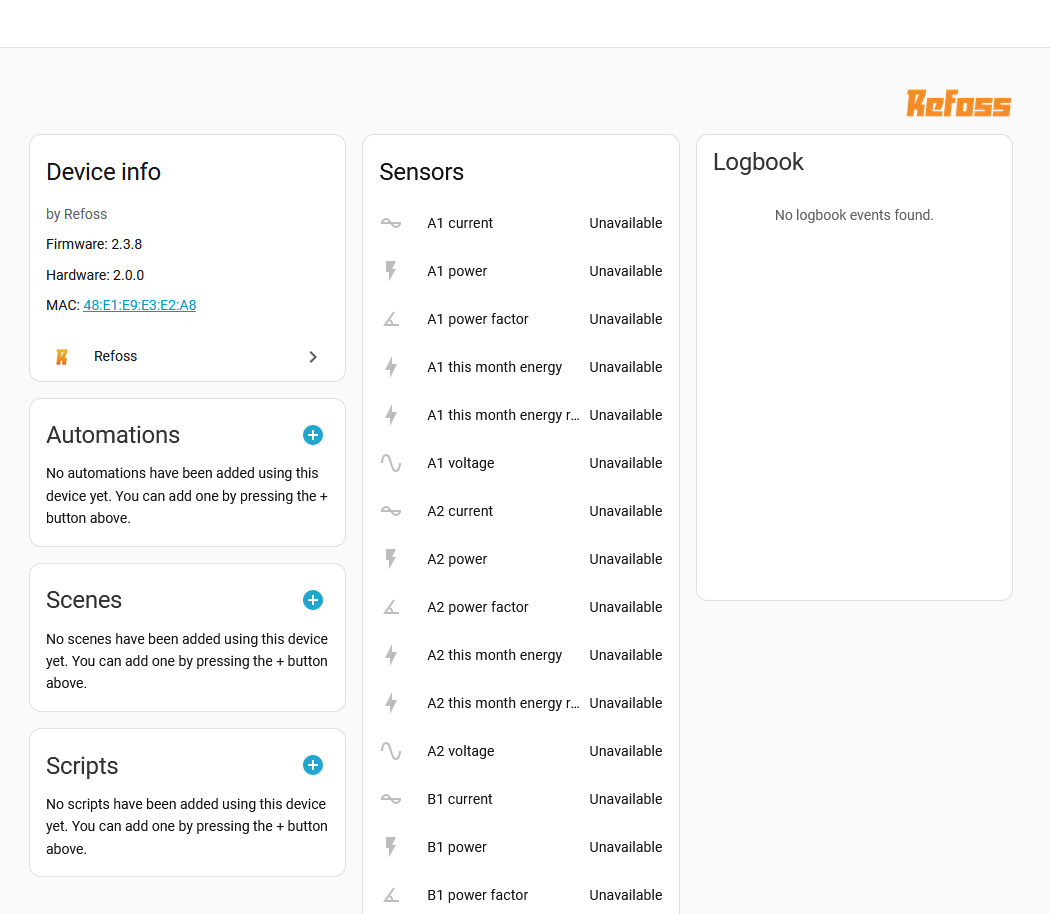
Con: I couldn’t get it to work on my isolated IoT network at first. I couldn’t figure out why for several hours poking at it. If I put the EM16 on my primary network it was almost instantly discovered but it would just spin on the IoT network… so to shorten the story I put on a packet capture… the Home Assistant integration was ONLY looking at the primary network. However, even trying to make the IoT network primary wasn’t working for me. So - I logged into HA via the IoT network, disabled all the other networks, rescanned where it picked it up instantly, then added the primary network back in.
Con part 2: When I reboot HA, I now have to do that network juggling every! single! time! for me to get data in. 
Con part 3: When the EM16 is on the primary network and the pre-paid phone is on the primary network - the app sees the EM16 device. When the EM16 is on the IoT network (which has zero internet access) and the pre-paid phone is on the IoT network - the app sees nothing… nothing at all. It doesn’t see the device. When I hit the plus button it just spins. The app is absolutely worthless in this situation and I have to do the reset on the EM16 to put it on the primary if/when I need/want to access via the app (eg: future firmware updates are going to suck).
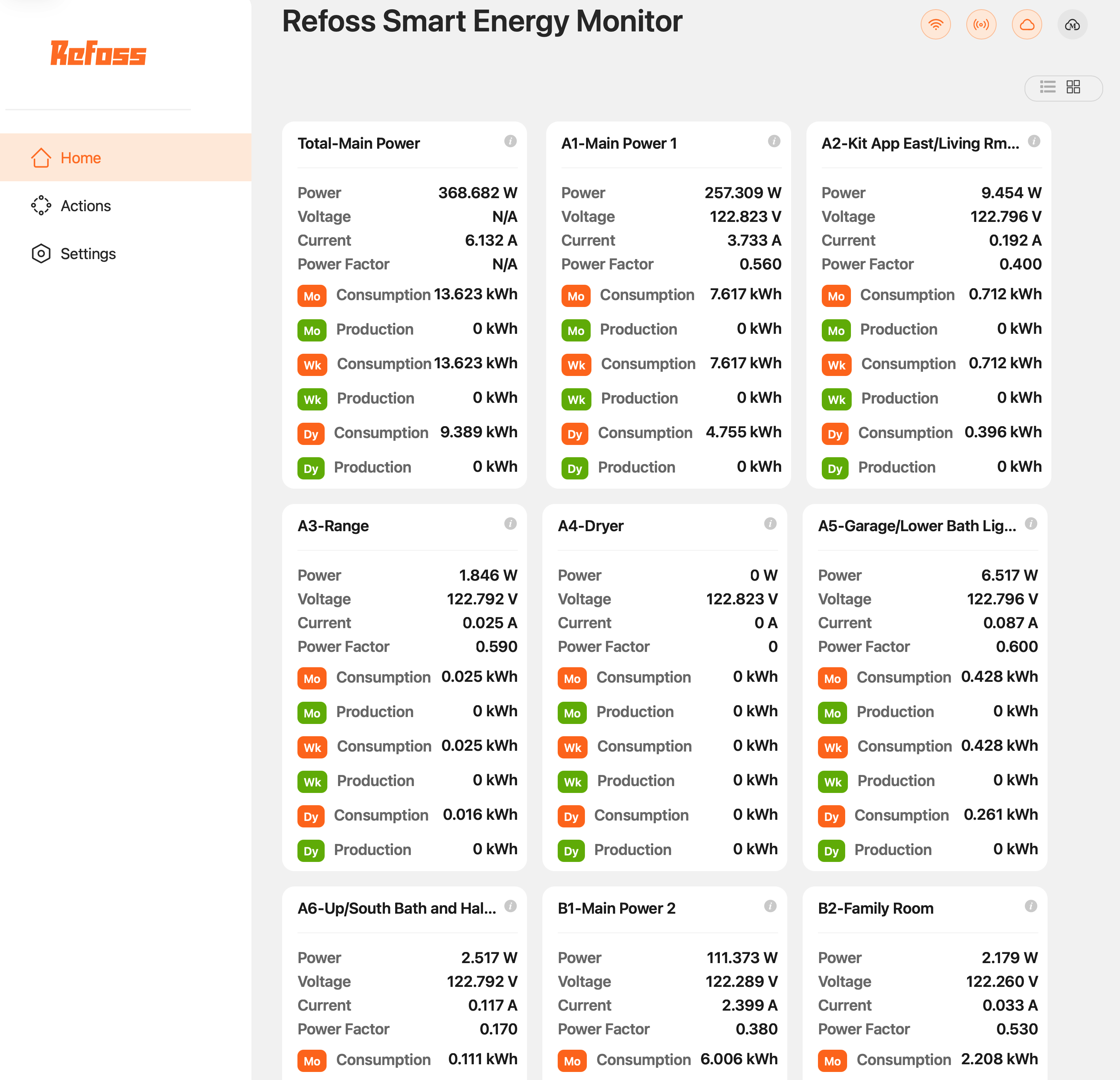
Pro: For each circuit I get current (A), power (W), power factor, energy consumed (Wh), energy returned (Wh), and voltage (V). So I have everything I need to put into my energy graphs.
Things I’m still working on
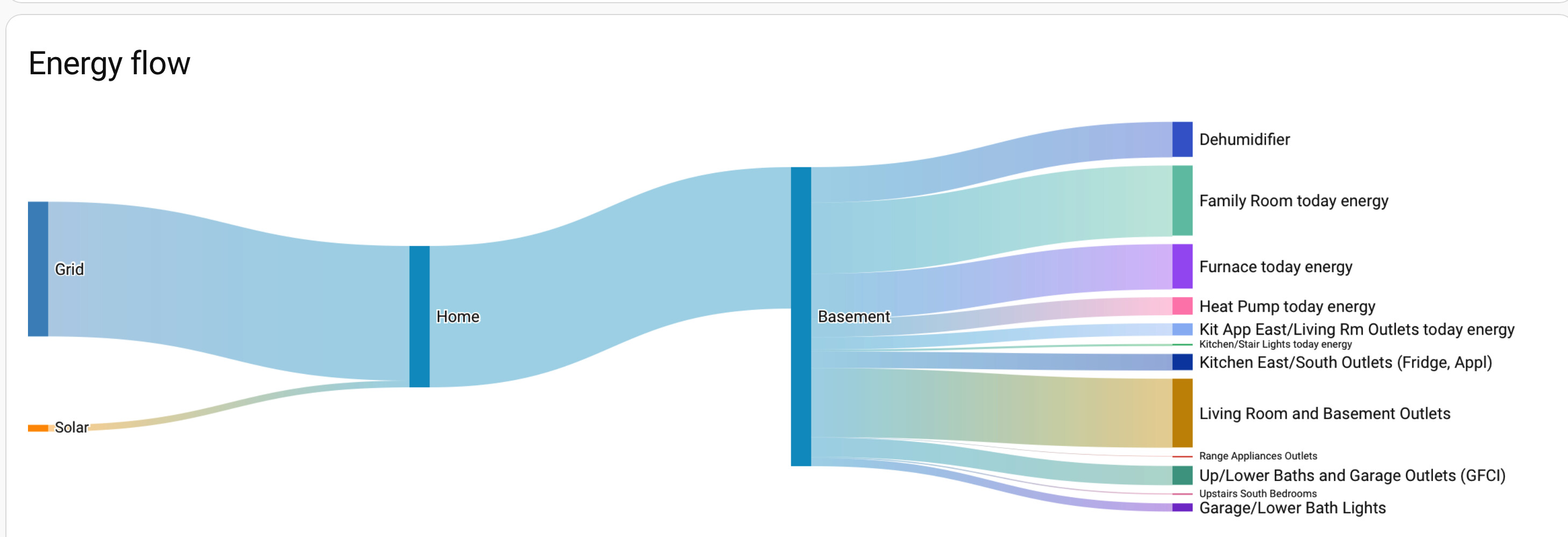
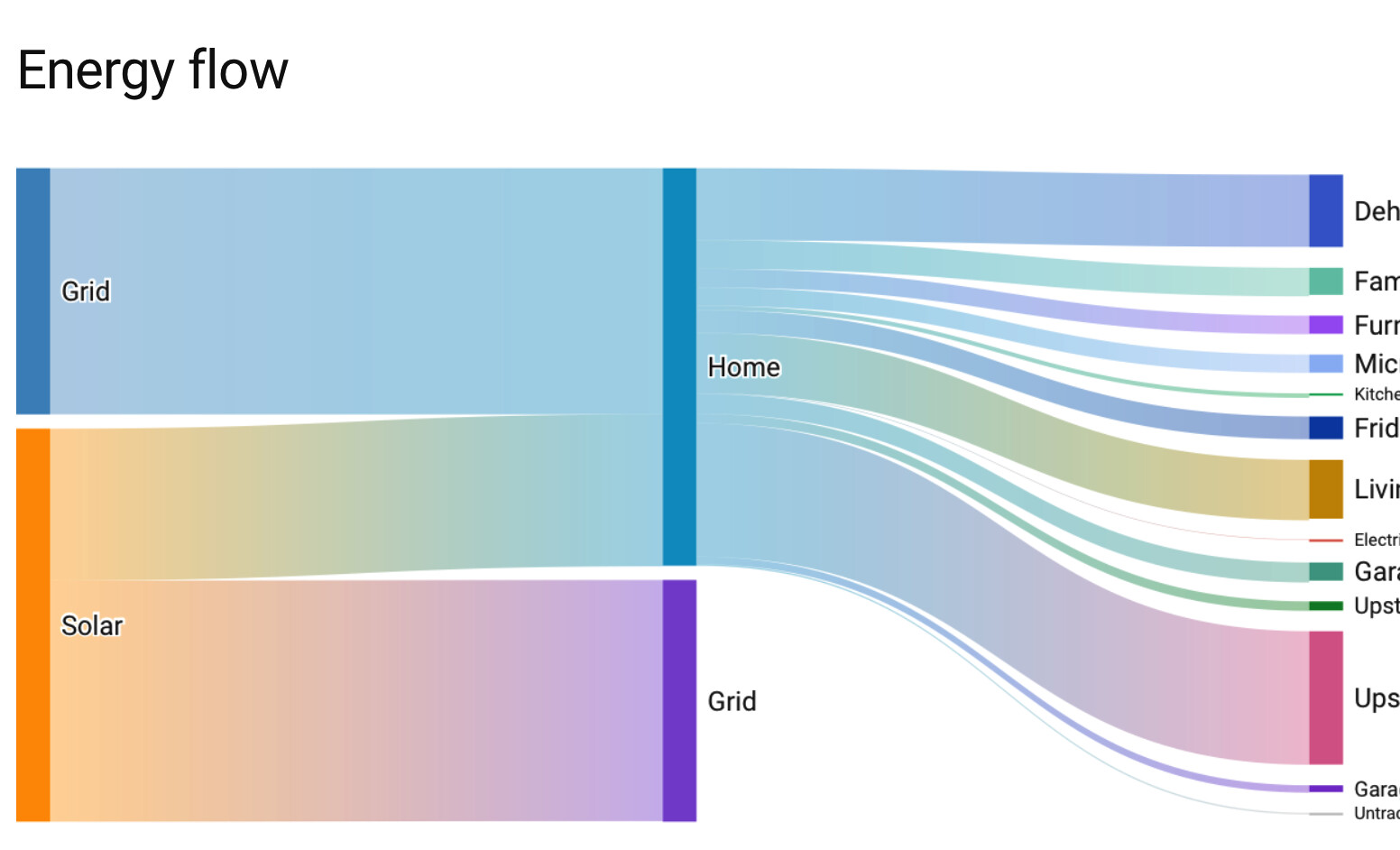
I haven’t yet figured out how to best get this data into my energy dashboard correctly. But now that I’m fairly confident I’ve got all my clamps in the right direction giving me better data, I’ll focus on making it pretty and useful.
Hopefully this is useful for someone.

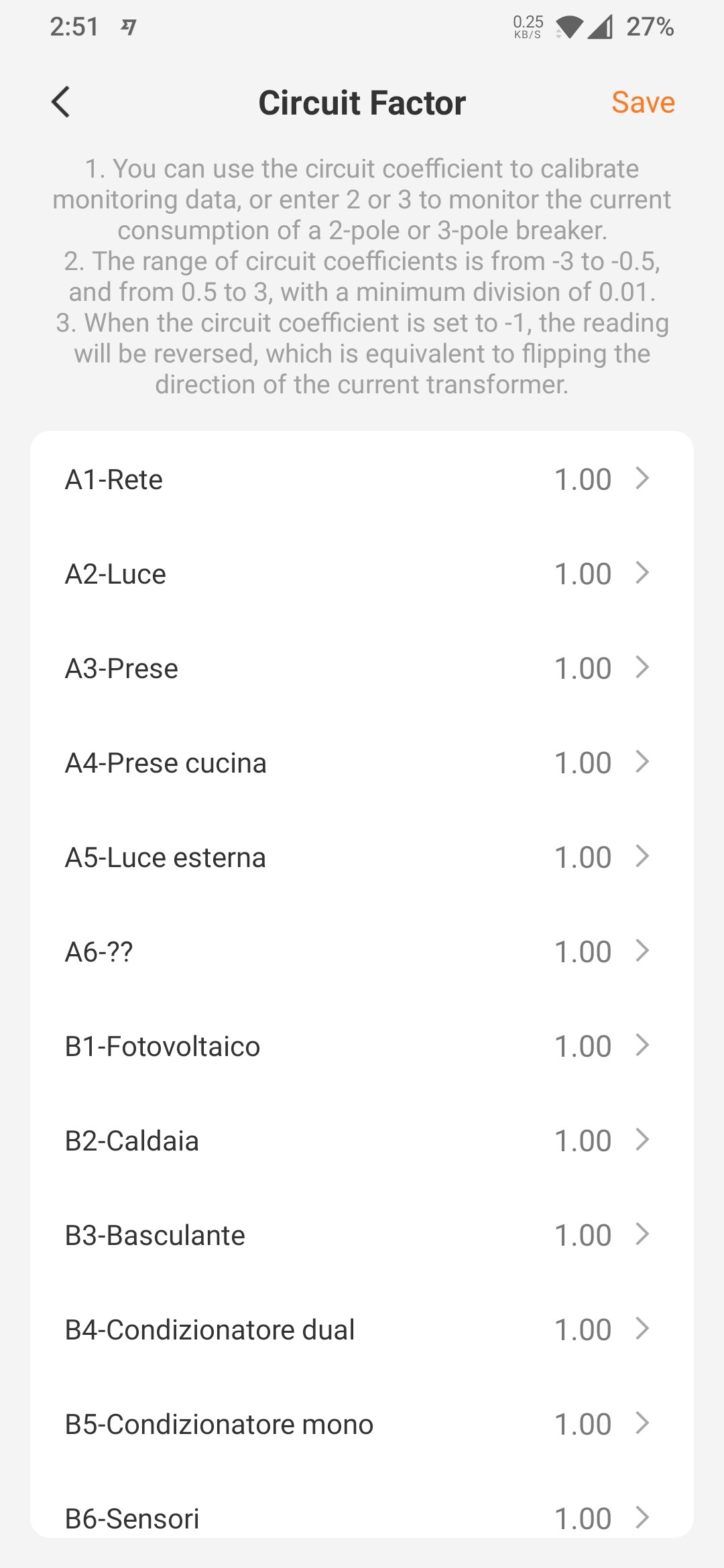

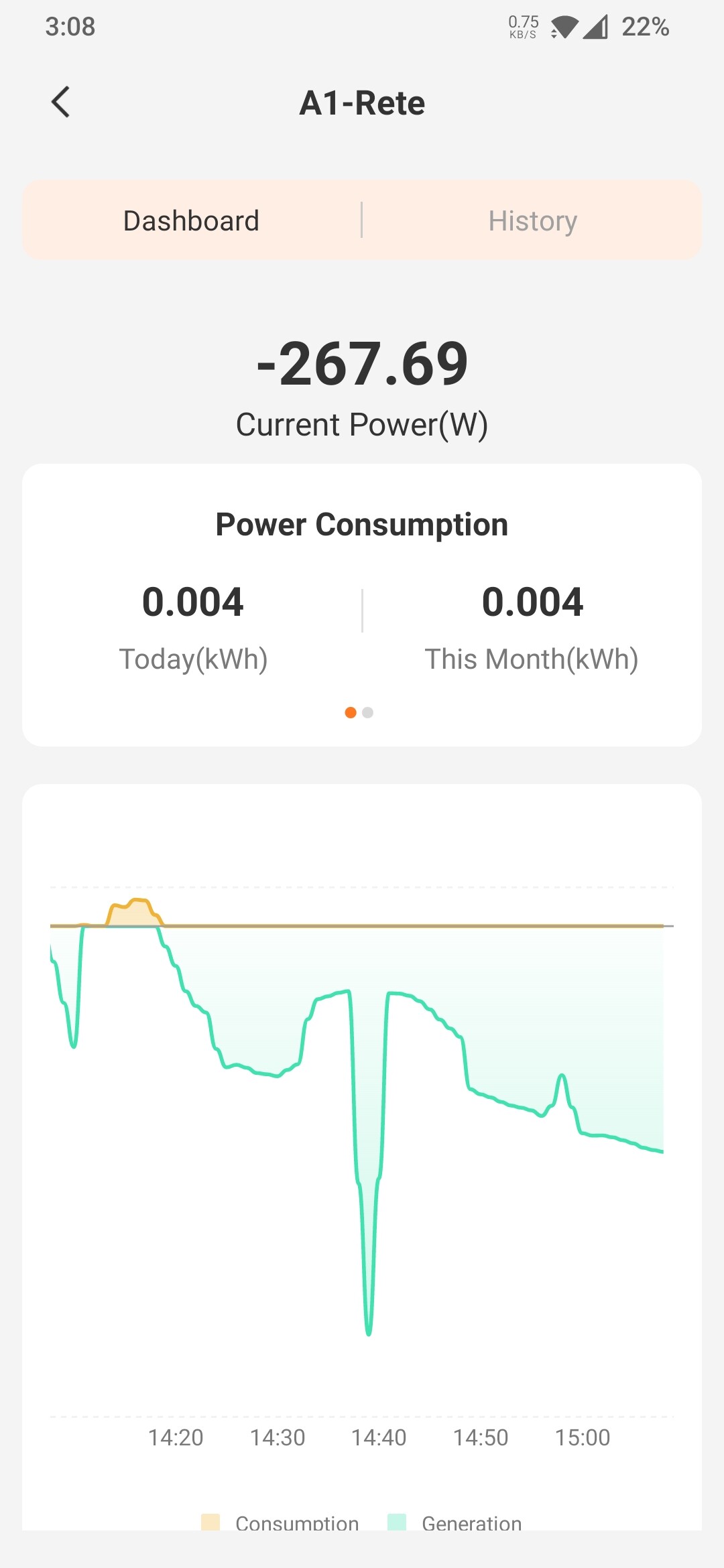
 I have to find out where the duplicate is coming from. Wish the kit was even split sensors between 2 lines. You can either have 5 of A and 11 of B, vise versa. I have to use one sensor for 240 circuits and doubled the factor. It might not be accurate.