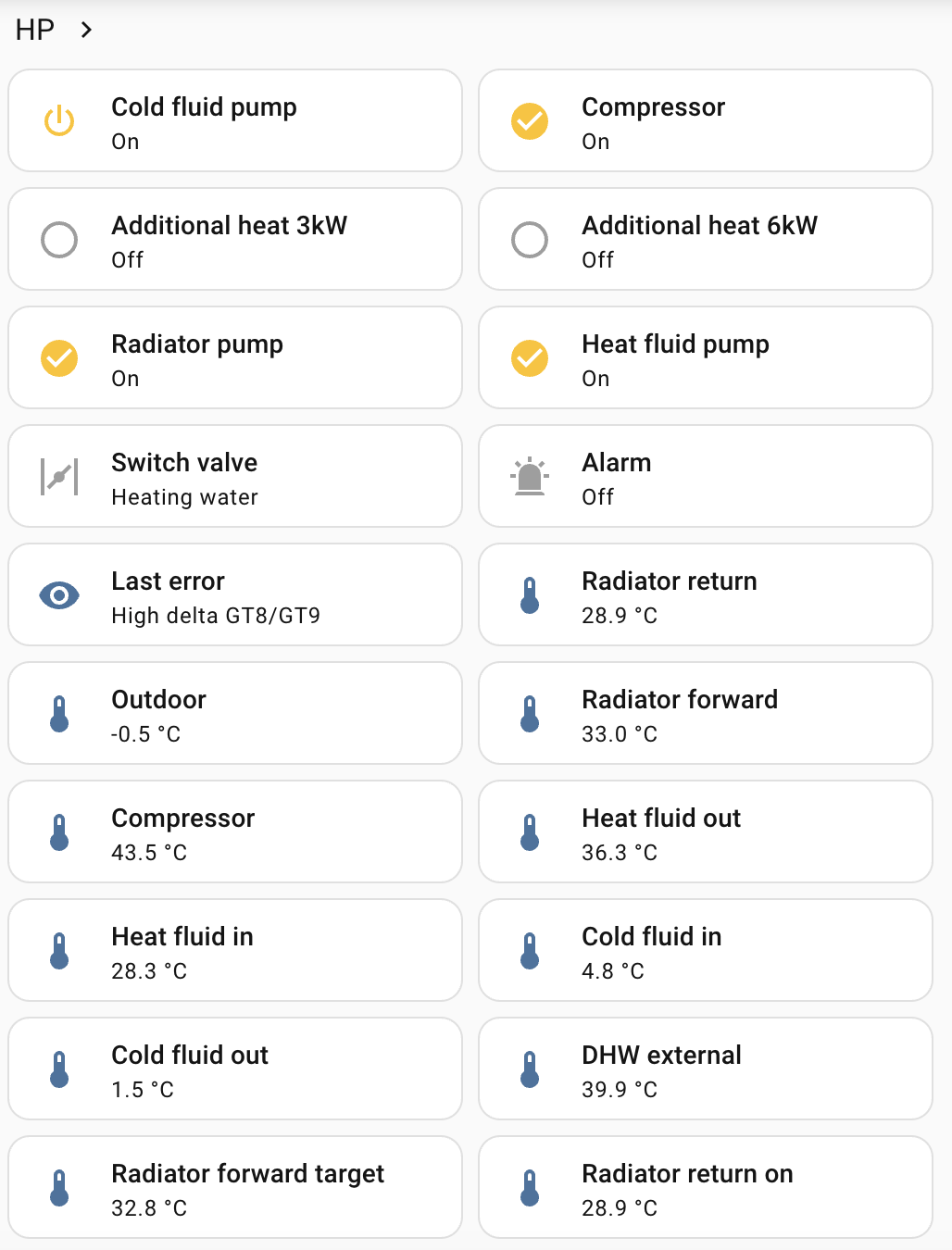
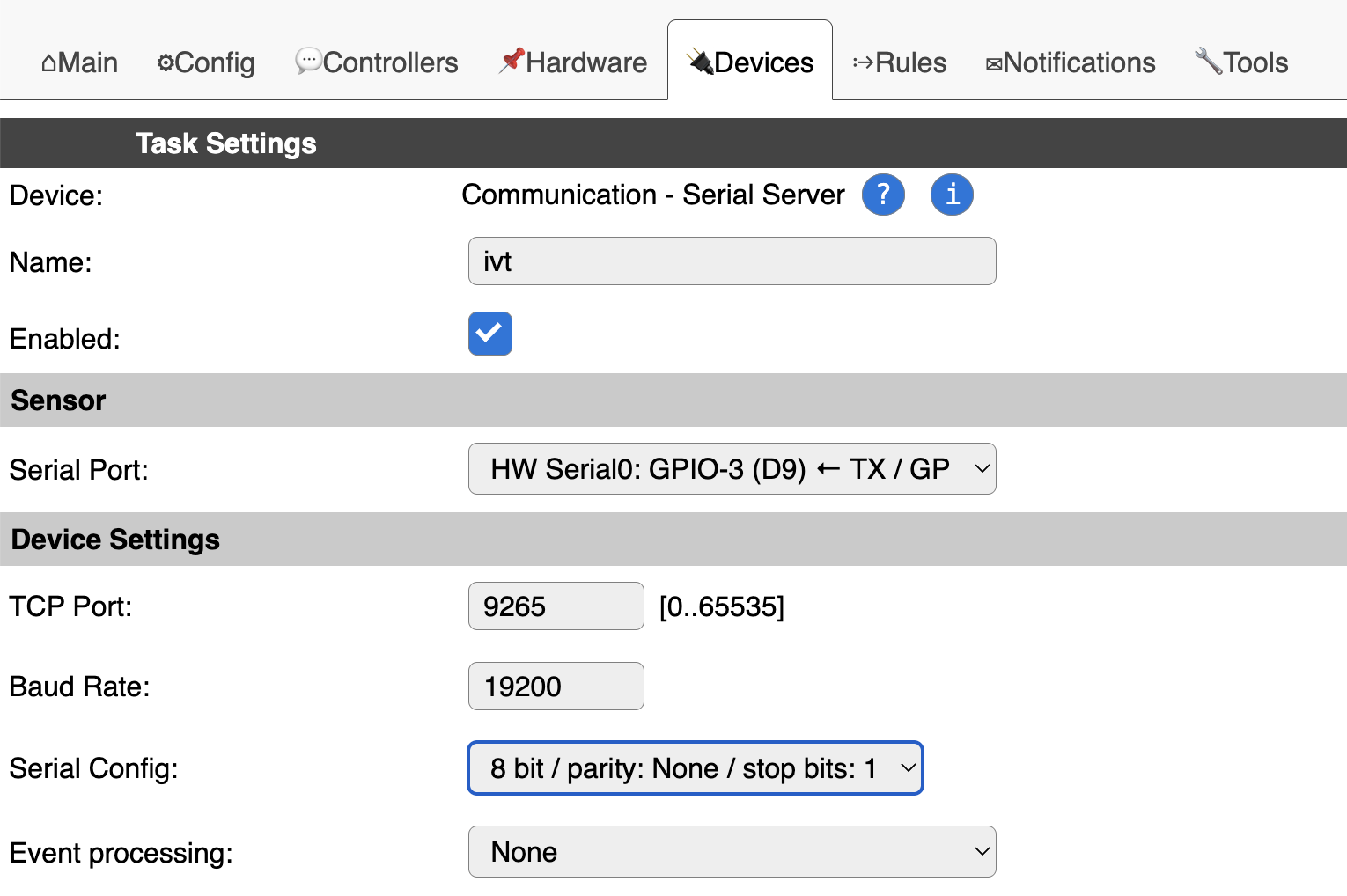
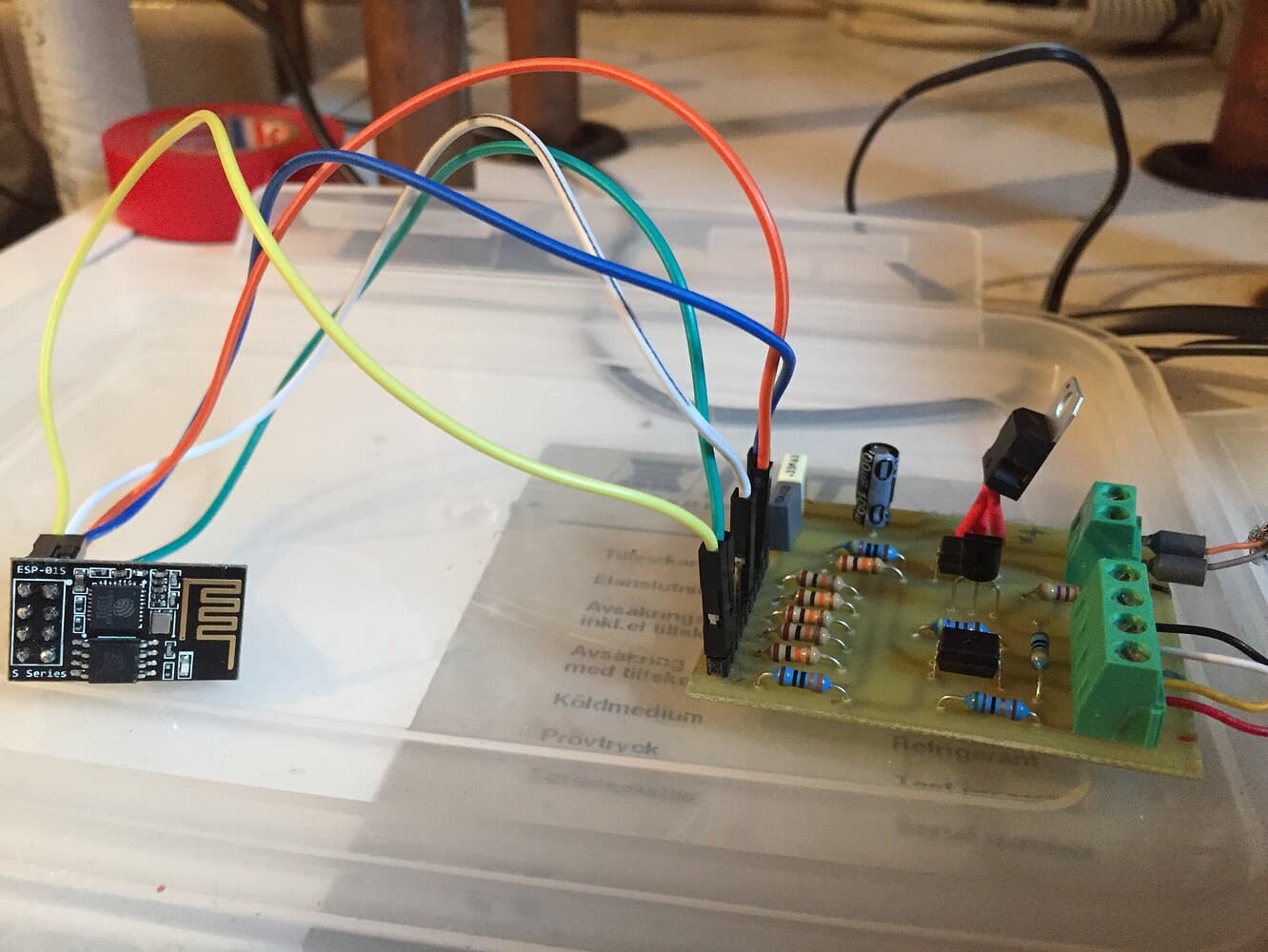
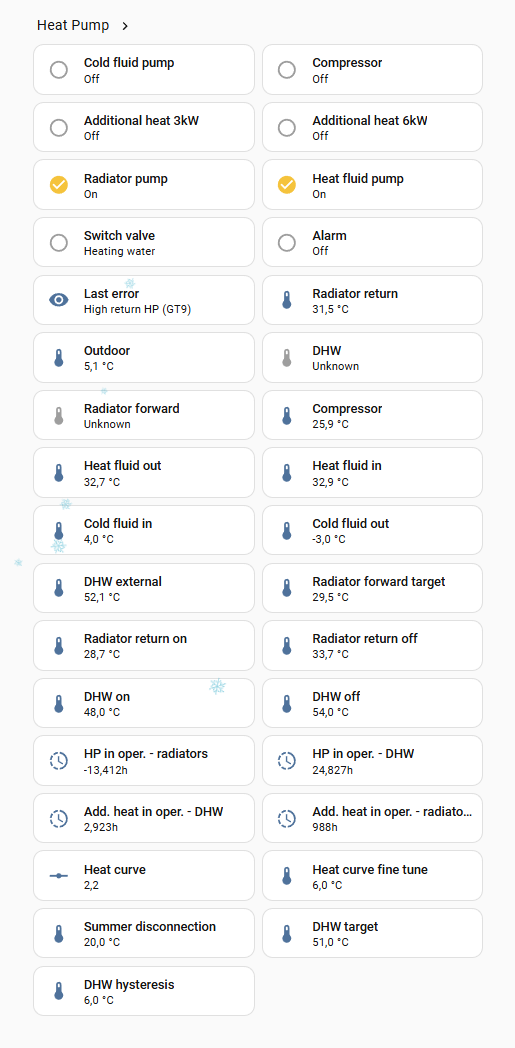
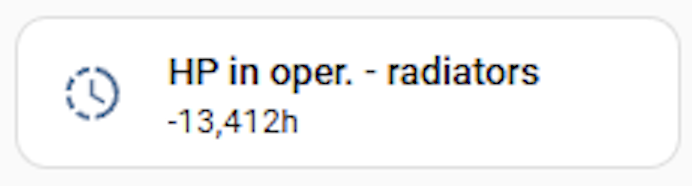
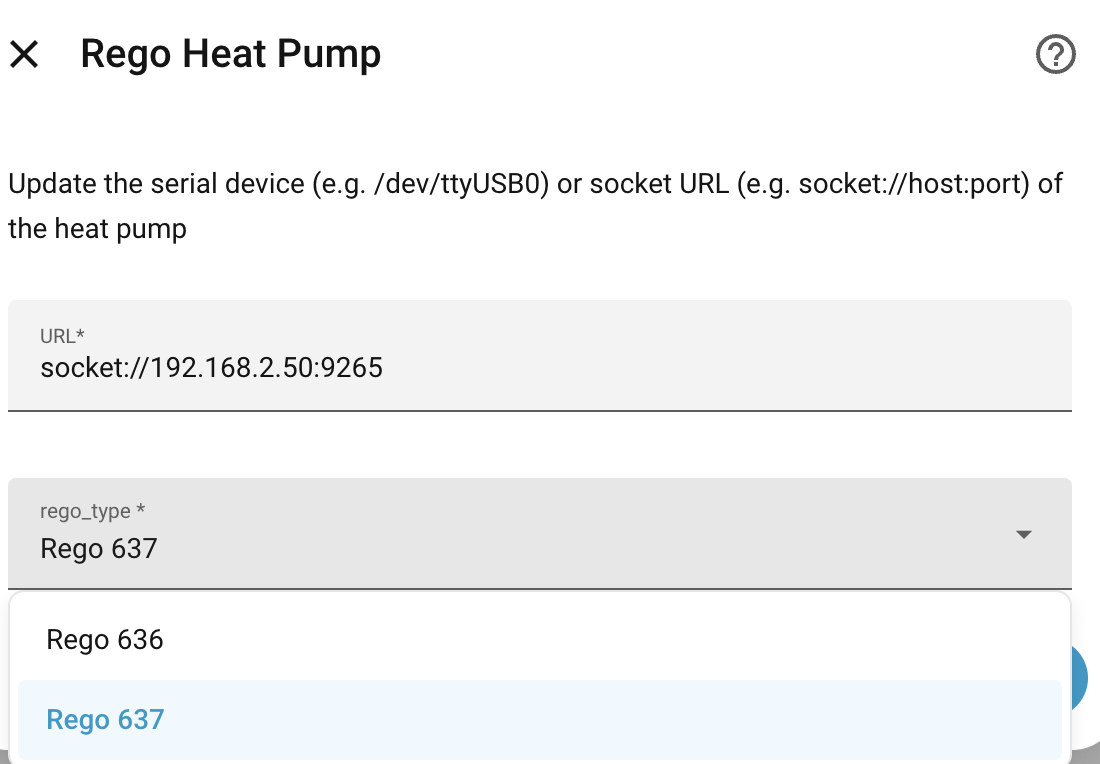
Below is register_repository.py that was generated with help of AI - a list of registers for Rego 636. I haven’t validated it so cannot confirm it’s correctness, but you can replace register_repository.py within your HA installation at homeassistant/custom_components/regoheatpump/rego600 and restart HA in order to take affect and check the outcome. Keep the original so you can restore.
Or use it as a starting point if you are not willing to test directly.
"""Register definitions for Rego 636 / 636MBK style mappings.

This repository is based on the existing rego600 layout, with the sensor and
device-value blocks shifted to match the reported WT32-ETH01 + Rego 636MBK
register map.
"""

from .identifiers import Identifiers
from .register import Register
from .register_factory import RegisterFactory


class RegisterRepository:
    """Register repository for Rego 636-style controllers."""

    @staticmethod
    def version() -> Register:
        """Return the version register."""
        return RegisterFactory.version(identifier=Identifiers.VERSION)

    @staticmethod
    def registers() -> list[Register]:
        """Return all supported registers."""
        return [
            # Last error
            RegisterFactory.last_error(identifier=Identifiers.LAST_ERROR),
            # Front Panel
            RegisterFactory.front_panel_switch(
                identifier=Identifiers.FRONT_PANEL_POWER_LAMP,
                address=0x0012,
            ),
            RegisterFactory.front_panel_switch(
                identifier=Identifiers.FRONT_PANEL_PUMP_LAMP,
                address=0x0013,
            ),
            RegisterFactory.front_panel_switch(
                identifier=Identifiers.FRONT_PANEL_ADDITIONAL_HEAT_LAMP,
                address=0x0014,
            ),
            RegisterFactory.front_panel_switch(
                identifier=Identifiers.FRONT_PANEL_WATER_HEATER_LAMP,
                address=0x0015,
            ),
            RegisterFactory.front_panel_switch(
                identifier=Identifiers.FRONT_PANEL_ALARM_LAMP,
                address=0x0016,
            ),
            # System registers, sensor values
            RegisterFactory.system_temperature(
                identifier=Identifiers.SENSOR_VALUES_RADIATOR_RETURN,
                address=0x020B,
            ),
            RegisterFactory.system_temperature(
                identifier=Identifiers.SENSOR_VALUES_OUTDOOR,
                address=0x020C,
            ),
            RegisterFactory.system_temperature(
                identifier=Identifiers.SENSOR_VALUES_HOTWATER,
                address=0x020D,
            ),
            RegisterFactory.system_temperature(
                identifier=Identifiers.SENSOR_VALUES_RADIATOR_FORWARD,
                address=0x020E,
            ),
            RegisterFactory.system_temperature(
                identifier=Identifiers.SENSOR_VALUES_INDOOR,
                address=0x020F,
            ),
            RegisterFactory.system_temperature(
                identifier=Identifiers.SENSOR_VALUES_COMPRESSOR,
                address=0x0210,
            ),
            RegisterFactory.system_temperature(
                identifier=Identifiers.SENSOR_VALUES_HEATFLUID_OUT,
                address=0x0211,
            ),
            RegisterFactory.system_temperature(
                identifier=Identifiers.SENSOR_VALUES_HEATFLUID_IN,
                address=0x0212,
            ),
            RegisterFactory.system_temperature(
                identifier=Identifiers.SENSOR_VALUES_COLDFLUID_IN,
                address=0x0213,
            ),
            RegisterFactory.system_temperature(
                identifier=Identifiers.SENSOR_VALUES_COLDFLUID_OUT,
                address=0x0214,
            ),
            # External hotwater not yet confirmed for 636MBK.
            # RegisterFactory.system_temperature(
            #     identifier=Identifiers.SENSOR_VALUES_EXTERNAL_HOTWATER,
            #     address=0x0215,
            # ),
            # System registers, control data
            # Verify correct scaling and unit conversion for this register.
            # Disabled until correct register type and scaling are confirmed.
            # RegisterFactory.system_temperature(
            #     identifier=Identifiers.CONTROL_DATA_ADDHEAT_POWER_PERCENT,
            #     address=0x006D,
            # ),
            RegisterFactory.system_temperature(
                identifier=Identifiers.CONTROL_DATA_RADIATOR_FORWARD_TARGET,
                address=0x006E,
            ),
            RegisterFactory.system_temperature(
                identifier=Identifiers.CONTROL_DATA_RADIATOR_RETURN_TARGET,
                address=0x006F,
            ),
            RegisterFactory.system_temperature(
                identifier=Identifiers.CONTROL_DATA_RADIATOR_RETURN_ON,
                address=0x0070,
            ),
            RegisterFactory.system_temperature(
                identifier=Identifiers.CONTROL_DATA_RADIATOR_RETURN_OFF,
                address=0x0071,
            ),
            RegisterFactory.system_temperature(
                identifier=Identifiers.CONTROL_DATA_HOTWATER_ON,
                address=0x0074,
            ),
            RegisterFactory.system_temperature(
                identifier=Identifiers.CONTROL_DATA_HOTWATER_OFF,
                address=0x0075,
            ),
            # System registers, device values
            RegisterFactory.system_switch(
                identifier=Identifiers.DEVICE_VALUES_COLD_FLUID_PUMP,
                address=0x01FF,
            ),
            RegisterFactory.system_switch(
                identifier=Identifiers.DEVICE_VALUES_COMPRESSOR,
                address=0x0200,
            ),
            RegisterFactory.system_switch(
                identifier=Identifiers.DEVICE_VALUES_ADDITIONAL_HEAT_3KW,
                address=0x0201,
            ),
            RegisterFactory.system_switch(
                identifier=Identifiers.DEVICE_VALUES_ADDITIONAL_HEAT_6KW,
                address=0x0202,
            ),
            RegisterFactory.system_switch(
                identifier=Identifiers.DEVICE_VALUES_RADIATOR_PUMP,
                address=0x0205,
            ),
            RegisterFactory.system_switch(
                identifier=Identifiers.DEVICE_VALUES_HEATFLUID_PUMP,
                address=0x0206,
            ),
            RegisterFactory.system_switch(
                identifier=Identifiers.DEVICE_VALUES_SWITCH_VALVE,
                address=0x0207,
            ),
            RegisterFactory.system_switch(
                identifier=Identifiers.DEVICE_VALUES_ALARM,
                address=0x0208,
            ),
            # System registers, settings
            RegisterFactory.system_unitless(
                identifier=Identifiers.SETTINGS_HEAT_CURVE,
                address=0x0000,
                is_writable=True,
            ),
            RegisterFactory.system_temperature(
                identifier=Identifiers.SETTINGS_HEAT_CURVE_FINE_ADJ,
                address=0x0001,
                is_writable=True,
            ),
            RegisterFactory.system_temperature(
                identifier=Identifiers.SETTINGS_HEAT_CURVE_COUPLING_DIFF,
                address=0x0002,
                is_writable=True,
            ),
            RegisterFactory.system_unitless(
                identifier=Identifiers.SETTINGS_HEAT_CURVE_2,
                address=0x0003,
                is_writable=True,
            ),
            RegisterFactory.system_temperature(
                identifier=Identifiers.SETTINGS_HEAT_CURVE_2_FINE_ADJ,
                address=0x0004,
                is_writable=True,
            ),
            RegisterFactory.system_temperature(
                identifier=Identifiers.SETTINGS_ADJ_CURVE_AT_20,
                address=0x001E,
                is_writable=True,
            ),
            RegisterFactory.system_temperature(
                identifier=Identifiers.SETTINGS_ADJ_CURVE_AT_15,
                address=0x001C,
                is_writable=True,
            ),
            RegisterFactory.system_temperature(
                identifier=Identifiers.SETTINGS_ADJ_CURVE_AT_10,
                address=0x001A,
                is_writable=True,
            ),
            RegisterFactory.system_temperature(
                identifier=Identifiers.SETTINGS_ADJ_CURVE_AT_5,
                address=0x0018,
                is_writable=True,
            ),
            RegisterFactory.system_temperature(
                identifier=Identifiers.SETTINGS_ADJ_CURVE_AT_0,
                address=0x0016,
                is_writable=True,
            ),
            RegisterFactory.system_temperature(
                identifier=Identifiers.SETTINGS_ADJ_CURVE_AT_MINUS_5,
                address=0x0014,
                is_writable=True,
            ),
            RegisterFactory.system_temperature(
                identifier=Identifiers.SETTINGS_ADJ_CURVE_AT_MINUS_10,
                address=0x0012,
                is_writable=True,
            ),
            RegisterFactory.system_temperature(
                identifier=Identifiers.SETTINGS_ADJ_CURVE_AT_MINUS_15,
                address=0x0010,
                is_writable=True,
            ),
            RegisterFactory.system_temperature(
                identifier=Identifiers.SETTINGS_ADJ_CURVE_AT_MINUS_20,
                address=0x000E,
                is_writable=True,
            ),
            RegisterFactory.system_temperature(
                identifier=Identifiers.SETTINGS_ADJ_CURVE_AT_MINUS_25,
                address=0x000C,
                is_writable=True,
            ),
            RegisterFactory.system_temperature(
                identifier=Identifiers.SETTINGS_ADJ_CURVE_AT_MINUS_30,
                address=0x000A,
                is_writable=True,
            ),
            RegisterFactory.system_temperature(
                identifier=Identifiers.SETTINGS_ADJ_CURVE_AT_MINUS_35,
                address=0x0008,
                is_writable=True,
            ),
            RegisterFactory.system_temperature(
                identifier=Identifiers.SETTINGS_INDOOR_TEMP_SETTING,
                address=0x0021,
                is_writable=True,
            ),
            RegisterFactory.system_unitless(
                identifier=Identifiers.SETTINGS_CURVE_INFL_BY_IN_TEMP,
                address=0x0022,
                is_writable=True,
            ),
            RegisterFactory.system_temperature(
                identifier=Identifiers.SETTINGS_SUMMER_DISCONNECTION,
                address=0x0024,
                is_writable=True,
            ),
            RegisterFactory.system_temperature(
                identifier=Identifiers.SETTINGS_HOTWATER_TARGET,
                address=0x002B,
                is_writable=True,
            ),
            RegisterFactory.system_temperature(
                identifier=Identifiers.SETTINGS_HOTWATER_TARGET_HYSTERESIS,
                address=0x002C,
                is_writable=True,
            ),
            # System registers, operating times
            RegisterFactory.system_hours(
                identifier=Identifiers.OPERATING_TIMES_HP_IN_OPERATION_RAD,
                address=0x0048,
            ),
            RegisterFactory.system_hours(
                identifier=Identifiers.OPERATING_TIMES_HP_IN_OPERATION_DHW,
                address=0x004A,
            ),
            RegisterFactory.system_hours(
                identifier=Identifiers.OPERATING_TIMES_ADD_HEAT_IN_OPERATION_RAD,
                address=0x004C,
            ),
            RegisterFactory.system_hours(
                identifier=Identifiers.OPERATING_TIMES_ADD_HEAT_IN_OPERATION_DHW,
                address=0x004E,
            ),
        ]
Hope it helps.
EDIT: Once we nail-down the list of registers (register_repository.py) for Rego 636, we can add it to the repo + add a config option to select rego version. IMHO the easiest way to do so is to replace the register_repository.py as described above until you are satisfied with the result and than share it so it can be added.