Thank you for your heartfelt words!
These kind of comments make my day 
I just put implementing the hardware IO/Alarm in/out of the RLN36 on my to do list. But it may take quite some time to actually get to it. I have a lot off stuff to do for Reolink and I would first need to get a RLN36. The 2x RLN8, RLN16, Home Hub and Home Hub Pro that I do have all dont have this hardware IO I think…
The only way to get the Doorbell Wi-Fi Battery Cam into HA is to use the Home Hub. Will not integrate with HA without. So Purchased the Home Hub. This DB Cam is no good if you are on a busy street. Its camera is monitoring continuously to be able to do AI detection. It uses more power than the DB Cam charges with so the battery goes dead over a couple days or less. After they replaced the DB Cam 3 times, they replaced it with a Wi-Fi DB Cam, no battery. That required me to rewire my Doorbell Chimes with a ZooZ relay to activated them. (The battery one activated the mechanical chimes directly. That’s why I bought it to replace the regular Wi-Fi version.)
Then I find that the visitor ‘device’ (actually all devices from the 2 DB Cams I have attached via Wi-Fi to the Reolink Home Hub) status changes frequently to ‘unavailable’. Have to reload the integration to get them back online. I setup an automation to do that automatically. I only had automations on the front DB Cam so hadn’t noticed it was occurring on both. Once I noted that, and couldn’t find any other fault, I decided it must be the hub as that was the common point. Removed the hub, moved the DB Cams to just Wi-Fi, and reloaded the Integration, and no further problems with the status of these devices becoming ‘unavailable’. Before that, some times devices went ‘unavailable’ with motion detected or AI detection, then the doorbell mechanical chimes couldn’t ring.
Was really frustrating, missed a number of visitors!
Just sharing this info to help anyone that is seeing similar behavior.
Adding my thanks to @starkillerOG work on the integration. It’s been super.
2 Likes
Hi There,
I have 4 cameras integrated, so far OK. But just realizied that I could not change switches such as Movement_detection on od off. If I change it in the integration, the switch just went back into previous position after a couple of seconds. What I am doing wrong??
Thanks for any help. JJ
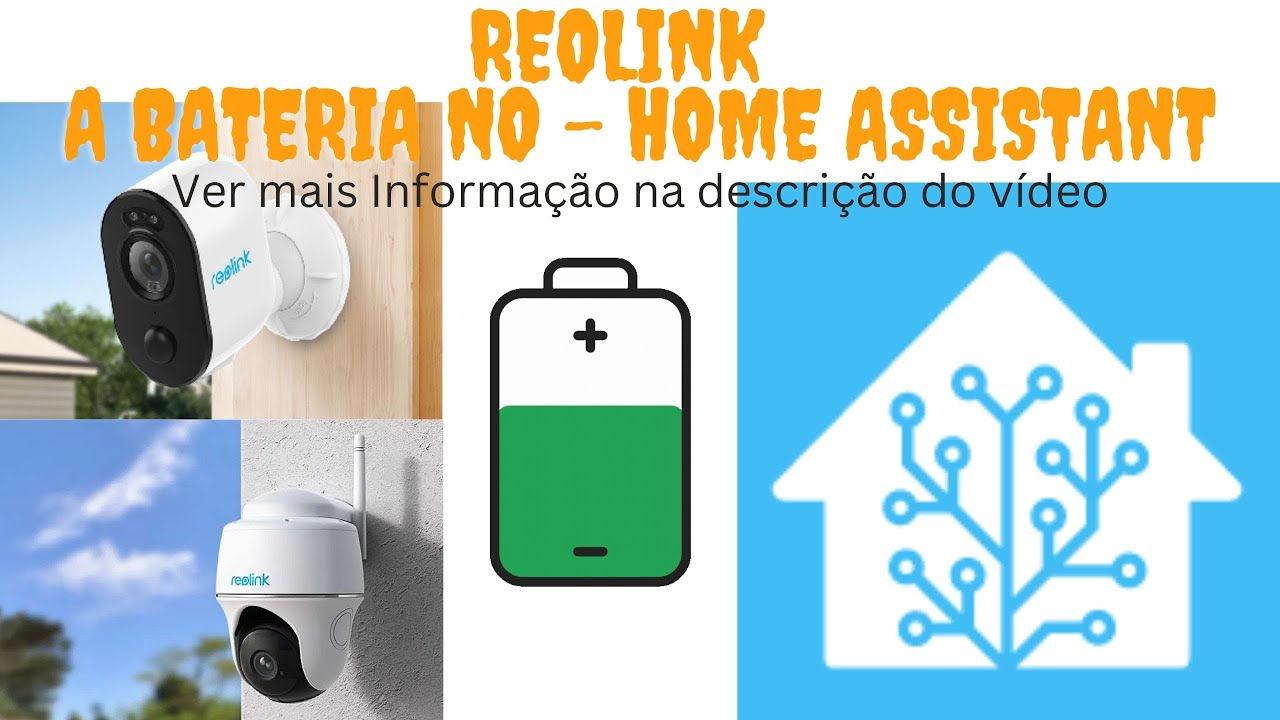
The big questions, will any of their battery powered devices support FTP and OR home assistant functionality. I am in need a wireless, battery/solar camera but i have recently found out that none of their battery cameras will work with ftp or home assistant. very disappointing. Home assistant should handle all of the recording if need be, i just need it to work with home assistant.
1 Like
I use for battery cameras, Argus Eco Ultra with Home Hub
As it is quite hard to get all sensors and switches enable and disabled when being at home or away I start to use the scenes.
But I did not really get it: I thought if I set the hub scene setting to home (and configure home with all off), then all switches will be set accordingly.
The same (or contrary) when I am away.
But it seems that even though the automation set the state of the scene correct, the corresponding switches of the cameras stays the same / untouched.
So do I get it right that I should switch all on (push, PIR, ftp and so on) and the scenes just block certain functionality (in case it is disabled in the scene) - or should it change for each camera?
Thx for any advice.
Best
w.
This is not totally true!
You need to buy their hub to integrate battery powered camera.
Aslo with HA, you can not trigger a recording from entities like a door sensor.
For exemple, I put a door sensor into my mailbox, which is out of range of the detection rules of the doorbell camera. I wanted to trigger a recording when someone open the mailbox but it isn’t possible.
Not related to HA but to battery powered camera, you can not choose the band of the wifi 2,4GHz or 5GHz.
I already ask to the support to add the capacity to trigger a recording.
I see a post on the Reolink’s forum about the possibility to choose the band of the wifi.
If someone can ask the same or better if someone from HA can do it I will be very great and useful to the community.
Best regards
No you don’t. I have 3 or 4 battery powered ones without any hub. They come with a caveat though (even if you have the hub), and that is you can’t stream to a recording device from them because it keeps the camera alive which drains the battery fast.
They do not support any streaming feed now that I think about it. They are basically only for offline recording w/ movement and momentary viewing through the reolink app. But, still no hub required.
You can integrated the battery powered reolink camera also without any HUB
Sorry for this question, but I am now considering switching my video monitoring from Annke and looking for alternatives, and I am also in a bit of rush. I need a solution which will allow me to connect 8 cameras to the NVR and still be able to use their features (like domestic animal detected, crossing line detected and others, like controlling PTZ) in Home Assistant. Will this be possible with Reolink? (keeping the cameras behind the NVR is crucial for me)
I will appreciate any helpful answer, and if someone can provide example nvr or camera models which will work, it will be just awesome.