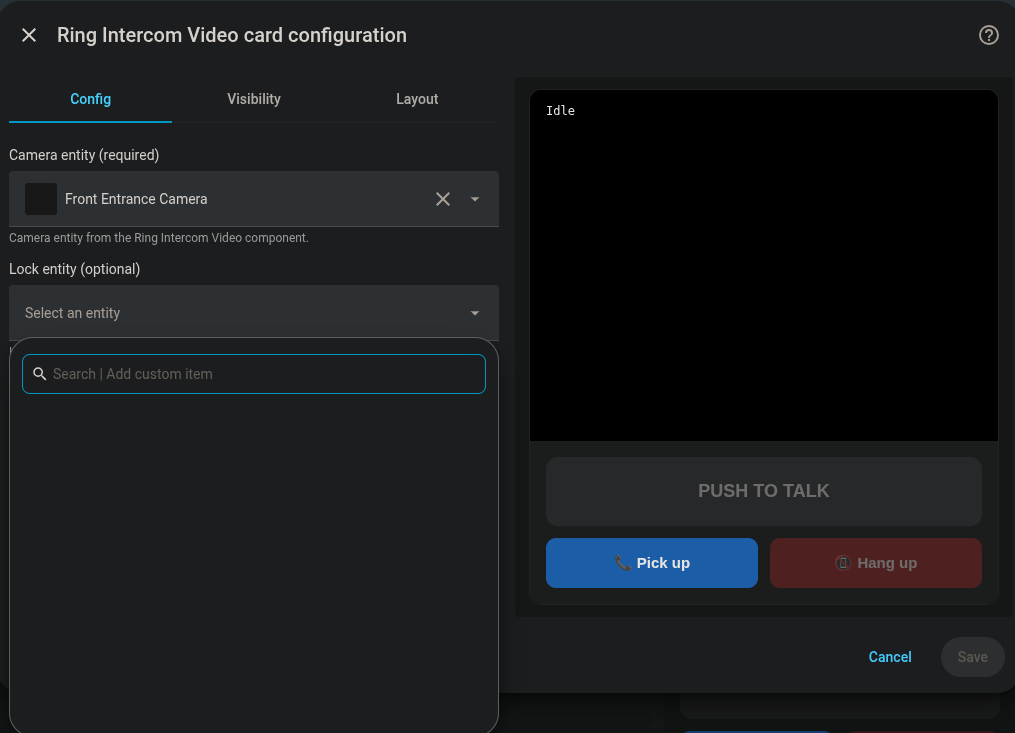
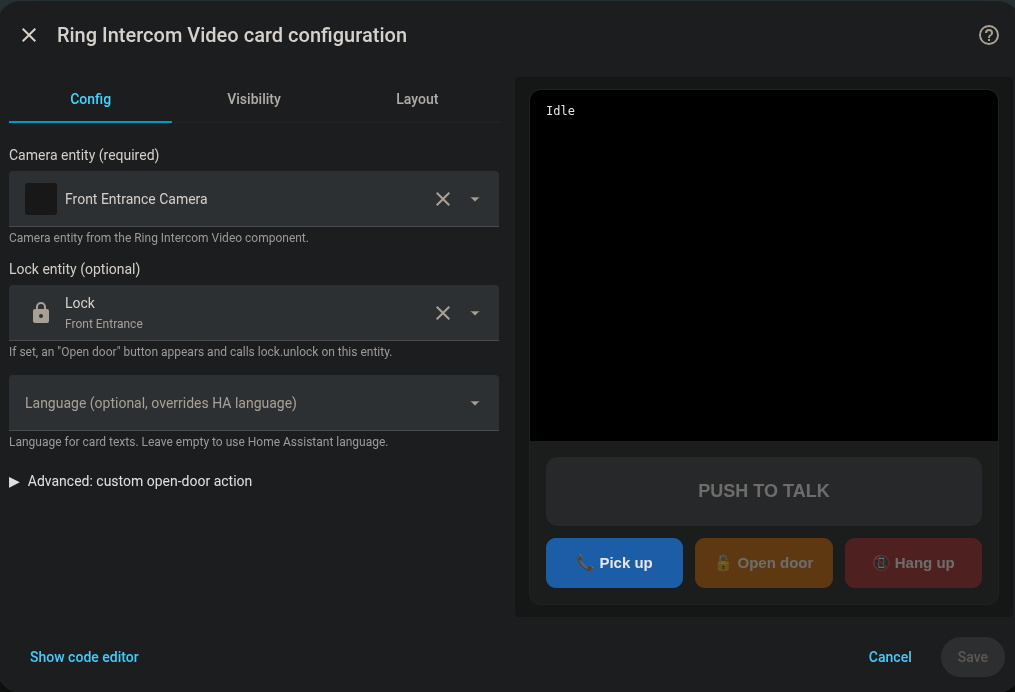
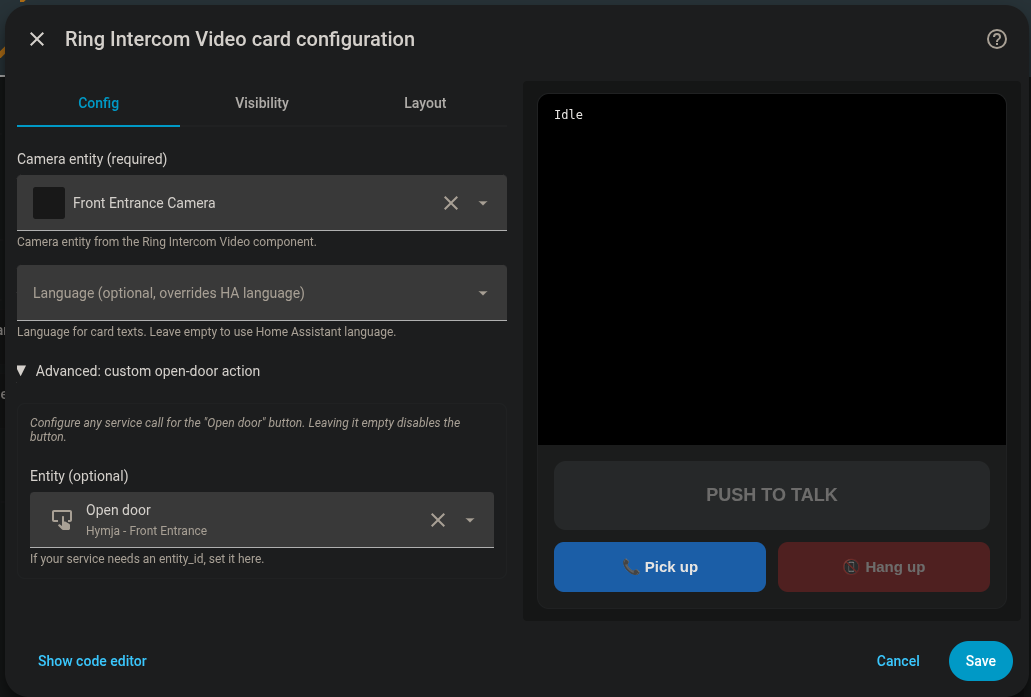
Thanks for digging into this — you found a real bug in the card, and the mixed setup you improvised is the perfect description of it.
The Open door problem is mine, not yours
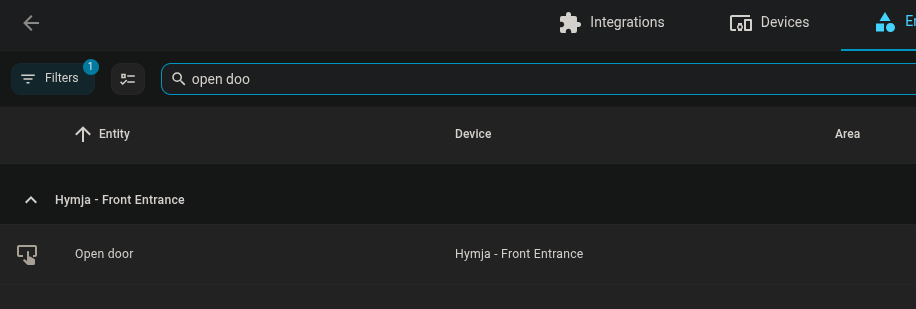
The card’s **Lock entity** picker filtered on the `lock.*` domain. That was wrong from day one: Home Assistant’s official Ring integration ships **no lock platform at all** for intercoms — `ring/lock.py` doesn’t exist and `PLATFORMS` has no `LOCK` in it. What it gives you is a **button**: `button.<your_device>_open_door`, pressed with `button.press`.
So your entity was never going to show up in that picker. ring-mqtt *does* publish a `lock.*`, which is exactly why your hybrid setup works — you found the only combination the card would accept.
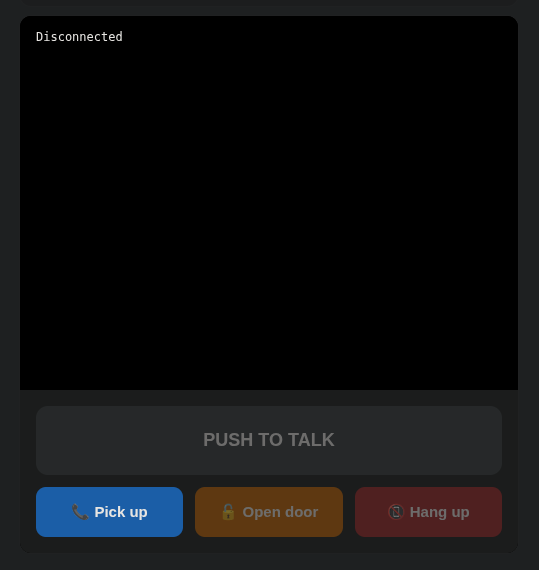
And the **Advanced** box failed you for a second, sillier reason: the card required the **Service** field to be filled in. You set the entity and left the service empty, so the card resolved “no action configured” and *hid* the Open door button. No error, no hint. Sorry about that — it looked like the card was ignoring your entity, and functionally it was.
Fixed in v1.2.3
Just released: Release v1.2.3 — Open door works with the Ring integration's button, not just a lock · cmos486/ring-intercom-video-card · GitHub
* The picker is now **Open door entity** and accepts `button.*`, `lock.*`, `switch.*`, `input_button.*`, `input_boolean.*`, `script.*`, `scene.*` and `cover.*`. The card derives the service from the domain — `button.press` for the Ring button, `lock.unlock` for ring-mqtt’s lock, and so on.
* In **Advanced** mode, leaving **Service** empty now infers it from the entity instead of silently disabling the button.
* Your existing `lock_entity:` config keeps working — it migrates automatically, nothing to change.
Update via **HACS → Frontend → Ring Intercom Video Card → Update**, then hard-reload the dashboard (Ctrl+Shift+R) so the browser drops the cached JS. The console banner should read `v1.2.3`.
YAML, if you prefer it:
```yaml
type: custom:ring-intercom-video-card
entity: camera.your_intercom_video_camera
open_door_entity: button.your_intercom_open_door # official Ring integration
```
**If you want it working right now without updating:** open **Advanced**, type `button.press` in the Service field and pick your `button…open_door` in the Entity field. That was the missing piece all along.
Either way, **you no longer need ring-mqtt for the door.** Official Ring integration + this integration + the card is the whole setup.
On ring-mqtt and the camera
You’re right that it doesn’t provide one, and it never has for intercoms — that’s the entire reason this integration exists. ring-mqtt gives you the lock and the ding; the video comes from here.
On the shared account
That’s a Ring limitation, not something HA or ring-mqtt can work around. When you share a Ring Intercom, Ring shares only the **virtual key**, not the device — so the second account ends up with no location at all, which is exactly the error you hit. Both clients fail the same way, for the same reason. There’s no path there today.
On the notifications
The ding entity isn’t mine — it comes from the official Ring integration (`event.*_ding` / `binary_sensor.*_ding`), so my integration can neither break it nor fix it. Two things worth checking:
- **Smart Notifications / notification settings in the Ring app.** If they’re restricted there, Ring simply doesn’t send those events out and every downstream client goes quiet. They need to be fully enabled for HA to see everything.
- **Don’t run both the HA Ring integration and ring-mqtt against the same Ring account.** They’re two independent push clients on one account, and that’s the configuration where people most often see dings going missing. Pick one — and with 1.2.3 out, the one you want is the official integration.
If notifications still drop after that, re-authenticating is the standard cure and worth trying before you talk to Ring support: remove the client from Ring’s Control Center, then log in again.
Let me know how 1.2.3 goes — and thanks again for the detailed report, screenshots included. That’s what made this findable.
 Ring Intercom Video Camera
 Features
 WebRTC live stream in Lovelace — 720×576 @ 25fps + audio
 Server-side snapshots —
  No Ring Protect subscription needed
 No extra login — reuses your existing Ring integration auth
 HACS compatible
 Quick install
 HACS → Integrations → ⋮ → Custom repositories
 Add:
Add:  Download & add to configuration.yaml:
 Restart HA — camera entity appears automatically
 How it works
 Example automation
 Note for analog intercoms
 Links
Links UPDATE: Companion frontend card released
 Dedicated thread: [link al nuevo post]